Skip to content

Feedback

Got an idea for Lay Theme? I might include it in a new update or code an addon.
505 Topics 2.2k Posts
  • hide expand collapse row text after it's been pressed

    4
    0 Votes
    4 Posts
    386 Views
    A
    @arminunruh nice, thanks!
  • Retain Place-Freely position when adding elements on top

    11
    0 Votes
    11 Posts
    2k Views
    F
    The tip selecting all elements and drag them down worked. Thank you very much for your help!
  • horizontal scroll behaviour on carousel

    18
    0 Votes
    18 Posts
    2k Views
    A
    @arminunruh hey, thank you so much for working on this despite no longer requiring it for this website I am working on. Hopefully it will come in useful for another website. I hope I didn't take too much time away from you when you could have worked on something else.
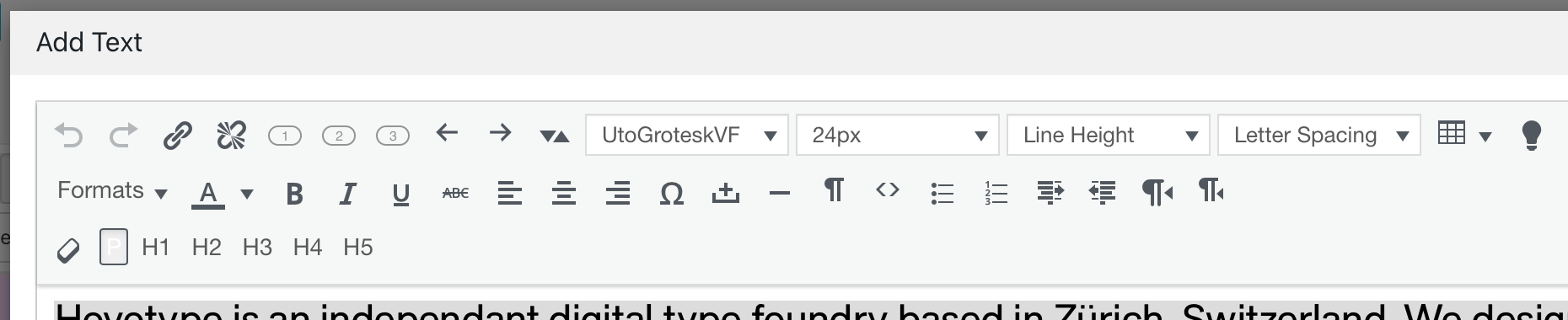
  • Using Variable fonts in in Text window

    7
    1
    0 Votes
    7 Posts
    875 Views
    C
    🙌🏻🙌🏻🙌🏻🙌🏻🙌🏻🙌🏻🙌🏻
  • 0 Votes
    3 Posts
    305 Views
    Q
    Great thank you!
  • easings on woocommerce

    3
    0 Votes
    3 Posts
    385 Views
    A
    @arminunruh ahh no worries!
  • Thumbnails grid url video

    3
    0 Votes
    3 Posts
    470 Views
    arminunruhA
    the videos aspect ratio is determined by a .ph container that gets a padding bottom css. you might need to adapt this too
  • random order for fullscreen slider

    2
    0 Votes
    2 Posts
    247 Views
    arminunruhA
    mmh not sure!!
  • fullscreen slider / preview image

    2
    0 Votes
    2 Posts
    238 Views
    arminunruhA
    ah i understand mmh i havent seen any requests for a functionality like this, i hope its ok if you can do it manually
  • feature request: Snap to the center of the column gutter

    5
    0 Votes
    5 Posts
    510 Views
    arminunruhA
    ah i understand mmh
  • html5 video in marquee

    4
    0 Votes
    4 Posts
    452 Views
    arminunruhA
    of course, im releasing an update now and then it will be possible!
  • Feature mouseover image for regular images

    8
    0 Votes
    8 Posts
    1k Views
    arminunruhA
    oh i see. no i havent worked on this :|
  • display project desc on mobile but hover on desktop

    3
    0 Votes
    3 Posts
    313 Views
    arminunruhA
    you could use custom css to disable zoom on mobile! .no-touchdevice .thumb:hover img, .touchdevice .thumb.hover img, .no-touchdevice .thumb:hover video, .touchdevice .thumb.hover video{ transform: none!important; } in custom css for mobile
  • Request: horizontal placement in a stack

    2
    0 Votes
    2 Posts
    230 Views
    arminunruhA
    thats true, its on my todo list!
  • Combine anchors with collapsible rows.

    14
    0 Votes
    14 Posts
    2k Views
    arminunruhA
    can you update lay theme now? then in the gridder, right click the collapsed row. click "set html class and id" then set the id to for example: hello then on another page create a link to that page, with #hello for example: https://mywebsite/mypage#hello if you click this link or just enter this link in your browser, this should now open the page with the row expanded and scrolled to. if you have any button on that page to expand that row, that button will get clicked automatically. then for example it should replace its text or collapse other rows. meaning any settings that are associated with that expand row button should work. let me know if it works for you

  • Project Thumnail max height

    2
    0 Votes
    2 Posts
    236 Views
    arminunruhA
    [image: 1731425336651-screenshot-2024-11-12-at-16.28.52.png] looking at the code it seems that they used a margin inside of a thumbnail div. .thumb-collection .thumb{ margin: 6vw auto!important; width: 60%!important; } Enter this css in "lay options" -> "custom css & html" -> "custom css for desktop"
  • use background colour hover on search results

    5
    1
    0 Votes
    5 Posts
    361 Views
    arminunruhA
    yes will be fixed with the next update!
  • Site Background Color for text editor

    2
    1
    0 Votes
    2 Posts
    255 Views
    arminunruhA
    you can use this button: [image: 1730134610766-screenshot-2024-10-28-at-17.56.46.png] in the texteditor
  • Feature request: HTML inside element grid

    3
    0 Votes
    3 Posts
    307 Views
    U
    @arminunruh Thank you – looking forward! I tried around but this did not seem to work. I could only display text but not the embedding itself...
  • Use arrow keys for previous/next project

    keys keyboard
    7
    0 Votes
    7 Posts
    1k Views
    P
    hi armin, ok, thank you for the reply
Online Users
Forgot your key, lost your files, need a previous Lay Theme or Addon version? Go to www.laykeymanager.com