.lay-woocommerce-summary-inner{
display: flex;
}
now you can use order: css on the children:
.woocommerce-product-details__short-description{
order: 99;
}
this moves the description text below all other things.
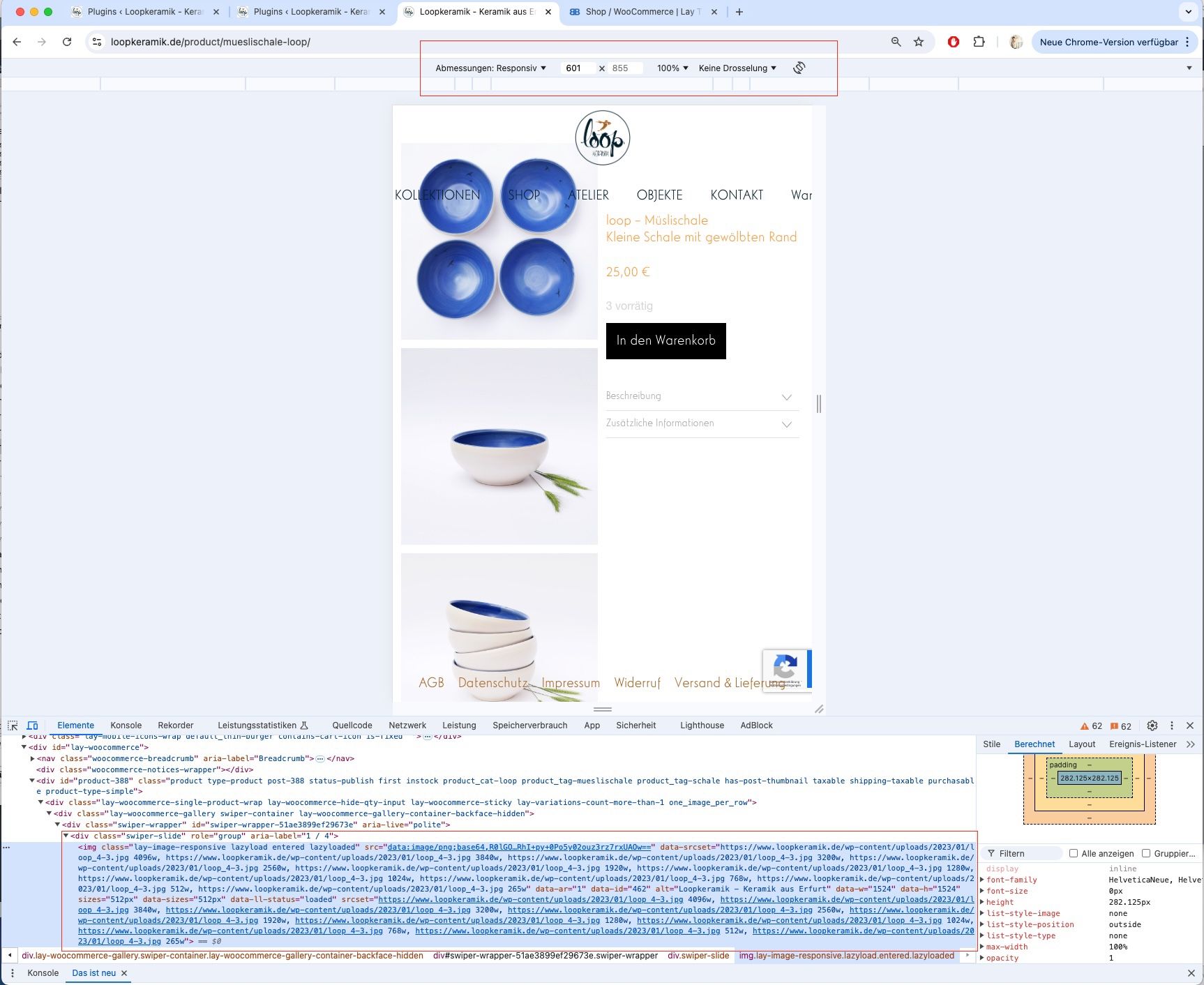
but when i do this i have a lot of space between the price and the description, because you put lots of empty paragraphs into your other text:
[image: 1724058919901-screenshot-2024-08-19-at-11.15.14.png]
[image: 1721380076283-screenshot-2024-07-19-at-11.07.52-resized.png]
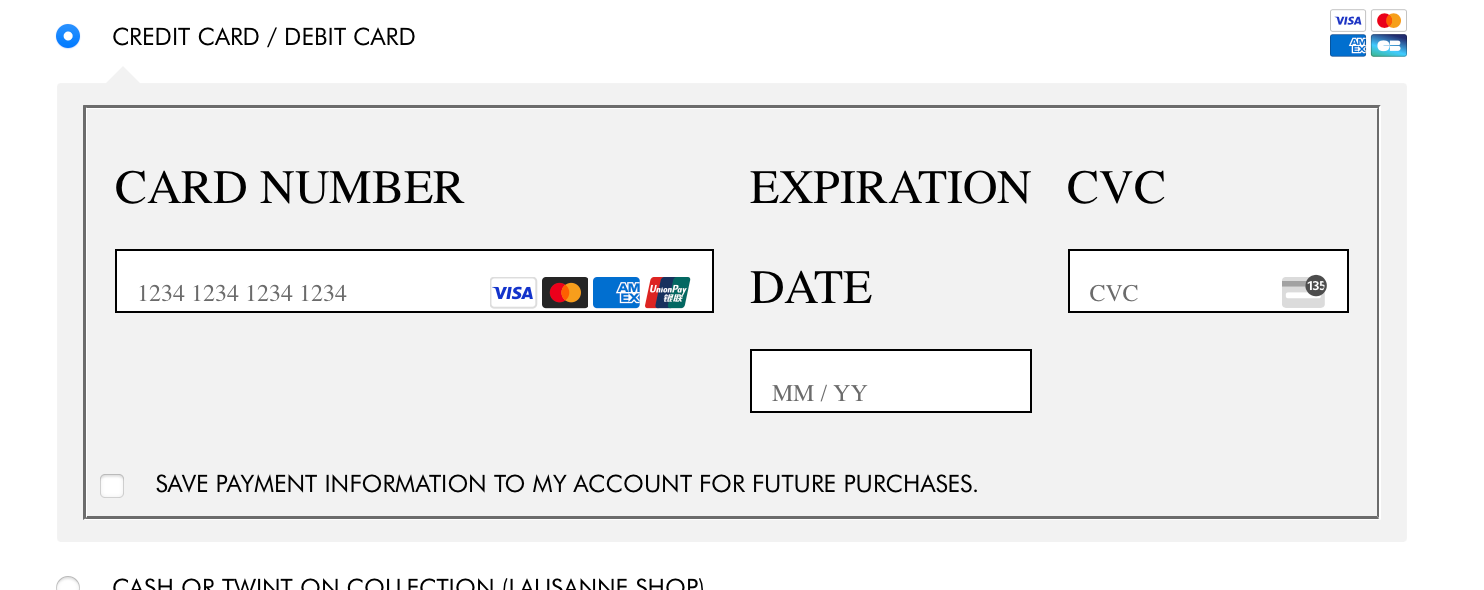
the creditcard payment method is inside an iframe.
that means its basically a different website that is embedded in your website. that means the styling cant be controlled from within lay theme.
the styling css is inside the iframe.
am i correc to assume you are using this plugin: "Stripe WooCommerce Extension"?
it seems like there is a chance of changing the font style:
https://woocommerce.com/document/stripe/customization/style-payment-form/
maybe i can include this in lay theme, as this is some php code which you cant really include by yourself too easily
[image: 1720689643449-screenshot-2024-07-11-at-11.20.24-resized.png]
i had to enable a different theme (twenty twenty two)
for that texteditor to show up
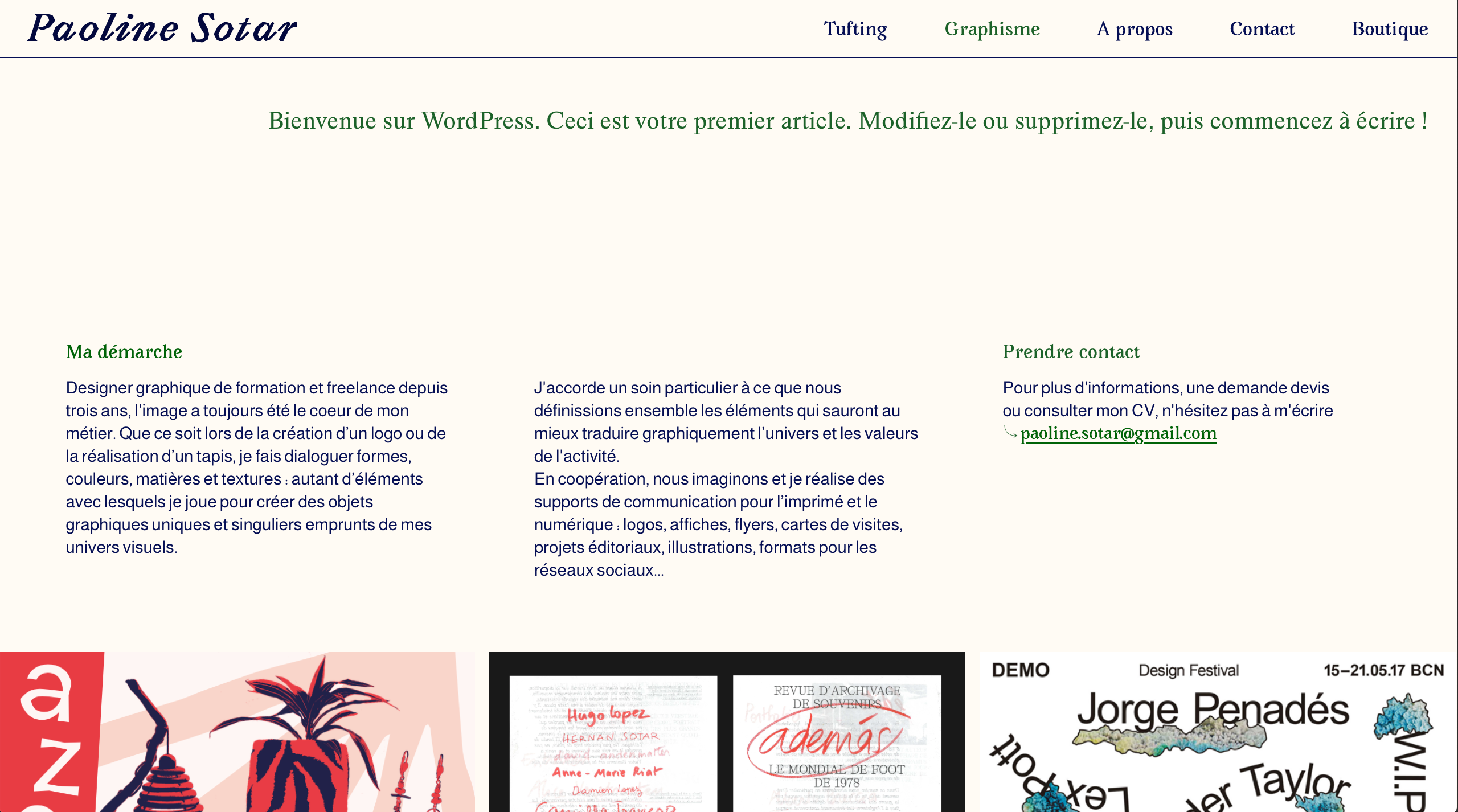
and then in the project "graphisme" there we had the text
i removed it now
the issue was the shortcode [woocommerce_checkout] was inside the gridder instead of in the textfield at the top where it should be based on the documentation:
https://laytheme.com/documentation/shop-setup.html#preparation
@alasdair17 said in Hide button on out of stock product:
display: none !important;
thanks for the reply. what is the class that i need to use? i can't found it
Edit. Solved.
here the css code:
.outofstock .button
{
display: none !important;
}
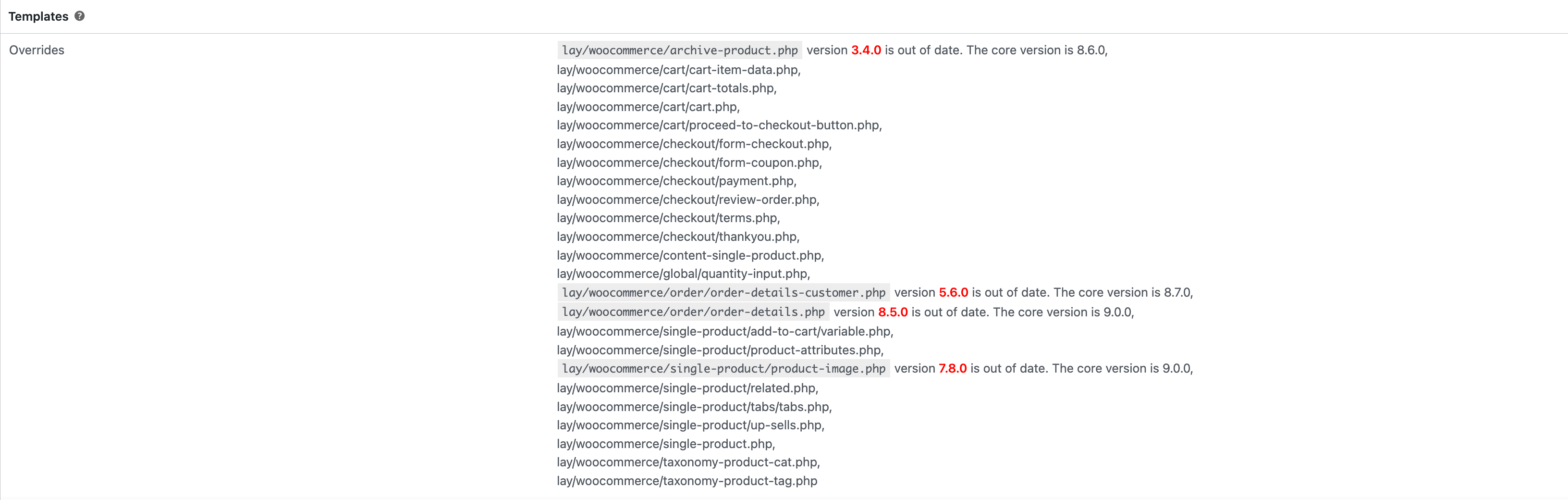
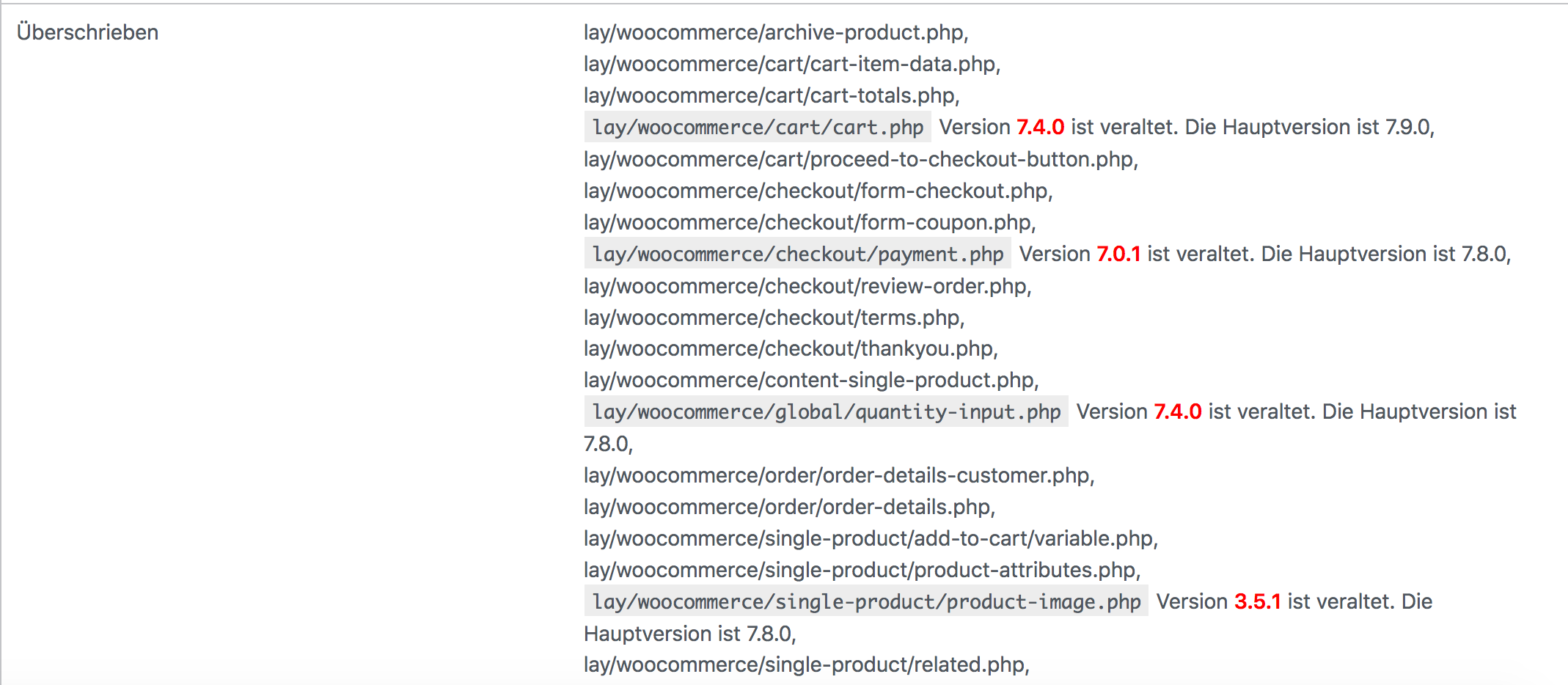
yes i haven't updated the template yet.
usually this won't affect any functionality though! everytime this came up it never really changed anything about the functionality
Hi! thanks for the answer.
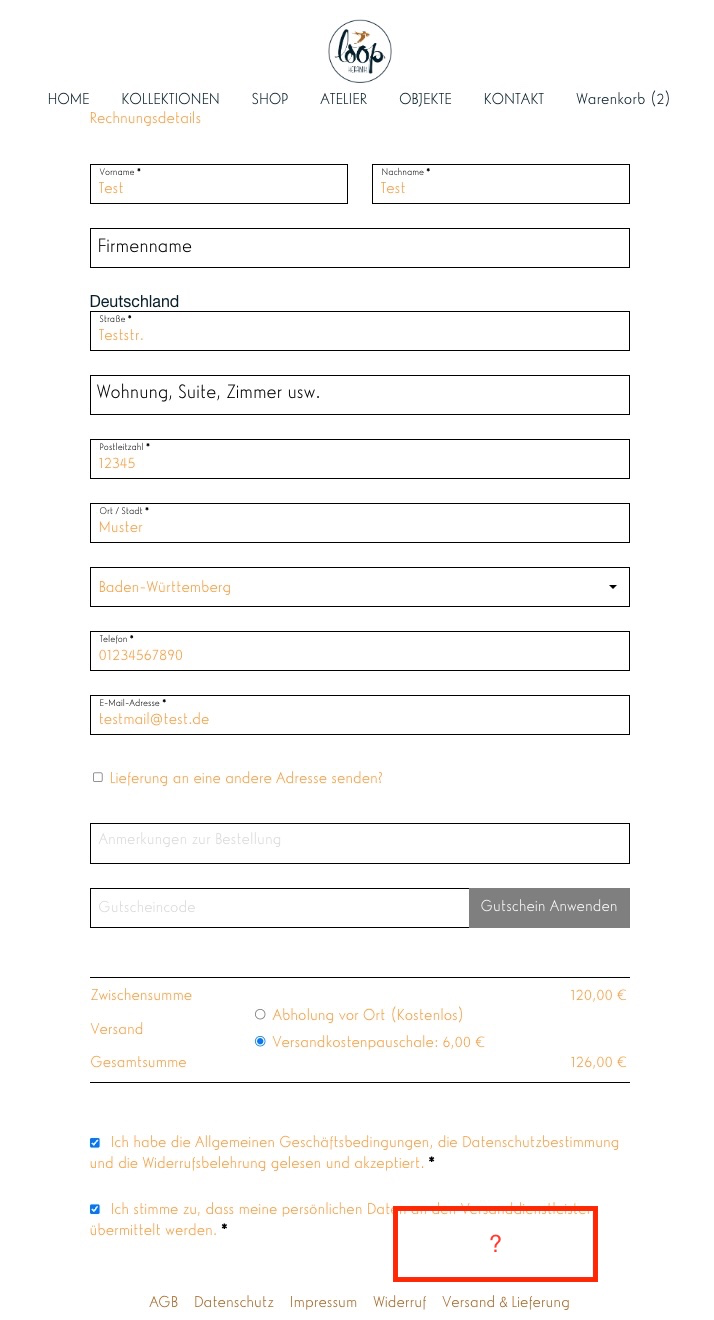
I need to change some texts. For example on the billing page I need to add some detailed explanation about the shiping under the page title (red square in the picture).
[image: 1716816479690-screenshot-2024-05-27-102631.png]
Damn, thanks armin! Really have to go and clean up the js mess I made, the scope of the site changed like 6 times so I had to leave a lot of spaghetticode in. I'm certain I can make it work with your input, thanks again for saving my ass.
yes!
maybe u can find a plugin that does this!
then the plugin wont be overwritten when lay theme updates.
when lay theme updates, all files in the lay folder are overwritten
Online Users
Forgot your key, lost your files, need a previous Lay Theme or Addon version?
Go to www.laykeymanager.com