Skip to content

Bug Reports

Something is not working? Please provide a screenshot, your browser name and browser version and your operating system.
3.1k Topics 14.5k Posts
  • Frame Top cant be set to % in Desktop Gridder Defaults

    4
    2
    0 Votes
    4 Posts
    239 Views
    edgrbnzE
    Glad it works!
  • anchor links full screen – very buggy still ( tho simple content)

    5
    0 Votes
    5 Posts
    305 Views
    X
    I do that asap! Thank you! @arminunruh
  • What is this?

    2
    0 Votes
    2 Posts
    101 Views
    arminunruhA
    hey sorry for the late reply try to disable all plugins
  • Laygridder.com hacked?

    3
    1
    1 Votes
    3 Posts
    129 Views
    arminunruhA
    oh yea, need to fix this :O @Kiosk-Studio better install a security plugin like wordfence to see if your site was hacked
  • Customizer not working after using HTML Title

    site title customize html
    2
    0 Votes
    2 Posts
    326 Views
    arminunruhA
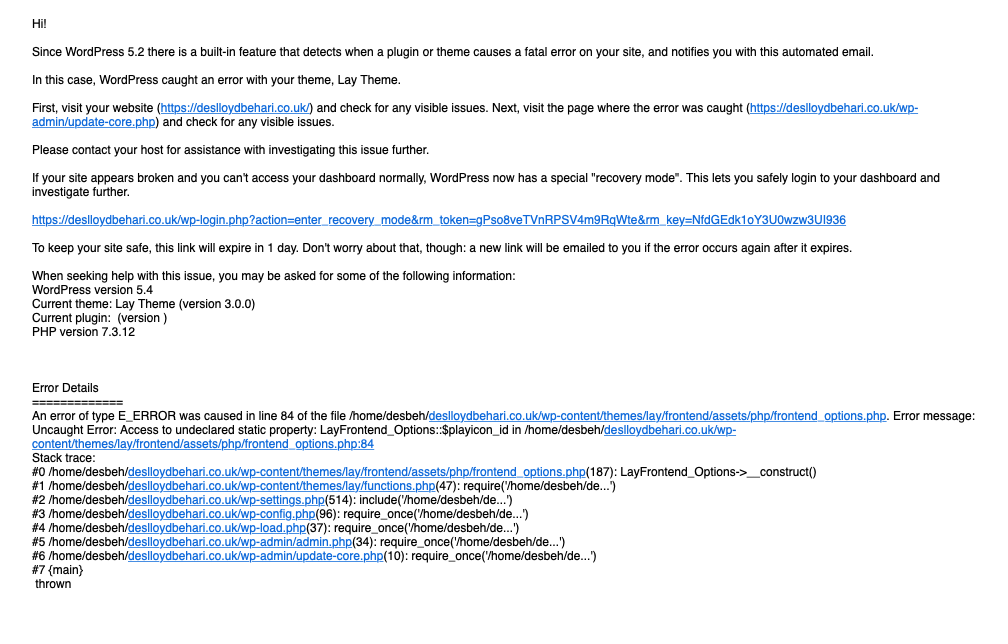
    ok, i need to take a closer look at this please send me these infos to info@laytheme.com: link to this topic website address username and password for your /wp-admin/ admin area
  • Mobile: Site Title (image) not showing after 2.8.9

    6
    2
    0 Votes
    6 Posts
    242 Views
    dmncnD
    It works with the update 2.9.0, thanks.
  • qtranslate - impossible to change the background color

    2
    0 Votes
    2 Posts
    91 Views
    arminunruhA
    yes, only the text can be changed on a per language base. however, for the next update, there will be a body class that indicates which language is currently active. this way you can use css based on the current language. for example, german is active here, indicated by "language-de": [image: 1575289859037-screenshot-2019-12-02-at-13.30.41-resized.png] then you could use css like: body.language-de{ background-color: green; }
  • Customise function empty

    6
    1
    0 Votes
    6 Posts
    251 Views
    Hayo GebauerH
    @jvdg worked, thanks!!
  • Carousel Addon not working with the "Slide" option

    5
    0 Votes
    5 Posts
    171 Views
    L
    :facepalm: Sorry about that!! And thank you for the solution.
  • Custom cursors not working in Carousel add-on?

    4
    1
    0 Votes
    4 Posts
    238 Views
    johnszetho_J
    Ah that might be it, I'll give it a try. Ps. As is, it works in Safari but not in Chrome
  • Changes in layout don't change

    4
    0 Votes
    4 Posts
    141 Views
    arminunruhA
    Also you are captioning your carousel elements by selecting them and using "edit caption" however, you need to edit your carousel element, select a slide, and then click "edit caption" [image: 1574864994413-screenshot-2019-11-27-at-15.29.33-resized.png] these are the captions that are affected by the carousel's caption positioning settings
  • Qtranslate

    4
    0 Votes
    4 Posts
    157 Views
    arminunruhA
    can you provide a link so i can see the problem first hand? i will need to take a closer look at this. please send your website address and /wp-admin/ login info (username and password) to info@laytheme.com and the link to this topic for reference.
  • Images not showing up

    4
    0 Votes
    4 Posts
    243 Views
    mariusjopenM
    Dear @gnomjogson happy to help! No worries! Best! Marius
  • Title separator feature causes weird symbols

    6
    1
    0 Votes
    6 Posts
    281 Views
    mariusjopenM
    Dear @manu_producer we recommend not to edit the PHP files because they will be overwritten with the next update. Best! Marius
  • Empty front page

    9
    0 Votes
    9 Posts
    451 Views
    mariusjopenM
    Dear @ton what kind of plugins do you use? http://laytheme.com/troubleshooting.html#nothing-shows-up Best! Marius
  • Breaking point for Tablet

    6
    2
    0 Votes
    6 Posts
    654 Views
    mariusjopenM
    @media only screen and (max-width: 700px) { ._h5 { font-size: 30px; } } Try to add something like this into the CUSTOM CSS section. Best! Marius
  • Can't see anything in "Customize" inside the "Appearance" menu

    2
    1
    0 Votes
    2 Posts
    106 Views
    mariusjopenM
    Dear, is LayTheme and Wordpress updated? Which plugins do you use? Best! Marius
  • Old version of homepage shows up with other browser / laptop

    4
    0 Votes
    4 Posts
    107 Views
    mariusjopenM
    Dear @edgrbnz great! Best! Marius
  • Display issue with Internet Explorer 11

    2
    0 Votes
    2 Posts
    96 Views
    mariusjopenM
    Dear @Dimitrios Windows Explorer 11 is not fully supported. Only a small % of people use it anyway: https://www.stetic.com/de/market-share/browser/ Can your client not use IE11? Best! Marius
  • newpageshown event not firing on back button

    2
    0 Votes
    2 Posts
    112 Views
    arminunruhA
    Hey I can't reproduce this. Please update lay theme to the latest version and try again.

I also code custom websites or custom Lay features.
💿 Email me here: 💿
info@laytheme.com

Our Web Development company: 100k.studio

Want to tip me? https://www.paypal.com/paypalme/arminunruh

Before you post:
  1. When using a WordPress Cache plugin, disable it or clear your cache.
  2. Update Lay Theme and all Lay Theme Addons
  3. Disable all Plugins
  4. Go to Lay Options → Custom CSS & HTML, click "Turn Off All Custom Code", click "Save Changes"

This often solves issues you might run into

When you post:
  1. Post a link to where the problem is
  2. Does the problem happen on Chrome, Firefox, Safari or iPhone or Android?
  3. If the problem is difficult to explain, post screenshots / link to a video to explain it
Online Users
Forgot your key, lost your files, need a previous Lay Theme or Addon version? Go to www.laykeymanager.com