Skip to content

Bug Reports

Something is not working? Please provide a screenshot, your browser name and browser version and your operating system.
3.1k Topics 14.5k Posts
  • Placeholder image does not load

    2
    0 Votes
    2 Posts
    166 Views
    mariusjopenM
    Dear @timurakhmetov do you use any CUSTOM CODE? Best! Marius
  • Phone layout bug

    2
    2
    0 Votes
    2 Posts
    182 Views
    mariusjopenM
    Dear @alexvan97 Best is if you write me a PM and include your username, password and a link to this conversation. Marius
  • Mouseover image still doesn't work when background colour is set

    2
    0 Votes
    2 Posts
    169 Views
    mariusjopenM
    Dear @lilievongruen can you post a link to your website? Best! Marius
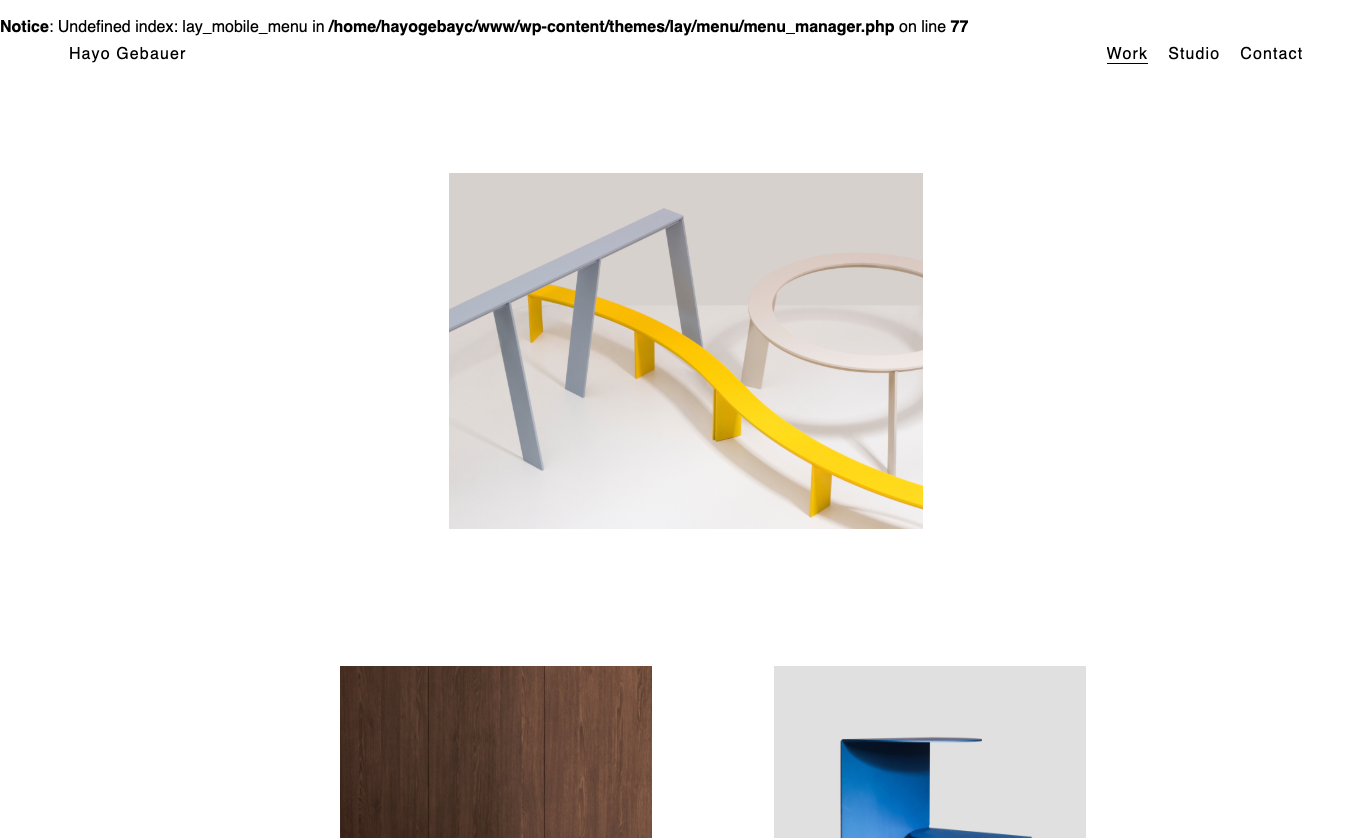
  • Hide Mobile Menu Bug?

    3
    0 Votes
    3 Posts
    186 Views
    mariusjopenM
    Dear @Bennett there we go. Best! Marius
  • Something went wrong in update.

    11
    0 Votes
    11 Posts
    561 Views
    mariusjopenM
    Dear @martinfalck ok. Good to have backups. Best! Marius
  • Carousel will not re-install?

    4
    0 Votes
    4 Posts
    262 Views
    mariusjopenM
    Dear @robbyday Also have a look here: https://warptheme.com/wordpress-tutorials/update-wordpress-directly-without-using-ftp/ Best! Marius
  • Site title and menu hidden

    9
    0 Votes
    9 Posts
    599 Views
    mariusjopenM
    Dear @arno_aubry if it works – it works :-) Best! Marius
  • Element Grid

    2
    1
    0 Votes
    2 Posts
    153 Views
    mariusjopenM
    Dear @darius you can set the frame and gutter size in the grey and pink field. Does that answer your question? Best! Marius
  • Grey Line Around Images

    11
    4
    0 Votes
    11 Posts
    688 Views
    mariusjopenM
    Dear @emilnolde can you show an example link? Thank you!! Marius
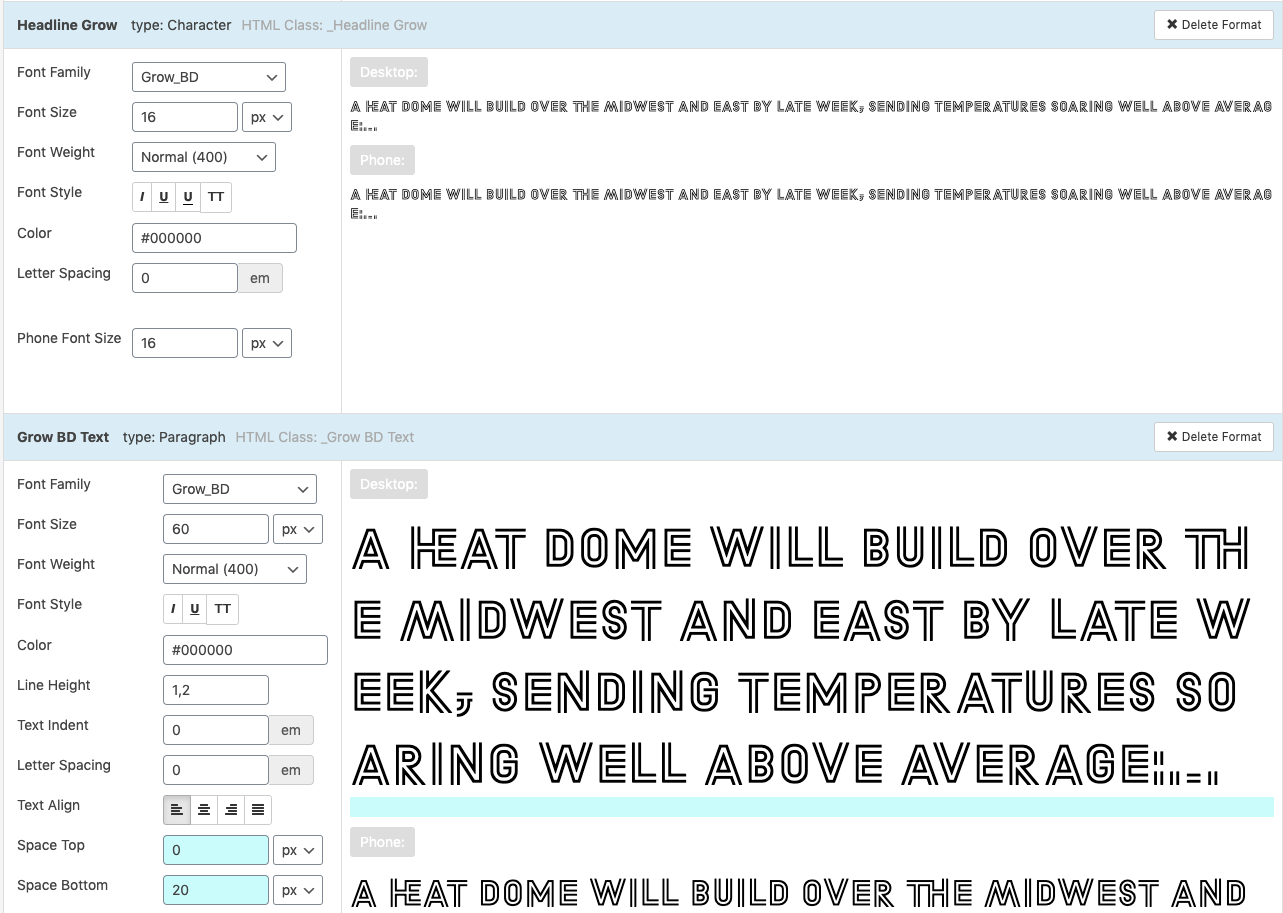
  • text format issue: text size doesn't change to tablet text size

    4
    0 Votes
    4 Posts
    298 Views
    mariusjopenM
    Cool! Happy that worked out!
  • Overlay of page content when switching to another menu point

    8
    0 Votes
    8 Posts
    383 Views
    mariusjopenM
    Dear @mdommenget glad about that! Best! Marius
  • Cannot Upload images

    5
    0 Votes
    5 Posts
    241 Views
    mariusjopenM
    Dear @lucavanello I saw that and replied :-) Best! Marius
  • Display Submenu in Mobile Menu

    2
    0 Votes
    2 Posts
    210 Views
    mariusjopenM
    Dear @Txelo in the mobile menu your code will not work. There you need to inspect the mobile-menu-structure and adjust the code. Best! Marius
  • Videos in carousel for mobile

    2
    0 Votes
    2 Posts
    162 Views
    mariusjopenM
    Dear @koliveros Google blocked autoplay and volume-on. There is nothing we can do. If the volume is switched off, the autoplay will work. Best! Marius
  • Responsive doesn't work and the screen becomes white

    8
    0 Votes
    8 Posts
    456 Views
    arminunruhA
    hey this is fixed in the latest update!
  • Tumbnail Grid shows all categories although set otherwise

    15
    1
    0 Votes
    15 Posts
    1k Views
    arminunruhA
    hi with the new update this is fixed. however, you need to follow these steps to make it work: go to your /wp-admin/ and login now open all of the projects that should not be in a certain thumbnailgrid click on "update" in each of these projects
  • Carousel Addon Caption listed

    10
    1
    0 Votes
    10 Posts
    533 Views
    mariusjopenM
    Dear @saonkeer ah wow! Glad you managed it. Thank you for letting us know! Best! Marius
  • Carousel Update: images slide in from right on page load

    2
    0 Votes
    2 Posts
    144 Views
    mariusjopenM
    Dear @bro Can you post a link to our website? Then we can have a look and inspect that. Marius
  • 0 Votes
    8 Posts
    530 Views
    alexbrunoA
    Armin, thank you very much! This is indeed what is happening. The presence of a shortcode module (even with my shortcode plugin deactivated) will cause the page to refresh upon resizing the browser window to mobile/desktop width.
  • Video uploader not working -> HTTP error

    5
    1
    0 Votes
    5 Posts
    306 Views
    A
    Allright. So 12 mb is working fine. Could it be that there is some issue with the coded used? I managed to upload a file using the mpeg4 codec instead of the h.264 (x264) codec and had no issues.. the file was 21 mb in size. Cheers, A

I also code custom websites or custom Lay features.
šŸ’æ Email me here: šŸ’æ
info@laytheme.com

Our Web Development company: 100k.studio

Want to tip me? https://www.paypal.com/paypalme/arminunruh

Before you post:
  1. When using a WordPress Cache plugin, disable it or clear your cache.
  2. Update Lay Theme and all Lay Theme Addons
  3. Disable all Plugins
  4. Go to Lay Options → Custom CSS & HTML, click "Turn Off All Custom Code", click "Save Changes"

This often solves issues you might run into

When you post:
  1. Post a link to where the problem is
  2. Does the problem happen on Chrome, Firefox, Safari or iPhone or Android?
  3. If the problem is difficult to explain, post screenshots / link to a video to explain it
Forgot your key, lost your files, need a previous Lay Theme or Addon version? Go to www.laykeymanager.com