Skip to content

Bug Reports

Something is not working? Please provide a screenshot, your browser name and browser version and your operating system.

3.2k Topics 15.2k Posts
  • Jumping image in the carousel

    2
    1
    0 Votes
    2 Posts
    204 Views
    arminunruhA
    your custom css for flickity might cause this remove that css and see if it works
  • Video thumbnail frame is cut

    2
    0 Votes
    2 Posts
    423 Views
    arminunruhA
    ok, i need to take a closer look at this please send me these infos to info@laytheme.com: link to this topic website address username and password for your /wp-admin/ admin area
  • Carousel Caption options not working

    2
    0 Votes
    2 Posts
    163 Views
    arminunruhA
    you probably set a caption by selecting the carousel element and then clicking "edit caption" [image: 1576689592586-screenshot-2019-12-18-at-18.19.37-resized.png] the option only hides the per-slide captions. these are the ones you set when you edit a carousel and set a caption per slide: [image: 1576689549519-screenshot-2019-12-18-at-18.18.51-resized.png]
  • HELP! Costumizer not loading after update

    4
    0 Votes
    4 Posts
    423 Views
    arminunruhA
    if that doesnt work downgrade wordpress to a version like 5.2 using the plugin "WP Downgrade | Specific Core Version" make sure to use the plugin properly, just setting a version doesnt change the wordpress version immediately you need to go to "update core" and then click update
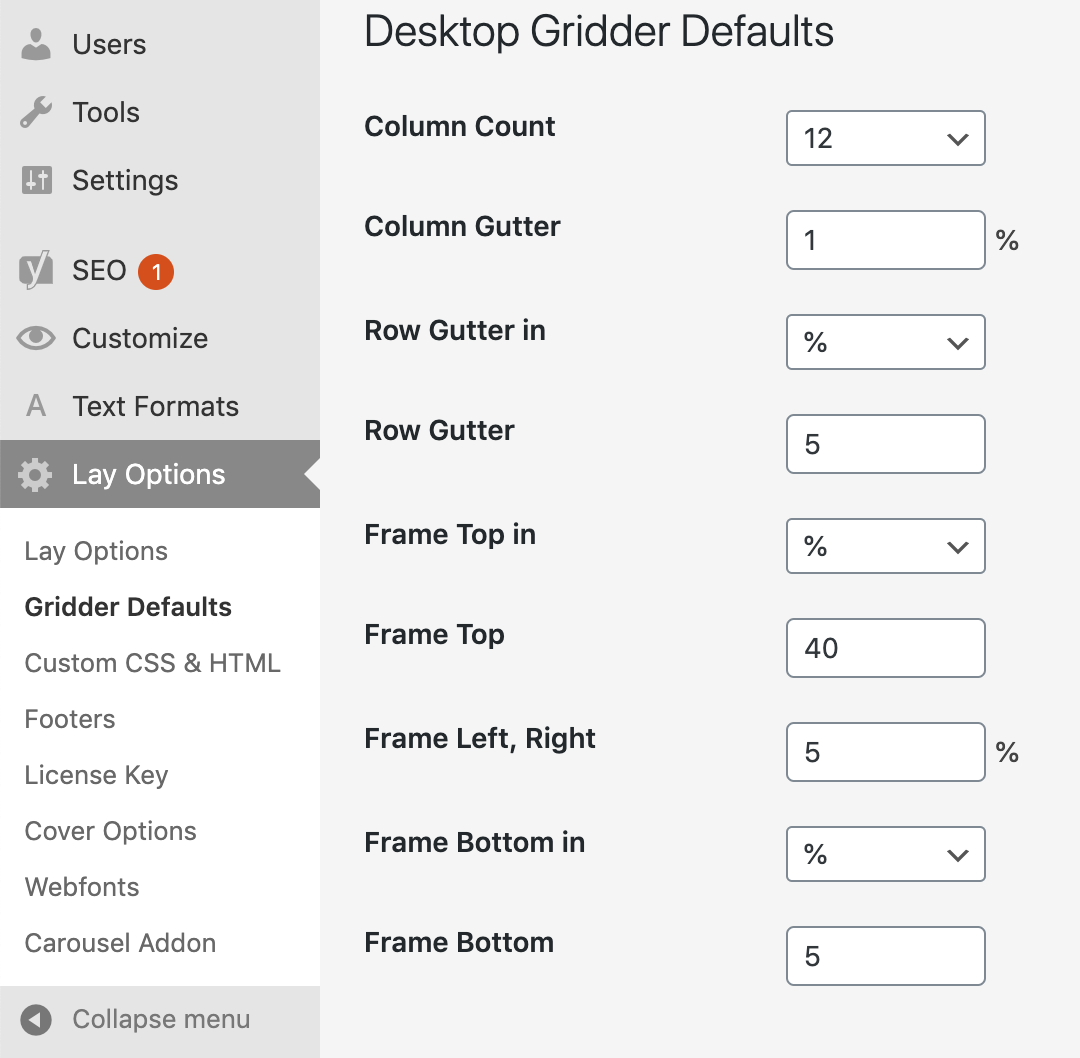
  • Frame Top cant be set to % in Desktop Gridder Defaults

    4
    2
    0 Votes
    4 Posts
    427 Views
    edgrbnzE
    Glad it works!
  • anchor links full screen – very buggy still ( tho simple content)

    5
    0 Votes
    5 Posts
    616 Views
    X
    I do that asap! Thank you! @arminunruh
  • What is this?

    2
    0 Votes
    2 Posts
    208 Views
    arminunruhA
    hey sorry for the late reply try to disable all plugins
  • Laygridder.com hacked?

    3
    1
    1 Votes
    3 Posts
    209 Views
    arminunruhA
    oh yea, need to fix this :O @Kiosk-Studio better install a security plugin like wordfence to see if your site was hacked
  • Customizer not working after using HTML Title

    site title customize html
    2
    0 Votes
    2 Posts
    550 Views
    arminunruhA
    ok, i need to take a closer look at this please send me these infos to info@laytheme.com: link to this topic website address username and password for your /wp-admin/ admin area
  • Mobile: Site Title (image) not showing after 2.8.9

    6
    2
    0 Votes
    6 Posts
    546 Views
    dmncnD
    It works with the update 2.9.0, thanks.
  • qtranslate - impossible to change the background color

    2
    0 Votes
    2 Posts
    198 Views
    arminunruhA
    yes, only the text can be changed on a per language base. however, for the next update, there will be a body class that indicates which language is currently active. this way you can use css based on the current language. for example, german is active here, indicated by "language-de": [image: 1575289859037-screenshot-2019-12-02-at-13.30.41-resized.png] then you could use css like: body.language-de{ background-color: green; }
  • Customise function empty

    6
    1
    0 Votes
    6 Posts
    572 Views
    Hayo GebauerH
    @jvdg worked, thanks!!
  • Carousel Addon not working with the "Slide" option

    5
    0 Votes
    5 Posts
    367 Views
    L
    :facepalm: Sorry about that!! And thank you for the solution.
  • Custom cursors not working in Carousel add-on?

    4
    1
    0 Votes
    4 Posts
    405 Views
    johnszetho_J
    Ah that might be it, I'll give it a try. Ps. As is, it works in Safari but not in Chrome
  • Changes in layout don't change

    4
    0 Votes
    4 Posts
    242 Views
    arminunruhA
    Also you are captioning your carousel elements by selecting them and using "edit caption" however, you need to edit your carousel element, select a slide, and then click "edit caption" [image: 1574864994413-screenshot-2019-11-27-at-15.29.33-resized.png] these are the captions that are affected by the carousel's caption positioning settings
  • Qtranslate

    4
    0 Votes
    4 Posts
    551 Views
    arminunruhA
    can you provide a link so i can see the problem first hand? i will need to take a closer look at this. please send your website address and /wp-admin/ login info (username and password) to info@laytheme.com and the link to this topic for reference.
  • Images not showing up

    4
    0 Votes
    4 Posts
    772 Views
    mariusjopenM
    Dear @gnomjogson happy to help! No worries! Best! Marius
  • Title separator feature causes weird symbols

    6
    1
    0 Votes
    6 Posts
    517 Views
    mariusjopenM
    Dear @manu_producer we recommend not to edit the PHP files because they will be overwritten with the next update. Best! Marius
  • Empty front page

    9
    0 Votes
    9 Posts
    1k Views
    mariusjopenM
    Dear @ton what kind of plugins do you use? http://laytheme.com/troubleshooting.html#nothing-shows-up Best! Marius
  • Breaking point for Tablet

    6
    2
    0 Votes
    6 Posts
    1k Views
    mariusjopenM
    @media only screen and (max-width: 700px) { ._h5 { font-size: 30px; } } Try to add something like this into the CUSTOM CSS section. Best! Marius
Online Users
Forgot your key, lost your files, need a previous Lay Theme or Addon version? Go to www.laykeymanager.com