Skip to content

Bug Reports

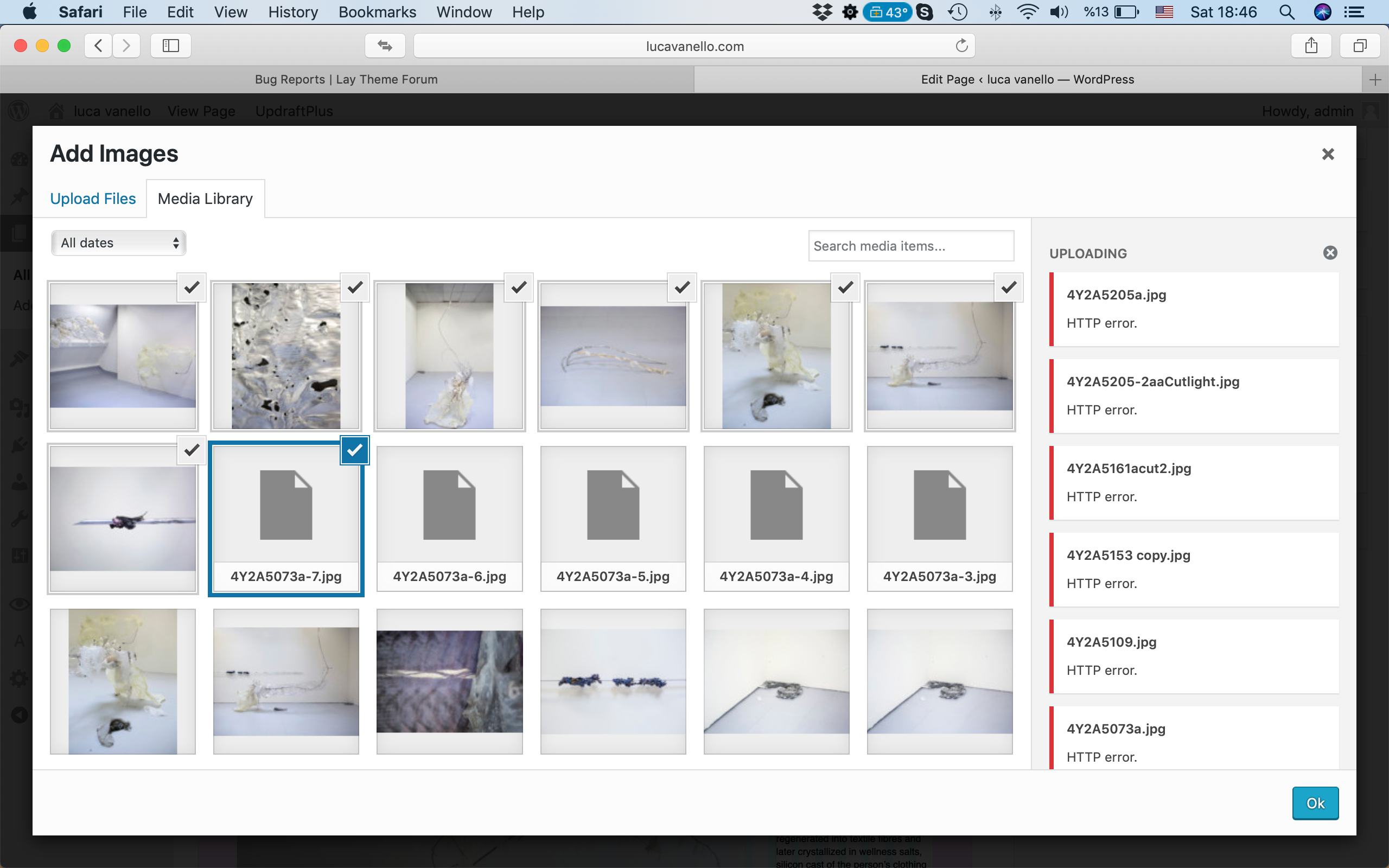
Something is not working? Please provide a screenshot, your browser name and browser version and your operating system.
3.2k Topics 14.9k Posts
  • Unable to see "+project" under Gridder

    3
    1
    0 Votes
    3 Posts
    224 Views
    mariusjopenM
    Dear @gng I can see that you have not set up any pages. But I can add projects as thumbnails: [image: 1559216955693-bildschirmfoto-2019-05-30-um-13.48.44.png] [image: 1559216955771-bildschirmfoto-2019-05-30-um-13.48.20.png] Did I miss something? Best! Marius
  • Carousel fixed height

    4
    1
    0 Votes
    4 Posts
    522 Views
    mariusjopenM
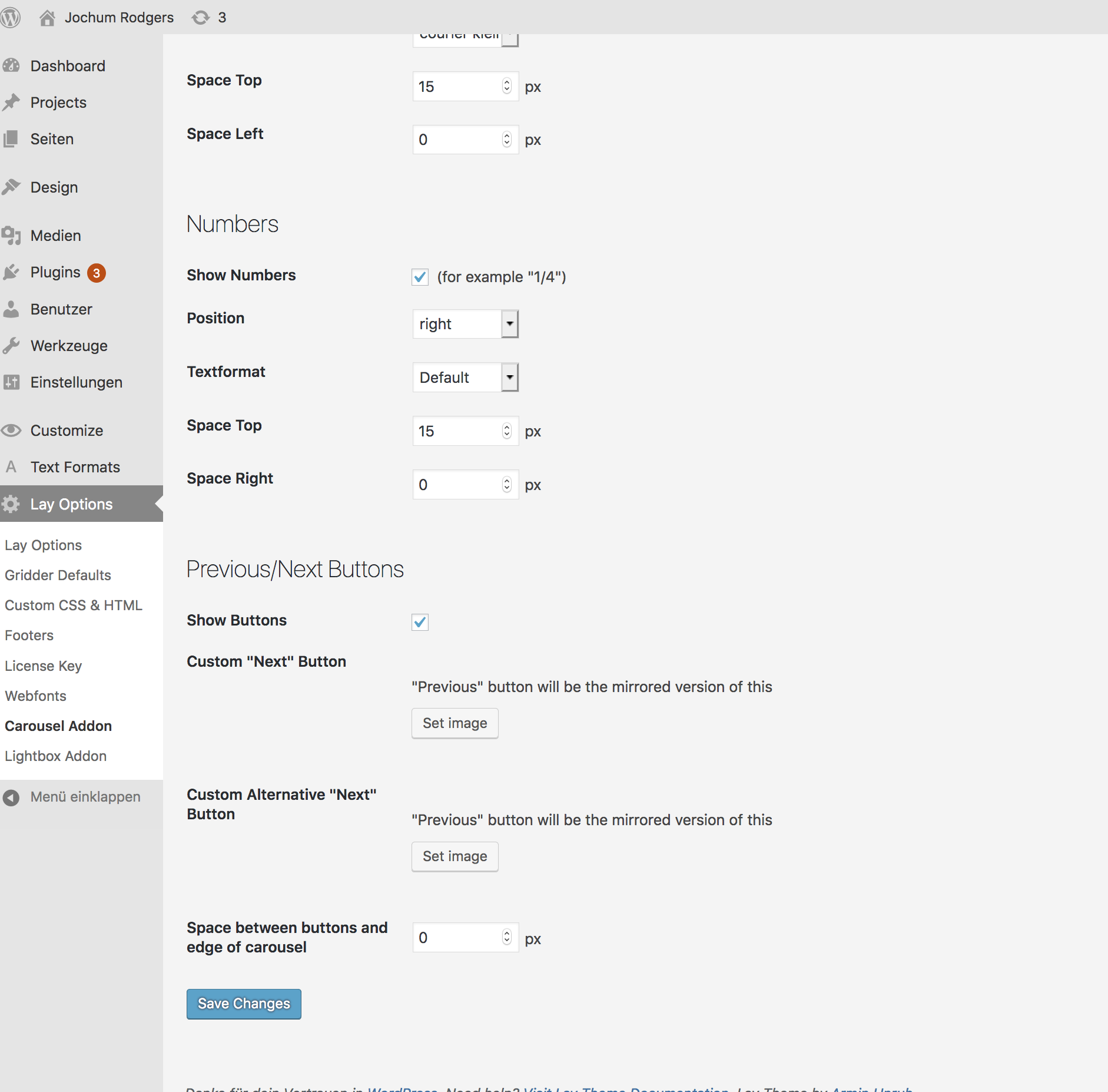
    Hi @Maurizio-Annese your carousel is up to date. You need to switch to SLIDE: [image: 1559216781625-bildschirmfoto-2019-05-30-um-13.45.58.png] To have all the options. Best! Marius
  • Page does not appear when entering directly

    4
    0 Votes
    4 Posts
    442 Views
    arminunruhA
    sorry for the late reply you probably have a page or project with the same name. you could delete the page you don't need
  • mouseover image on thumbnails hides original image on mobile

    5
    0 Votes
    5 Posts
    480 Views
    mariusjopenM
    Nice!!! :-D
  • white gaps between images

    6
    1
    0 Votes
    6 Posts
    421 Views
    arminunruhA
    nothing much you can do about this :/
  • 0 Votes
    3 Posts
    287 Views
    arminunruhA
    Sorry for the late answer. "Fullscreen Slider will be active in the phone view if each of your rows only contains one element. Also Fullscreen Slider can be active on the phone view if you use Custom Phone Layouts." This is written in "Lay Options" -> "Fullscreen Slider Addon"
  • Problems with Plugin "YOAST SEO"

    28
    0 Votes
    28 Posts
    4k Views
    mariusjopenM
    Dear @sebastian_e always make a backup before. But yes. We think it should work. Best! Marius
  • Carousel Row | Project Thumbnail Row | Custom Phone Layout Bug

    4
    0 Votes
    4 Posts
    285 Views
    mariusjopenM
    Dear @wispkollektiv ah. Goof to hear! Which plugin? Best! Marius
  • Project thumbnail links broken

    2
    0 Votes
    2 Posts
    260 Views
    mariusjopenM
    Dear @alidarosie mhm. I can see each artist page without problem. Did you manage to fix it? Best! Marius
  • Full Screen Slider problems

    1
    0 Votes
    1 Posts
    143 Views
    No one has replied
  • Carousel: Open Link in new tab

    2
    1
    0 Votes
    2 Posts
    262 Views
    mariusjopenM
    Dear @jkoenig right now I do not see a link. Only the next slide. Best! Marius
  • multiline text in mobile menu title

    6
    0 Votes
    6 Posts
    557 Views
    mariusjopenM
    Dear @omoore ok! Best! Marius
  • UNSAFE WEBSITE ("Nicht sicher") Google Search - peopledesign.de

    4
    1
    0 Votes
    4 Posts
    513 Views
    edgrbnzE
    Unfortunately that depends on your provider (domainfactory, strato, all-inkl, etc). Best is to get in contact with them and ask what steps are needed to get an SSL certificate and switch the domain to https://. After this is done you should indeed follow Armins tutorial to switch anything http:// to https:// in your database. Otherwise some content could get lost (I’ve been there). Don’t be afraid,… although all this may sound complicated it really is not.
  • no title on thumbnails / overview in mobile version

    2
    0 Votes
    2 Posts
    237 Views
    mariusjopenM
    Dear @gdk in the CUSTOMIZER you can make that setting under Thumbnails. Best! Marius
  • Text Alignment not displayed correctly

    2
    1
    0 Votes
    2 Posts
    153 Views
    mariusjopenM
    Dear @chudoma1 how do you want it to look like? Best! Marius
  • Upgrade makes thumbnail images HUUUGE

    2
    0 Votes
    2 Posts
    217 Views
    mariusjopenM
    Dear @dsinclair look here: http://laythemeforum.com/topic/4293/upgrade-makes-thumbnails-images-huge/3 Marius
  • Contact Form 7 // acceptance Checkbox not working

    8
    0 Votes
    8 Posts
    3k Views
    A
    <3 Thanks a lot!
  • This topic is deleted!

    1
    0 Votes
    1 Posts
    4 Views
    No one has replied
  • This topic is deleted!

    2
    0 Votes
    2 Posts
    8 Views
  • "Use Browser Hight for Row High" is broken

    6
    0 Votes
    6 Posts
    535 Views
    mariusjopenM
    Dear @albrecht do you need the script to run on mobile as well? Maybe we can deactivate it for mobile? Best! Marius

For paid 1-on-1 Lay Theme Coaching, contact Audrey (audrey@cyberslayers.work) or me (info@laytheme.com).

We also code custom websites or bespoke Lay features. Drop me a line at info@laytheme.com or check out my work at arminunruh.com.

Want to support my work? paypal.me/arminunruh

Before you post:
  1. When using a WordPress Cache plugin, disable it or clear your cache.
  2. Update Lay Theme and all Lay Theme Addons
  3. Disable all Plugins
  4. Go to Lay Options → Custom CSS & HTML, click "Turn Off All Custom Code", click "Save Changes"

This often solves issues you might run into

When you post:
  1. Post a link to where the problem is
  2. Does the problem happen on Chrome, Firefox, Safari or iPhone or Android?
  3. If the problem is difficult to explain, post screenshots / link to a video to explain it
Online Users
Forgot your key, lost your files, need a previous Lay Theme or Addon version? Go to www.laykeymanager.com