Skip to content

Bug Reports

Something is not working? Please provide a screenshot, your browser name and browser version and your operating system.
3.1k Topics 14.4k Posts
  • This topic is deleted!

    1
    0 Votes
    1 Posts
    2 Views
    No one has replied
  • Wrong pages footer is displayed

    3
    0 Votes
    3 Posts
    89 Views
    moND0711M
    Thank you very much Armin :-) Login details are on their way
  • set background color to trasparent in marquee

    2
    0 Votes
    2 Posts
    88 Views
    arminunruhA
    [image: 1739263711256-screenshot-2025-02-11-at-09.48.26.png] with the next update you will have this delete button on the bottom right
  • Categories and tags section missing from project pages

    2
    1
    0 Votes
    2 Posts
    63 Views
    arminunruhA
    when u are editing a project, at the top right click "screen options" [image: 1739220802828-screenshot-2025-02-10-at-21.53.18.png] then make sure tags and categories are set to shown
  • Issues with Text Editing

    5
    0 Votes
    5 Posts
    155 Views
    arminunruhA
    yea seems like there is sth wrong with your wordpress installation or the server i get many weird errors even with the default theme, when lay theme is not even active i replied to ur mail
  • Issue Editing Project Details in Version 8.0.5

    2
    1
    0 Votes
    2 Posts
    56 Views
    arminunruhA
    [image: 1739215513053-screenshot-2025-02-10-at-20.25.09.png] for me it works. can you disable your plugins and try again if it doesnt work: can you send your website address, /wp-admin/ username and password and a link to this topic to info@laytheme.com?
  • mobile homepage loads blank?

    2
    0 Votes
    2 Posts
    68 Views
    arminunruhA
    can you disable your plugin "litespeed cache"? if that doesnt fix it: can you send your website address, /wp-admin/ username and password and a link to this topic to info@laytheme.com?
  • page overlay changes order of carousel

    7
    0 Votes
    7 Posts
    218 Views
    R
    Great! thank you! :-)
  • bottom Marquee visibility in Overlay page problem

    5
    0 Votes
    5 Posts
    125 Views
    StarcS
    solved after updating and restarting the computer. Thank you for the video
  • on hover images are blurred

    2
    0 Votes
    2 Posts
    72 Views
    arminunruhA
    hey if you update now it should be fixed
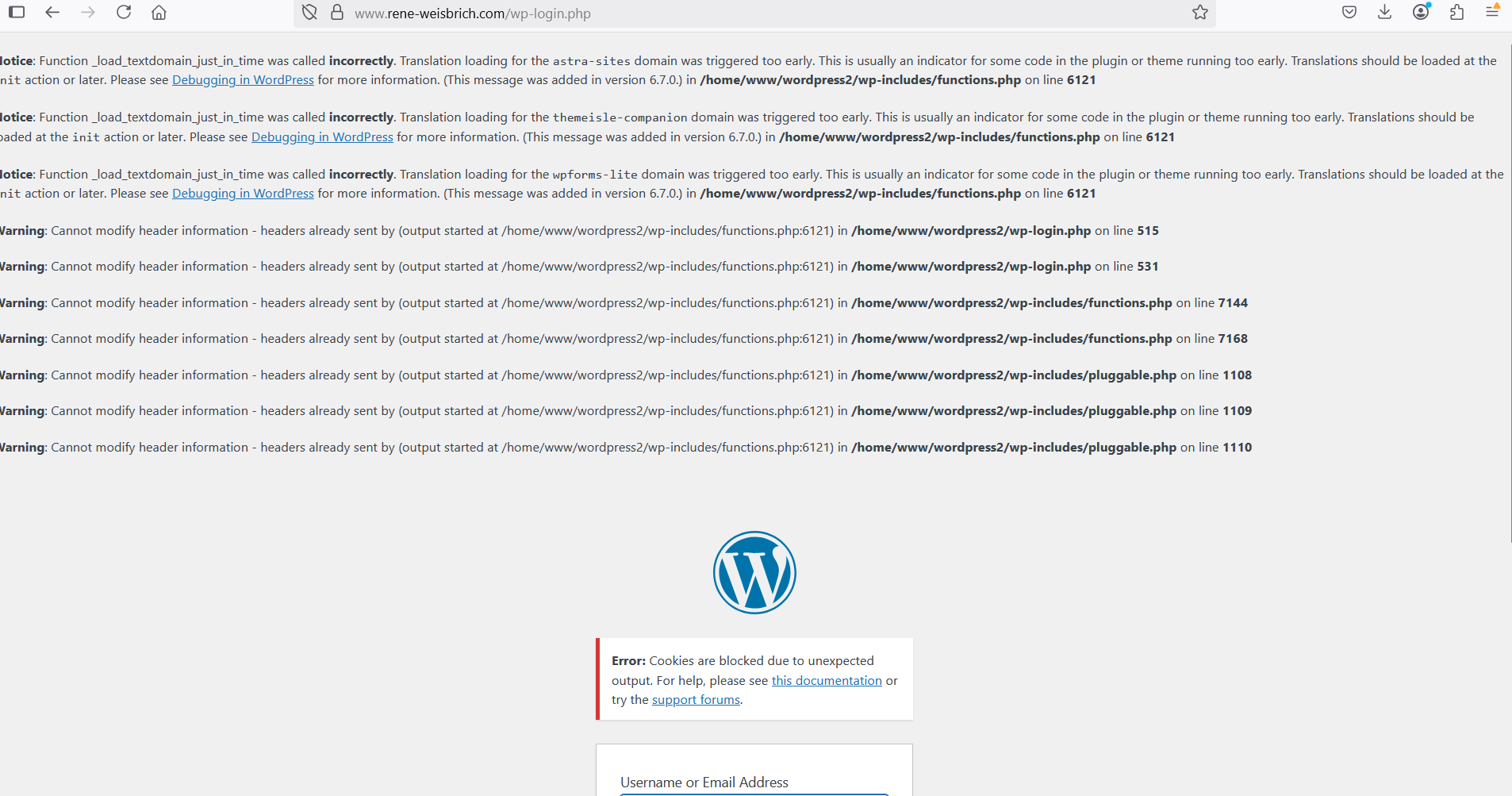
  • *Wordpree debuggin* After WP update

    7
    4
    0 Votes
    7 Posts
    229 Views
    arminunruhA
    hey if the website works it should be fine, u dont have to do anything then i guess
  • bug with two link with expand and the same replacement Text

    expand link text
    12
    2
    0 Votes
    12 Posts
    557 Views
    L
    Great!!! Thanks
  • overlap caption and numbers

    4
    2
    0 Votes
    4 Posts
    110 Views
    K
    nice, solved! thx
  • news element spaces

    8
    0 Votes
    8 Posts
    232 Views
    arminunruhA
    very good!
  • several domains, only one is responsive on smartfones

    4
    0 Votes
    4 Posts
    89 Views
    arminunruhA
    i cant really think of another way :/
  • 0 Votes
    4 Posts
    152 Views
    T
    nice :) thanks @arminunruh !!
  • Text format not showing up when trying to edit

    2
    0 Votes
    2 Posts
    81 Views
    arminunruhA
    hey sorry about the late reply. have you tried re-installing lay theme? you can get the latest version on www.laykeymanager.com did you try the steps in the right box? can you go to appearance → themes and make sure you have the original lay theme activated and not some child theme? if nothing works: can you send your website address, /wp-admin/ username and password and a link to this topic to info@laytheme.com?
  • Horizontal lines display on Windows

    9
    1
    0 Votes
    9 Posts
    257 Views
    arminunruhA
    its probably a combination of how a browser renders lines and how the screen displays the lines i dont do anything special with the lines like special css. its literally just: .lay-hr { height: 1px; background-color: #000000; } maybe try this css: body { -webkit-font-smoothing: none!important; text-rendering: initial!important; } maybe this css changes sth? but im not sure, this is just for fonts i think. maybe you can find something on google
  • website slowed down to the point of being unoperable

    4
    0 Votes
    4 Posts
    104 Views
    arminunruhA
    is the speed ok now? seems like you enabled "disable ajax / compatibility mode" in lay options. you can try to disable that again, then you wont have hard refreshs on navigating inside of the website
  • project page starts at the bottom

    7
    0 Votes
    7 Posts
    224 Views
    arminunruhA
    i know! :D go to lay options → [image: 1738155630468-screenshot-2025-01-29-at-14.00.26.png] make sure this is disabled

I also code custom websites or custom Lay features.
šŸ’æ Email me here: šŸ’æ
info@laytheme.com

Our Web Development company: 100k.studio

Want to tip me? https://www.paypal.com/paypalme/arminunruh

Before you post:
  1. When using a WordPress Cache plugin, disable it or clear your cache.
  2. Update Lay Theme and all Lay Theme Addons
  3. Disable all Plugins
  4. Go to Lay Options → Custom CSS & HTML, click "Turn Off All Custom Code", click "Save Changes"

This often solves issues you might run into

When you post:
  1. Post a link to where the problem is
  2. Does the problem happen on Chrome, Firefox, Safari or iPhone or Android?
  3. If the problem is difficult to explain, post screenshots / link to a video to explain it
Forgot your key, lost your files, need a previous Lay Theme or Addon version? Go to www.laykeymanager.com