Skip to content

Bug Reports

Something is not working? Please provide a screenshot, your browser name and browser version and your operating system.
3.1k Topics 14.4k Posts
  • mobile (image) site title

    3
    0 Votes
    3 Posts
    93 Views
    arminunruhA
    ok i will release an update later today and then it will be fixed!
  • Cover feature not working with project overlays

    4
    0 Votes
    4 Posts
    95 Views
    A
    @arminunruh thank you so much! love it
  • "move away when scrolling down" not working on site title

    3
    0 Votes
    3 Posts
    97 Views
    arminunruhA
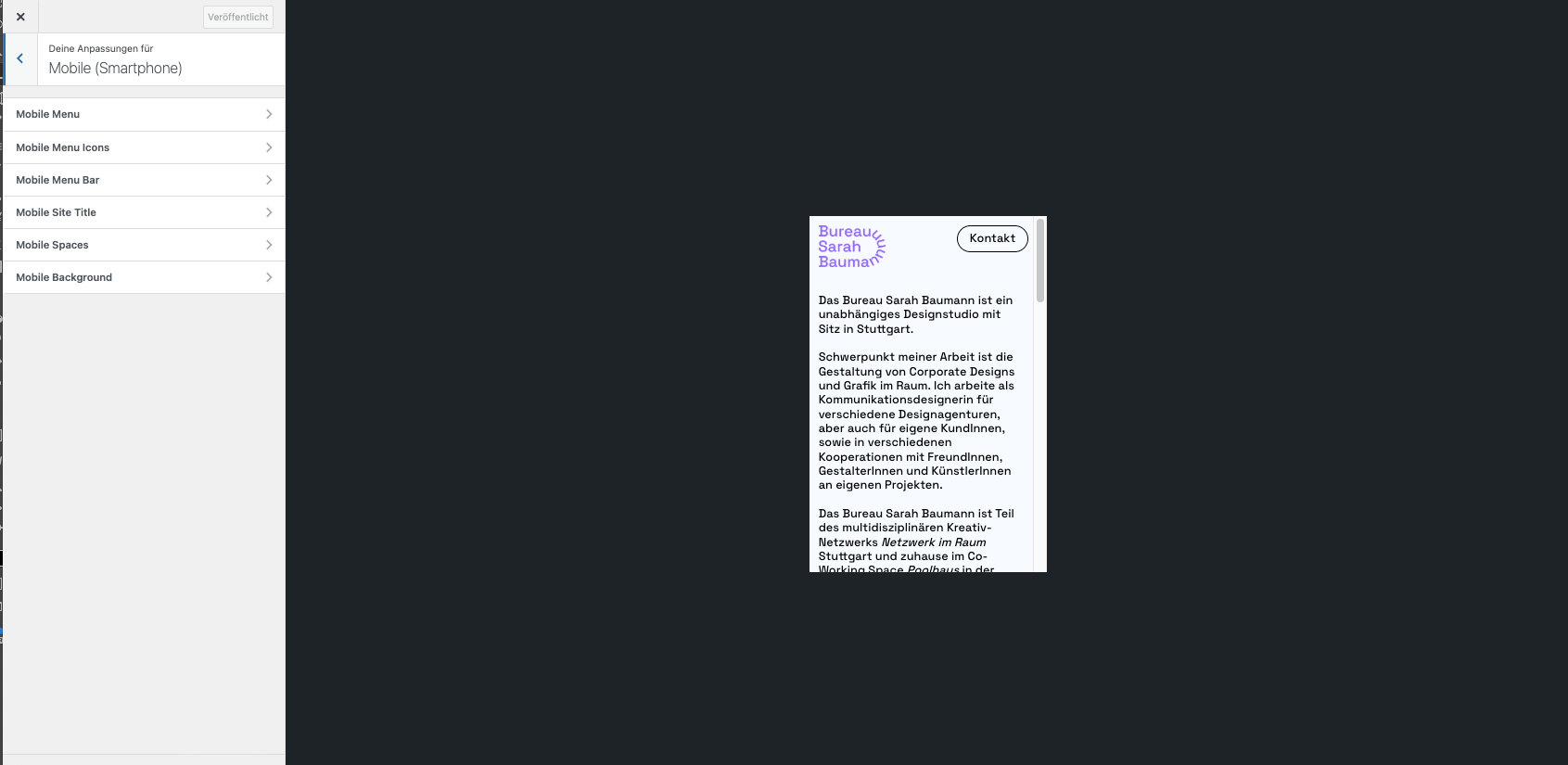
    hey sorry for the late reply. seems like your mobile title is hidden [image: 1731782815123-screenshot-2024-11-16-at-19.46.51.png]
  • hover state for links doesn't work properly

    6
    3
    0 Votes
    6 Posts
    179 Views
    arminunruhA
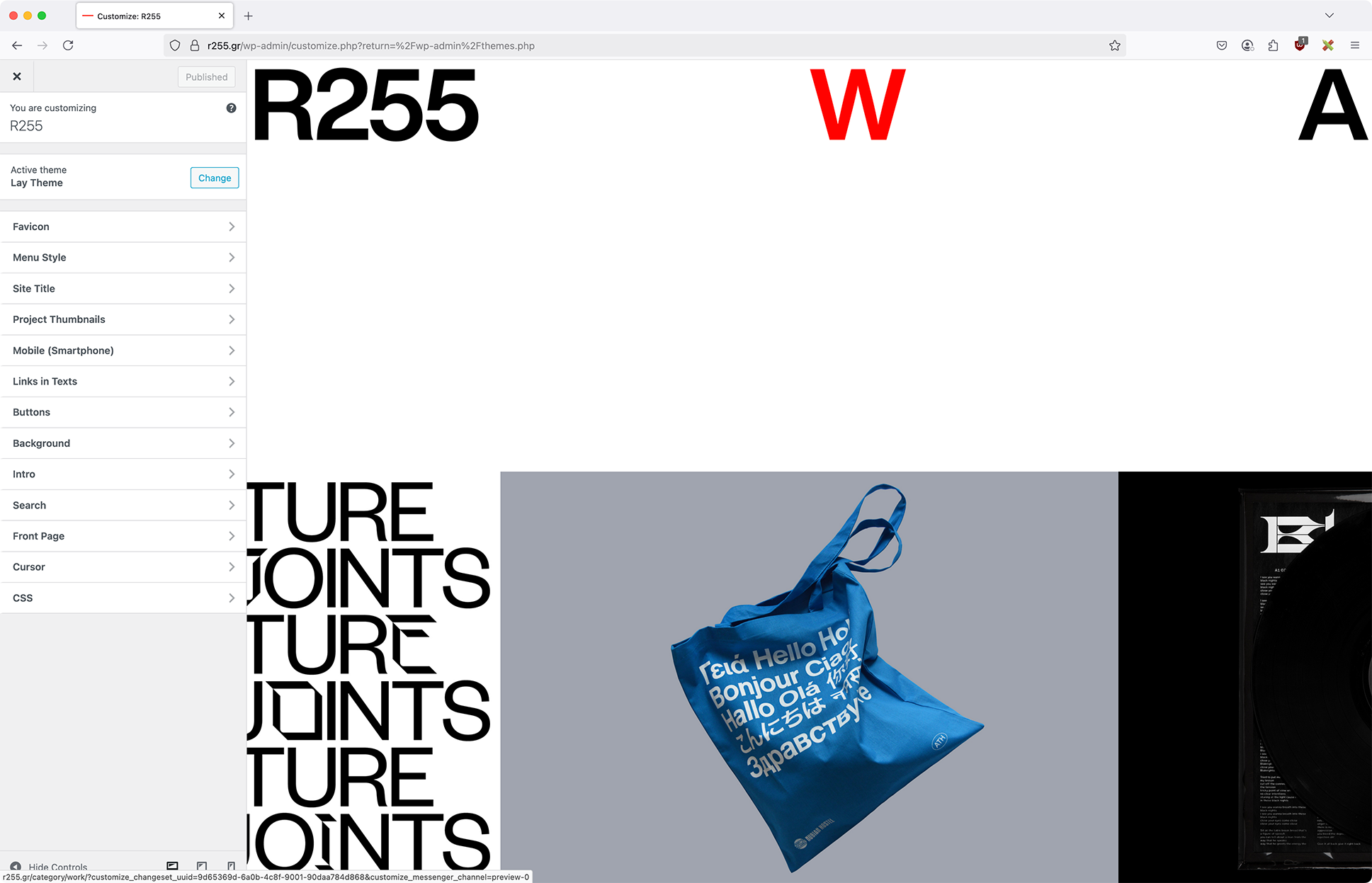
    hey there! with the next update, you need to go to customize -> links in texts -> mouseover, and check this new checkbox "force mouseover color": [image: 1731781961853-screenshot-2024-11-16-at-19.31.19.png] because other people wanted the old behaviour back
  • Mouseover thumbnail images not working

    7
    0 Votes
    7 Posts
    208 Views
    arminunruhA
    well the siteground optimizer seems to combine all js files into one, but it results in an error with the surecart javascript i dont know if "siteground optimizer" can be turned off or on just for single pages. u have to ask siteground about it
  • video dont display after update

    9
    0 Votes
    9 Posts
    305 Views
    arminunruhA
    yea ure right it uses 16:9. wordpress automatically detects the width and height of a video when you upload it. please go to media library in wp-admin. click on one of those videos. then click on "edit more details" [image: 1731775323753-screenshot-2024-11-16-at-17.42.00.png] here you will see the widths and heights that wordpress detected (right bottom): [image: 1731775542176-screenshot-2024-11-16-at-17.44.00-resized.png] can you check here if the correct size is set? can you check if you put this exact video into your carousel :D if the wrong width and heights are shown here it means wordpress couldnt recognize the sizes correctly. I maybe found that the problem is the video compression with handbrake, could it be? yes, maybe try to export the video in a different way or something?
  • Polylang not working

    3
    1
    0 Votes
    3 Posts
    139 Views
    R
    Solved, you are right... Just duplicate the project or page, switch language, change texts, assign string and thats it. However, thank you :)
  • page checkout/order-received is not appearing

    2
    0 Votes
    2 Posts
    66 Views
    arminunruhA
    can you send your website address, /wp-admin/ username and password and a link to this topic to info@laytheme.com?
  • One project doesn't show up on Project Index

    2
    2
    0 Votes
    2 Posts
    78 Views
    arminunruhA
    can you send your website address, /wp-admin/ username and password and a link to this topic to info@laytheme.com?
  • X (close icon) as well as cart icon etc show up as just a square

    2
    0 Votes
    2 Posts
    87 Views
    arminunruhA
    mmh can u install the plugin "really simple ssl"? can u re-install lay theme? just download lay theme from www.laykeymanager.com and go to appearance → themes → upload and upload it, it will replace the current lay theme theme
  • error report after update (not able to open any of my pages)

    8
    3
    0 Votes
    8 Posts
    245 Views
    arminunruhA
    mh thats weird! im really not sure why this option doesnt show up. maybe you need to update wordpress?
  • front page settings is not there

    4
    0 Votes
    4 Posts
    125 Views
    arminunruhA
    if that wont work: can you send your website address, /wp-admin/ username and password and a link to this topic to info@laytheme.com?
  • no »customize/ frontpage«

    8
    1
    0 Votes
    8 Posts
    264 Views
    arminunruhA
    can u check this answer: http://laythemeforum.com/topic/10496/front-page-settings-is-not-there/3 if it doesnt work please: can you send your website address, /wp-admin/ username and password and a link to this topic to info@laytheme.com?
  • some pages generates problems on mobile

    12
    1
    0 Votes
    12 Posts
    330 Views
    V
    Thank you very much, it seems to work fine now!
  • This topic is deleted!

    1
    2
    0 Votes
    1 Posts
    1 Views
    No one has replied
  • seo

    3
    2
    0 Votes
    3 Posts
    106 Views
    V
    @felix_rabe something helped, idk what. so no need, however thanks!
  • Why do text boxes not keep the style of existing text?

    2
    0 Votes
    2 Posts
    73 Views
    arminunruhA
    ah i see how this can be annoying, and you are right, this should be the default behaviour if you update lay theme now, it should work it seems like the texteditor that comes with wordpress doesn't have this default behaviour, but i coded a custom plugin for the texteditor to make this work
  • Autoplay through insta bio link

    8
    0 Votes
    8 Posts
    230 Views
    L
    Alright, thanks a lot!
  • This topic is deleted!

    2
    2
    0 Votes
    2 Posts
    6 Views
  • collapse functionality bug

    3
    0 Votes
    3 Posts
    104 Views
    arminunruhA
    ok will be fixed with the next update!

I also code custom websites or custom Lay features.
💿 Email me here: 💿
info@laytheme.com

Our Web Development company: 100k.studio

Want to tip me? https://www.paypal.com/paypalme/arminunruh

Before you post:
  1. When using a WordPress Cache plugin, disable it or clear your cache.
  2. Update Lay Theme and all Lay Theme Addons
  3. Disable all Plugins
  4. Go to Lay Options → Custom CSS & HTML, click "Turn Off All Custom Code", click "Save Changes"

This often solves issues you might run into

When you post:
  1. Post a link to where the problem is
  2. Does the problem happen on Chrome, Firefox, Safari or iPhone or Android?
  3. If the problem is difficult to explain, post screenshots / link to a video to explain it
Forgot your key, lost your files, need a previous Lay Theme or Addon version? Go to www.laykeymanager.com