Skip to content

Bug Reports

Something is not working? Please provide a screenshot, your browser name and browser version and your operating system.
3.2k Topics 15.2k Posts
  • API fetched content visible on desktop only

    3
    0 Votes
    3 Posts
    250 Views
    M
    It worked like a charm, thanks a lot Armin!🙏🏻
  • Lightbox on mobile

    11
    0 Votes
    11 Posts
    1k Views
    arminunruhA
    yea not sure why :|
  • Form problem on mobile

    13
    0 Votes
    13 Posts
    2k Views
    arminunruhA
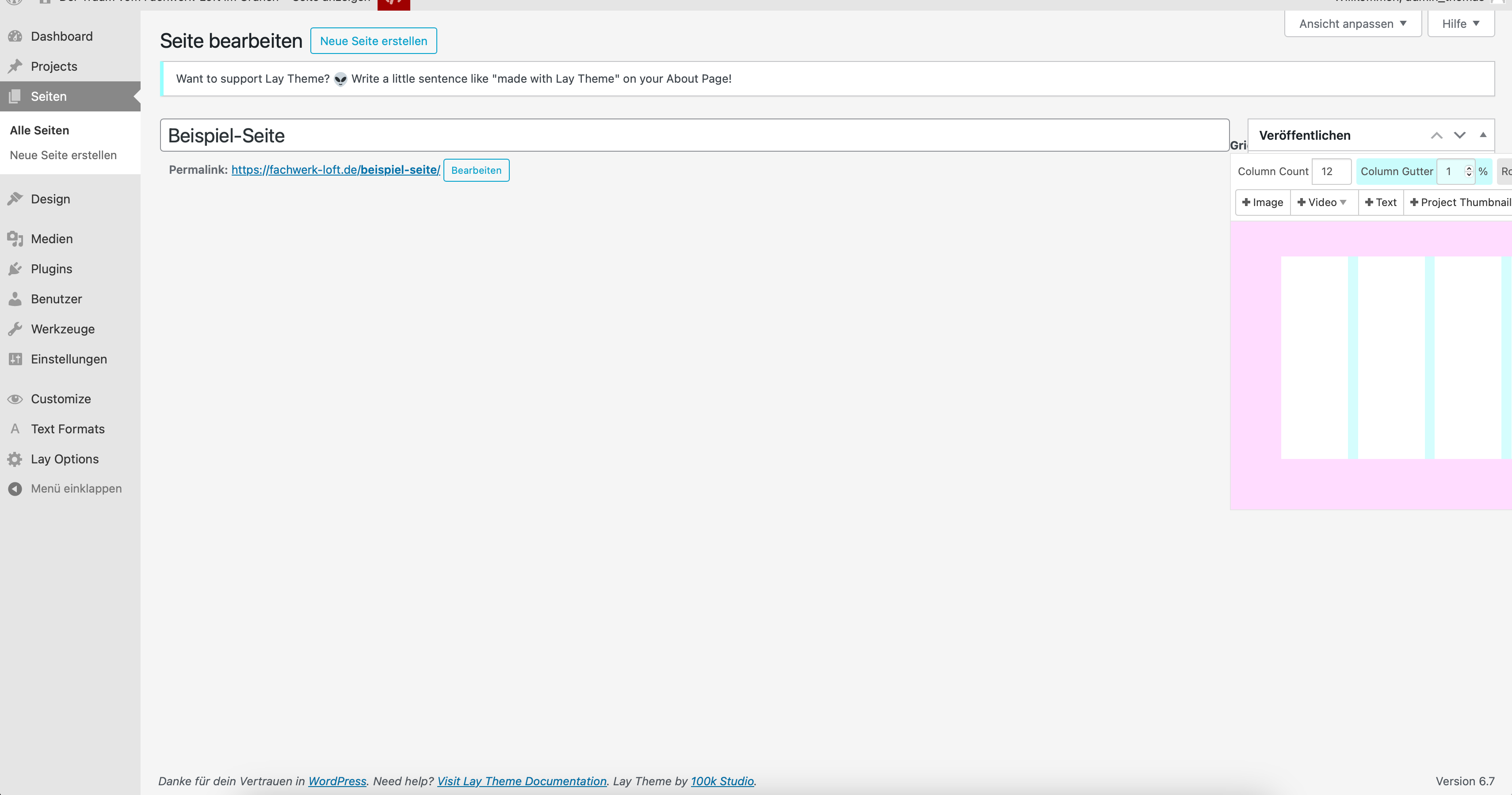
    if u used a plugin to create a form, you can try to create two different forms. insert contact form 1 into desktop layout, and contact form 2 into custom phone layout
  • Backend post/page edit 2-column view broken

    4
    1
    0 Votes
    4 Posts
    346 Views
    arminunruhA
    i have no idea
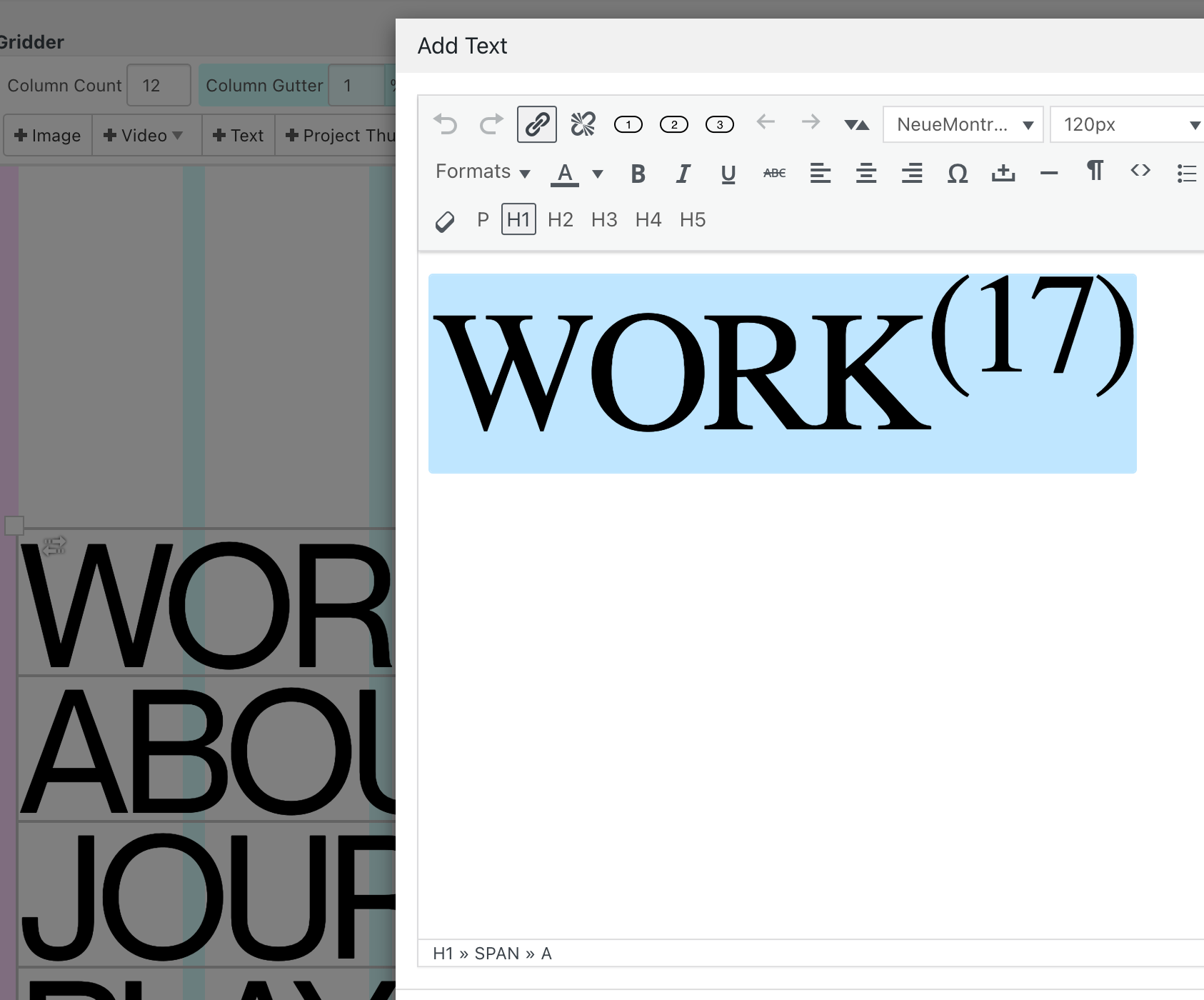
  • [FIXED] wp editor shows generic font after changing domain

    4
    1
    0 Votes
    4 Posts
    400 Views
    arminunruhA
    ah yea very good!"
  • Issue with Carousel Plugin - Blank Screen Before Image Loads

    3
    0 Votes
    3 Posts
    384 Views
    arminunruhA
    you need to disable the intro feature lay options → disable "activate intro feature"
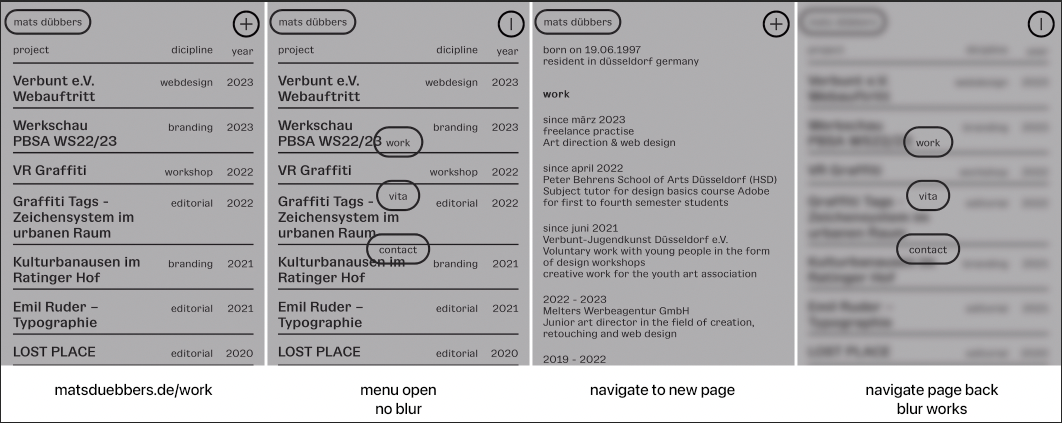
  • Mobile Menu backround blur

    6
    1
    0 Votes
    6 Posts
    519 Views
    arminunruhA
    i think i will leave it like this for now why would someone scroll when they opened the mobile menu
  • This topic is deleted!

    2
    0 Votes
    2 Posts
    10 Views
  • Website is unrensponsive

    2
    0 Votes
    2 Posts
    99 Views
    arminunruhA
    do you have a link? did you switch from http to https? in that case can you install "really simple ssl" and activate it in the plugin settings
  • new projects not shown (only safari)

    2
    2
    0 Votes
    2 Posts
    146 Views
    arminunruhA
    here? https://www.espacelibre.art/category/past/ things u can try: project index element: make sure when you edit it, the category that is chosen is the right one: [image: 1733758127571-screenshot-2024-12-09-at-16.28.31.png] in "projects" in wp-admin, make sure your projects are not in draft mode: [image: 1733758224427-screenshot-2024-12-09-at-16.29.26.png] make sure your projects are not password protected disable any caching plugin instead of just clearing its cache in the browser where it doesnt work: can you login to /wp-admin/ on that browser and once you're logged in, does it show up then?
  • meta tag image not working

    6
    2
    0 Votes
    6 Posts
    569 Views
    arminunruhA
    or google just uses a random image that it found on your website? i couldnt find out much about this. but yea this setting i provided is for facebook and twitter. i was unaware of google showing a small image next to a search result sometimes. and im not sure where it gets that image from
  • project overlay does not close.

    6
    0 Votes
    6 Posts
    257 Views
    arminunruhA
    ok nice! i tested this on my lay theme installation: open project in project overlay open page overlay click on a link to a page in the page overlay then project overlay closes, page overlay closes and the page shows up here u can see it: https://www.dropbox.com/scl/fi/2hior6cp5q87f5bg4vaab/Untitled-1.mov?rlkey=lmgjdq066fespmmj99wvldgun&st=1jcdcgm0&dl=0 im not sure if i did anything different than you, but this is what is not working for you right mmh
  • This topic is deleted!

    1
    1
    0 Votes
    1 Posts
    1 Views
    No one has replied
  • My website only shows the first line of my gridder

    3
    2
    0 Votes
    3 Posts
    224 Views
    J
    Oh, I understand now...! It's because I activated the slider addon without noticing, and because there were no arrows, I didn't think of clicking ! thank you!
  • This topic is deleted!

    1
    0 Votes
    1 Posts
    1 Views
    No one has replied
  • Laytheme full screen slider - safari pre-link via INSTAGRAM - bug

    10
    4
    0 Votes
    10 Posts
    792 Views
    arminunruhA
    and also right click the row and click "use browser height for row height" and set frame top and bottom to 0. https://laytheme.com/documentation/gridder-rows.html#fullscreen-background-video why did you insert these transparent images there?
  • warning: Trying to access array offset on value ...

    7
    1
    0 Votes
    7 Posts
    269 Views
    arminunruhA
    ok very good!
  • Site freezing intermittently

    11
    0 Votes
    11 Posts
    1k Views
    arminunruhA
    ok very nice!
  • This topic is deleted!

    1
    3
    0 Votes
    1 Posts
    2 Views
    No one has replied
  • overlay menu offset in safari

    6
    2
    0 Votes
    6 Posts
    578 Views
    arminunruhA
    ah probably you set this with right click on row, custom row height. then you can just set it to 62px. and the first one to 61px. probably it was me who changed one value to 62 and left the others at 61px :D so you can dismiss my last sentences :D
Online Users
Forgot your key, lost your files, need a previous Lay Theme or Addon version? Go to www.laykeymanager.com