Skip to content

Bug Reports

Something is not working? Please provide a screenshot, your browser name and browser version and your operating system.
3.2k Topics 15.2k Posts
  • This topic is deleted!

    1
    1
    0 Votes
    1 Posts
    12 Views
    No one has replied
  • 0 Votes
    8 Posts
    562 Views
    N
    Works! Thanks Armin!!! Danke!!!
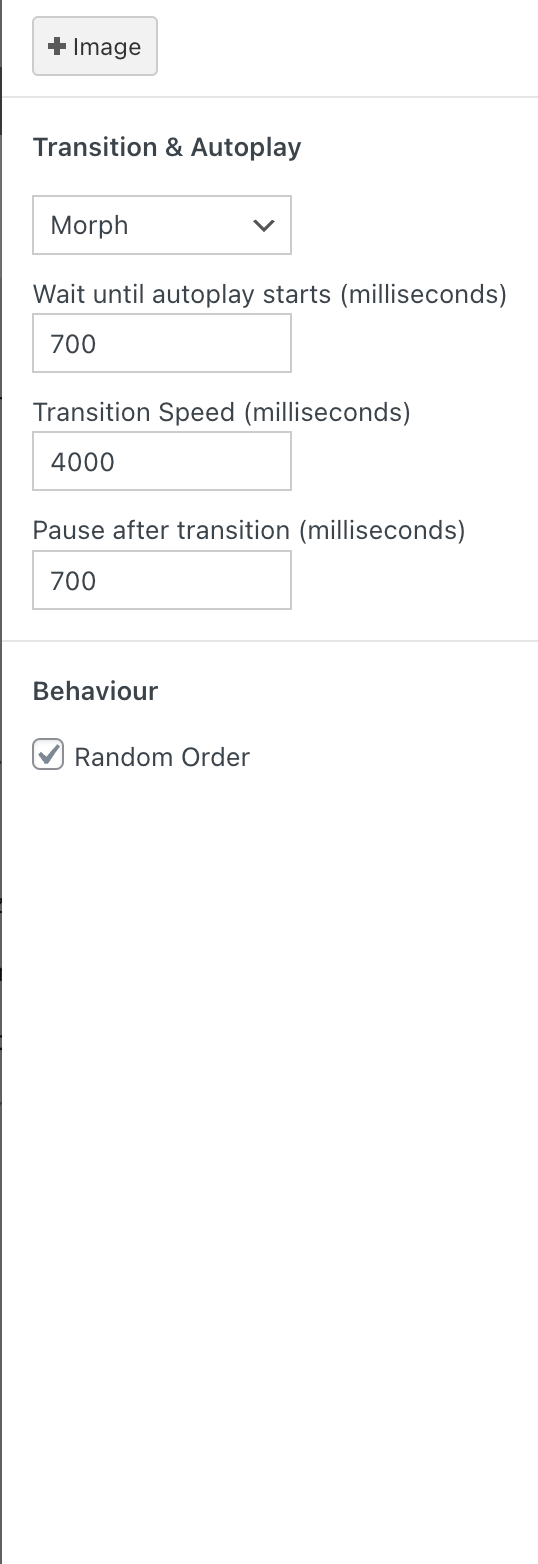
  • RANDOM WEBGL SLIDESHOW NOT WORKING

    8
    1
    0 Votes
    8 Posts
    1k Views
    arminunruhA
    oh yea i see it cant be disabled once it was enabled ^^ will fix this with the next update
  • H1 headline doesn't work

    7
    0 Votes
    7 Posts
    578 Views
    arminunruhA
    hey you can click h1, h2 etc when you had a textformat applied already, it will stay the same, even if its now an h1 tag for example, first you have a paragraph: <p>sadadsas</p> then you select a textformat from the dropdown, now the html is this: <p class="_Shop_Big">sadadsas</p> now you click the h1 tag, and the markup looks like this: <h1 class="_Shop_Big">sadadsas</h1> the markup changed, but the style of the text remained the same click the <> code icon in the texteditor to see if you had a h1 applied if you want both a style and the type of headline, use a textformat that has the headline type
  • Bugs on old iPhone and old iPad.

    2
    0 Votes
    2 Posts
    123 Views
    arminunruhA
    hey charley, ok im writing this down, not sure when i will have time to work on it
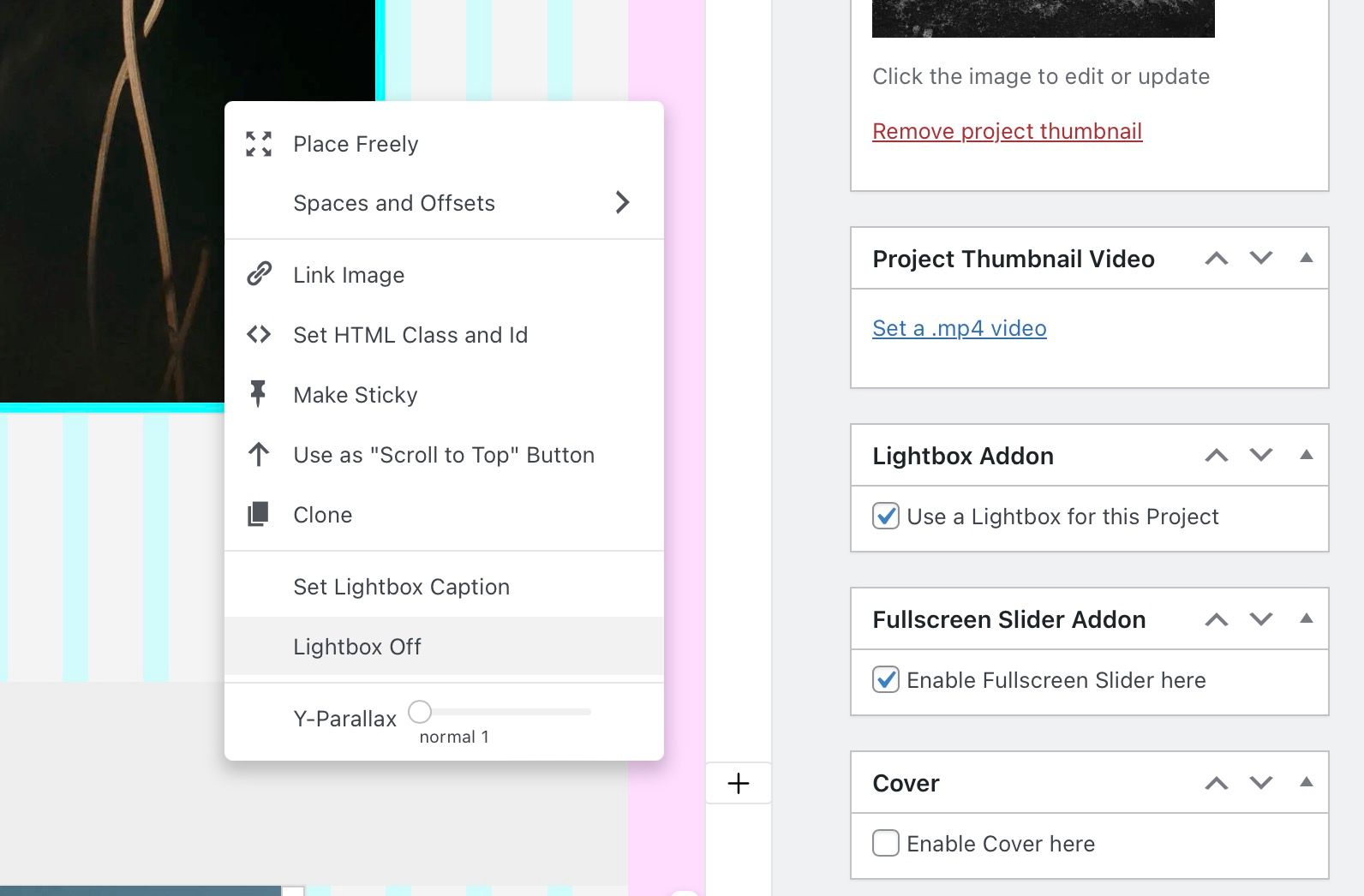
  • Fullscreen Slider nav and lightbox on/off

    2
    1
    0 Votes
    2 Posts
    190 Views
    arminunruhA
    oh, will be fixed with the next update! working on it
  • 0 Votes
    6 Posts
    547 Views
    arminunruhA
    Sometimes the position off the slider is a little up in Safari with iphone. can u post a iphone screenshot please of where exactly
  • same-height element grid images load blurry on mobile device

    7
    0 Votes
    7 Posts
    542 Views
    arminunruhA
    hello, with the next update this will be fixed, maybe i will release the update today
  • title image not working propertly

    3
    0 Votes
    3 Posts
    110 Views
    arminunruhA
    ok will be fixed with the next update
  • From mobile I see desktop version

    mobile
    6
    0 Votes
    6 Posts
    742 Views
    arminunruhA
    ok nice!
  • Overlay page doen't work

    3
    0 Votes
    3 Posts
    246 Views
    J
    I fixed it on my own! I just did a new page and made it all over again and worked fine. Sorry I didn't delete the post.
  • Hover image not working on safari

    3
    0 Votes
    3 Posts
    139 Views
    arminunruhA
    hey i sent you this css, does that work? html.is-safari body.slug-work > .lay-content .grid-inner{ height: 100%; overflow-y: scroll; padding-top: 2%; padding-bottom: 60px; box-sizing: border-box; } html.is-safari body.slug-work > .lay-content #grid{ overflow-y: visible!important; padding-top: 0!important; padding-bottom: 0!important; }
  • element grid, same height layout, poor image quality in Safari

    9
    2
    0 Votes
    9 Posts
    718 Views
    P
    Thank you, I’ll update asap and let you know. Really appreciate you looking at this.
  • qtranslate overlay

    10
    0 Votes
    10 Posts
    1k Views
    albrechtA
    eay — not "crucial" but would nice when this is working someone <3
  • overlay feature cannot be activated

    8
    2
    0 Votes
    8 Posts
    1k Views
    arminunruhA
    can you send your website address, /wp-admin/ username and password and a link to this topic to info@laytheme.com? the latest versions of lay theme should be compatible with other prior versions. however, like 2 years ago i re-coded the frontend completely. this caused custom css to not work sometimes. you can always download prior versions on www.laykeymanager.com if there is a problem with the current version
  • This topic is deleted!

    1
    0 Votes
    1 Posts
    1 Views
    No one has replied
  • custom cursor not showing when not mooving

    3
    0 Votes
    3 Posts
    382 Views
    E
    Hi! Thanks for replying. It worked after restarting the computer. I just restarted using the cursors because they are less buggy than they used to be. But I guess some bugs are still bugging :) Thanks for helping! Eeva Sirkka
  • Carousel turns url into 'null'

    3
    1 Votes
    3 Posts
    287 Views
    arminunruhA
    and does it happen on phone or laptop/desktop?
  • 0 Votes
    3 Posts
    312 Views
    arminunruhA
    hey man im a little late to the party, so 22 seconds wow thats a lot! can you disable all extra plugins and use smaller images for your webgl background, does that change anything? can you please create a test page for me with the webgl slideshow enabled on that page and send me your wp-admin login info? can you send your website address, /wp-admin/ username and password and a link to this topic to info@laytheme.com?
  • laytheme / carousel update causes error, carousel not showing

    16
    1 Votes
    16 Posts
    1k Views
    arminunruhA
    yes very good! its either your lay theme version is outdated our your carousel version is outdated
Online Users
Forgot your key, lost your files, need a previous Lay Theme or Addon version? Go to www.laykeymanager.com