Skip to content

Bug Reports

Something is not working? Please provide a screenshot, your browser name and browser version and your operating system.
3.1k Topics 14.4k Posts
  • This topic is deleted!

    1
    0 Votes
    1 Posts
    3 Views
    No one has replied
  • CAROUSEL plugin "CIRCLES AS NAVIGATION"

    4
    0 Votes
    4 Posts
    186 Views
    S
    @arminunruh thank you so much for this update armin :)!! <3
  • Carousel captions not working?

    5
    0 Votes
    5 Posts
    157 Views
    arminunruhA
    can you do all steps in the box on the right (the cyan box that says "before you post")
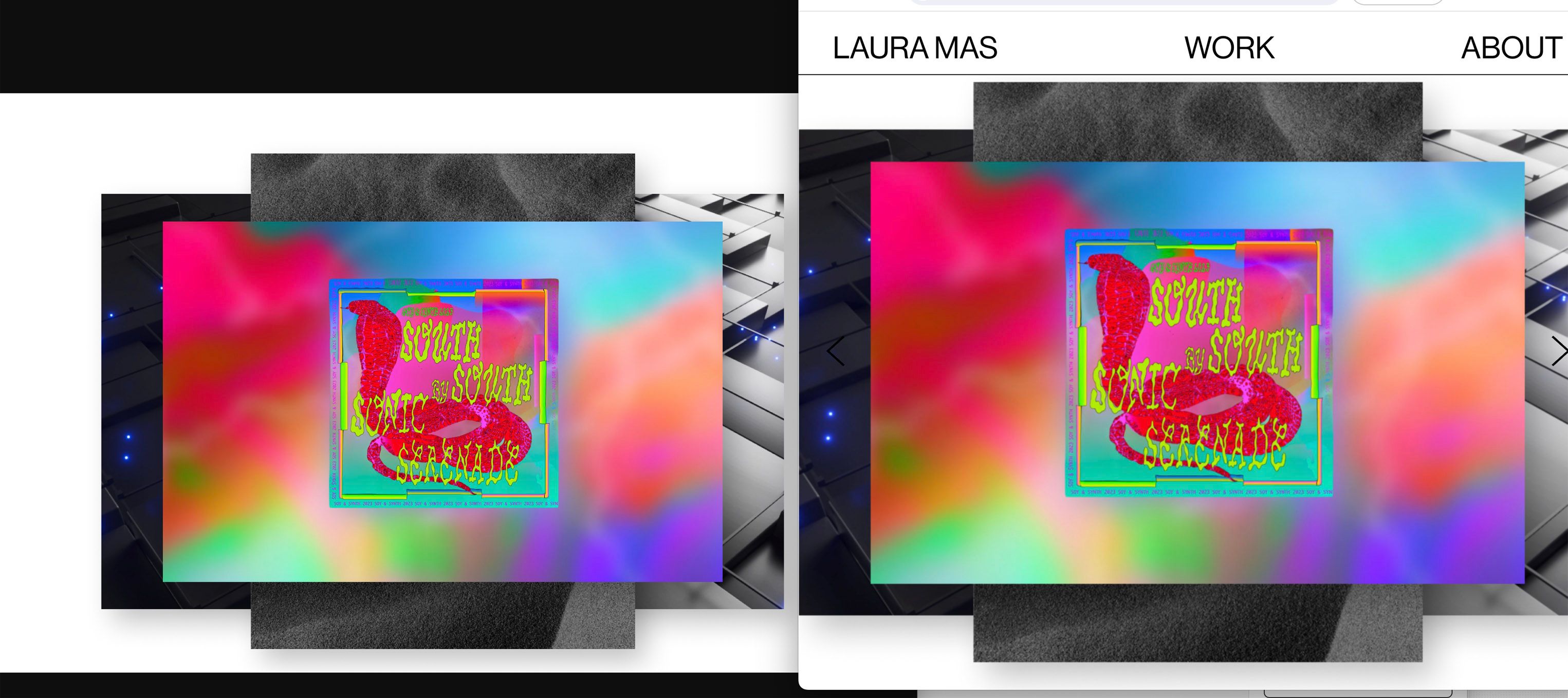
  • WebGL Row Background Slideshow is pixelated

    4
    4
    0 Votes
    4 Posts
    153 Views
    arminunruhA
    ah i see! very good!
  • bug / Overlay Menu & splitscreen site

    8
    2
    1 Votes
    8 Posts
    284 Views
    arminunruhA
    ah nice, well done!
  • Thumbnail grid displays wrong category

    5
    0 Votes
    5 Posts
    266 Views
    arminunruhA
    can you send your website address, /wp-admin/ username and password and a link to this topic to info@laytheme.com?
  • Up arrow not working properly in full screen slider

    10
    0 Votes
    10 Posts
    310 Views
    arminunruhA
    yea your safari version is a little old no? im not sure why it doesn't work on that version
  • +Project Index

    5
    2
    1 Votes
    5 Posts
    198 Views
    arminunruhA
    [image: 1701695048504-screenshot-2023-12-04-at-10.04.01.png] look you just need to click on the phone button (at the bottom) and then click on the eye button of the year. i think you just didn't hide the year for the phone version lmk if that worked
  • Custom mobile layout not processing/showing and gridder error.

    5
    1
    1 Votes
    5 Posts
    144 Views
    arminunruhA
    so we made it work there was some html in text boxes that confused the gridder javascript, but i fixed the gridder code so now it works correctly
  • Google noindex problem

    14
    0 Votes
    14 Posts
    464 Views
    M
    @Nzagamba A few thoughts: I think you need to update your sitemap url in the robots file, to the new one you made on Octopus and ensure it's uploaded to your server. I would suggest checking all your site pages and make sure there are none that have a no-index. You can do this by viewing the source and looking in the header. Make sure that nowhere in any of your page headers is a setting stating <meta name="robots" content="noindex,nofollow">. As I understand, if Google spots this, it will flag it as noindex even if you have other pages that don't have it.
  • MOBILE TROUBLE: OVERLAY MENU AND FIXED FOOTER NOT WORKING

    5
    1 Votes
    5 Posts
    205 Views
    arminunruhA
    it just didn't work for you on chrome on mobile right :O
  • New imagehover feature

    5
    1
    0 Votes
    5 Posts
    159 Views
    arminunruhA
    look at the mobile version of my programming studio website: https://100k.studio/ i just put some space at the top and i left enough space at the bottom so you can scroll all the way through
  • Unresponsive and Redirecting Links in Overlay and Marquee Features

    2
    0 Votes
    2 Posts
    78 Views
    arminunruhA
    yea links inside marquees may not work as expected i recently fixed links in marquees not being able to be a "next project link" all links that are not inside of a marquee element should work correctly, can u confirm? can you just post a link here and like show a screenshot, where u click and where it goes wrong? is it just links inside marquee elements to other pages? or links inside marquee elements to an overlay?
  • Numbers beneath carousel

    2
    0 Votes
    2 Posts
    98 Views
    arminunruhA
    oh sorry about that, should be fixed now if you update <3
  • gridder pic snap

    4
    1
    0 Votes
    4 Posts
    149 Views
    arminunruhA
    yea i cant replicate the issue can you send your website address, /wp-admin/ username and password and a link to this topic to info@laytheme.com?
  • This topic is deleted!

    7
    0 Votes
    7 Posts
    20 Views
  • IMAGE hover addon / Mobile click

    3
    0 Votes
    3 Posts
    110 Views
    arminunruhA
    and thats how to make imagehover addon work for phones too
  • nothing appears after update…

    5
    0 Votes
    5 Posts
    123 Views
    arminunruhA
    ah no problem!! yea it can be a bit confusing, just sometimes when i update an addon or lay theme, it wont be compatible anymore so everything has to get updated
  • carousels in some pages don't work on mobile

    3
    0 Votes
    3 Posts
    65 Views
    arminunruhA
    the thing is yea, i changed the way the "none" transition works internally because thank you safari browser on iphones, on iphone safari browsers, suddenly, the whole website would just crash when transition was none and there was autoplay but yea it seems like that is not working too well for your slideshows mmh
  • 0 Votes
    6 Posts
    223 Views
    B
    Thanks, I think I solved the problem by disabling all the plugins :))

I also code custom websites or custom Lay features.
💿 Email me here: 💿
info@laytheme.com

Our Web Development company: 100k.studio

Want to tip me? https://www.paypal.com/paypalme/arminunruh

Before you post:
  1. When using a WordPress Cache plugin, disable it or clear your cache.
  2. Update Lay Theme and all Lay Theme Addons
  3. Disable all Plugins
  4. Go to Lay Options → Custom CSS & HTML, click "Turn Off All Custom Code", click "Save Changes"

This often solves issues you might run into

When you post:
  1. Post a link to where the problem is
  2. Does the problem happen on Chrome, Firefox, Safari or iPhone or Android?
  3. If the problem is difficult to explain, post screenshots / link to a video to explain it
Forgot your key, lost your files, need a previous Lay Theme or Addon version? Go to www.laykeymanager.com