Skip to content

Bug Reports

Something is not working? Please provide a screenshot, your browser name and browser version and your operating system.
3.2k Topics 14.9k Posts
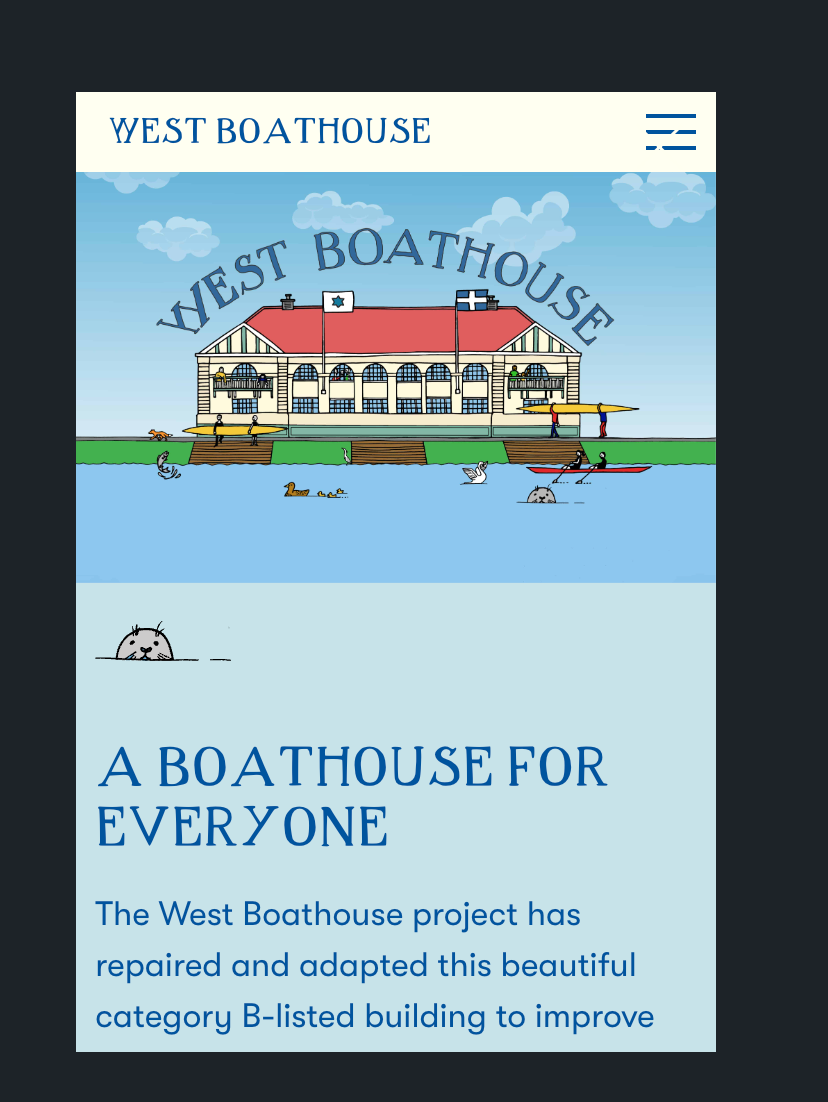
  • Link cropped on mobile

    4
    0 Votes
    4 Posts
    197 Views
    arminunruhA
    it seems to be because of your custom css: a { mix-blend-mode: exclusion; }
  • This topic is deleted!

    3
    0 Votes
    3 Posts
    14 Views
  • carousel - centre (middle) Alignment of Slides doesn't work

    2
    0 Votes
    2 Posts
    267 Views
    arminunruhA
    can you right click the row, choose "use browser height for row height" then select the carousel and click the align middle button[image: 1690399306246-screenshot-2023-07-26-at-21.21.42.png]
  • Text alignment broken after position set to fixed

    3
    0 Votes
    3 Posts
    214 Views
    arminunruhA
    oh! maybe do this: you can give a row a class of "sticky-row" and then write css to make the row sticky: .sticky-row{ position: sticky; top: 0; } this will fix the row but still take up the space i think!
  • images appear bigger in first column in stack

    2
    2
    0 Votes
    2 Posts
    46 Views
    arminunruhA
    will be fixed with the next update!
  • Links in Texts Mouseover - color picker not working after update

    5
    0 Votes
    5 Posts
    323 Views
    omooreO
    @arminunruh thanks so much!
  • thumbnail grid not displaying on page

    2
    0 Votes
    2 Posts
    55 Views
    No one has replied
  • This topic is deleted!

    1
    2
    0 Votes
    1 Posts
    13 Views
    No one has replied
  • Jump to Anchor doesn't work at all

    3
    2
    0 Votes
    3 Posts
    201 Views
    D
    @arminunruh thanks - unfortunalty didn't change. I just send you an email, thanks!
  • 1 Votes
    13 Posts
    682 Views
    T
    @arminunruh thank you!!
  • This topic is deleted!

    1
    2
    0 Votes
    1 Posts
    6 Views
    No one has replied
  • 0 Votes
    4 Posts
    180 Views
    C
    @arminunruh Thankyou! It worked.
  • Text position bug after updating to latest Laytheme version.

    4
    1
    0 Votes
    4 Posts
    258 Views
    arminunruhA
    it was an issue with the lay theme code i rewrote some code for the frontend when working on the horizontalgrid feature. it seems that i overlooked this alignment issue while doing this
  • Another anchor scoll link problem :-( Please help

    2
    0 Votes
    2 Posts
    81 Views
    arminunruhA
    hey! nice website! on your website in your custom phone grid, i see you have an element with an id of hello inside of that element is a link to #hello this won't do anything because the #hello link and the element with an id of hello should be at different places when you click on the #hello link it will scroll to the element with the id of hello but these two have one and the same position on your website when i am on the mobile version and i refresh the site with the url: www.natagroup.de/#hello it is scrolled to the position of that element. so it works correctly: [image: 1689619309749-screenshot-2023-07-17-at-20.40.37.png] on your desktop version of your website you don't have any element with the id of "hello" you need to add an id of hello to an element on your desktop version for it to work on your desktop website
  • 0 Votes
    3 Posts
    193 Views
    arminunruhA
    just took a look, your wordpress installation is corrupted. i think you need to re-install wordpress, cause there were some files there that didnt belong there
  • Menu not visible on safari

    5
    1
    0 Votes
    5 Posts
    296 Views
    arminunruhA
    you need to set the z-index on the .col wrapping div [image: 1689615081363-screenshot-2023-07-17-at-19.31.13.png] [image: 1689615111433-screenshot-2023-07-17-at-19.31.45.png] use the laysers window you can reorder your element to the top of the layers so it will overlap everything else
  • This topic is deleted!

    1
    0 Votes
    1 Posts
    2 Views
    No one has replied
  • Frontpage shows White PAge since I've updated Laytheme

    6
    0 Votes
    6 Posts
    353 Views
    arminunruhA
    post the link please
  • full screen slider single images not centered anymore

    13
    2 Votes
    13 Posts
    632 Views
    arminunruhA
    ah you mean horizontally centered. not vertically centered. i thought you meant vertically centered. can you send your website address, /wp-admin/ username and password and a link to this topic to info@laytheme.com?
  • can't set front page since update

    2
    0 Votes
    2 Posts
    101 Views
    arminunruhA
    oh yeah this shouldn't happen! can you send your website address, /wp-admin/ username and password and a link to this topic to info@laytheme.com?

For paid 1-on-1 Lay Theme Coaching, contact Audrey (audrey@cyberslayers.work) or me (info@laytheme.com).

We also code custom websites or bespoke Lay features. Drop me a line at info@laytheme.com or check out my work at arminunruh.com.

Want to support my work? paypal.me/arminunruh

Before you post:
  1. When using a WordPress Cache plugin, disable it or clear your cache.
  2. Update Lay Theme and all Lay Theme Addons
  3. Disable all Plugins
  4. Go to Lay Options → Custom CSS & HTML, click "Turn Off All Custom Code", click "Save Changes"

This often solves issues you might run into

When you post:
  1. Post a link to where the problem is
  2. Does the problem happen on Chrome, Firefox, Safari or iPhone or Android?
  3. If the problem is difficult to explain, post screenshots / link to a video to explain it
Online Users
Forgot your key, lost your files, need a previous Lay Theme or Addon version? Go to www.laykeymanager.com