Skip to content

Bug Reports

Something is not working? Please provide a screenshot, your browser name and browser version and your operating system.

3.2k Topics 15.2k Posts
  • Permalink directing to wrong page from address bar.

    2
    0 Votes
    2 Posts
    109 Views
    arminunruhA
    both pages dont exist. if a page doesn't exist, it will just load the frontpage [image: 1691079671642-screenshot-2023-08-03-at-18.21.09.png] maybe there is an issue with your permalinks go to settings -> permalinks, click "save" it seems you have some redirection going on when you go to https://www.willylamers.nl/works/ for example, it redirects to https://www.willylamers.nl/ try disabling all plugins except lay theme plugins make sure all plugins and lay theme and wordpress are up to date make sure you didnt code any custom redirection rules
  • laykeymanager.com doesn‘t send emails

    2
    0 Votes
    2 Posts
    218 Views
    arminunruhA
    mh for me its working! when i enter your email address: STEFAN@STARK.SHAK**** it cant find that email in my database best to send an email to lostfiles@laytheme.com with your license key
  • This topic is deleted!

    1
    0 Votes
    1 Posts
    2 Views
    No one has replied
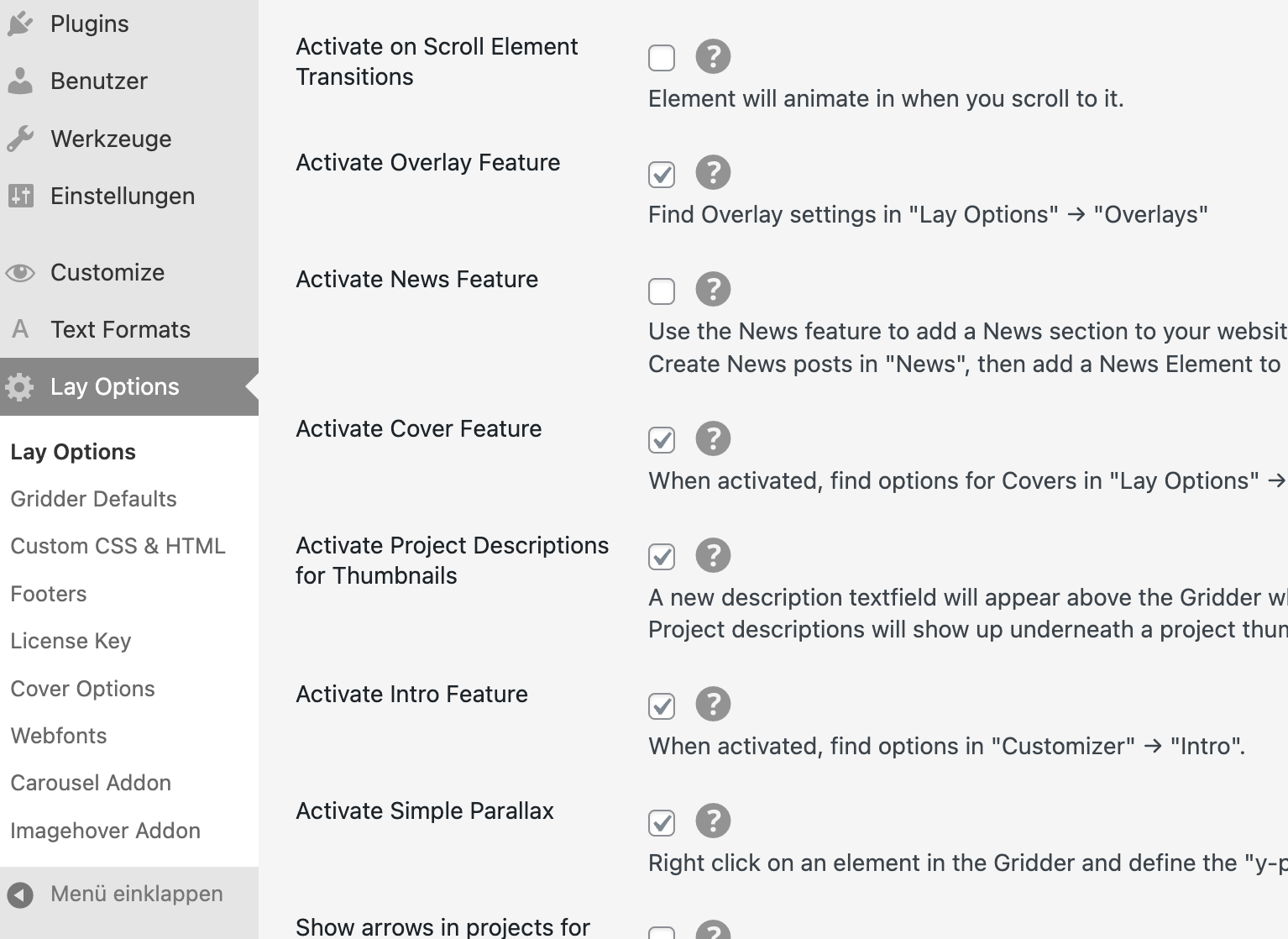
  • Where are the Overlay settings?

    8
    1
    0 Votes
    8 Posts
    694 Views
    V
    Sorry @arminunruh , I mean for the burger and x-close icon. If you want to have the size of the icons similar to the size of the site title, would be great to have it in %.
  • OVERLAY NOT OPENING ON MACBOOK/CHROME

    8
    1
    0 Votes
    8 Posts
    784 Views
    joshsenderJ
    @arminunruh For now disabling the WP Fastest Cache. Thank you SO MUCH for all the work on the overlay. its super super cool :pray:
  • full screen slider stopping 'link to row' working

    6
    0 Votes
    6 Posts
    509 Views
    arminunruhA
    i see! please update lay theme in a few minutes and this should be fixed
  • 0 Votes
    2 Posts
    194 Views
    arminunruhA
    im not sure! maybe its better if you insert the html into lay options -> custom css & html in an html field then use css to hide/show it based on the page you can also use position: sticky; instead of position: fixed; you can also use the older version of lay theme and the older versions of plugins, that u can get on laykeymanager.com
  • News feature bug?

    3
    0 Votes
    3 Posts
    349 Views
    D
    Ah, I see — thanks for explaining.
  • News thumbnails do not appear

    4
    0 Votes
    4 Posts
    264 Views
    L
    It worked. Thanks for your quick help. Mega!
  • desktop burger menu not always working

    8
    0 Votes
    8 Posts
    347 Views
    arminunruhA
    just released an update that fixes this. it was just because you switch around between http and https
  • expand row does not work

    2
    0 Votes
    2 Posts
    236 Views
    arminunruhA
    where is the exand row link on the page?
  • Link cropped on mobile

    4
    0 Votes
    4 Posts
    312 Views
    arminunruhA
    it seems to be because of your custom css: a { mix-blend-mode: exclusion; }
  • This topic is deleted!

    3
    0 Votes
    3 Posts
    14 Views
  • carousel - centre (middle) Alignment of Slides doesn't work

    2
    0 Votes
    2 Posts
    286 Views
    arminunruhA
    can you right click the row, choose "use browser height for row height" then select the carousel and click the align middle button[image: 1690399306246-screenshot-2023-07-26-at-21.21.42.png]
  • Text alignment broken after position set to fixed

    3
    0 Votes
    3 Posts
    317 Views
    arminunruhA
    oh! maybe do this: you can give a row a class of "sticky-row" and then write css to make the row sticky: .sticky-row{ position: sticky; top: 0; } this will fix the row but still take up the space i think!
  • images appear bigger in first column in stack

    2
    2
    0 Votes
    2 Posts
    51 Views
    arminunruhA
    will be fixed with the next update!
  • Links in Texts Mouseover - color picker not working after update

    5
    0 Votes
    5 Posts
    449 Views
    omooreO
    @arminunruh thanks so much!
  • thumbnail grid not displaying on page

    2
    0 Votes
    2 Posts
    106 Views
    No one has replied
  • This topic is deleted!

    1
    2
    0 Votes
    1 Posts
    13 Views
    No one has replied
  • Jump to Anchor doesn't work at all

    3
    2
    0 Votes
    3 Posts
    230 Views
    D
    @arminunruh thanks - unfortunalty didn't change. I just send you an email, thanks!
Online Users
Forgot your key, lost your files, need a previous Lay Theme or Addon version? Go to www.laykeymanager.com