Skip to content

Bug Reports

Something is not working? Please provide a screenshot, your browser name and browser version and your operating system.
3.1k Topics 14.4k Posts
  • Slow loading time for images – tried everything but CSS

    7
    0 Votes
    7 Posts
    288 Views
    arminunruhA
    also do the wp-fastest-cache plugin part here https://laytheme.com/documentation/speeding-up-your-website.html and use the same configuration as on the screenshot finally u can ask ur webhost to see if there may be any problem
  • Menubar gets 'stuck' on Tablets/mobiles

    5
    1
    0 Votes
    5 Posts
    194 Views
    arminunruhA
    can you send your website address, /wp-admin/ username and password and a link to this topic to info@laytheme.com? i want to try sth, i think i fixed it but before releasing it as an update i want to try it on ur website to make sure it works
  • This topic is deleted!

    1
    0 Votes
    1 Posts
    1 Views
    No one has replied
  • "Links in Texts" / "Links in Texts Mouseover" is not working correctly

    4
    0 Votes
    4 Posts
    190 Views
    S
    @arminunruh said in "Links in Texts" / "Links in Texts Mouseover" is not working correctly: oh yea will be fixed with the next update im releasing later today Thanks a lot!
  • elements change size after every edit to a page or project

    2
    3
    0 Votes
    2 Posts
    47 Views
    arminunruhA
    so ure saying u edit the element and then it goes all the way to the left? and its an element grid mmh i cant reproduce this issue can you send your website address, /wp-admin/ username and password and a link to this topic to info@laytheme.com?
  • can't set individual row gutter values

    2
    0 Votes
    2 Posts
    82 Views
    arminunruhA
    are u sure ure using the latest lay theme version? it still works correctly for me you need to click a row gutter, then it turns pink, then you can set the value or you need to right click a row and choose "set row gutter" if it doesnt work: can you send your website address, /wp-admin/ username and password and a link to this topic to info@laytheme.com?
  • This topic is deleted!

    1
    0 Votes
    1 Posts
    4 Views
    No one has replied
  • This topic is deleted!

    1
    0 Votes
    1 Posts
    18 Views
    No one has replied
  • This topic is deleted!

    1
    1
    0 Votes
    1 Posts
    1 Views
    No one has replied
  • z index has different behaviors on different pages

    5
    0 Votes
    5 Posts
    126 Views
    G
    @arminunruh Thanks! That worked fine.
  • How to disable webkit-font-smoothing

    4
    1
    0 Votes
    4 Posts
    404 Views
    E
    Thank you for the fast response! I put the code in the custom CSS sector but it's not working. The Font looks the same way as before. Do you have any other ideas how to solve this? Regards! Elena
  • 0 Votes
    2 Posts
    96 Views
    arminunruhA
    oh damn will be fixed with the next update!
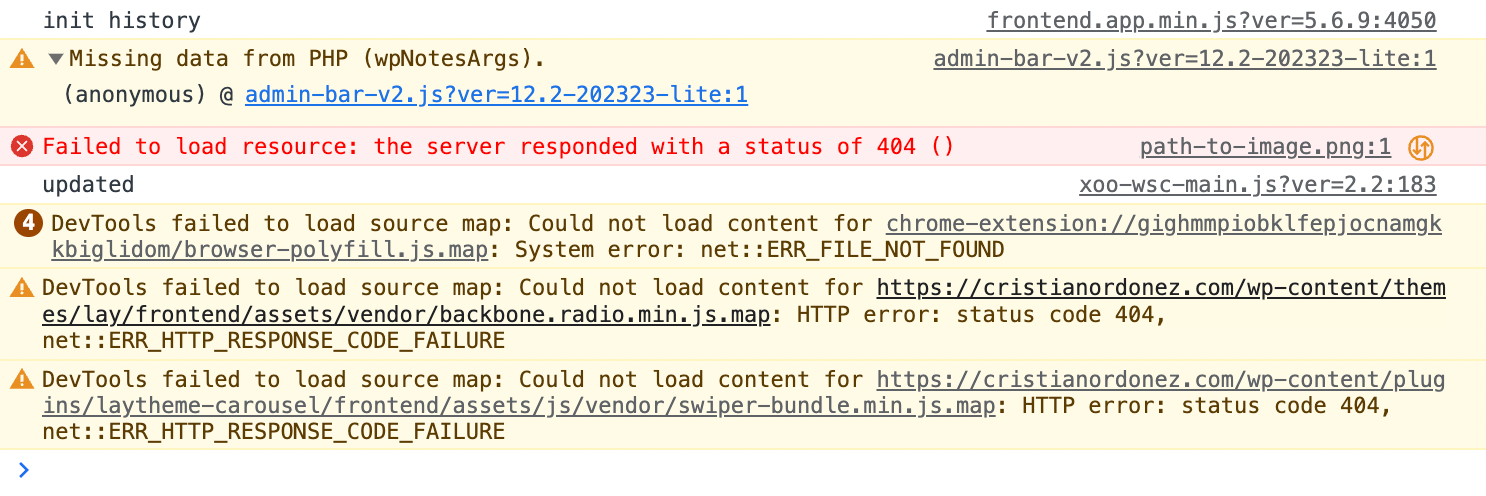
  • DevTools failed to load source map

    2
    0 Votes
    2 Posts
    186 Views
    arminunruhA
    hey so this doesnt really matter: ".map files allow a browser to download a full version of the minified JS. It is really for debugging purposes. In effect, the .map missing isn't a problem. You only know it is missing, as the browser has had its Developer tools opened, detected a minified file and is just informing you that the JS debugging won't be as good as it could be."
  • This topic is deleted!

    1
    1
    0 Votes
    1 Posts
    2 Views
    No one has replied
  • This topic is deleted!

    1
    1
    0 Votes
    1 Posts
    5 Views
    No one has replied
  • Mobile Video Background doesn't play

    3
    0 Votes
    3 Posts
    203 Views
    doorofperceptionD
    I wasn't aware of that. Thank you for enlightening me once again @arminunruh :)
  • image quality dropped

    6
    0 Votes
    6 Posts
    162 Views
    Y
    @arminunruh thank you so much. I was able to pinpoint the plugin, which was Jetpack by wordpress.
  • komische boxen auf der Website

    6
    1
    0 Votes
    6 Posts
    194 Views
    arminunruhA
    https://support.google.com/blogger/thread/96410597/what-is-this-html-code-for?hl=en :D
  • content abgeschnitten in mobiler version

    6
    3
    0 Votes
    6 Posts
    142 Views
    arminunruhA
    you can use this css: https://developer.mozilla.org/en-US/docs/Web/CSS/word-break word-break: break-all; or insert a soft hyphen between letters where you want a break to happen: [image: 1676533032742-screenshot-2023-02-16-at-08.36.40.png]
  • php undefined array key / qt-translateX

    2
    1
    0 Votes
    2 Posts
    93 Views
    arminunruhA
    hey did you install qtranslatex or qtranslatext? can u install qtranslatext? https://github.com/qtranslate/qtranslate-xt

I also code custom websites or custom Lay features.
šŸ’æ Email me here: šŸ’æ
info@laytheme.com

Our Web Development company: 100k.studio

Want to tip me? https://www.paypal.com/paypalme/arminunruh

Before you post:
  1. When using a WordPress Cache plugin, disable it or clear your cache.
  2. Update Lay Theme and all Lay Theme Addons
  3. Disable all Plugins
  4. Go to Lay Options → Custom CSS & HTML, click "Turn Off All Custom Code", click "Save Changes"

This often solves issues you might run into

When you post:
  1. Post a link to where the problem is
  2. Does the problem happen on Chrome, Firefox, Safari or iPhone or Android?
  3. If the problem is difficult to explain, post screenshots / link to a video to explain it
Online Users
Forgot your key, lost your files, need a previous Lay Theme or Addon version? Go to www.laykeymanager.com