Skip to content

Bug Reports

Something is not working? Please provide a screenshot, your browser name and browser version and your operating system.
3.2k Topics 14.9k Posts
  • Project Thumbnail Grid

    6
    0 Votes
    6 Posts
    463 Views
    arminunruhA
    hey! sorry about the late response so i recently removed "transient" cachings for thumbnailgrids can u try if it is any faster now?
  • 0 Votes
    2 Posts
    181 Views
    arminunruhA
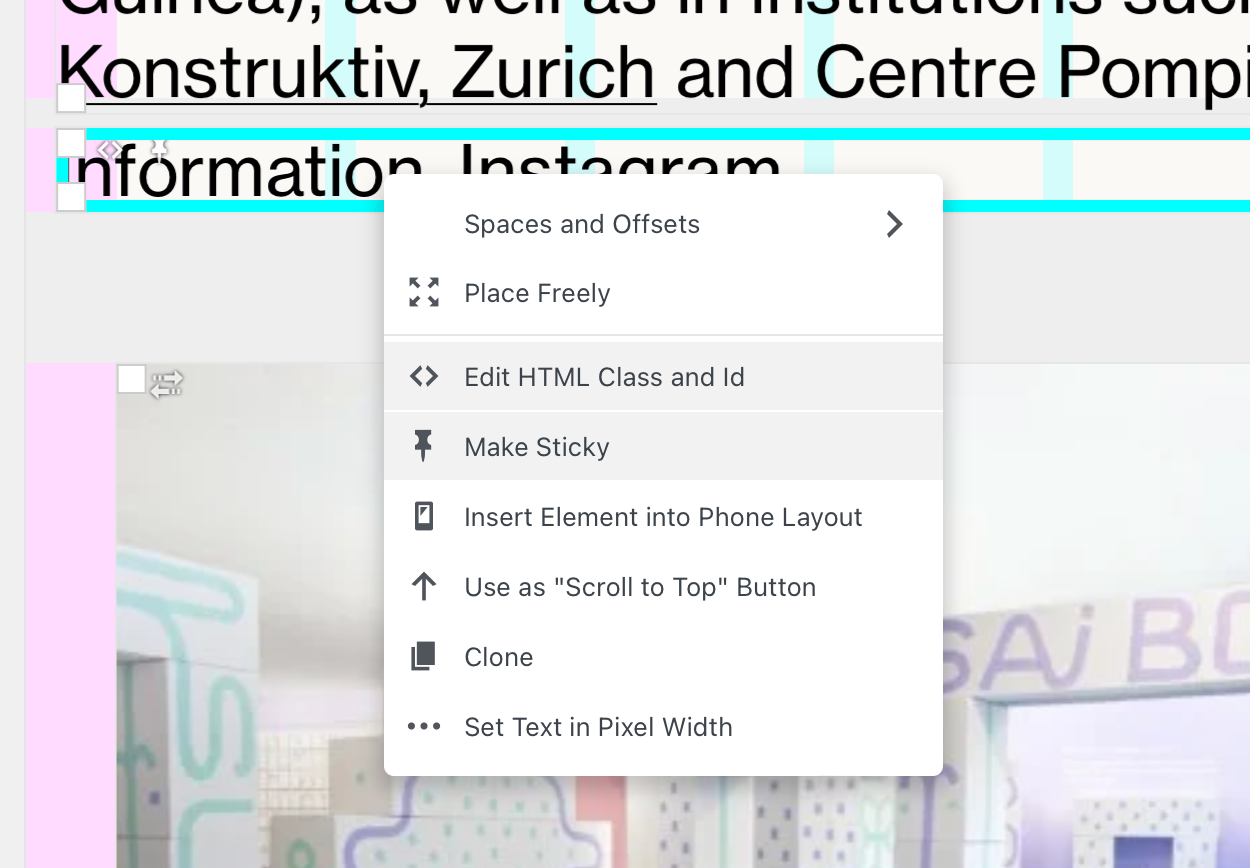
    hey! i think you also need to go to: Customize → Menu Style → Menu Bar and click "move away when scrolling down" there see, if the site title / menu /menu bar isnt fixed, then it just stays where it is, at the top. so when you'd scroll, down it wouldn't make sense to have the option "move away when scrolling down" because that option is for hiding and showing it again when scrolling up, no matter where u are well its a bit hard to explain, but i think u will understand when u play around with the settings
  • safari and chrome row height different

    2
    2
    0 Votes
    2 Posts
    153 Views
    arminunruhA
    oh thats weird! can u send a link? it shouldnt happen
  • fatal error - Fullscreen slider

    2
    0 Votes
    2 Posts
    82 Views
    arminunruhA
    mh i think u must be using an outdated version of fullscreen slider? because in that php line im checking if its an array already: if(is_array($array) && in_array( $id, $array )){ try and update the addon
  • Layout shift when videos appear in page

    5
    2
    0 Votes
    5 Posts
    348 Views
    arminunruhA
    i think if u update now it should work no?
  • Thumbnail grid

    4
    0 Votes
    4 Posts
    347 Views
    arminunruhA
    thanks! can u send your ftp login too please? i made a mistake
  • website blank.

    6
    0 Votes
    6 Posts
    442 Views
    arminunruhA
    hey there! u can try an older version of lay theme, u can get it on laykeymanager.com or send your website address, /wp-admin/ username and password and a link to this topic to info@laytheme.com
  • This topic is deleted!

    1
    0 Votes
    1 Posts
    1 Views
    No one has replied
  • This topic is deleted!

    1
    0 Votes
    1 Posts
    4 Views
    No one has replied
  • This topic is deleted!

    1
    1
    0 Votes
    1 Posts
    9 Views
    No one has replied
  • This topic is deleted!

    1
    0 Votes
    1 Posts
    2 Views
    No one has replied
  • This topic is deleted!

    1
    0 Votes
    1 Posts
    4 Views
    No one has replied
  • Designer Websites for free Lay Theme.

    7
    1
    0 Votes
    7 Posts
    497 Views
    G
    @arminunruh super thank you!
  • This topic is deleted!

    2
    0 Votes
    2 Posts
    4 Views
  • HTML5 Video in fullscreen slider not playing when scrolling back up

    8
    0 Votes
    8 Posts
    612 Views
    M
    Thanks @arminunruh It's working now
  • "Warning" – Gridder (line 714 + 715)

    6
    1 Votes
    6 Posts
    314 Views
    arminunruhA
    oh damn, releasing an update later today that fixes it
  • Sticky footer no longer sticky on mobile

    4
    2
    0 Votes
    4 Posts
    260 Views
    J
    all fixed, thank you so much!
  • Critical bug

    2
    0 Votes
    2 Posts
    66 Views
    arminunruhA
    hey! Warning: require_once(/homepages/4/d599870639/htdocs/clickandbuilds/bertigo/wp-includes/plugin.php): Failed to open stream: Permission denied in /homepages/4/d599870639/htdocs/clickandbuilds/bertigo/wp-settings.php on line 49 this bug that i see here its not related to lay theme your wordpress installation seems to be corrupted, that file doesn't have the right permissions set google: ftp how to set file permissions or reinstall wordpress you can probably also ask your webhost to fix this lay theme does work on php 8 as far as i know
  • Project thumnail Grid — alignment

    2
    2
    0 Votes
    2 Posts
    71 Views
    arminunruhA
    i see i replaced masonry with my own implementation as i was looking for better performance however, yea that doesn't work as well as the masonry solution… going to revert back to the old behaviour pro tip: if u're unhappy with a lay theme update you can always get the previous version of lay theme and install it on www.laykeymanager.com
  • Projects private / public

    8
    0 Votes
    8 Posts
    557 Views
    arminunruhA
    i think it may be a wordpress bug at the moment i have no idea why this would happen

For paid 1-on-1 Lay Theme Coaching, contact Audrey (audrey@cyberslayers.work) or me (info@laytheme.com).

We also code custom websites or bespoke Lay features. Drop me a line at info@laytheme.com or check out my work at arminunruh.com.

Want to support my work? paypal.me/arminunruh

Before you post:
  1. When using a WordPress Cache plugin, disable it or clear your cache.
  2. Update Lay Theme and all Lay Theme Addons
  3. Disable all Plugins
  4. Go to Lay Options → Custom CSS & HTML, click "Turn Off All Custom Code", click "Save Changes"

This often solves issues you might run into

When you post:
  1. Post a link to where the problem is
  2. Does the problem happen on Chrome, Firefox, Safari or iPhone or Android?
  3. If the problem is difficult to explain, post screenshots / link to a video to explain it
Online Users
Forgot your key, lost your files, need a previous Lay Theme or Addon version? Go to www.laykeymanager.com