Skip to content

Bug Reports

Something is not working? Please provide a screenshot, your browser name and browser version and your operating system.
3.2k Topics 14.9k Posts
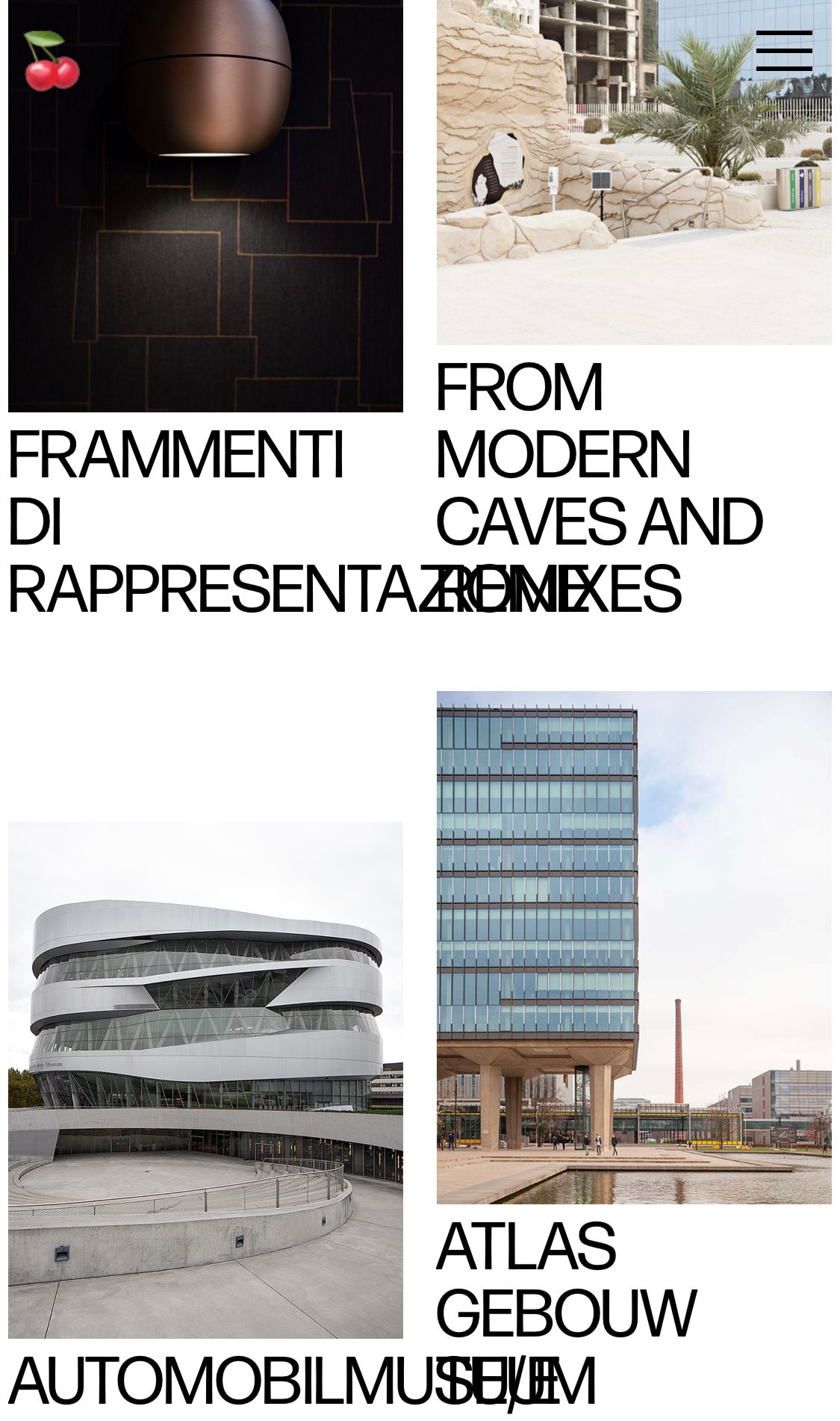
  • Site doesn't show on phone

    7
    0 Votes
    7 Posts
    390 Views
    T
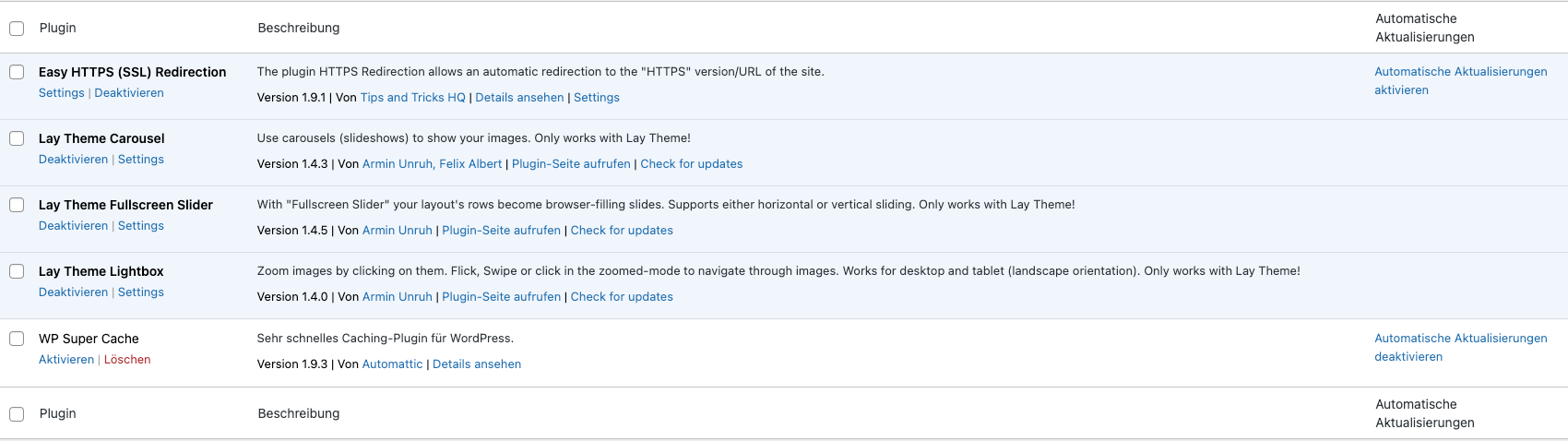
    @arminunruh Thanks for the Minify cache tip. I realized that I had two cache plugins running at the same time. I ditched one and the site works again. Best Sarah
  • Polylang Duplicate Projects Bug

    5
    0 Votes
    5 Posts
    359 Views
    fabiandraxlF
    @arminunruh Thanks, works fine now! 🙌🏻
  • GRIDDER DOESN'T SHOW UP ANYMORE

    gridder projects
    4
    1
    0 Votes
    4 Posts
    686 Views
    M
    @arminunruh Yep!
  • plugin installiert -> 504 getaway

    2
    0 Votes
    2 Posts
    104 Views
    arminunruhA
    you can disable the plugin using ftp: https://laytheme.com/troubleshooting.html#critical-error then your website should work again!
  • 0 Votes
    4 Posts
    279 Views
    arminunruhA
    hey you can update now and it should work! sorry for the late response!
  • carousel on mobile

    3
    1
    0 Votes
    3 Posts
    188 Views
    M
    @arminunruh amazing, thanks, it's working after updating
  • Sticky feature issue

    5
    0 Votes
    5 Posts
    175 Views
    N
    @arminunruh Yep, it works like a charm, thanks!
  • This topic is deleted!

    6
    1
    0 Votes
    6 Posts
    27 Views
  • News plugin list view broken by update

    3
    0 Votes
    3 Posts
    178 Views
    arminunruhA
    ah i see! going to release an update in like 30 minutes that fixes this
  • Portrait Intro Media

    3
    0 Votes
    3 Posts
    549 Views
    M
    @arminunruh ✨🙏
  • Child Attributes missing

    5
    1
    0 Votes
    5 Posts
    237 Views
    arminunruhA
    lay theme doesnt support child pages i think
  • Text format specified for Phone not updating

    2
    2
    0 Votes
    2 Posts
    136 Views
    arminunruhA
    select the text and use the "clear format button" in the texteditor which is the eraser icon then try again
  • Manual made type links like Disable Ajax now

    4
    0 Votes
    4 Posts
    287 Views
    arminunruhA
    you are missing the data-type="page" attribute it can either be page or project or i think "lay_news" or sth
  • Text disappearing behind image (using browser height for row height)

    3
    1
    0 Votes
    3 Posts
    299 Views
    I
    @arminunruh thanks a lot, looks like you solved the problem in the last update. Again, thank you very much!
  • Back and forth in the browser of Instagram

    3
    0 Votes
    3 Posts
    219 Views
    M
    @arminunruh Cool, it works now! Thanks!!
  • Text marquee space in between not working

    5
    0 Votes
    5 Posts
    306 Views
    arminunruhA
    sure are you sure u did the steps outlined in the right box? Update Lay Theme and all Lay Theme Addons Disable all Plugins Go to Lay Options → Custom CSS & HTML, click "Turn Off All Custom Code ", click "Save Changes" Now see if your problem solved itself if so: can you send your website address, /wp-admin/ username and password and a link to this topic to info@laytheme.com?
  • WooCommerce: product quantity box buggy since last update.

    3
    2
    0 Votes
    3 Posts
    144 Views
    fabiandraxlF
    @arminunruh Thanks, new update fixed it. :P
  • News Slug

    10
    1
    0 Votes
    10 Posts
    802 Views
    fabiandraxlF
    @arminunruh Okay, habe bis jetzt nicht gewusst, dass ich das einfach in den Layoptions ändern kann. Habe den Name für das Newsfeature geändert … Thank you.
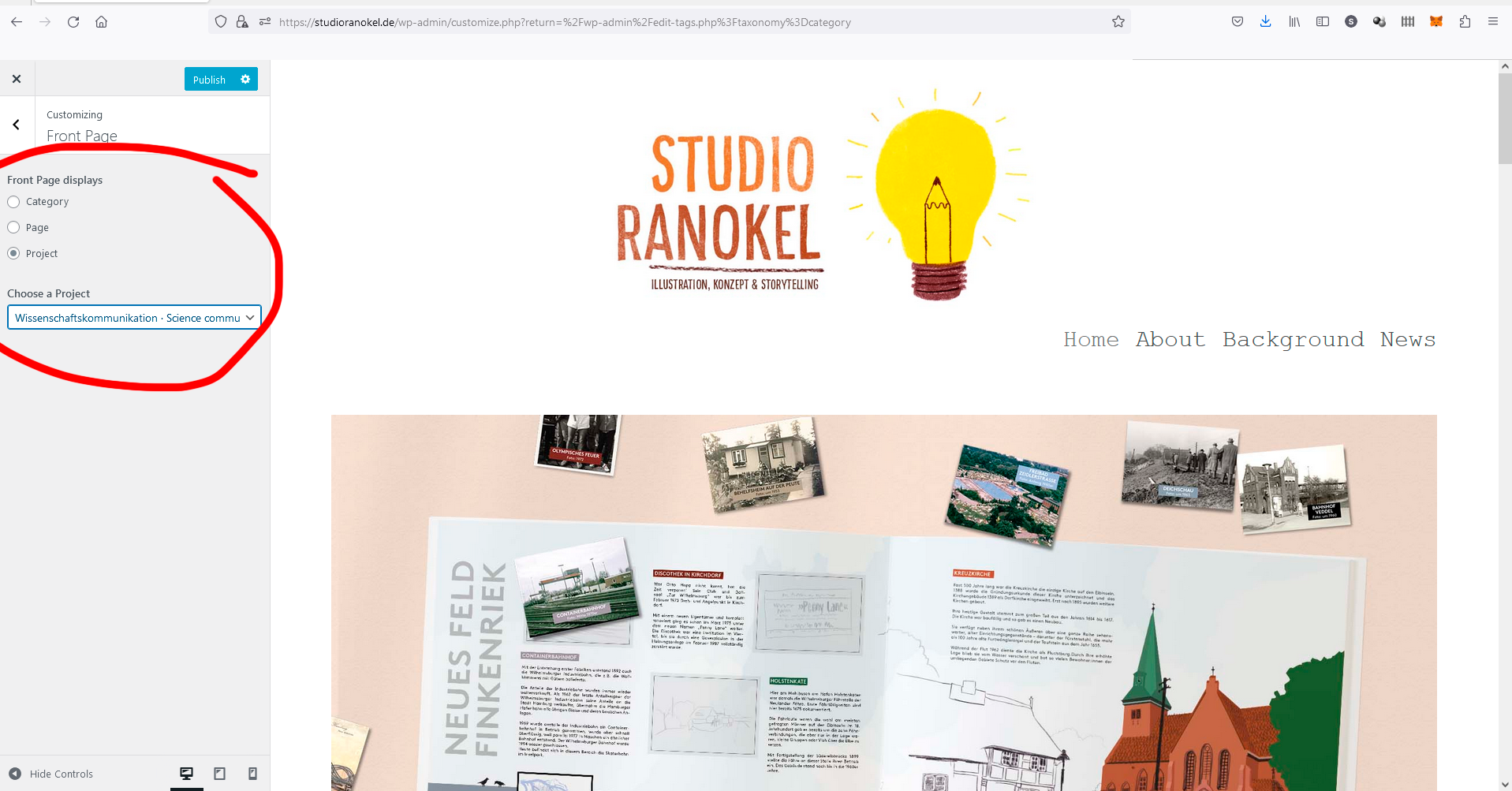
  • Front Page blank

    5
    0 Votes
    5 Posts
    263 Views
    arminunruhA
    u have more errors: [image: 1671791967227-screenshot-2022-12-23-at-11.39.12-resized.png] see just like open your javascript console: command + shift + i in chrome and then click "console" as long as you put javascript into ur website that produces errors this wont work i think
  • Collapsed Row + Loading Animation = ?

    3
    0 Votes
    3 Posts
    263 Views
    fabiandraxlF
    @arminunruh Cool, thank you for getting into this. :P

For paid 1-on-1 Lay Theme Coaching, contact Audrey (audrey@cyberslayers.work) or me (info@laytheme.com).

We also code custom websites or bespoke Lay features. Drop me a line at info@laytheme.com or check out my work at arminunruh.com.

Want to support my work? paypal.me/arminunruh

Before you post:
  1. When using a WordPress Cache plugin, disable it or clear your cache.
  2. Update Lay Theme and all Lay Theme Addons
  3. Disable all Plugins
  4. Go to Lay Options → Custom CSS & HTML, click "Turn Off All Custom Code", click "Save Changes"

This often solves issues you might run into

When you post:
  1. Post a link to where the problem is
  2. Does the problem happen on Chrome, Firefox, Safari or iPhone or Android?
  3. If the problem is difficult to explain, post screenshots / link to a video to explain it
Online Users
Forgot your key, lost your files, need a previous Lay Theme or Addon version? Go to www.laykeymanager.com