Skip to content

Bug Reports

Something is not working? Please provide a screenshot, your browser name and browser version and your operating system.
3.2k Topics 14.9k Posts
  • Mobile styling for carousel captions

    4
    0 Votes
    4 Posts
    400 Views
    RichardR
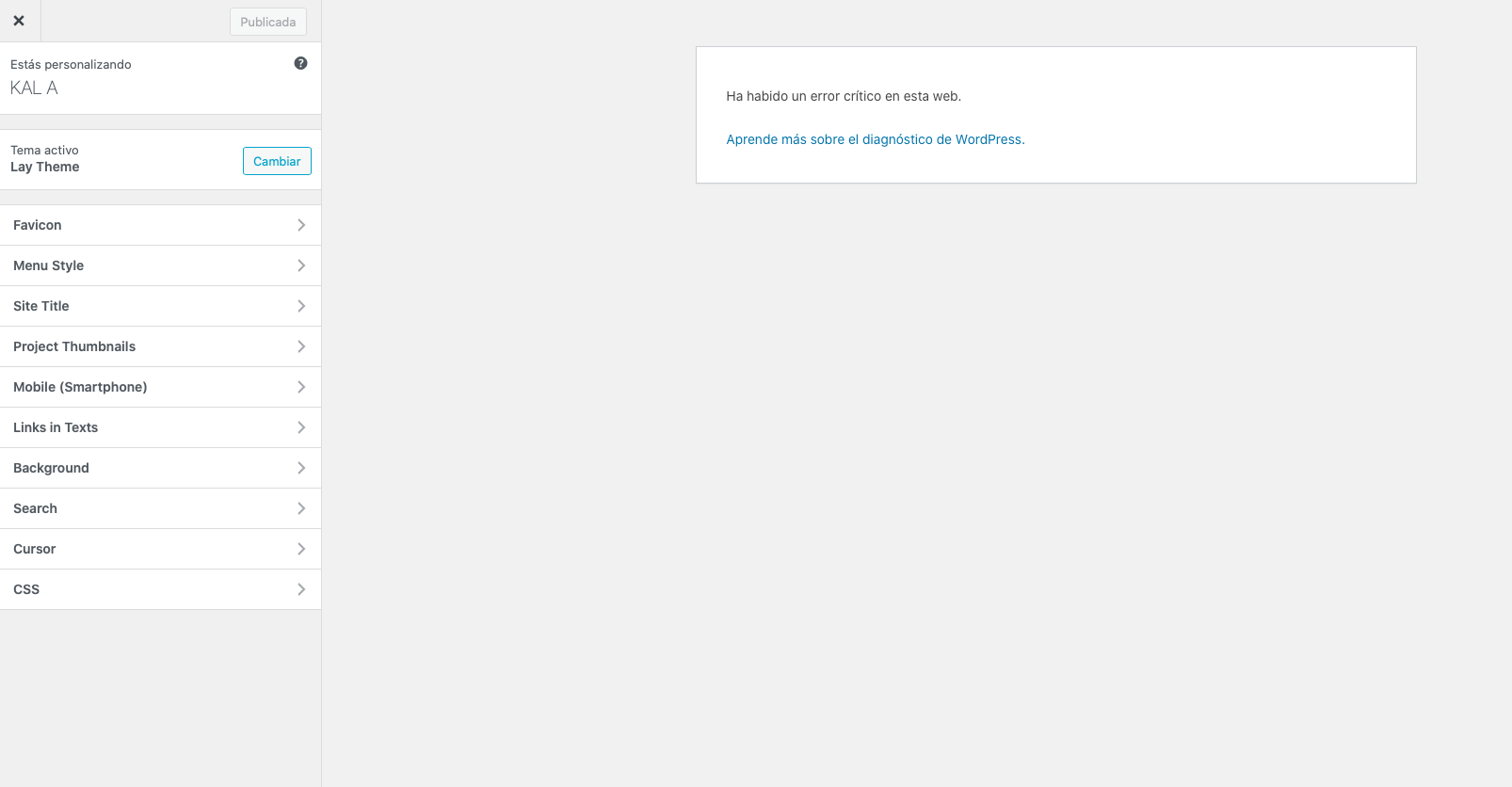
    Dear @dbdb Thanks for the message,| I'd like the spacing on the left of the mobile screen to line up with the site title. Not have such large padding on the left. If you cannot set the caption dimensions for Mobile because they are already set up for Desktop in a certain way, then the following code you can use to define the caption left padding: .lay-carousel-sink-parent .single-caption { padding-left: 25px !important; } Also... the arrow position - I'd like that to have the same left and bottom margin as the site title on mobile, as it does on desktop. You can define the left margin to be the same as your site title in > customize > Project arrows > If the arrows are set to 'center' normally and need them set to 'bottom' on mobile this would need to be custom coded, something like: .project-arrow.center { top: 90vh; -webkit-transform: translateY(-50%); -ms-transform: translateY(-50%); transform: translateY(-50%); } You can see here the class .center this is applied if set to 'center' within the project arrow settings. https://laytheme.com/documentation/custom-css-styling.html Best Richard
  • Category filter showing hidden categories

    2
    0 Votes
    2 Posts
    165 Views
    RichardR
    Dear Amadeus @schneiderbrett If the following is true: Wordpress, Lay Theme & Laytheme's Addons are all up to date ? Any custom CSS or JS that may interfere is temporarily removed. Any third-party plugins are de-activated to see if this resolves the issue. And the settings have been properly applied: [image: 1654550788313-screen-shot-2022-06-07-at-9.25.55-am-resized.png] Then this is likely a Bug and Armin will need to inspect: Please send your website address, /wp-admin/ username and password and a link to this topic to info@laytheme.com? Best wishes Richard
  • "Front Page" option missing in "Customize" Menu

    4
    0 Votes
    4 Posts
    259 Views
    RichardR
    Dear @joanaflcarneiro Have replied to your email 🌝 Best wishes Richard
  • Justified Text Button is not working?

    2
    0 Votes
    2 Posts
    67 Views
    RichardR
    Dear @FLCLNZ Just to confirm we are talking about the same thing: [image: 1653952760866-screen-shot-2022-05-31-at-11.16.16-am-resized.png] Unsure in what context of your webpage the Justified content is not working but it could just be because of the way the Gridder works. The elements get contained within their boundaries. [image: 1653952907601-screen-shot-2022-05-31-at-11.20.17-am-resized.png] Best Richard
  • gridder only appears in mobile view, but not in desktop view

    2
    0 Votes
    2 Posts
    63 Views
    RichardR
    Dear @gg Thank you for the video, I have not experienced this with other users so please make sure of the following: Wordpress, Lay Theme & Laytheme's Addons are all up to date ? Any custom CSS or JS that may interfere is temporarily removed. Any third-party plugins are de-activated to see if this resolves the issue. If using a WordPress Cache plugin, disable it or clear your cache. License key not activated - (in website blank situations or button not available) https://laytheme.com/troubleshooting.html If your WordPress Dashboard shows a warning "PHP Update required”
 Please update your PHP version in your webhost control panel. Are you using a Custom Phone Layout? Best wishes Richard
  • Thumbnail grid order puts latest post to top

    2
    0 Votes
    2 Posts
    119 Views
    RichardR
    Dear @HorstoftheFuture You can change the order of projects within the Project Thumbnail Grid: [image: 1653952266351-screen-shot-2022-05-31-at-11.09.15-am-resized.png] The 'Project Index' can be ordered by things like date & title etc Best Richard
  • white font not readable in text-field

    text textfield
    10
    0 Votes
    10 Posts
    1k Views
    RichardR
    Dear @thomasmaier Yes! 🌝 have notified Armin that the Nightmode button has a bug, thank you as well for the feedback ✅ Sincerely Richard
  • Unwanted highlighted Page

    6
    3
    0 Votes
    6 Posts
    405 Views
    RichardR
    Thank you @Markus have a wonderful day! 🏖
  • Carousel captions do not appear on smartphones

    9
    4
    0 Votes
    9 Posts
    412 Views
    RichardR
    Dear @Bottexelsensohn Sorry for the past comment, i lost my marbles a bit 🌝 Chrome: The problem is that the first caption of the carousel is displayed well at the bottom when you arrive on the site, but the captions are no longer displayed when you go down. However, when I customize the smartphone version from my computer, everything displays well in the simulation. Safari: the browser copies the 100vh function on the first slider, but when you go down, the site navigation hides and lets the image appear below. There is also the same problem as on Safari. The first caption is displayed, but when you go down the site, the captions are no longer displayed, or are hidden by the browser bar at the bottom. I am testing on Iphone 13 & 11 but maybe i need to go older, trying to recreate the Bug: [image: 1653367968014-screen-shot-2022-05-24-at-4.19.18-pm.png] [image: 1653367998188-screen-shot-2022-05-24-at-4.20.31-pm.png] Once again sorry @Bottexelsensohn if i am off the mark and need re-directing 🌻 Best Richard
  • New front page not working in Safari

    4
    0 Votes
    4 Posts
    228 Views
    RichardR
    Dear @J199 Great website. I am able to view this page in both Safari and Chrome: [image: 1653346250913-screen-shot-2022-05-24-at-10.50.06-am-resized.png] Is there a specific part that does not work? 🌝 Best Richard
  • Saving Menu downloads a php file instead of saving it

    2
    1
    0 Votes
    2 Posts
    638 Views
    RichardR
    Dear @Anha Very strange, i have not seen this before, a user on Stackoverflow registers the same problem: https://stackoverflow.com/questions/40849997/wordpress-when-trying-to-save-a-menu-item-in-wp-admin-nav-menus-php-a-download For testing i would make sure of the following 🌝 Wordpress, Lay Theme & Laytheme's Addons are all up to date ? Any custom CSS or JS that may interfere is temporarily removed. Any third-party plugins are de-activated to see if this resolves the issue. If using a WordPress Cache plugin, disable it or clear your cache. License key not activated - (in website blank situations or button not available) https://laytheme.com/troubleshooting.html If your WordPress Dashboard shows a warning "PHP Update required”
 Please update your PHP version in your webhost control panel. Talk soon Richard
  • Projects with password does not view in a Project Thumbnail Grid.

    2
    0 Votes
    2 Posts
    154 Views
    RichardR
    Dear @dnlbrv Thanks for the Bug report, i will forward this ✅ If you wish to revert to a previous version of Lay Theme feel free to email: lostfiles@laytheme.com Best Richard
  • Font: «ü» is not showing correctly in Safari

    6
    1
    0 Votes
    6 Posts
    420 Views
    RichardR
    Dear @Eeva Does the problem «ü» umlaut exist anymore on http://liviaweishaupt.ch Since then have your changed to MS Mincho. I may need to come back later if the problem is resolved for you 🌝 Best wishes Richard
  • Mobile Page Font differs from Website Font with same Font selected

    2
    0 Votes
    2 Posts
    66 Views
    RichardR
    Dear Regine @RR Currently the font being displayed is "Montserrat-Regular" , is this the wrong font? it should be 'Impact'. Currently it's set to the font 'default' in your Text format's https://laytheme.com/documentation/textformats-and-webfonts.html [image: 1652851029214-screen-shot-2022-05-18-at-5.15.42-pm.png] Are you using Custom phone layouts and the text has not been properly assigned in the Text Element? Best ✨ Richard
  • Image not displayed on mobile

    2
    0 Votes
    2 Posts
    74 Views
    RichardR
    Dear Regine @RR "where they´re not displayed." Are you having trouble with an image that 'is not' displaying or that there is an image that 'should not' be displayed. Sorry for clarification, i appreciate your description and know that we all come from different countries 🌝 Here i am testing the on a true mobile: [image: 1652850767458-screen-shot-2022-05-18-at-5.09.46-pm.png] Talk soon Regine and have a wonderful day 🌻 Richard
  • Menu not working

    9
    0 Votes
    9 Posts
    507 Views
    RichardR
    Thank you @Baliner !!! ⭐️
  • Mobile fixed text glitching on scroll

    4
    0 Votes
    4 Posts
    250 Views
    RichardR
    Dear Allie @allie-heesh I understand if you do not wish to publish your current website on the Thread. Thanks for the video as well, i am assuming the custom class fixedabout is this central text box. Likely we need to change the CSS to work better then. If you feel comfortable you can send me a message via 'chats' and we can talk there 🌼 An alternative would be to email via: licensekeys@laytheme.com I am happy to work with whatever suits you, have a wonderful day Allie. Best Richard
  • Licence key / customizer not working

    4
    0 Votes
    4 Posts
    157 Views
    RichardR
    Dear Willy @willylamers You will not be able to update Lay Theme if it is not registered. 🌝 "can I not use Lay Theme on a sub directory (joyce.willylamers.nl) with the same single licence I use on my main domain? (www.willylamers.nl)?" Your License key will store the activations based on URL address. Because a sub-domain is still a different website/address (even though it shares the parent domain) it will be considered a separate activation. You can always activate the License key on your testing/development site and then when you are ready send an email to : licensekeys@laytheme.com and get that activation removed. Another alternative is to send an email and ask for the newest version of Lay Theme and install it on your Wordpress. Hope this helps & best wishes Richard
  • Left side of the Gridder Frame not displaying correct distance

    4
    2
    0 Votes
    4 Posts
    305 Views
    RichardR
    Thanks for the update @Financial have a wonderful day & thank you for supporting Lay Theme! ⭐️
  • Category not showing gridder options

    2
    0 Votes
    2 Posts
    97 Views
    RichardR
    Dear Lisa @lisajasch Please try the following debugging steps: Wordpress, Lay Theme & Laytheme's Addons are all up to date ? Any custom CSS or JS that may interfere is temporarily removed. Any third-party plugins are de-activated to see if this resolves the issue. If using a WordPress Cache plugin, disable it or clear your cache. License key not activated - (in website blank situations or button not available) https://laytheme.com/troubleshooting.html Best 🌝 Richard

For paid 1-on-1 Lay Theme Coaching, contact Audrey (audrey@cyberslayers.work) or me (info@laytheme.com).

We also code custom websites or bespoke Lay features. Drop me a line at info@laytheme.com or check out my work at arminunruh.com.

Want to support my work? paypal.me/arminunruh

Before you post:
  1. When using a WordPress Cache plugin, disable it or clear your cache.
  2. Update Lay Theme and all Lay Theme Addons
  3. Disable all Plugins
  4. Go to Lay Options → Custom CSS & HTML, click "Turn Off All Custom Code", click "Save Changes"

This often solves issues you might run into

When you post:
  1. Post a link to where the problem is
  2. Does the problem happen on Chrome, Firefox, Safari or iPhone or Android?
  3. If the problem is difficult to explain, post screenshots / link to a video to explain it
Online Users
Forgot your key, lost your files, need a previous Lay Theme or Addon version? Go to www.laykeymanager.com