Skip to content

Bug Reports

Something is not working? Please provide a screenshot, your browser name and browser version and your operating system.
3.1k Topics 14.4k Posts
  • Showing Play Button when device/user deactivates Autoplay

    3
    0 Votes
    3 Posts
    123 Views
    J
    Hi Richard Ok, I see. Thanks for letting me know. I will look into it. Best, Jahn
  • Carousel images not appearing in Firefox

    7
    0 Votes
    7 Posts
    191 Views
    L
    @arminunruh thank you!
  • Font is cut

    5
    3
    0 Votes
    5 Posts
    91 Views
    RichardR
    Dear Sirkka @Sirkka-Ammann Great! :) Happy to hear is working now and you can continue with your project. Have a wonderful day :) Richard
  • Categoryfilter "All" not working

    3
    2
    0 Votes
    3 Posts
    151 Views
    arminunruhA
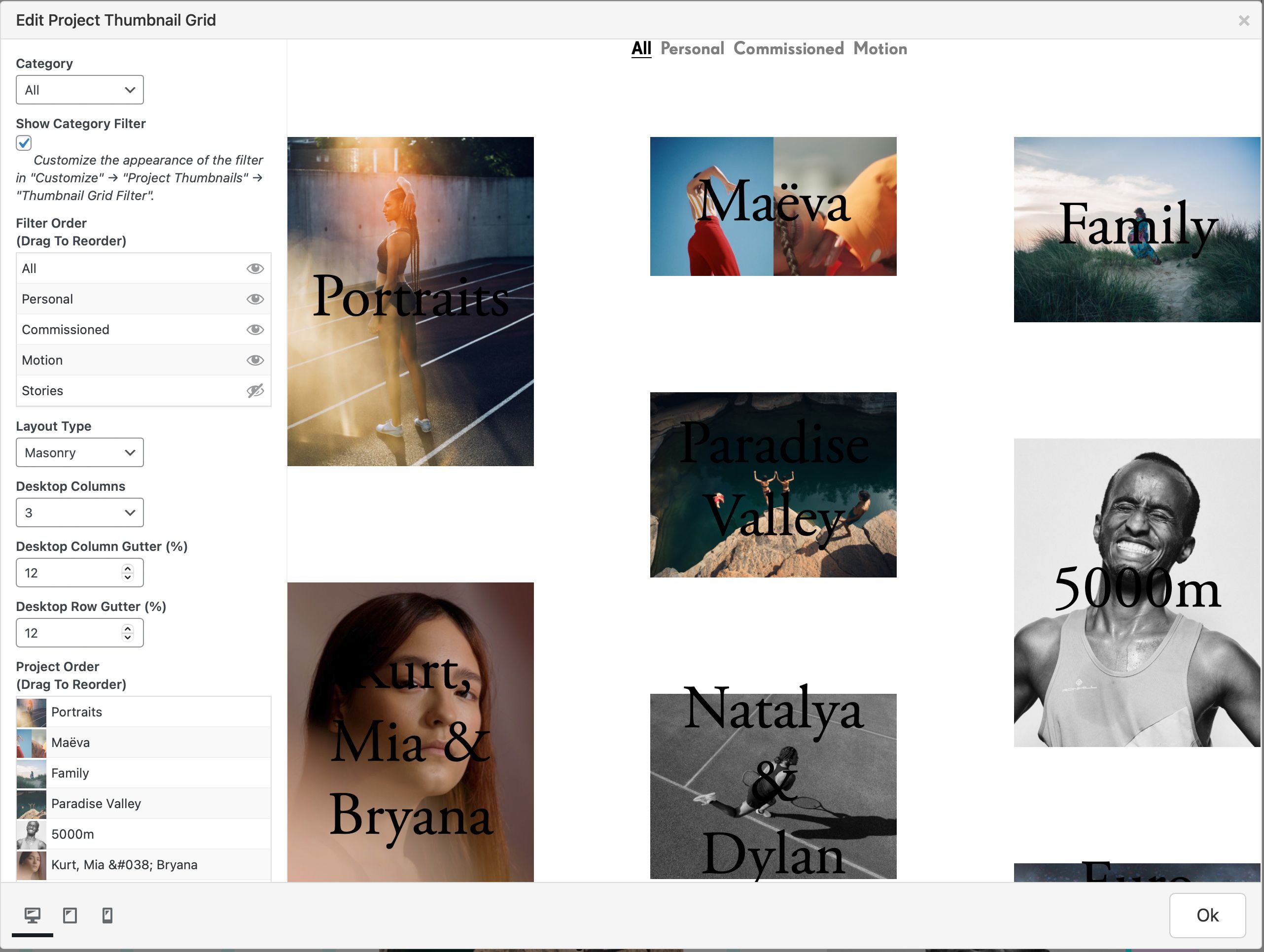
    can you send your website address, /wp-admin/ username and password and a link to this topic to info@laytheme.com?
  • 0 Votes
    4 Posts
    108 Views
    arminunruhA
    This seems to be a current bug with WordPress and will likely be fixed when the next version of WordPress is released: https://www.searchenginejournal.com/wordpress-5-6-1-bug/395653/#close
  • Cookies notice banner not working

    4
    0 Votes
    4 Posts
    398 Views
    RichardR
    Dear Janina @Janina I agree :) And i think in the future this is a good idea like you have stated, i do apologise for the inconvenience while 'hunting' for correct third party plugins. I am adding it to the development notes for future Lay Theme discussion. Good luck with the cookies and have a wonderful day :) Richard
  • Caption Space Top does not work after carousel update

    6
    2
    0 Votes
    6 Posts
    112 Views
    RichardR
    Dear @sebastianjehl No worries! :) Best of luck with the rest of your project & thanks for using Lay Theme!! Sincerely Richard
  • Media doesn't upload 'Failed to write file to disk'

    2
    1
    0 Votes
    2 Posts
    64 Views
    RichardR
    Dear @LevivanGelder Yes this is a tricky one, knowing which area - Wordpress , Lay Theme or Hosting provider is the issue. The thing is that you had no problem uploading the first 50 images, which makes me think its database related not 'Theme' Function related - However As some first steps of debugging to make sure before proceeding: Wordpress, Lay Theme & Laytheme's Addons are all up to date ? Any Custom CSS or JS that may interfere is temporarily removed. Any third-party plugins de-activated to see if this resolves the issue. If using a WordPress Cache plugin, disable it or clear your cache. License key not activated - (in website blank situations or button not available) If your WordPress Dashboard shows a warning "PHP Update required" please update your PHP version in your webhost control panel. Additionally please take a look at https://laytheme.com/troubleshooting.html for known problems. Also just to make sure go to - Admin bar > settings > Media nothing odd is going on in there? If possible could you post a link to your website - maybe something in the front-end console shows some obvious red flags! :) Talk soon & best wishes Richard
  • Project thumbnail titles not showing on mobile

    2
    1
    0 Votes
    2 Posts
    59 Views
    RichardR
    Dear Eddie @eddieperrote When viewing the Website on a Laptop/desktop computer (but small) to activate Mobile layout i can see your Project Thumbnails on hover. The problem is that a 'hover' state doesn't exist on mobile devices. Mobiles dont really have a 'mouse' so the browser cant be triggered when 'hovering' - Tapping or clicking registers on a mobile so design choices should be made for that. On Mobile i would suggest that the Project Thumbnails are visible without any user action to avoid any problems. Hope this helps & have a wonderful day :) Richard
  • favicon issue - old favicon/new favicon swap on pages

    3
    0 Votes
    3 Posts
    100 Views
    S
    @Richard-K said in favicon issue - old favicon/new favicon swap on pages: No question that the old favicon is being loaded on the 'void' page - In the <head> code its there. Very Unlikely a Cache problem if its happening for me as well. Thanks, will find a solution, it is good to know that is not a Laytheme-related issue :)
  • Menu bug option on phone formats

    2
    0 Votes
    2 Posts
    39 Views
    RichardR
    Dear @chloeval To be sure before proceeding if you could please make sure on the following points :) Wordpress, Lay Theme & Laytheme's Addons are all up to date ? Any Custom CSS or JS that may interfere is temporarily removed. Any third-party plugins de-activated to see if this resolves the issue. If using a WordPress Cache plugin, disable it or clear your cache. License key not activated - (in website blank situations or button not available) If your WordPress Dashboard shows a warning "PHP Update required" please update your PHP version in your webhost control panel. Do any of these apply to you, or remedy the problem? Talk soon & best wishes Richard
  • This topic is deleted!

    1
    0 Votes
    1 Posts
    6 Views
    No one has replied
  • Website doesn't change scale when viewed on a smaller screen/desktop

    3
    0 Votes
    3 Posts
    114 Views
    E
    @Richard-K Thanks a lot!
  • 'display: none' not working on mobile

    6
    0 Votes
    6 Posts
    554 Views
    RichardR
    Dear Duncan @DMB To really 'remove' it you can use a simple line of jQuery where you target and then replace with ' ' ( nothing ) https://stackoverflow.com/questions/9405689/how-to-remove-css-property-in-jquery/9405718 Hope this helps you in the right direction :) Best Wishes Richard
  • Fullscreen Slider horizontal is not working at all - shows blank page

    4
    2
    0 Votes
    4 Posts
    103 Views
    RichardR
    Dear @ag No worries :) Just happy its working again and you can continue with your project! Have a wonderful day Richard
  • private projects not possible to add as project thumbnail

    2
    0 Votes
    2 Posts
    69 Views
    RichardR
    Dear Manuel @justfunk The main purpose of Private/Public is the Visibility, so its functioning how it should. A work around if you want to get them in to the Grid: When you have the projects in 'Public' they can be added to the Thumbnail Grid and the data is there, then you can make them 'Private' afterwards and they will be hidden from view, but they will still be there - Just Hidden, setting the project back to Public will make them visible again within the Thumbnail Grid. Hope this helps & have a wonderful day :) Richard
  • HTML5 Play/Pause hover won't work correctly in Element Grid

    6
    0 Votes
    6 Posts
    254 Views
    B
    @borbold https://bloqmagazin.de/#team thats the clickable videos that I originally wanted to play on hover
  • Smart Slider 3 Plugin

    slider gallery thumbnail
    2
    1
    0 Votes
    2 Posts
    223 Views
    RichardR
    Dear @Jacquelinevo As a first step i must ask :) Are you inserting the code via '+more - Shortcode' ? [image: 1614137163186-screen-shot-2021-02-24-at-4.25.27-pm-resized.png] Also are you able to post a link to the page in question? Talk soon & have a wonderful day! Richard
  • Anchor tag issue in navigation

    6
    0 Votes
    6 Posts
    247 Views
    L
    Thanks for the info @Richard-K…cant wait for the follow up (:
  • Carousel is not working with Chrome

    2
    0 Votes
    2 Posts
    95 Views
    RichardR
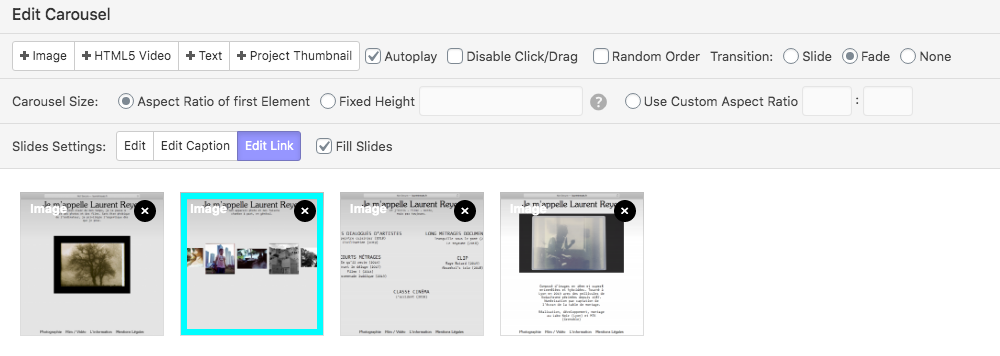
    Dear @Sunnyi In your Console readout, Both the Images and fonts are being blocked by a HTTPS request, as a first step could i ask you to check 'check' or 'uncheck' the : 'Disable AJAX/compatibility mode in 'Lay Options' & let me know if anything changes? Talk soon & have a wonderful day :) Richard

I also code custom websites or custom Lay features.
💿 Email me here: 💿
info@laytheme.com

Our Web Development company: 100k.studio

Want to tip me? https://www.paypal.com/paypalme/arminunruh

Before you post:
  1. When using a WordPress Cache plugin, disable it or clear your cache.
  2. Update Lay Theme and all Lay Theme Addons
  3. Disable all Plugins
  4. Go to Lay Options → Custom CSS & HTML, click "Turn Off All Custom Code", click "Save Changes"

This often solves issues you might run into

When you post:
  1. Post a link to where the problem is
  2. Does the problem happen on Chrome, Firefox, Safari or iPhone or Android?
  3. If the problem is difficult to explain, post screenshots / link to a video to explain it
Online Users
Forgot your key, lost your files, need a previous Lay Theme or Addon version? Go to www.laykeymanager.com