Skip to content

Bug Reports

Something is not working? Please provide a screenshot, your browser name and browser version and your operating system.
3.1k Topics 14.4k Posts
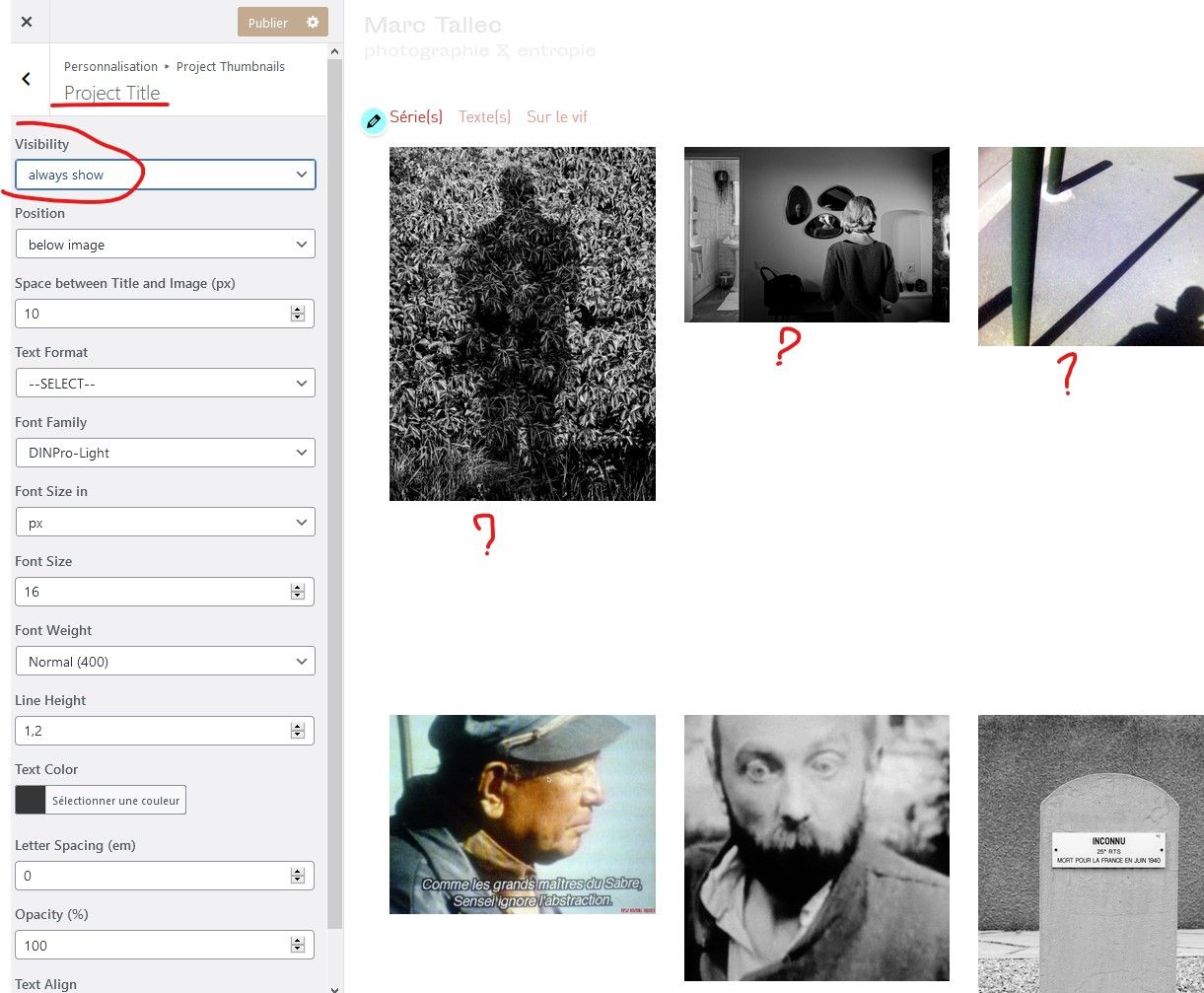
  • pictures not loading, project thumbnail scale is off

    4
    1
    0 Votes
    4 Posts
    128 Views
    arminunruhA
    hey so the issue was the plugin "Post and Page Builder" was active. this makes lay theme's grid not show up correctly
  • Mobile Menu won't open with Firefox and Instagram-Browser

    8
    1 Votes
    8 Posts
    113 Views
    A
    Hello Richard and Armin, everything works now, thanks for the superb support! Merry Christmas! Best Alex
  • Added font does not display

    4
    1
    0 Votes
    4 Posts
    223 Views
    RichardR
    Dear @rioma7 Hard to know without a better inspection, if the problem still persists maybe you could send me a private message via chats with your website address, /wp-admin/ username and password and a link to this topic: (note: don't share private information in thread :) Just to be sure: Wordpress, Lay Theme & Laytheme's Addons are all up to date? Any Custom CSS or JS that may interfere is temporarily removed. And third-party plugins de-activated to see if this resolves the issue. Best Richard
  • Different scale between laptops

    2
    3
    0 Votes
    2 Posts
    91 Views
    RichardR
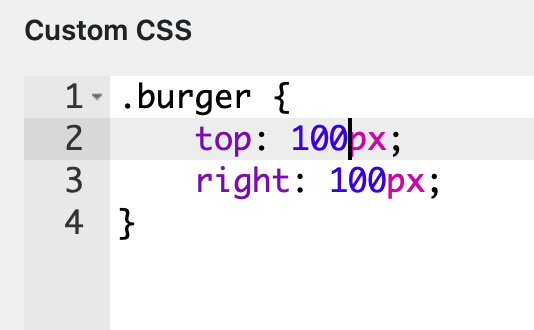
    Dear @EvaAnna It could be to do with you using 'px' pixels for your 'font-size' settings, on different machines/screen this can be affected. In text formats changing to a 'font-size: % ' may have some results: [image: 1607403179444-screen-shot-2020-12-08-at-5.52.04-pm-resized.png] Further you could force them with Custom CSS and set font-size: to 'em' or "rem' https://www.w3schools.com/cssref/css_units.asp Hope this helps @EvaAnna, website looks awesome BTW :) Best Richard
  • Password protection not working + website description not working

    2
    0 Votes
    2 Posts
    84 Views
    RichardR
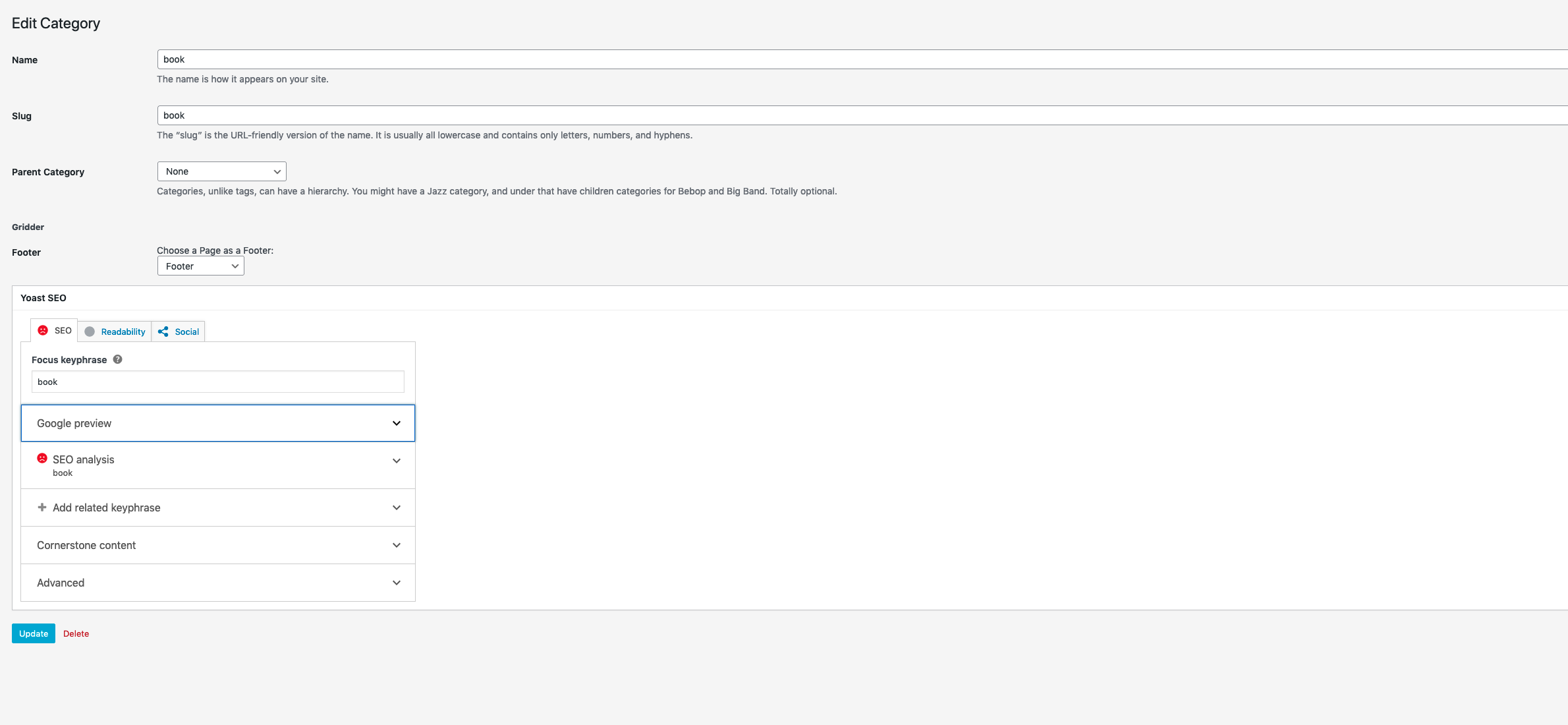
    Dear @MarieP When you temporarily de-activate Yoast do the the problems go away? Wordpress, Lay Theme & Laytheme's Addons are all up to date? Any Custom CSS or JS that may interfere is temporarily removed. And third-party plugins de-activated to see if this resolves the issue. Regarding Yoast and meta tag: http://laythemeforum.com:4567/topic/1883/meta-website-description-doesn-t-work/9 Best wishes Marie Richard
  • This topic is deleted!

    23
    2 Votes
    23 Posts
    167 Views
  • This topic is deleted!

    1
    0 Votes
    1 Posts
    1 Views
    No one has replied
  • This topic is deleted!

    1
    0 Votes
    1 Posts
    3 Views
    No one has replied
  • Bugs in Firefox

    10
    0 Votes
    10 Posts
    339 Views
    E
    @arminunruh It probably suckst to hear a thousand times that there's a bug. So here comes some positive feedbackt: Thank you for your great support! The page running again :)
  • 3.5.7 - no images visible - firefox

    4
    0 Votes
    4 Posts
    69 Views
    arminunruhA
    if you update lay theme now, it should work again big sorry everybody, this was a very small bug that caused huge other bugs. sorry for overlooking this, cross browser compatibility can sometimes be really surprising and upredictable
  • Website "not secure" after plugin update

    4
    0 Votes
    4 Posts
    69 Views
    RichardR
    Dear @elainechen Great to hear! awesome, thanks for coming back and updating :) Have a lovely day and best wishes Richard
  • Carousel - Vertical Line visible.

    2
    2
    0 Votes
    2 Posts
    90 Views
    RichardR
    Dear @030_j Hi, i can see the issue however if could post a link to your website i will try to take a better look :) Additionally just to be sure: Wordpress, Lay Theme & Laytheme's Addons are all up to date? Any Custom CSS or JS that may interfere is temporarily removed. And third-party plugins de-activated to see if this resolves the issue. Let me know and have a wonderful day Best Richard
  • Souncloud player not updating on project pages (Firefox)

    5
    0 Votes
    5 Posts
    158 Views
    RichardR
    Dear @billykioso Awesome, thank you so much for updating! Hope all goes well from here on with the Soundcloud on Firefox Best Wishes Richard
  • This topic is deleted!

    1
    0 Votes
    1 Posts
    1 Views
    No one has replied
  • Customizer does not load / shows only the menu

    6
    1
    0 Votes
    6 Posts
    142 Views
    F
    @vitamin_____l Could you tell us how you solved it? Thanks in advance.
  • Background video

    4
    0 Votes
    4 Posts
    104 Views
    RichardR
    Dear @alliima Awesome! thanks for following up :) Have a great day & best wishes Richard
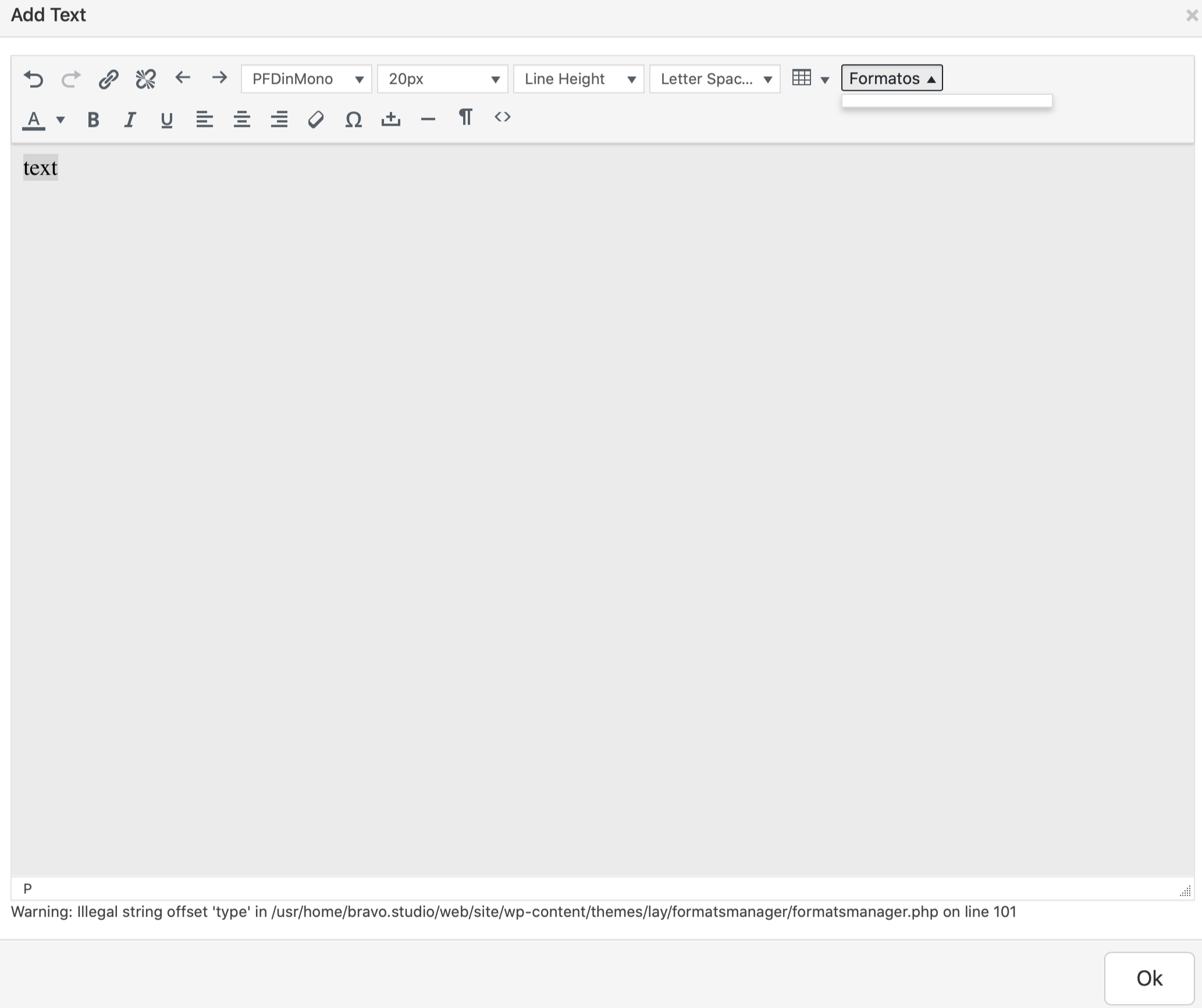
  • Text formats not working

    13
    0 Votes
    13 Posts
    616 Views
    RichardR
    Dear @leoncov Great to hear, thanks for following up :) Have a wonderful day Léon, & best wishes Richard
  • This topic is deleted!

    1
    0 Votes
    1 Posts
    1 Views
    No one has replied
  • Images not shown since updated Laytheme

    4
    0 Votes
    4 Posts
    135 Views
    RichardR
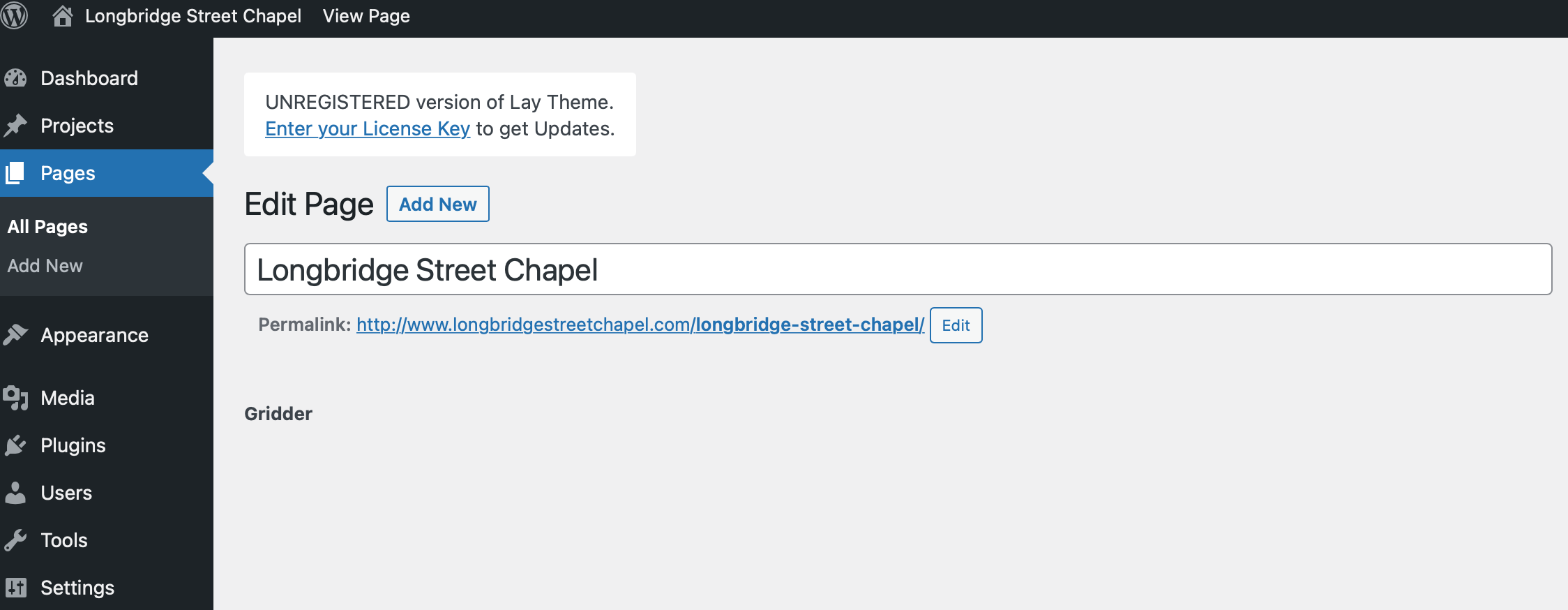
    Dear @Anha Could you take a screenshot of your backend- The Gridder? What happens if you upload a new image into the Media Library and place it in the grid? Is Lay Theme, Wordpress & Lay Theme's Addons all up to date? Do you have any custom code that may interfere? Do you have any Third-party Plugins that when temporarily de-activated, resolve the issue https://laytheme.com/troubleshooting.html Best wishes :) Richard
  • Strange favicon since worpress update

    8
    0 Votes
    8 Posts
    327 Views
    RichardR
    Dear @zubairkhan Thats really kind, thank you for providing the solution/conclusion to the thread for others! :) Best wishes and have a wonderful day Sincerely Rich

I also code custom websites or custom Lay features.
💿 Email me here: 💿
info@laytheme.com

Our Web Development company: 100k.studio

Want to tip me? https://www.paypal.com/paypalme/arminunruh

Before you post:
  1. When using a WordPress Cache plugin, disable it or clear your cache.
  2. Update Lay Theme and all Lay Theme Addons
  3. Disable all Plugins
  4. Go to Lay Options → Custom CSS & HTML, click "Turn Off All Custom Code", click "Save Changes"

This often solves issues you might run into

When you post:
  1. Post a link to where the problem is
  2. Does the problem happen on Chrome, Firefox, Safari or iPhone or Android?
  3. If the problem is difficult to explain, post screenshots / link to a video to explain it
Online Users
Forgot your key, lost your files, need a previous Lay Theme or Addon version? Go to www.laykeymanager.com