Skip to content

Bug Reports

Something is not working? Please provide a screenshot, your browser name and browser version and your operating system.
3.0k Topics 14.2k Posts
  • Lay Theme Carousel crashing my website

    12
    1
    0 Votes
    12 Posts
    419 Views
    E
    Thank you!
  • The last typographic line disappears in the browser

    4
    2
    0 Votes
    4 Posts
    104 Views
    M
    Thank you so much! It was indeed 'Activate on Scroll Element Transitions.' I changed the Offset Desktop to 50, and everything is working perfectly again. In my opinion, it even looks better. The issue was probably due to the fact that the footer followed shortly after, causing that section to load... (Sorry, I didn’t want to include the link yet because it’s a new project that hasn’t been made official.) Thanks for your help!!
  • sticky in footers

    4
    0 Votes
    4 Posts
    146 Views
    arminunruhA
    i see i have this code in lay theme: #footer-region { overflow: hidden; } Any containers that position sticky is in can't have overflow hidden otherwise position: sticky; doesn't work. This is not a constraint of Lay Theme but this is simply a constraint of CSS and HTML in general. Could you please use this custom CSS, and I'll remove this code above from Lay Theme with the next update. #footer-region { overflow: visible!important; } Enter this css in "lay options" -> "custom css & html" -> "custom css"
  • Woo commerce Product Attributes and phone carousel missing

    5
    0 Votes
    5 Posts
    134 Views
    arminunruhA
    Hey, are you sure you're using the latest version of Lay Theme? So basically, for product pages on mobile, we always had a carousel. There was no way to not have a carousel there. that was the default, and there was no setting to have it any other way. Now you do have a setting to just have the images on top of each other in customize > woo commerce > single product page. To me, it seems like you didn't activate the option that I told you about in my second answer post here: http://laythemeforum.com/topic/10972/woo-commerce-product-attributes-and-phone-carousel-missing/2 Another issue might be that you have a caching plugin and it's cached some things, so it doesn't work. When I look at your page, I see on desktop you have no carousel and on mobile you have a carousel. Well, I'm not even sure if I understand the issue cause u said: On the phone layout, I use to have a carousel to display product images but now it doesn't work anymore and only display one picture. You do have a carousel on mobile, so I'm not sure if I understand what the problem is.
  • Place Freely option gone

    5
    0 Votes
    5 Posts
    93 Views
    arminunruhA
    Oh hey, sorry about this. This was fixed a few days ago with a recent update. Place freely setting will be disabled for text elements for now though.
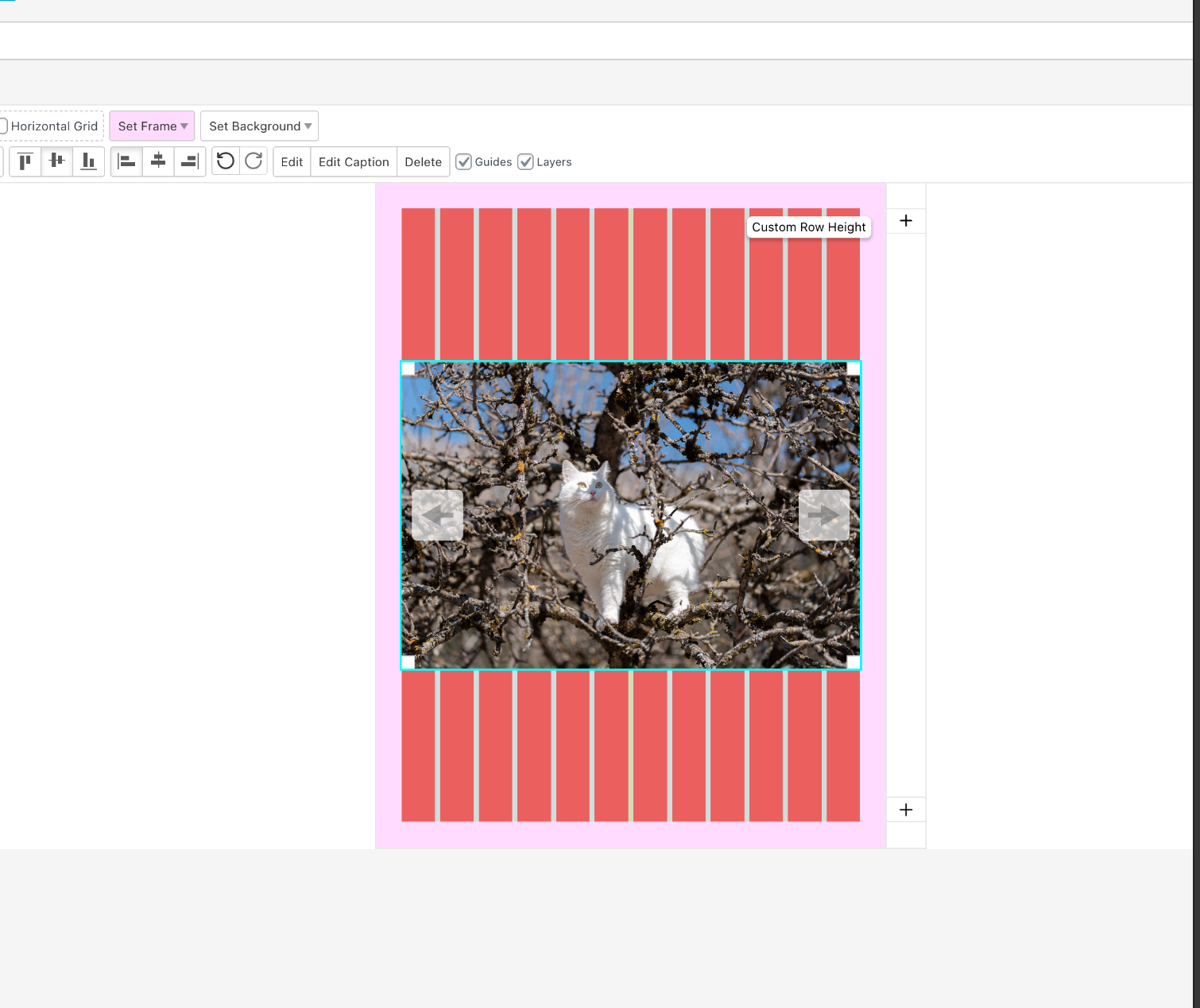
  • Layout Issue – Row Image Background with a Custom Row Height

    3
    0 Votes
    3 Posts
    83 Views
    arminunruhA
    The changes that I'm making have interfered with your website working correctly a few times now. Maybe it's easier if you don't update Lay Theme for now and just like Disable auto updating. If there are some Lay Theme updates you can read through the update texts on laytheme.com version info. And then you can decide if any of the new changes are things that you really need for your website and only update then.
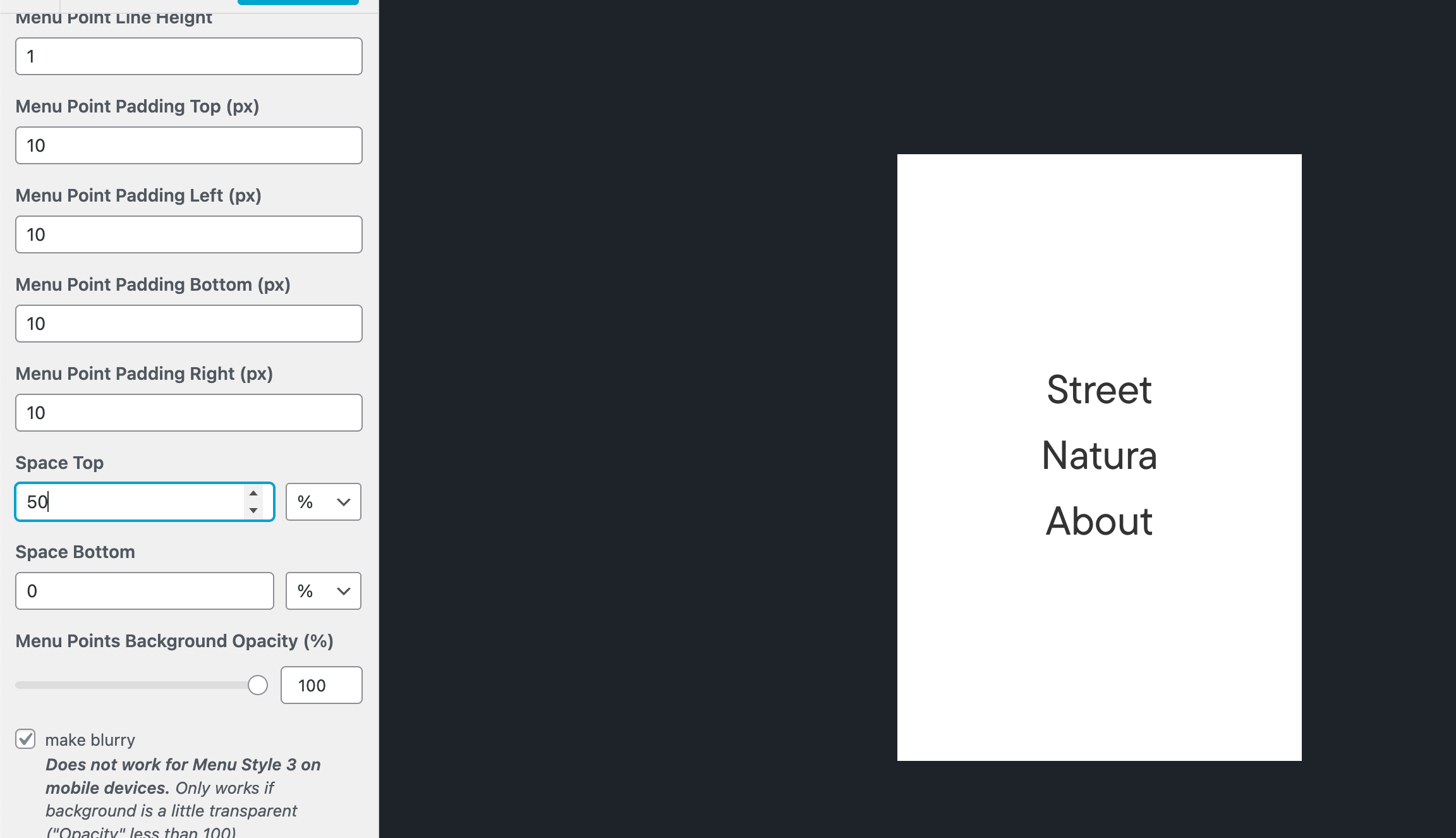
  • new sidebar context menu does not take values between 0-1

    2
    0 Votes
    2 Posts
    58 Views
    arminunruhA
    Oh Yeah, will be fixed with the next update.
  • thumbnail Videos are not displayed on the mobile Version

    3
    0 Votes
    3 Posts
    91 Views
    arminunruhA
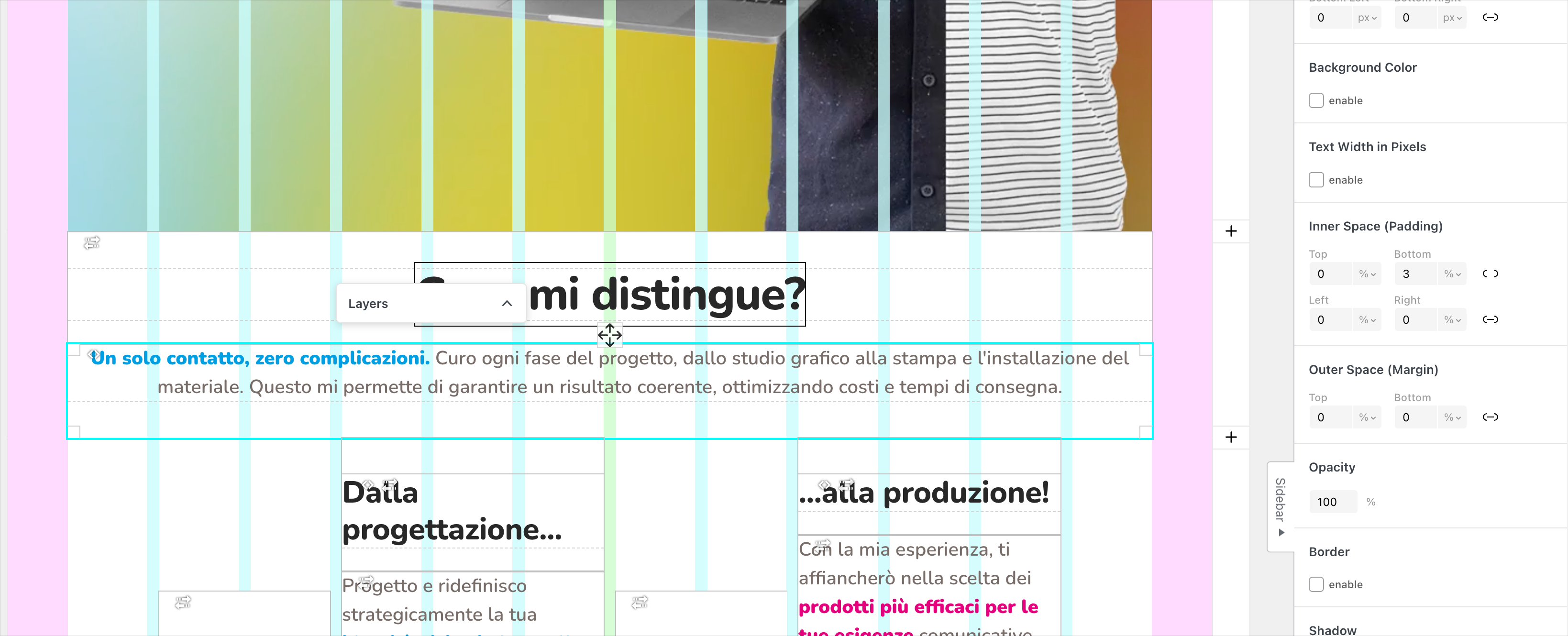
    [image: 1746957674278-screenshot-2025-05-11-at-12.01.10.png] Just as a side note, it seems that one of your rows has a background of... set as its background image. [image: 1746957707929-screenshot-2025-05-11-at-12.01.44-resized.png] I'm not sure where this is coming from. I also see you have some JavaScripts here. [image: 1746957783257-screenshot-2025-05-11-at-12.02.59-resized.png] Somehow it seems to be inside the Project Overlay Background div. I'm not sure if this is the correct place to put this JavaScript. Usually, it's a good idea to put your JavaScript in Lay Options → Custom CSS, and HTML. You may want to bind your init video hover effects function to: window.laytheme.on("newpageshown": https://laytheme.com/documentation/custom-javascript.html#newpage-events You could also try the steps in the blue box to the right and disable your custom code to see if that changes anything about your video is not showing up correctly.
  • Project-thumbnails and site don't work (not loading anymore)

    2
    0 Votes
    2 Posts
    58 Views
    arminunruhA
    Hey, can you disable your caching plugin? I'm 99% sure it's because of that. Please always do the steps in the blue box to the right that says "before you post" In case something like that happens. Also make sure to use the latest Lay Theme version and the latest Lay Theme plugin versions.
  • smooth Page transitions doesn't change body classes

    3
    0 Votes
    3 Posts
    81 Views
    arminunruhA
    I just tried, and for me, the classes I mentioned above do change.
  • Gridder is gone – Version: 8.6.5

    4
    0 Votes
    4 Posts
    77 Views
    arminunruhA
    we were able to fix it, there was a bug in the gridder
  • Overlay content loading strangely after update

    3
    0 Votes
    3 Posts
    102 Views
    arminunruhA
    ah interesting! i will fix this later today probably, thanks for the heads up
  • Menu pops up when deleting something

    4
    1
    0 Votes
    4 Posts
    99 Views
    D
    Thanks for the quick update!
  • 0 Votes
    6 Posts
    254 Views
    J
    Yes maybe :) Thanks!
  • broken transition on a page

    3
    0 Votes
    3 Posts
    106 Views
    C
    ohw okay didn't see it sorry
  • Anchor conflit

    5
    0 Votes
    5 Posts
    132 Views
    arminunruhA
    did that also fix the other issue you had? with wrong rows collapsing / expanding?
  • Images not working after update

    7
    0 Votes
    7 Posts
    146 Views
    arminunruhA
    can you send your website address, /wp-admin/ username and password and a link to this topic to info@laytheme.com?
  • website not working after upgrade www.gigicifali.com

    4
    0 Votes
    4 Posts
    107 Views
    arminunruhA
    hey the website shows up for me now https://www.gigicifali.com/
  • 0 Votes
    6 Posts
    135 Views
    W
    Thank you so much—worked out perfectly!
  • when overlay is opened disabled scrolling not working

    4
    0 Votes
    4 Posts
    55 Views
    arminunruhA
    should be fixed now

I also code custom websites or custom Lay features.
💿 Email me here: 💿
info@laytheme.com

Our Web Development company: 100k.studio

Want to tip me? https://www.paypal.com/paypalme/arminunruh

Before you post:
  1. When using a WordPress Cache plugin, disable it or clear your cache.
  2. Update Lay Theme and all Lay Theme Addons
  3. Disable all Plugins
  4. Go to Lay Options → Custom CSS & HTML, click "Turn Off All Custom Code", click "Save Changes"

This often solves issues you might run into

When you post:
  1. Post a link to where the problem is
  2. Does the problem happen on Chrome, Firefox, Safari or iPhone or Android?
  3. If the problem is difficult to explain, post screenshots / link to a video to explain it
Forgot your key, lost your files, need a previous Lay Theme or Addon version? Go to www.laykeymanager.com