Skip to content

General Discussion

A place to talk about anything Lay Theme related
5.0k Topics 21.6k Posts
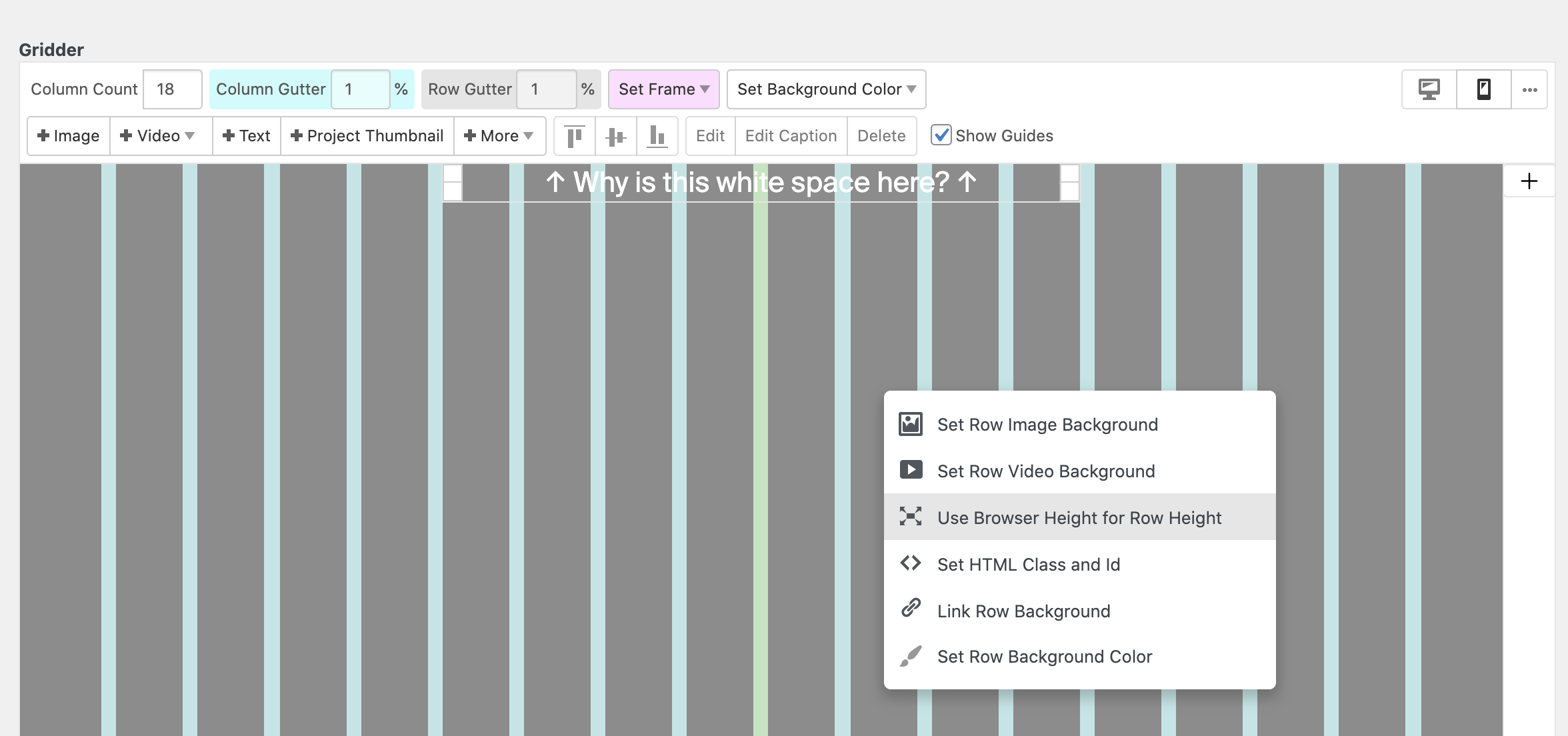
  • White space above site content I can't get rid of…

    4
    1
    0 Votes
    4 Posts
    376 Views
    RichardR
    Awesome Felix 💥Thank you @ffinger
  • Project Thumbnail links don't work

    projectlink thumbnail link
    7
    0 Votes
    7 Posts
    1k Views
    RichardR
    Dear Henriette @henriettebrueck Ah, interesting, I wondered why we had different results. Thanks for the update, did you find a solution for the .com version? Best wishes ✨ Richard
  • Highlight active Anchor scroll menu point

    10
    0 Votes
    10 Posts
    2k Views
    RichardR
    Dear Lorenzo @lorenzomala Javascript or jQuery must first be placed inside a "newpage event" when adding to Lay Theme https://laytheme.com/documentation.html#custom-javascript Newpage Events Because your Lay Theme website is a "Single Page" JavaScript application you cannot just use jQuery(document).ready(…) to execute your js because the ready event only fires once when the website loads the first time. Since Lay Theme 1.056 you can use a JavaScript event to execute your own JavaScript whenever a project, page or category is visited. The event is called "newpageshown". It will trigger when a new project, page or category has rendered. window.laytheme.on("newpageshown", function(layoutObj, type, obj){ // your code would go here }); layoutObj is a an empty object. This used to contain the - layout's JSON, but was deprecated. type can be either "project", "page" or "category". obj is WordPress' post, page or term object. These objects contain general information like ids and slugs. Any jQuery '$' symbols must be written in full "jQuery" e.g $(addClass); becomes jQuery(addClass); Custom Code is most likely to be placed in "Custom <head> Content" in > Lay Options > Custom CSS & HTML > Best wishes Lorenzo & have a great day 🏖 Richard

  • Portrait Format Videos getting cropped

    10
    2
    0 Votes
    10 Posts
    1k Views
    RichardR
    @thomasmaier Thank you for posting, will keep this information for the future. 🕰 Best wishes Richard
  • HTML5 Video go back to first frame when it ends?

    2
    0 Votes
    2 Posts
    4k Views
    RichardR
    Dear @baferti I assume this is not for a Looping effect? The following solution worked for me: https://stackoverflow.com/questions/8132890/make-html5-video-go-to-first-frame-when-it-ends The <video> element must be targeted in the code below. Here getElementById looks for the element with the id "video" (i have added it myself for testing) [image: 1634780481540-screen-shot-2021-10-21-at-2.40.34-pm-resized.png] var video = document.getElementById('video') // When the 'ended' event fires video.addEventListener('ended', function(){ // Reset the video to 0 video.currentTime = 0; // And pause ready for video.pause(); }); Video is set back to 0:00 timing. Getting it to work with your particular design will be up to you, but i hope this helps! Best wishes & have a wonderful day 🏖 Richard
  • New Features Added

    1
    0 Votes
    1 Posts
    113 Views
    No one has replied
  • Full Screen Slider swipe speed

    1
    0 Votes
    1 Posts
    163 Views
    No one has replied
  • Hide top menu

    6
    0 Votes
    6 Posts
    537 Views
    RichardR
    Dear @GAP The Burger menu for all Layouts is in the notes for future discussion. Custom coding or using the Mobile layout is the only way currently. You may also wish to look into "accordions" many users on the forum have integrated them before. This way the menu would open out into many listed menu points. https://www.w3schools.com/howto/howto_js_accordion.asp Best wishes Richard
  • Website loads slowly

    3
    0 Votes
    3 Posts
    127 Views
    F
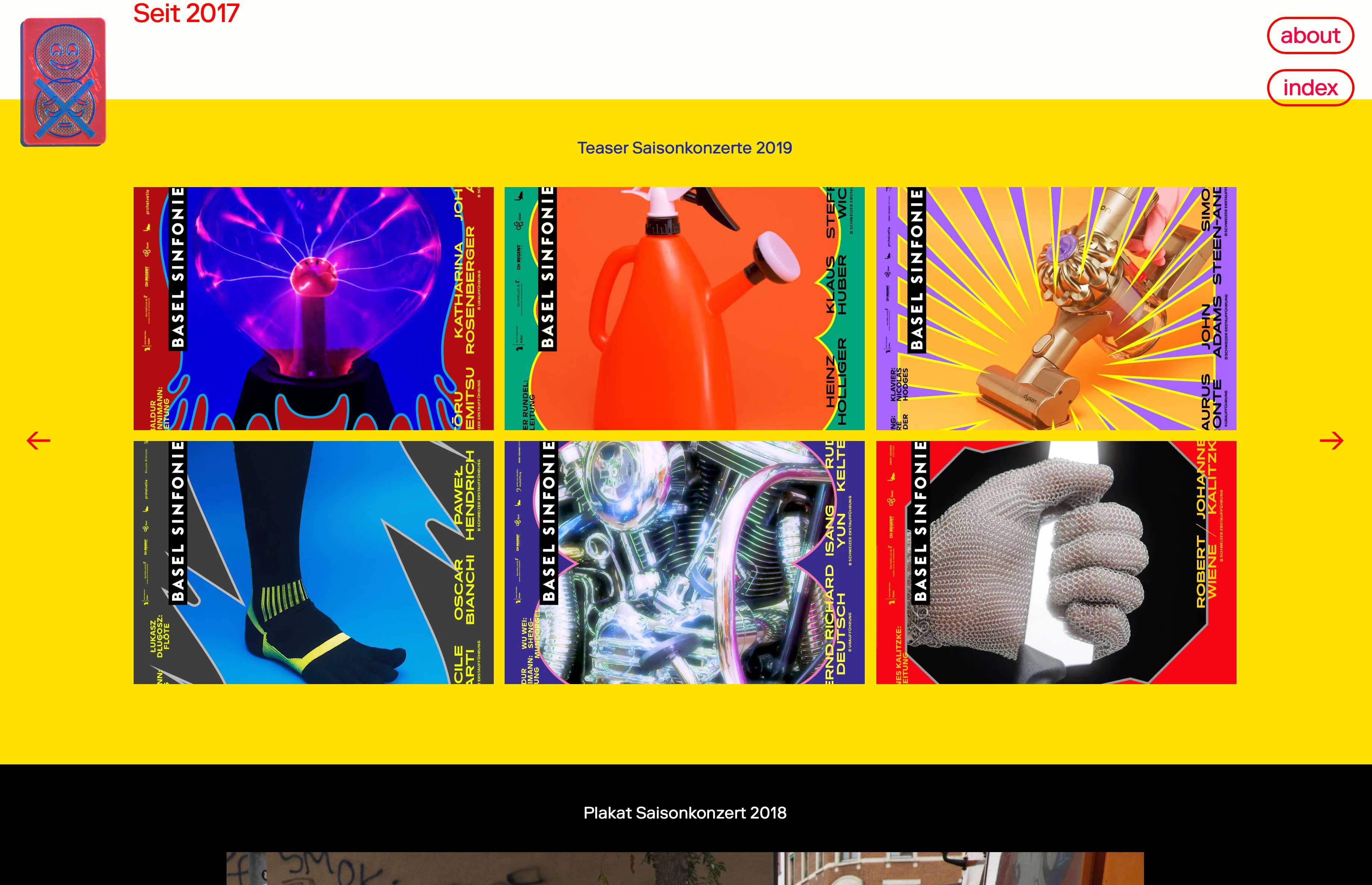
    @adamk u use a lot of high quality gifs with 10 mb in size on your homepage, and suqeeze them into small thumbnails. I think it will run faster if you optimize this.
  • 0 Votes
    2 Posts
    123 Views
    RichardR
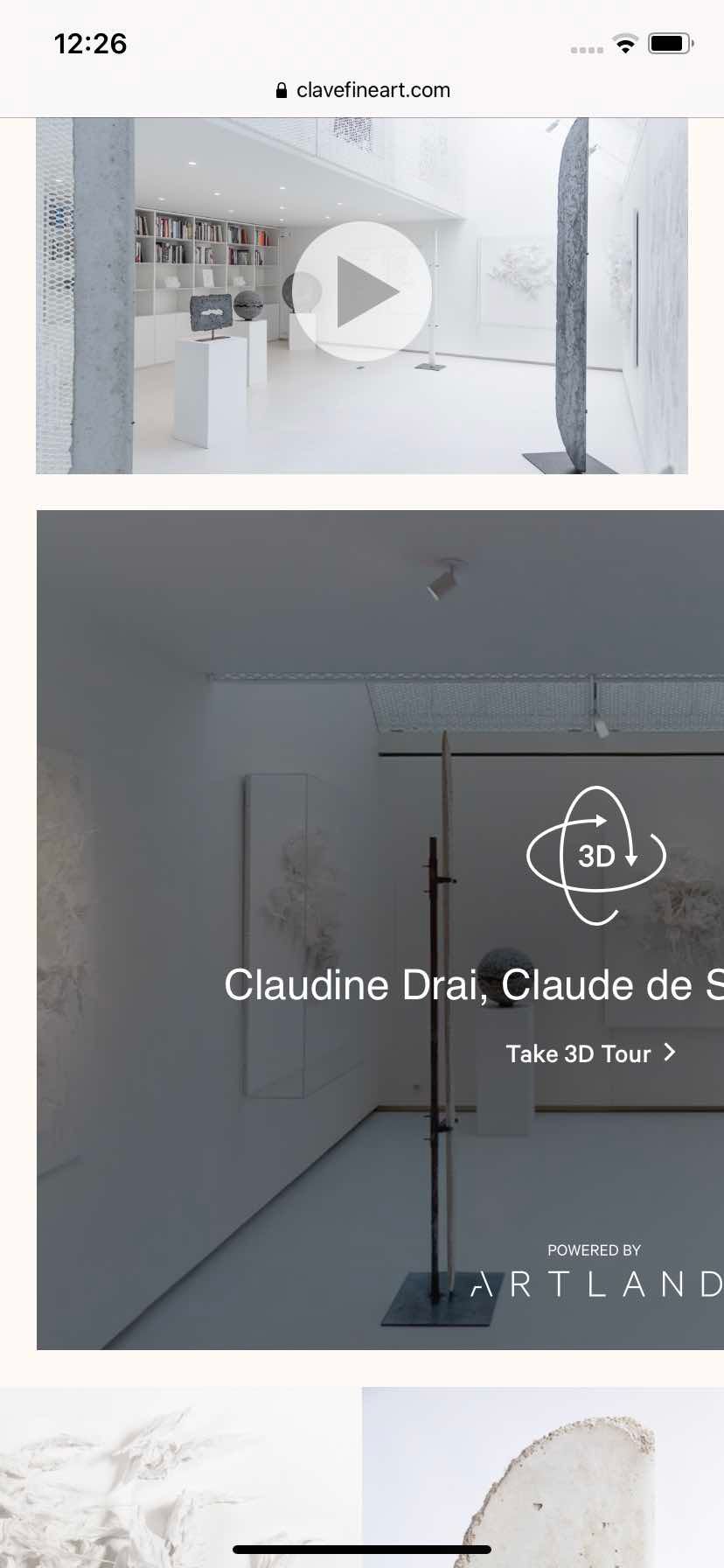
    Dear @solenne Do you currently have the embed removed from the page: https://www.clavefineart.com/en/claudine-drai-claude-de-soria-dames-2/ ? (i believe this is the correct page) [image: 1633996428604-screen-shot-2021-10-12-at-12.52.32-pm-resized.png] I can force insert it with developer tools, but this does not give the same idea. [image: 1633996711465-screen-shot-2021-10-12-at-12.56.43-pm-resized.png]Please note with the Mobile layout: Your embed has width and height built in. width="640px" height="480px" so it will want to maintain these dimensions even for mobile layouts (this is why it pushes off the page). Talk soon Solenne and best wishes 🌝 Richard
  • Slider photo with woocommerce

    5
    3
    0 Votes
    5 Posts
    689 Views
    RichardR
    Dear @cactusauvage This is possible but will have to be custom coded: https://laytheme.com/documentation.html#custom-css-styling Best wishes Richard
  • Change position of close-icon mobile menu

    2
    0 Votes
    2 Posts
    278 Views
    RichardR
    Dear @Olga-V The Class for the X-icon ( there are a few depending on container heirachy) is burger-wrap (outer) or mobile-menu-icon (inner). [image: 1633991034528-screen-shot-2021-10-12-at-11.18.22-am-resized.png] It should be noted however that the x icon (open) has the same class naming as the default (closed) burger icon: Open Burger: [image: 1633991107743-screen-shot-2021-10-12-at-11.21.00-am.png] Closed Burger: [image: 1633991126861-screen-shot-2021-10-12-at-11.21.08-am.png] To get around this we can take advantage of active class. When the burger menu opens and changes to the x-icon, the class active is added to laynav or mobile-nav. So you can specify to make sure you are dealing with the x-icon, E.g: .active .burger-wrap{ background:red; } or .active .mobile-menu-icon{ background:red; Hope this helps Olga and have a wonderful day 🏖 Richard
  • Secondary menu doesn't exist anymore?

    3
    0 Votes
    3 Posts
    172 Views
    Y
    @Richard Thanks!
  • Carousel Addon damaged.

    4
    0 Votes
    4 Posts
    571 Views
    RichardR
    Thanks @j36g2 , Have replied to your email 🌝 Best wishes Richard
  • Category filter separators

    1
    0 Votes
    1 Posts
    56 Views
    No one has replied
  • Anchor link in menu?

    2
    0 Votes
    2 Posts
    252 Views
    RichardR
    Dear @neirynckwout The standard way of making Anchor Links should still be valid e.g a section of your website having an ID (#) and then that id specified in the link: [image: 1633651461816-screen-shot-2021-10-08-at-1.01.26-pm-resized.png] A Custom link can be set within > Appearance > Menus > Custom Links ⬆️ Also: [image: 1633651597542-screen-shot-2021-10-08-at-1.00.31-pm-resized.png] Best wishes 🌝 Richard
  • Embed Youtube or Vimeo in a carousel – possible?

    2
    0 Votes
    2 Posts
    182 Views
    RichardR
    Dear @klaus Currently the Carousel cannot be applied to Woocommerce specific pages. E.g the Shop page and Cart page. Im sure more features will be integrated in future updates 🌝 Best wishes Klaus Richard
  • Moving website featuring Woocommerce to new domain

    2
    0 Votes
    2 Posts
    104 Views
    RichardR
    Dear @Warul-Kawa As long as you have created backups of your content especially the database, along with following the steps outlined in "Moving a Laytheme Website" you should be fine 🌝 Making copies of the backups is always a good idea as well. Best of luck and have a great day Richard
  • Mobile menus customization

    7
    0 Votes
    7 Posts
    798 Views
    RichardR
    Dear @Warul-Kawa Sorry that its not working, happy to help you further - To clarify here on the mobile menu we have two different styles - Which is the primary you wish to target? ( i assume the lower portion ). The Top menu items are graphically styled you do not wish to change the font of these right? [image: 1633297232504-screen-shot-2021-10-04-at-10.37.09-am-resized.png] Talk soon & best wishes Richard
  • gridder does not work (images are missing, layout is different)

    4
    2
    0 Votes
    4 Posts
    252 Views
    RichardR
    Thanks @ella Have a wonderful day too, I will reply in the future via 'Chats' 🌝
Online Users
Forgot your key, lost your files, need a previous Lay Theme or Addon version? Go to www.laykeymanager.com