Skip to content

General Discussion

5.0k Topics 21.7k Posts

A place to talk about anything Lay Theme related

  • superscript Font issues

    2
    0 Votes
    2 Posts
    284 Views
    RichardR
    Dear @FesT Could you post a link to your website with the Subscript in question? Talk soon & best wishes :) Richard
  • Menus Change Color depending on row font color + magnetic scrolling

    2
    0 Votes
    2 Posts
    325 Views
    RichardR
    Dear S @Iman-Whitfield This is very possible, but would require a little knowledge of JS & CSS. Custom Code can be added to Lay Theme from either: Lay Options > Custom CSS & HTML > or Customize > CSS > Here are some links that may help you: https://www.khanacademy.org/computing/computer-programming/html-css https://www.khanacademy.org/computing/computer-programming/html-css/web-development-tools/a/using-the-browser-developer-tools https://stackoverflow.com/questions/59810978/change-text-color-on-scroll https://laytheme.com/documentation.html#custom-javascript https://css-tricks.com/a-complete-guide-to-data-attributes/ Sorry that i cannot be of more help right now S but i hope this aids either you or someone helping :) Best wishes & thank you for using Lay Theme Sincerely Richard
  • mobile menu link to ancho error

    2
    0 Votes
    2 Posts
    224 Views
    RichardR
    Dear @juan-casal Yes i see the issue on Mobile & in your console there is an error with this 'page-scroll-to- id ' [image: Screen Shot 2021-03-26 at 11.10.25 AM.png] As a first step could you make sure of the following before moving forwards: Wordpress, Lay Theme & Laytheme's Addons are all up to date ? Any Custom CSS or JS that may interfere is temporarily removed. Any third-party plugins de-activated to see if this resolves the issue. If using a WordPress Cache plugin, disable it or clear your cache. License key not activated - (in website blank situations or button not available) If your WordPress Dashboard shows a warning "PHP Update required” please update your PHP version in your webhost control panel. Additionally please take a look at https://laytheme.com/troubleshooting.html for known problems. Would be great to know if its a bug and can fix it as soon as possible :) If you have further questions @juan-casal please feel free & have a wonderful day Thank you for using Lay Theme Best RIchard
  • Sticky position with jQuery

    7
    0 Votes
    7 Posts
    2k Views
    S
    @Richard yep, thank you :)
  • Remove Smooth Scrolling

    1
    0 Votes
    1 Posts
    177 Views
    No one has replied
  • Sticky Element doesn't work in Laytheme

    4
    0 Votes
    4 Posts
    643 Views
    RichardR
    Dear @Sophie1000 Am i correct from your recent Thread this is solved? http://laythemeforum.com/topic/6672/sticky-element?_=1616638900292 Best wishes Richard
  • HTML5 Videos not always starting directly on mobile version

    8
    0 Votes
    8 Posts
    752 Views
    RichardR
    Cool @Laura-S Glad its working :)
  • Hosting Expereinces: GoDaddy

    4
    0 Votes
    4 Posts
    772 Views
    RichardR
    Thanks @edgrbnz !
  • Lazy load -> infinite scroll ?

    11
    0 Votes
    11 Posts
    1k Views
    RichardR
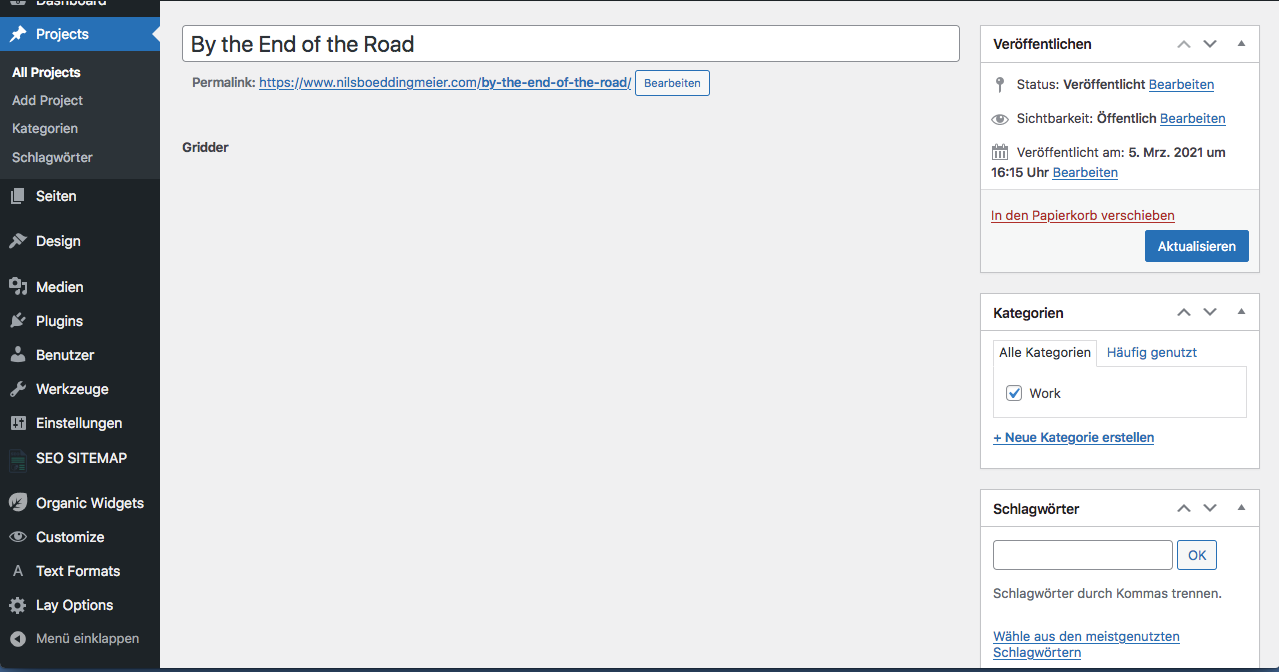
    @Aleksandar My apologies Aleks - Of course you can... You can copy a Gridder's JSON and paste into another project: Screen Options [image: Screen Shot 2021-03-24 at 8.00.46 PM.png] Gridder JSON [image: Screen Shot 2021-03-24 at 8.00.59 PM.png] Copy & paste this code into your new project [image: Screen Shot 2021-03-24 at 8.02.56 PM.png] Have a wonderful day Aleks Richard
  • Gridder does not show!! Please help quick!

    6
    1
    0 Votes
    6 Posts
    324 Views
    RichardR
    Dear @hoopoe Im glad to hear that you have found the solution and can continue with your project! :) Have a wonderful day Richard
  • Layout connected to internet browser frame

    5
    5
    0 Votes
    5 Posts
    481 Views
    RichardR
    Thank you @emgeoffice ! :)
  • Different Video Play ICONs

    2
    0 Votes
    2 Posts
    281 Views
    RichardR
    Dear Aleks @Aleksandar Sorry for the delay :) This is possible, my first thoughts were to work with (jQuery). You will first need to look into using Javascript and jQuery with Lay Theme: https://laytheme.com/documentation.html#custom-javascript Specifically the 'Newpage Event' , Changing the Common jQuery character ' $ " into 'jQuery' & how to run the Script on a specific page or project e.g <script> window.laytheme.on("newpageshown", function(layoutObj, type, obj){ if(type == "project" && obj.id == 1){ console.log("fantastic!"); } }); </script> Will console Log "fantastic" ' If ' the user is on the project with ID : 1 Each page or project has a data-type & unique data-id , that can be found in the <head> of your webpage - You can view the HTML structure of a webpage using the Developer Tools within a browser: https://www.khanacademy.org/computing/computer-programming/html-css/web-development-tools/a/using-the-browser-developer-tools I will be using this Stackoverflow thread as reference: https://stackoverflow.com/questions/554273/changing-the-image-source-using-jquery Within you videos HTML structure you will see an <img> element like this, with a src path linking to your saved custom icon file: <img class="html5video-customplayicon" src="http://www.aleksandartodorovic.com/media/play-button-large.png"> We can use jQuery to redefine the src path to a different image if you wish. When viewing your Media Library clicking on an image will show you some more information about that image - At the bottom is the 'FILE URL' info - we can copy that and use it. [image: Screen Shot 2021-03-23 at 7.55.24 PM.png] This Code: jQuery(".html5video-customplayicon").attr("src","https://yourdomain.com/wp-content/uploads/2021/03/PngItem_2100439-1.png"); jQuery > Find me element with 'class' html5video-customplayicon Find the 'src' attribute 'attr' Define new 'src' attribute You will need to put the url path of your choice in. And using the earlier 'If' project and id etc Hope this helps Aleks & have a wonderful day, Thank you for using Lay Theme! :) Sincerely Richard

  • Menu appearance changes when clicking on it.

    3
    2
    0 Votes
    3 Posts
    338 Views
    L
    Thank you!
  • Text format doesn't resize when i go mobile

    2
    2
    0 Votes
    2 Posts
    278 Views
    RichardR
    Dear @Theodoros This 'Open Call" is an image not text? Have you changed it since making this thread? Just wish to understand better :) Best Richard
  • Site Title line height doesn't seem to exist. Css workaround?

    2
    0 Votes
    2 Posts
    307 Views
    RichardR
    Dear @wardh You can use the Following CSS and change it to suit your needs: .sitetitle { line-height: 1 !important; } This CSS can be added to either > Lay Options > Custom CSS & HTML > Or in > Customize > CSS Hope this helps @wardh & have a lovely day :) Richard
  • laytheme background image is too zoomed in

    2
    0 Votes
    2 Posts
    317 Views
    RichardR
    Dear @Theodoros There are two images, one used for Desktop & one for Mobile The CSS for the desktop background image is: #grid .background-image img{ // insert your code here // } And for the Mobile: #custom-phone-grid .background-image img{ // insert your code here // } Hope this helps @Theodoros :) Best Richard
  • 0 Votes
    21 Posts
    2k Views
    RichardR
    Dear @NAS No worries & best wishes with the website -it looks great :) Sincerely Richard
  • Site title as reload button for one page website

    4
    0 Votes
    4 Posts
    305 Views
    RichardR
    Thanks @fr ! :)
  • Anchorscroll Space Top

    3
    1 Votes
    3 Posts
    435 Views
    paulstolleP
    Dear @Richard, thanks a lot for your answer. I already found those setting deep in the javascript file behind LayTheme. Thought I could adjust things with CSS only but couldn't find any solution … Maybe somebody else could help? All the best, Paul
  • Overlay Text over the whole project

    4
    1
    0 Votes
    4 Posts
    608 Views
    RichardR
    Dear @daxmann Yes this is possible :) It could be done using a 'stack' element or you could add the text via <html> in the +more - +html. Then you could add some Custom CSS to style it over the page. On the documentation page is some help regarding CSS: https://laytheme.com/documentation.html#custom-css-styling Or contact me via 'chats' and i can help you as best i can :) Talk soon Richard
Online Users
Forgot your key, lost your files, need a previous Lay Theme or Addon version? Go to www.laykeymanager.com