Skip to content

General Discussion

5.0k Topics 21.7k Posts

A place to talk about anything Lay Theme related

  • image-pdf for download

    5
    0 Votes
    5 Posts
    1k Views
    K
    You can try implement that one: https://printjs.crabbly.com Haven't tried out so far :)
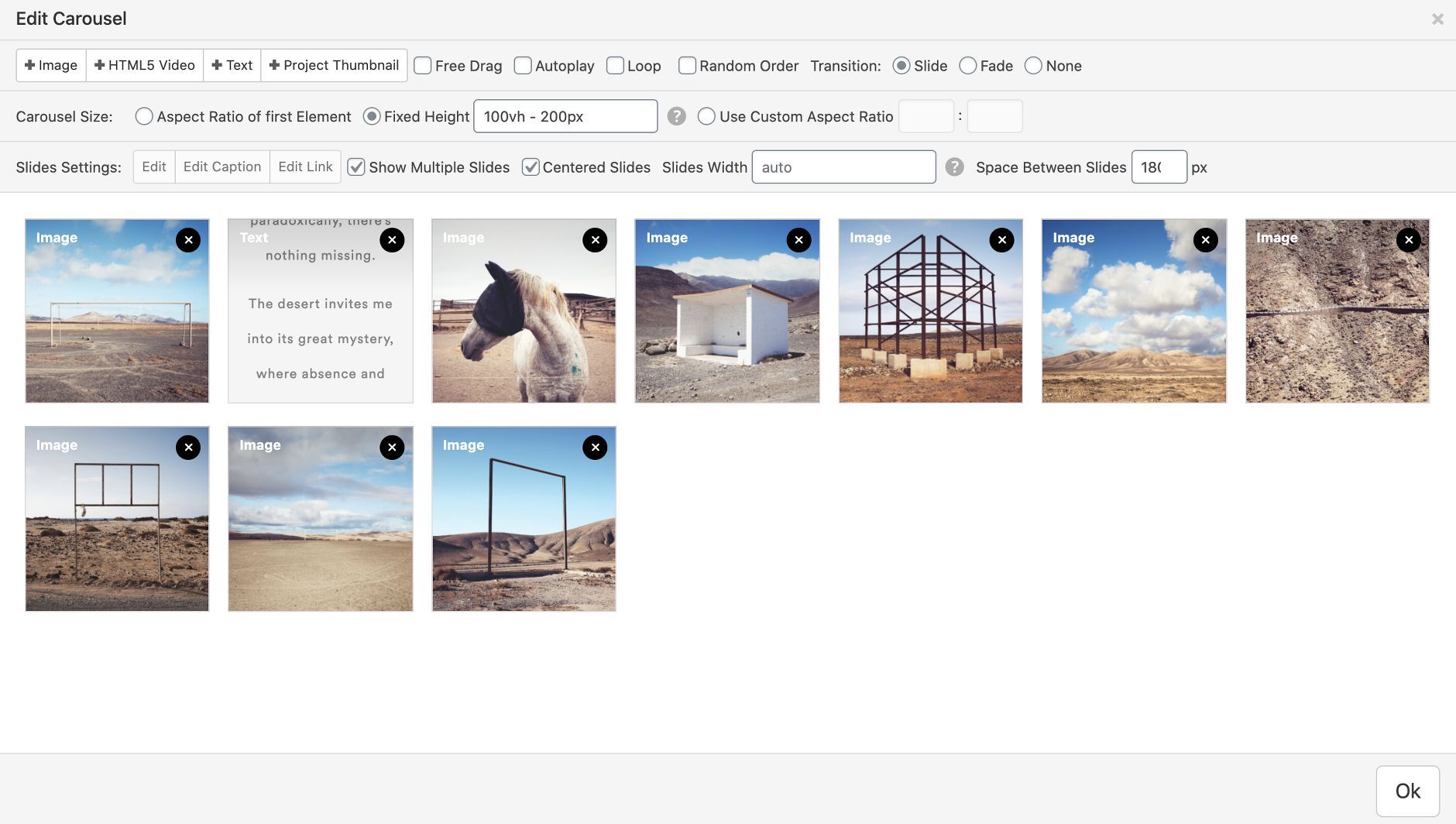
  • Carousel Horizontal alignment for slides with images and text

    6
    5
    0 Votes
    6 Posts
    1k Views
    D
    Hi @Richard-Keith, I'm really sorry for the misunderstanding, It's actually very simple what I want to achieve: the image slide: [image: WhatsApp Image 2020-10-19 at 12.50.44.jpeg] the text slide: [image: WhatsApp Image 2020-10-19 at 12.51.13.jpeg] with this settings: [image: WhatsApp Image 2020-10-19 at 12.52.09.jpeg] The problem arises when I change the Slides Width setting from AUTO to 90%, because when it is on auto the width of the slide text is not the same size as the image, and that's what I currently want to achieve. Try to change the settings yourself and see that the images align to the left, even if the setting Centered Slides is on. Another strange behavior is that images disappear from the edges even if the Show Multiple Slides setting is on.
  • hover effect

    3
    0 Votes
    3 Posts
    355 Views
    arminunruhA
    hey @dingdong please try and use chrome's web inspector and look for the hover effect using the inspector
  • This topic is deleted!

    1
    0 Votes
    1 Posts
    4 Views
    No one has replied
  • Customize image overlap?

    2
    -1 Votes
    2 Posts
    327 Views
    RichardR
    Dear @nater321 If you could post a link to your website with the example issue that would be great as i can have a better look :) Assuming that you know about the hierarchy 'within' the stack and you are able to change that order: [image: Screen Shot 2020-10-18 at 11.20.00 AM.png] But also i believe the solution you are looking for is z-index, this tells your webpage which elements have hierarchy over others: https://www.w3schools.com/cssref/pr_pos_z-index.asp First you would need to target the image using CSS added to "Lay-options-Custom CSS & HTML" [image: Screen Shot 2020-09-14 at 2.51.54 PM.png] https://www.khanacademy.org/computing/computer-programming/html-css/web-development-tools/a/using-the-browser-developer-tools Let me know your thoughts and best wishes Sincerely Richard
  • Google is not tracking anything beside my homepage

    5
    0 Votes
    5 Posts
    532 Views
    RichardR
    Dear @igawu This is really interesting and thank you for providing your outcome to the thread. This will help many others in the future as well :) @neunzehnachtneun Thank you Sebastian for the great hint! Have a wonderful day and thank you both for using Lay Theme and making the community stronger. Sincerely Richard
  • Image Hover Addon images always visible

    image hover
    7
    1
    0 Votes
    7 Posts
    2k Views
    RichardR
    Dear @dgknkrpnr Thank you for the kind reply, I understand your side as well :) Best wishes for the future Sincerely Richard
  • Fade in after lazy load possible?

    2
    0 Votes
    2 Posts
    214 Views
    RichardR
    Dear @silly-berlin Am i correct that you could target the thumbs directly? [image: Screen Shot 2020-10-14 at 9.20.20 PM.png] Each thumbnail has a class ".thumbnail-wrap" And inside a class ".thumb" Could you target those? Best :) Richard
  • This topic is deleted!

    1
    0 Votes
    1 Posts
    1 Views
    No one has replied
  • Set Different Landing Page for Mobile

    2
    0 Votes
    2 Posts
    493 Views
    RichardR
    Dear @mtzonev It is not as simple as i had hoped, and if it proves too difficult you may have to compromise sorry, Option 1 is to download a simple plugin that lets you set a mobile home page - the issue is how this plugin operates with Lay Theme and clashes. This is out of our control as we cannot change these plugins. Option 2 is to add code into the functions.php of the Theme https://www.wpstud.io/show-different-homepage-mobile-devices/ However what changes you make is up to you and is once again out of my control - this is much deeper customisation. Option 3 - ( my choice ) is to create a new mobile layout on your homepage that already exists: [image: Screen Shot 2020-10-12 at 11.06.17 AM.png] This way you can have it look different but no internal coding is needed, also no possible clashes with plugins Hope this helps and good luck :) Best wishes Richard
  • render blocking ressources and webp

    9
    1
    0 Votes
    9 Posts
    965 Views
    RichardR
    Dear @nypaloto I understand, Thank you for the kind words about Lay Theme and your support. I would like to put this thread into development notes for further discussion in the future, Until then thank you once again and have a wonderful day Best wishes Richard
  • add a hyperlink for html5 video

    20
    0 Votes
    20 Posts
    3k Views
    RichardR
    Dear @Markus Thank you so much for following up! great :) Have a wonderful day, and thank you for making this thread great Sincererly Richard
  • Landing page with images from different sub pages

    2
    0 Votes
    2 Posts
    277 Views
    RichardR
    Dear Kim @KIM Are you referring to the "Project Thumbnail" Insert? You can add this to any page & by clicking it you will be directed to this 'Subpage" [image: Screen Shot 2020-10-07 at 5.38.45 PM.png] [image: Screen Shot 2020-10-07 at 5.38.51 PM.png] Let me know :) Have a wonderful day and thank you for using Lay Theme Best Richard
  • Footer background colors

    4
    0 Votes
    4 Posts
    648 Views
    RichardR
    Dear Aleksandar @Aleksandar I believe if you are happy to do so, using the slug and adding it to custom CSS would be easier. if not you would need to use JS to find the Background-color present on that specific page then tell the Footer to change accordingly Best wishes :) Richard
  • This topic is deleted!

    2
    0 Votes
    2 Posts
    16 Views
  • This topic is deleted!

    1
    0 Votes
    1 Posts
    3 Views
    No one has replied
  • Project-navigation link in menu

    6
    0 Votes
    6 Posts
    1k Views
    RichardR
    Dear @XLD Best :) Rich
  • Laytheme / woocomerce / shopify

    2
    0 Votes
    2 Posts
    280 Views
    RichardR
    Dear Yannick @Yannickfischer The Link you have given does not take me to this domain, ( i think this is a placeholder? ) However i do not think this affects your question: I do not completely understand, forgive me: " Because if I install the laytheme on the maindomain, I won't be able to access on the woocomerce plugin and put some template on a specific page ? " We have not released Woo-commerce compatibility yet for Lay Theme but are working on it. Please if you could re-phrase the question sorry! :) Best wishes Richard
  • Random background images JS

    2
    0 Votes
    2 Posts
    264 Views
    RichardR
    Dear @Nemo I believe this thread is solved as you have found a solution? Best Richard
  • Drop Down Menu Roll Over Opacity

    7
    0 Votes
    7 Posts
    690 Views
    RichardR
    Dear @Nemo I apologise for the delay! I wanted to follow up and see if any progress was made with this issue or if i can still help? Thank you for using Lay Theme and have a wonderful day Sincerely Richard
Forgot your key, lost your files, need a previous Lay Theme or Addon version? Go to www.laykeymanager.com