Skip to content

General Discussion

5.0k Topics 21.7k Posts

A place to talk about anything Lay Theme related

  • Mobile v

    2
    0 Votes
    2 Posts
    160 Views
    RichardR
    Dear @gdc Beautiful Website! :) I do see the problem with the white line below the images, knowing exactly what is causing the problem without having deeper access to your website is difficult however i have a simple solution if you are willing. Adding the following code to your website may prove the trick! img{ margin-bottom: -1px; } You can paste this in - "Lay options" - "Custom CSS & HTML" in the Custom CSS area. [image: Screen Shot 2020-07-28 at 5.04.16 PM.png] Let me know if this works or suits your needs Best wishes Richard
  • Translation Shortcode

    4
    0 Votes
    4 Posts
    577 Views
    B
    Thanks @arminunruh!
  • How to hide site title on home page?

    4
    0 Votes
    4 Posts
    797 Views
    RichardR
    Dear @willcanning Awesome :) Thanks for your help and concise answer! Best Rich
  • This topic is deleted!

    1
    0 Votes
    1 Posts
    1 Views
    No one has replied
  • 0 Votes
    2 Posts
    264 Views
    RichardR
    Dear @jnemeck Great to hear from you and thanks for providing such a nice description Currently it is sadly not possible to create Parallax on the X-axis However i think it is a good idea :) & worth noting, We will put it in the Possible Development Notes for future work on Lay Theme! Thanks For using Lay Theme and being a part of the Community & the patience with this delayed Reply Best Wishes Sincerely Richard
  • horizontal layout

    5
    1 Votes
    5 Posts
    1k Views
    RichardR
    @edgrbnz Thank you once again :) and @Blickwinkel74 Thank you so much for using Lay Theme! Hope you both have a great weekend Best Rich
  • Cover

    3
    0 Votes
    3 Posts
    334 Views
    RichardR
    Dear @fr Your awesome!! Thank you heaps for helping the community out :) Have a great weekend Best Rich
  • WooCommerce compatibility

    4
    1 Votes
    4 Posts
    720 Views
    RichardR
    @mariusjopen You can do it! We already do love you!!! :) @joanaflcarneiro @lortnok Thank you for using Lay Theme and the fun vibes and making the Forum a better and healthier Community Have a wonderful week Richard
  • Play movie on focus?

    2
    0 Votes
    2 Posts
    224 Views
    RichardR
    Dear @Neil I believe this can be achieved through Custom Javascript and additions to the <video> element within Custom HTML but it could prove difficult & lengthy to get it right. http://laytheme.com/documentation.html#custom-javascript However This is a great idea and i will forward it to Armin as an idea for the future of Lay Theme releases Thank you for bringing good ideas to the Forum, Making the Community stronger and of Course for using Lay Theme! :) Best Wishes Rich
  • Mix-Blend-Mode for .sitetitle and .menu-item

    12
    1
    0 Votes
    12 Posts
    3k Views
    edgrbnzE
    Thank you for making this theme and considering this for future dev! 💐💐💐
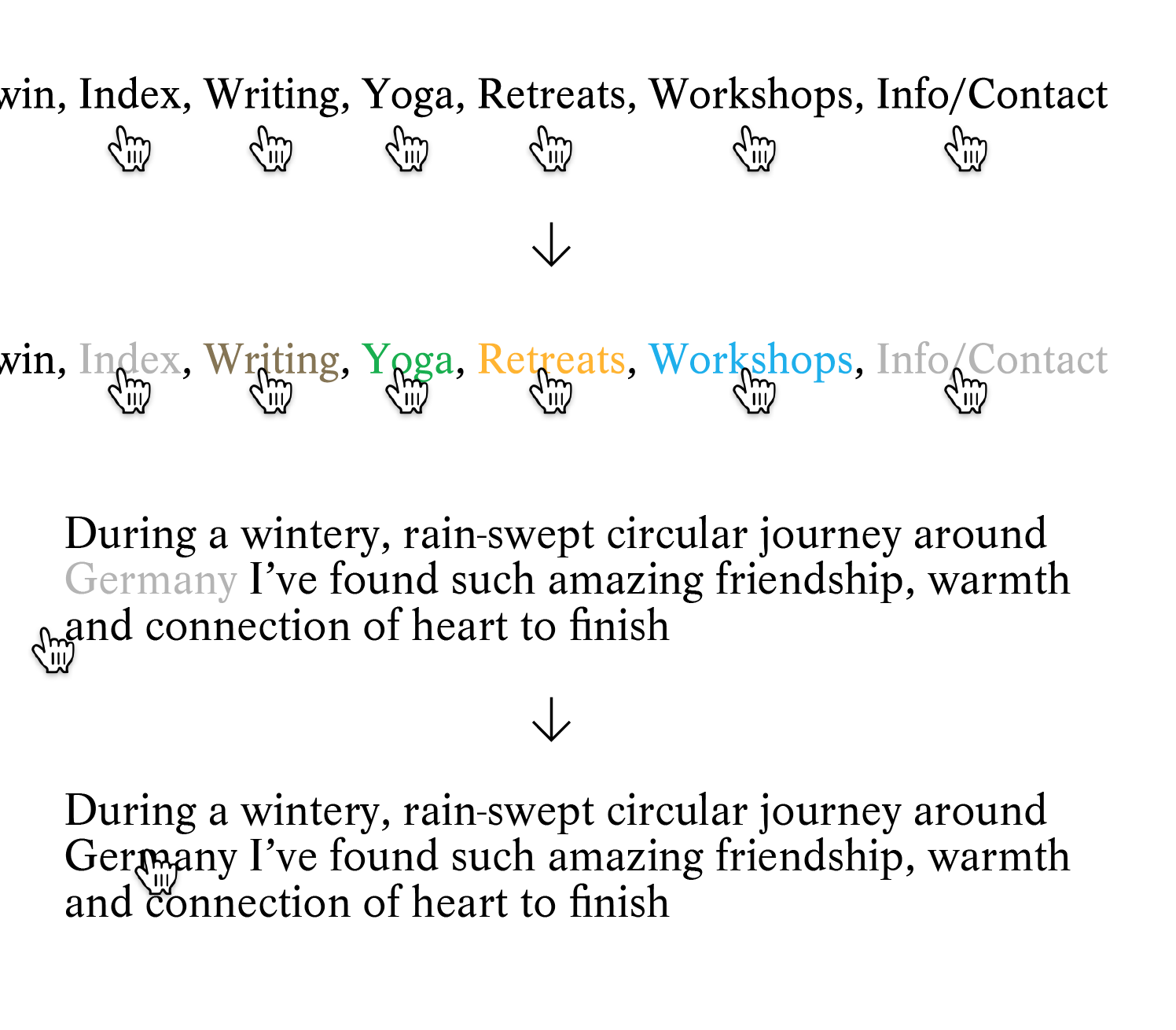
  • Multiple hover colours for text links

    hover links link style
    9
    1
    0 Votes
    9 Posts
    2k Views
    RichardR
    Dear @aiden Awesome! Another victory on the Lay Theme Forum Thank you for Using Lay Theme :) have a wonderful day Rich
  • On Scroll Element Transitions — Slower

    4
    0 Votes
    4 Posts
    517 Views
    RichardR
    Dear @Feliks Thanks for using Lay Theme :) Have a wonderful day all the Best Rich
  • Image with Title in Categories

    2
    0 Votes
    2 Posts
    233 Views
    RichardR
    Dear @werkstatt314 You can only have one project thumbnail However you can always have an Image and then Link it to your desired destination Thank you for your patience Best Rich
  • Menu transition

    4
    0 Votes
    4 Posts
    638 Views
    RichardR
    Dear @camr1 No sadly changing the transition time is not possible directly in Lay Theme - However You can change the transition time manually by using CUSTOM CSS Which Lay Theme does offer :) You have the ability to add CUSTOM CSS in: "Lay options" - "Custom CSS & HTML" There you can target the menu elements and change their transition times to your liking. If you are unfamiliar with the basics of CSS I hope this helps you as a reference point the second link provides knowledge on how to use the "Inspector tool" https://www.khanacademy.org/computing/computer-programming/html-css https://www.khanacademy.org/computing/computer-programming/html-css/web-development-tools/a/using-the-browser-developer-tools An Example i made that change the menu elements on your website - [image: Screen Shot 2020-07-23 at 2.18.31 PM.png] I took a look at what element was getting the "Transition" so that i could target it - [image: Screen Shot 2020-07-23 at 2.19.16 PM.png] [image: Screen Shot 2020-07-23 at 2.23.41 PM.png] Then in Lay options, i added this Custom CSS Note: i added ' !important ' at the end to give this transition time superiority over any other code that may already be in place. It should also be noted that this is a crude example of what is possible, I just made it in the hope it helps you on the right path Apologies for getting back to you late, thank you for your patience Best Wishes Rich

  • This topic is deleted!

    2
    0 Votes
    2 Posts
    17 Views
    No one has replied
  • This topic is deleted!

    1
    1
    0 Votes
    1 Posts
    3 Views
    No one has replied
  • This topic is deleted!

    1
    0 Votes
    1 Posts
    2 Views
    No one has replied
  • Deactivate Lay Theme License from Unreachable Website

    2
    0 Votes
    2 Posts
    240 Views
    RichardR
    Hi @marcologous We wish to help! The Best option with situations like this is if you write an email to info@laytheme.com and include a link to this conversation. Best wishes Richard
  • Resize or enable "Scroll to top" on mobile device

    mobile device scroll to top
    5
    0 Votes
    5 Posts
    421 Views
    RichardR
    Dear @edgrbnz Thank you heaps for this, really Awesome :) Your a Lay Theme Forum Superstar! Have a great day All the best Rich
  • Images don’t display in correct ratio

    3
    2
    0 Votes
    3 Posts
    157 Views
    RichardR
    Dear @kasperh Thank you for providing the Solution Friendly input like your's makes the Lay Theme community stronger Best wishes and have a great day! Rich
Online Users
Forgot your key, lost your files, need a previous Lay Theme or Addon version? Go to www.laykeymanager.com