Dear @tomlea
ok. Got it!
So you need the CUSTOM CSS.
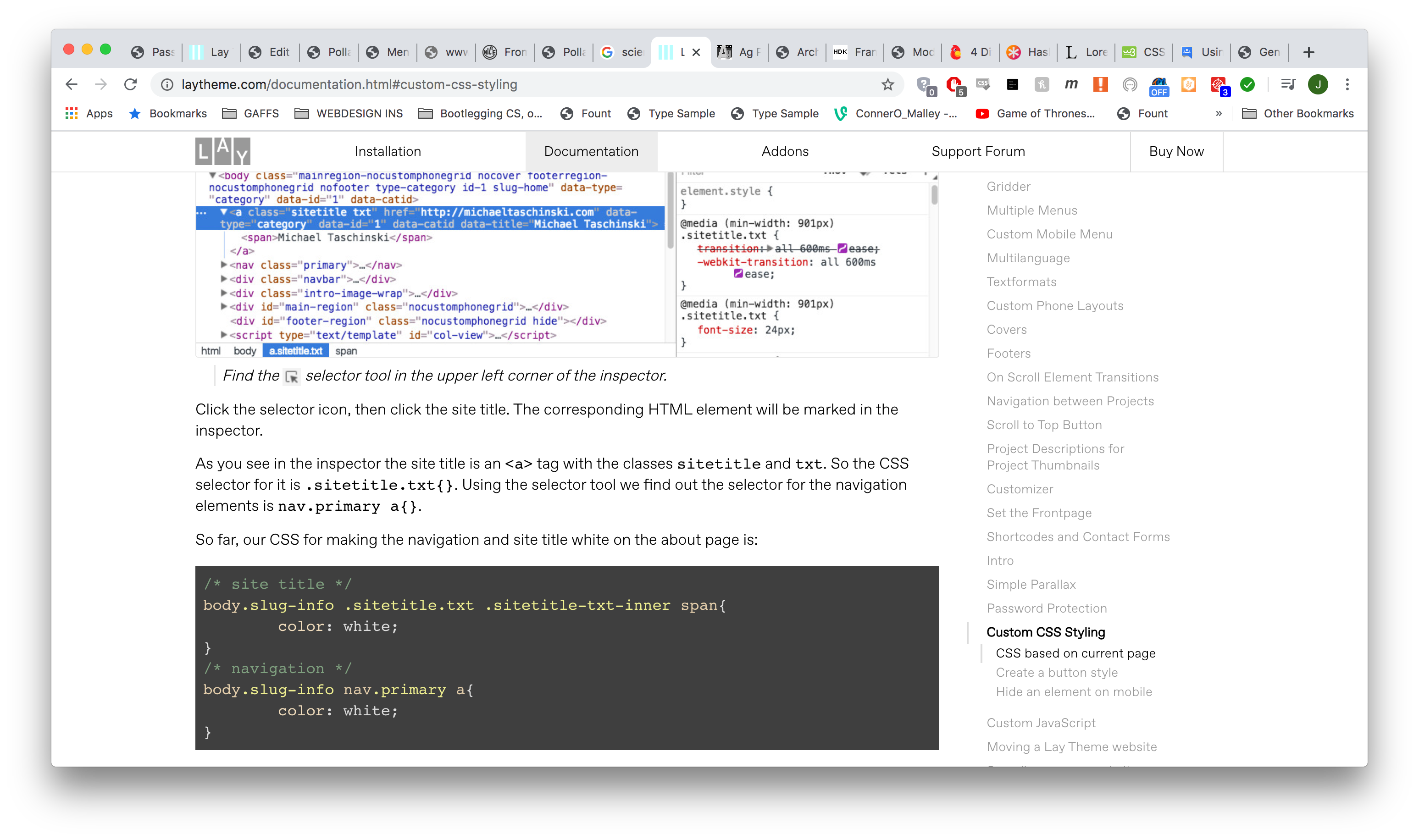
Here in the documentary you can find how to use CSS only on a specific page: http://laytheme.com/documentation.html#custom-css-styling
Hope I could help!
Best!
Marius
Dear @likzou
Because LayTheme is written as a single-page Javascript application, some things work differently.
To use other JS code, please follow the documentary: http://laytheme.com/documentation.html#custom-javascript
Some effects might not work or need adjustment.
Best!
Marius

Dear @dominikstefan
Here in the documentary you can find how to use CSS only on a specific page: http://laytheme.com/documentation.html#custom-css-styling
Hope I could help!
Best!
Marius
Dear @cedricschanze
It is possible to use the post-description. You can activate it in LayOptions. Then you can set a project description in each post which you can display under the title with the thumbnail. You can style this via the CUSTOMIZer or the CUSTOM CSS.
Best!
Marius
Hey
@Phil-Gibson please create a separate thread for your separate problem for future posts
I think once there was this bug on iOS where autoplay would only work if controls were enabled, so I enabled controls for autoplaying videos. I will re-address this and take a look if this is still the case.
I'll also look into videos blocking the carousel from going to the next slide.
Dear @Runway
Because LayTheme is written as a single-page Javascript application, some things work differently.
To use other JS code, please follow the documentary: http://laytheme.com/documentation.html#custom-javascript
I remember that in the forum were already threads about Processing. Hope you find help there.
Some effects might not work or need adjustment.
Best!
Marius