Skip to content

General Discussion

5.0k Topics 21.7k Posts

A place to talk about anything Lay Theme related

  • 0 Votes
    6 Posts
    536 Views
    mariusjopenM
    Dear @Fletch ok, this seems weird. You could solve it like this: .col .lay-carousel-wrap { height: 92vh; } We will still have another look. Best! Marius
  • Align Top menu bar with grid

    2
    0 Votes
    2 Posts
    220 Views
    mariusjopenM
    Dear @Fletch it is just CSS tweaking for those elements. No magic involved. Best! Marius
  • qTranslate-XT not changing content

    30
    0 Votes
    30 Posts
    8k Views
    mariusjopenM
    Dear @LN Thank you for letting us know! Best! Marius
  • Marquees how to

    16
    0 Votes
    16 Posts
    5k Views
    mariusjopenM
    Dear @Maria sure! You can use a classic marquee as well. You can add it into the CUSTOM HTML area. Also have a look with the inspector tool which classes get added as paragraph styles. I think they are called _h1 and so on… You can use the same classes to add the same style to an element which you use in the CUSTOM HTML area. I hope that gave you a direction :D Best! Marius
  • Two versions of your website?

    4
    0 Votes
    4 Posts
    271 Views
    mariusjopenM
    Dear @nils_b that is what I am talking about :-) Best! Marius
  • Split screen / Scrollbar on each side

    6
    1 Votes
    6 Posts
    1k Views
    B
    Hi @michmich, did you find a good way to do that like @mariusjopen said over the Footer Page with using Flex-Box? Or did you find another way? Thanks!
  • image alt tags doesn't work / don't appear in code

    15
    0 Votes
    15 Posts
    1k Views
    arminunruhA
    oh i see it is here: https://studiobureau.nl/newspaper-infographics-trouw and its this pic [image: Screenshot 2020-01-23 at 15.07.07.png] so when an image does not have any alt tag, it will just revert to the usual alt tag that lay theme sets which is the site title. so maybe what you're seeing in your page source code is just a different image that has no alt tag. also if you set an alt tag for an image in the media library, you'll still need to re-insert that image into the grid for the alt tag to update, sorry about that :O

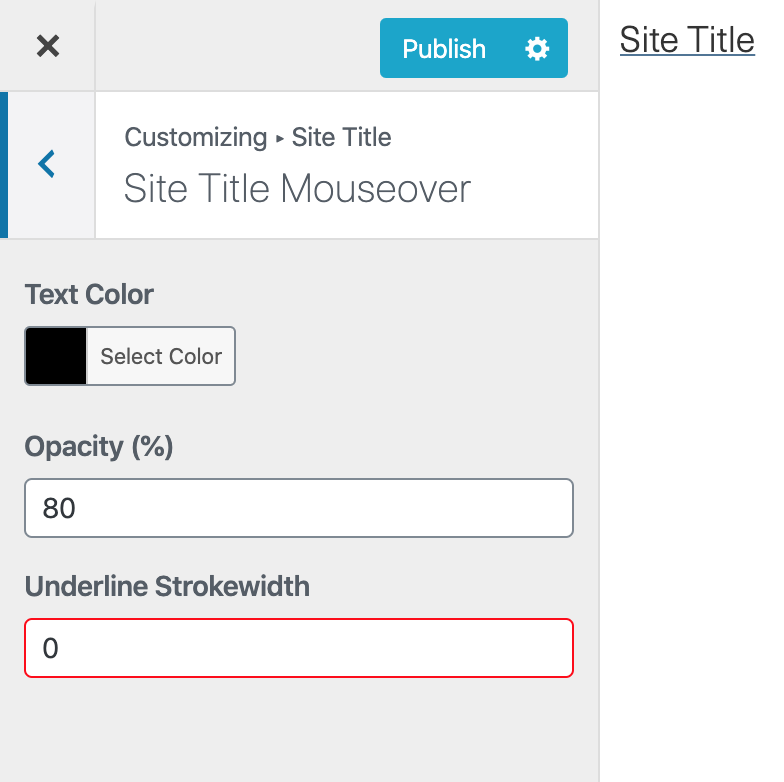
  • Title showing Underline when settings are set to 0?

    4
    1
    0 Votes
    4 Posts
    358 Views
    mariusjopenM
    Dear @ALARUM17 nice! Thank you for letting us know! Best! Marius
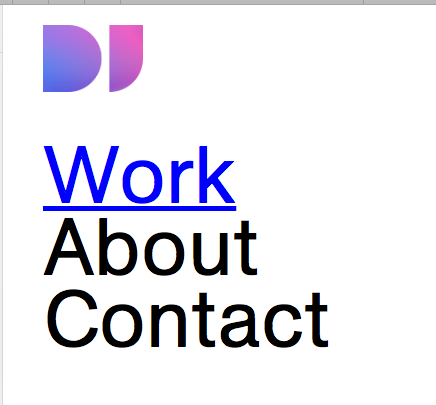
  • Multiple Text Link colours

    4
    1
    0 Votes
    4 Posts
    678 Views
    mariusjopenM
    Dear @DoggettJones ah great!!! Thank you for letting us know! Best! Marius
  • removing the permalink in single page sites

    3
    0 Votes
    3 Posts
    295 Views
    mariusjopenM
    Dear @kore nice! Thank you for letting us know! Best! Marius
  • Advanced Custom Fields + Custom Page Templates

    2
    0 Votes
    2 Posts
    479 Views
    mariusjopenM
    Dear @comedowntous this is not possible. Have a look at LayGridder. https://laygridder.com/ Best! Marius
  • Multiple images on caroussel slide

    2
    0 Votes
    2 Posts
    228 Views
    mariusjopenM
    Dear @louis999 this is the Fullscreen Slider plugin from Laytheme. Best! Marius
  • 0 Votes
    3 Posts
    533 Views
    C
    Hi — This can also happen with large image files. Try processing the image with a photo editor like Photoshop and re-uploading.
  • This topic is deleted!

    1
    0 Votes
    1 Posts
    3 Views
    No one has replied
  • This topic is deleted!

    1
    0 Votes
    1 Posts
    13 Views
    No one has replied
  • How to embed PDFs in Laytheme

    5
    0 Votes
    5 Posts
    1k Views
    mariusjopenM
    Dear @achimaachen you normally can upload PDFs into the media library! Best! Marius
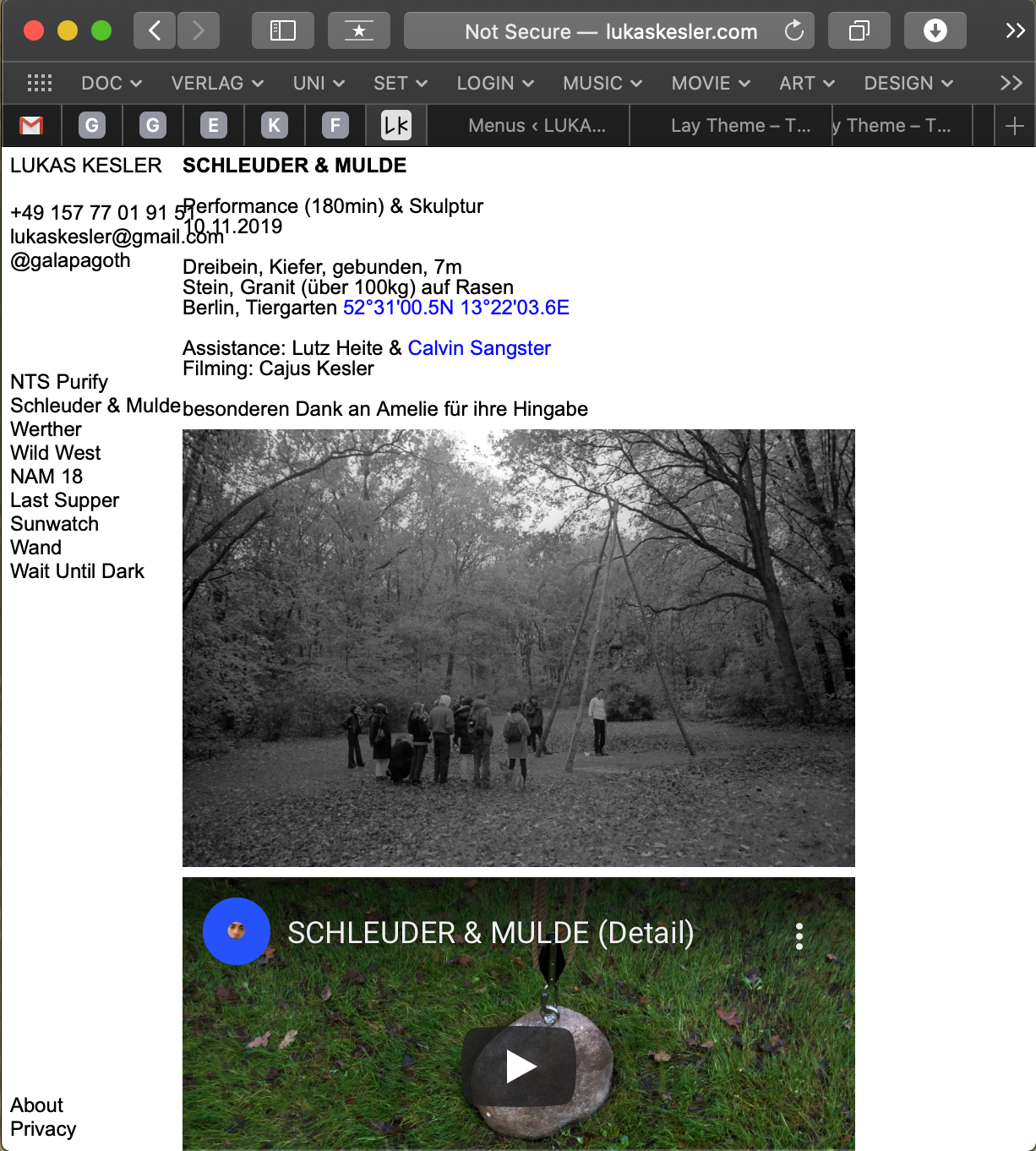
  • Fixed Side Menu

    2
    1
    0 Votes
    2 Posts
    322 Views
    mariusjopenM
    Dear @gala a bit of CUSTOM CSS should do the job. Probably you could give the main area a margin of 10vw and a width of 90vw. Best! Marius
  • Show Project Titles on mobile only

    4
    0 Votes
    4 Posts
    391 Views
    mariusjopenM
    Dear @martinborst great! Best! Marius
  • Assigning categories to Pages and hierarchical URLs

    6
    0 Votes
    6 Posts
    751 Views
    mariusjopenM
    Dear @spontans I think you somehow need to play with those settings: [image: Bildschirmfoto 2020-01-17 um 11.52.09.png] Also nothing I can really tell you about it. Best! Marius
  • Unable to view changes

    2
    0 Votes
    2 Posts
    213 Views
    mariusjopenM
    Dear @SMSTUDIO and when you test another browser? Best! Marius
Online Users
Forgot your key, lost your files, need a previous Lay Theme or Addon version? Go to www.laykeymanager.com