Skip to content

General Discussion

A place to talk about anything Lay Theme related
4.9k Topics 21.2k Posts
  • When will "sticky" become STICKY?

    8
    2 Votes
    8 Posts
    612 Views
    arminunruhA
    yea thats true .fixed{ position: fixed!important; top: 50px!important; width: 50%!important; left: 20%!important; z-index: 20!important; } you can play around with the width and left parameters to change the width and the space to the left you might want to remove the "fixed" class from your element, and add the "fixed" class to a row that contains only your text. right click an empty spot of the row, and choose "set html class and id" if the whole row gets fixed, it might still respect the column left and width of the gridder
  • Tags (next project and display of tags)

    4
    0 Votes
    4 Posts
    207 Views
    D
    It works with the plugin Taxopress. There is an option for "Terms for Current Post", where you can get a shortcode, which you can put in every project. For me the Shortcode is [taxopress_postterms id="1"].
  • Maintenance/coming soon

    15
    0 Votes
    15 Posts
    1k Views
    StarcS
    HI @arminunruh ! I set my custom "coming soon page" page as a frontpage via "customize". Then i put this css in "custom CSS" in lay option: .slug-coming-soon-page nav { display:none; } .slug-coming-soon-page .sitetitle { display:none; } Sitetitle and menu have disappeared but the navbar remain. How can I hide this header (the green bar in the screenshot) - only for this coming soon page? ![alt text]([image: 1701866233501-f78016d0-101f-4166-a2af-cbe2b8474d1a-image-resized.png] image url) ⭐️SOLVED⭐️ With .slug-coming-soon-page div.navbar {display:none;}
  • Adding color overlay on basic Images

    10
    0 Votes
    10 Posts
    549 Views
    arminunruhA
    so i mean, with images, you can't really have a text on top of them when you hover over an image :⁄ so im not sure if what u want is even possible :O
  • Overlay burger position

    3
    0 Votes
    3 Posts
    152 Views
    M
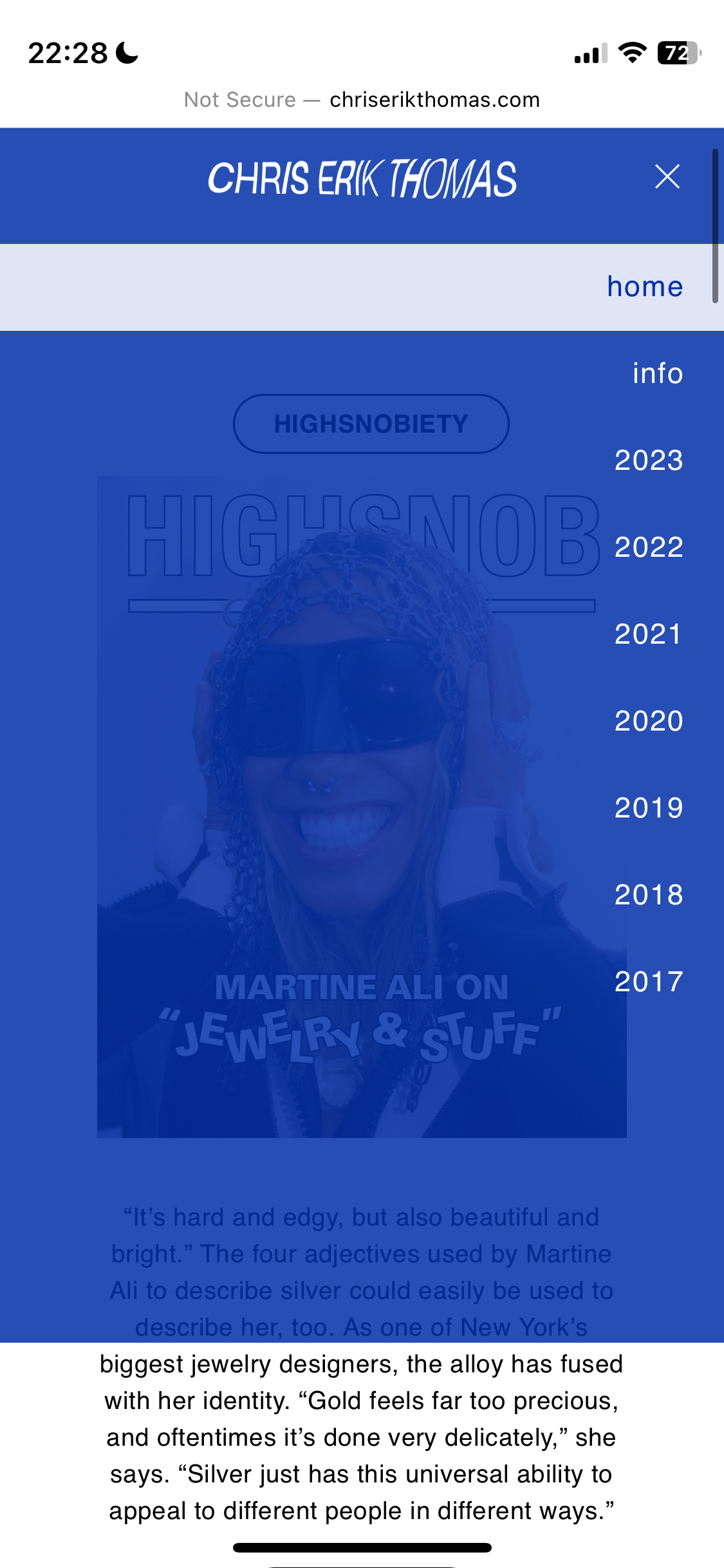
    Thank you so much @arminunruh Is it possible to apply "move away when scrolling" behaviour to the overlay burger? I have this applied to the top bar and would love for the overlay burger to match. Tried looking this up through dev tools but couldn't figure it out 🙈 Thanks a lot again!
  • Text not centered on Android

    3
    3
    0 Votes
    3 Posts
    166 Views
    D
    Thanks for your reply! You can find it here: https://coraliespatig.ch/startseite-test/ It happens on Android with Chrome. iPhone/Safari is fine.
  • This topic is deleted!

    8
    2
    0 Votes
    8 Posts
    10 Views
  • Text on the bottom of the page_possible?

    6
    0 Votes
    6 Posts
    309 Views
    arminunruhA
    make sure this is enabled: [image: 1701349596172-screenshot-2023-11-30-at-10.06.31.png] in lay options → footer
  • News element: how to show full width

    2
    0 Votes
    2 Posts
    119 Views
    arminunruhA
    do u have a link
  • css id for individual row?

    3
    0 Votes
    3 Posts
    952 Views
    arminunruhA
    https://www.google.com/search?q=learn+how+to+use+chrome+inspector&oq=learn+how+to+use+chrome+inspector&gs_lcrp=EgZjaHJvbWUyBggAEEUYOTIHCAEQABiABDIHCAIQABiABDIHCAMQABiABDIHCAQQABiABDIHCAUQABiABDIHCAYQABiABDIHCAcQABiABDIHCAgQABiABDIHCAkQABiABNIBCDc1NThqMGo3qAIAsAIA&sourceid=chrome&ie=UTF-8 learn how to use your browser's inspector [image: 1701340205621-screenshot-2023-11-30-at-07.29.58.png] look, rows have classes like these: row row-col-amt-2 no-stickies no-y-offsets no-webglslideshow no-row-hoverimage row-id-1 first-row row-0 there is an id: row-id-1 and a counter: row-0 you can combine this with page selectors: https://laytheme.com/documentation/custom-css-styling.html#css-based-on-current-page like body.slug-frontpage .row-0{ }
  • Issues with 'Use as Scroll to Top Button' in project pages

    4
    1
    0 Votes
    4 Posts
    169 Views
    arminunruhA
    ah nice you can also right click the image in the gridder and click "disable lightbox" i think! (if your lightbox plugin is enabled)
  • Mix-blend-mode for Header Text

    7
    0 Votes
    7 Posts
    949 Views
    arminunruhA
    ah very good! also i noticed on iphone / mobile version the mix blend mode didn't work for the site title i noticed, mix blend mode may only work if the text that its applied to is a direct child of the body so with this HTML it works: <div class="mobile-title">Hello!</div> but with this it doesn't: <div class="mobile-title"><span>Hello!</span></div> so for mobile to make it work for a site title on phone, you can use this script and css in lay options -> custom css & html at bottom: <script> jQuery(".mobile-title span *").unwrap(); </script> <style> .mobile-title{ mix-blend-mode: difference; } </style>
  • Laytheme and modula gallery slider

    3
    1
    0 Votes
    3 Posts
    107 Views
    arminunruhA
    maybe if you just disable lay theme's carousel addon, it might work
  • nav bar color change on different pages

    9
    0 Votes
    9 Posts
    433 Views
    B
    Amazing!!!! Works great.
  • 0 Votes
    14 Posts
    1k Views
    arminunruhA
    Is Laytheme seeing the shortcode and then forcing a page refresh to improve compatibility with short codes in general? yes Are there any links to information you can share that might help me try different workarounds? no i don't think there is a workaround
  • ajax bug css loading and thumbnail order

    5
    0 Votes
    5 Posts
    184 Views
    R
    Thanks a lot - that helped!
  • Global color variables like text format tab

    2
    0 Votes
    2 Posts
    115 Views
    arminunruhA
    yea its actually a good idea not sure if i will code this because there are so many other things to code or improve mmmh
  • Button on mobile cannot be customized

    2
    0 Votes
    2 Posts
    119 Views
    arminunruhA
    i think both of these buttons can use textformats no? the textformats can have different sizes for mobile and desktop but yea the inner spacing of the buttons is not customizable for mobile its a good idea. until then maybe try to use custom css
  • This topic is deleted!

    1
    0 Votes
    1 Posts
    3 Views
    No one has replied
  • This topic is deleted!

    1
    2
    0 Votes
    1 Posts
    29 Views
    No one has replied

For 1on1 paid Lay Theme Coaching, contact: audrey@cyberslayers.work.

We also code custom websites or custom Lay features.
💿 Email us here: 💿
info@laytheme.com

Our Web Development company: 100k.studio

Want to tip me? https://www.paypal.com/paypalme/arminunruh

Before you post:
  1. When using a WordPress Cache plugin, disable it or clear your cache.
  2. Update Lay Theme and all Lay Theme Addons
  3. Disable all Plugins
  4. Go to Lay Options → Custom CSS & HTML, click "Turn Off All Custom Code", click "Save Changes"

This often solves issues you might run into

When you post:
  1. Post a link to where the problem is
  2. Does the problem happen on Chrome, Firefox, Safari or iPhone or Android?
  3. If the problem is difficult to explain, post screenshots / link to a video to explain it
Online Users
Forgot your key, lost your files, need a previous Lay Theme or Addon version? Go to www.laykeymanager.com