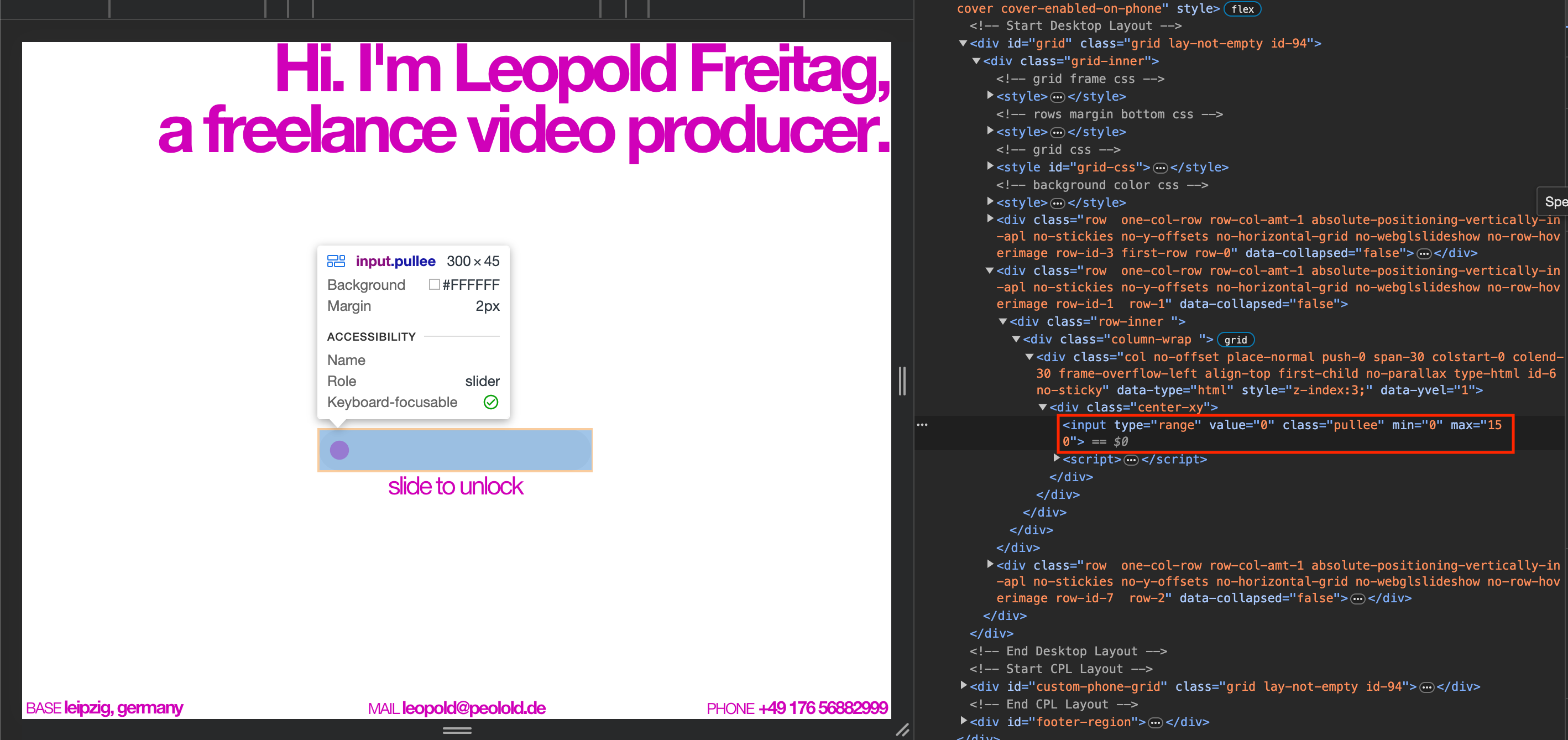
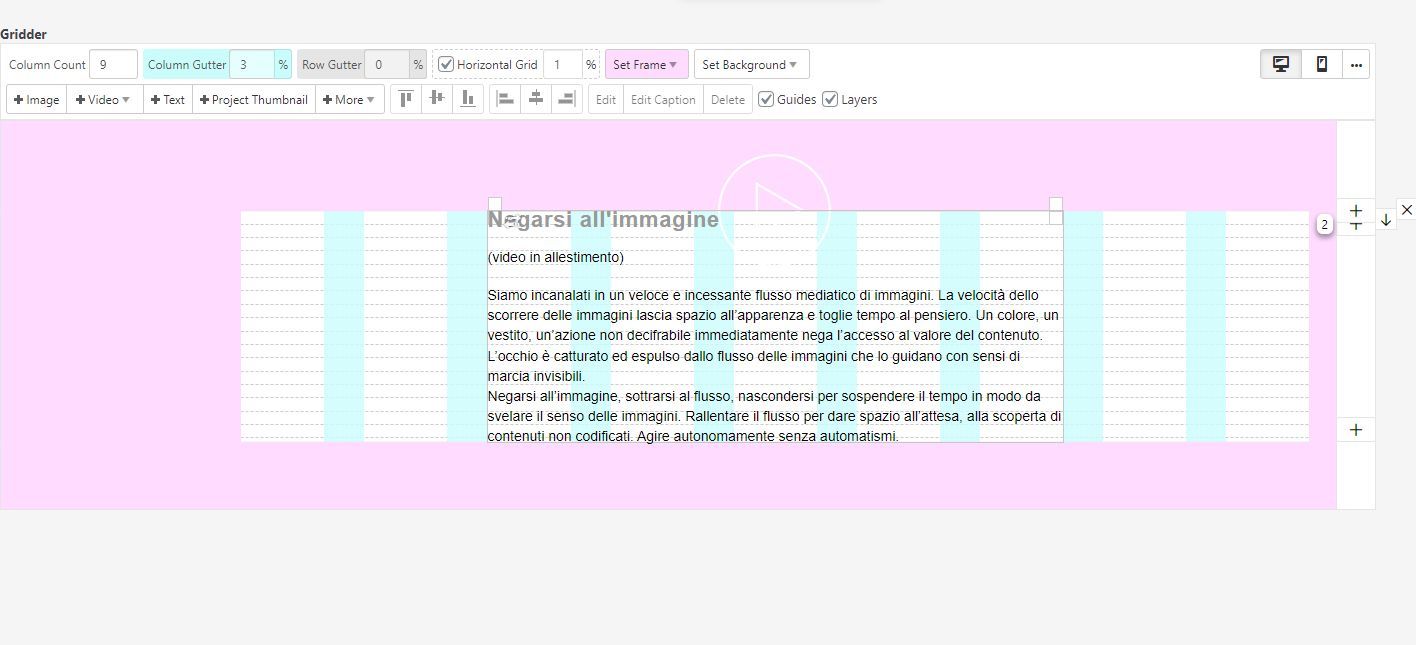
hey please put your javascript in lay options → custom css & html
then
<script>…</script>
put it in custom content for <head>
and use https://laytheme.com/documentation/custom-javascript.html#newpage-events
hey so with static websites, no contact form, booking plugins or anything like interactive will work where the user would send any information to the server
so if you want me to try and create the static website for you:
can you send your website address, /wp-admin/ username and password and a link to this topic to info@laytheme.com?
the page on the right side is always just the page you're on
and the page on the left side is always whatever footer page you chose
you know
[image: 1705745953458-screenshot-2024-01-20-at-11.19.10.png]
in lay options → footers
you can select these boxes where it says:
"Show a select input in the Project Edit Screen to choose a Footer for individual Projects"
then for each project/page/category you can choose a different footer page.
so this way you can have different pages that show on the left side of the splitscreen layout
and whatever page you're on will always be on the right side
there are no other settings for this, so im not sure if that covers your use case
oh yea so the text needs to be hidden by default
you can use css to have it hidden at the start
in lay options → custom css & html → custom css:
#footer-region{
opacity: 0;
}
[image: 1705745250778-screenshot-2024-01-20-at-11.07.27.png]
mmh i see this error in your console. i have never seen that one before! i'd need to dig a little deeper
can you send your website address, /wp-admin/ username and password and a link to this topic to info@laytheme.com?
nice customization!
well u can use your browsers inspector
and see:
[image: 1705558464967-screenshot-2024-01-18-at-07.13.22-resized.png]
site title and menu just get css added. now if you dont want them to be opacity:0 on certain pages, you'd do this
so as far as i can tell you only want the fadeout on one page. and all other pages should not have the fadeout
body:not(.slug-archive) .sitetitle{
opacity:1!important;
}
body:not(.slug-archive) .laynav.desktop-nav{
opacity:1!important;
}
so this is saying: on any page other than the one with the "slug-archive" class: always show menu and site title
https://developer.mozilla.org/en-US/docs/Web/CSS/:not
https://laytheme.com/documentation/custom-css-styling.html#css-based-on-current-page
hey christian!
you'd need to learn about how to fetch api endpoints using javascript:
https://developer.mozilla.org/en-US/docs/Web/API/Fetch_API/Using_Fetch
then you'd need to use the json you get to create html using javascript and then insert that into the website using javascript as well
i think this is hard to do for a beginner, i don't have time to code this for you :/
the link shows an embed, that would be better. can u somehow get that embed code and put it on a lay theme page using → + more → +html
or +more → +embed
https://www.w3schools.com/tags/tag_embed.asp
seems like you could probably just add it using +html
maybe other events will be better for u / good reads:
https://swiperjs.com/swiper-api#events
https://stackoverflow.com/questions/32945099/how-to-detect-current-slide-in-swiper-js
https://stackoverflow.com/questions/592396/what-is-the-purpose-of-a-self-executing-function-in-javascript
[image: 1705019559788-screenshot-2024-01-12-at-01.32.35.png]
but it already works no?
you can use the settings for this, instead of css:
in customize → project thumbnails → project thumbnail mouseover
[image: 1705019655084-screenshot-2024-01-12-at-01.34.09.png]
use white bg color and opacity like 0 i think or 100
and in:
customize → project thumbnails → project title
[image: 1705019668727-screenshot-2024-01-12-at-01.34.22.png]
show title on mouseover
or maybe i don't understand what you're trying to do correctly