Skip to content

General Discussion

A place to talk about anything Lay Theme related
5.0k Topics 21.6k Posts
  • Using Existing posttypes with Lay theme?

    2
    0 Votes
    2 Posts
    117 Views
    T
    Solved: Did a Export of my Posts from a previous installation (Custom Post-type / Portfolio) and changed the XML File from »Portfolio« to »Post« automatically and import them to a fresh Wordpress Installation. If you have other ideas, let me know. I think it is the cleanest way if your previous Theme / WP Installation is Custom made and works completely differently from the LAY-Theme structure. Best Tom Tom
  • This topic is deleted!

    1
    2
    0 Votes
    1 Posts
    11 Views
    No one has replied
  • "menu" with the freedom of a "page".

    4
    1 Votes
    4 Posts
    445 Views
    M
    @alasdair17 thanks for the head up @arminunruh thanks for the share!
  • Navbar

    6
    0 Votes
    6 Posts
    596 Views
    T
    @arminunruh ah ok thanks Armin.
  • Custom images as previos/next links

    4
    0 Votes
    4 Posts
    326 Views
    O
    @arminunruh Ok, thank you for your answer. :)
  • Splitscreen website _ Scrollable together

    6
    0 Votes
    6 Posts
    614 Views
    arminunruhA
    in chrome and safari and firefox, when my cursor is on the left side, and i scroll it does scroll the whole page (the right side) on here: https://vojtechkalecky.com/things/ which browser are u using? looking at your code i can see there is nothing in your footer i believe you can remove all of the splitscreen css and the website should still work

  • use underline for "next/prev project"

    5
    0 Votes
    5 Posts
    288 Views
    arminunruhA
    for the next update, links in texts underline settings will be in use for project arrows of type text!
  • This topic is deleted!

    1
    0 Votes
    1 Posts
    1 Views
    No one has replied
  • 0 Votes
    3 Posts
    302 Views
    fabiandraxlF
    @arminunruh Thanks Armin, you are the best! :D
  • on scroll element transitions

    2
    0 Votes
    2 Posts
    102 Views
    arminunruhA
    great website! why do you think its bad for the phone version to have that transition?
  • project arrows phone layout

    3
    0 Votes
    3 Posts
    269 Views
    D
    @arminunruh i guess it was some custom css .center inline block...
  • making project thumbnail fullscreen inside a page

    4
    0 Votes
    4 Posts
    272 Views
    arminunruhA
    nooo not possible sorry
  • video is not showed entirely

    2
    0 Votes
    2 Posts
    186 Views
    arminunruhA
    where is the video? sorry for the late response
  • Font-Scaling with screen dimension

    2
    0 Votes
    2 Posts
    283 Views
    arminunruhA
    hey there! yes, a percentage based font size is actually a "vw" size which means viewportwidth, so the content max width setting will have no effect on this you can add your own media queries [image: 1678822201627-screenshot-2023-03-14-at-20.29.57.png] when you take a look at your textformat, you see: "HTML Class:" _Headline1 (it will be a different word) then create css: lay options → custom css & html → Custom CSS (dont put this in custom css for desktop or mobile) @media (min-width: 1600px){ ._Headline1{ font-size: 70px!important; } } https://developer.mozilla.org/en-US/docs/Web/CSS/Media_Queries/Using_media_queries
  • text appears on image when hover

    2
    0 Votes
    2 Posts
    166 Views
    arminunruhA
    mmh only for project thumbnails. there are settings for project thumbnails in "customize"
  • Change order of "title" and "thumbnail-tags"

    2
    0 Votes
    2 Posts
    208 Views
    arminunruhA
    try this: .thumb .below-image{ display: flex; flex-direction: column; } . title{ order: 2; }
  • Set Project thumbnail

    4
    4
    0 Votes
    4 Posts
    240 Views
    arminunruhA
    thanks for the help man!
  • aternative image on mouseover

    4
    0 Votes
    4 Posts
    176 Views
    arminunruhA
    why would you want to do that
  • Organizing Tag filters

    2
    2
    0 Votes
    2 Posts
    203 Views
    arminunruhA
    hey so you dont want tags to re-order when clicking on them and you want all of them to be active at the same time in the beginning mmmh im not sure i can help you with this :/
  • How to make Primary menu points italic (at all times)

    2
    0 Votes
    2 Posts
    180 Views
    arminunruhA
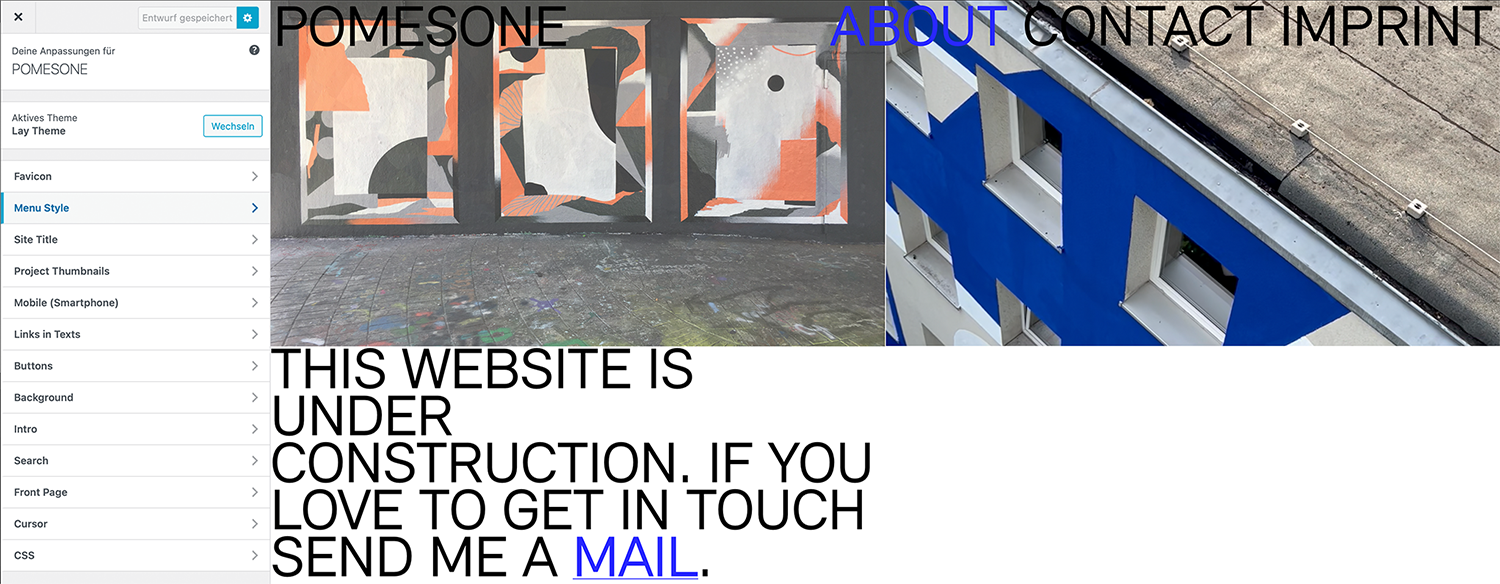
    go to customize -> menu style -> menu point active maybe here there is a different font weight in use always post a link to the problem, so i dont have to guess why it happens but can take a look and tell you
Online Users
Forgot your key, lost your files, need a previous Lay Theme or Addon version? Go to www.laykeymanager.com