Skip to content

Addons

Got a question about an Addon?
898 Topics 4.1k Posts
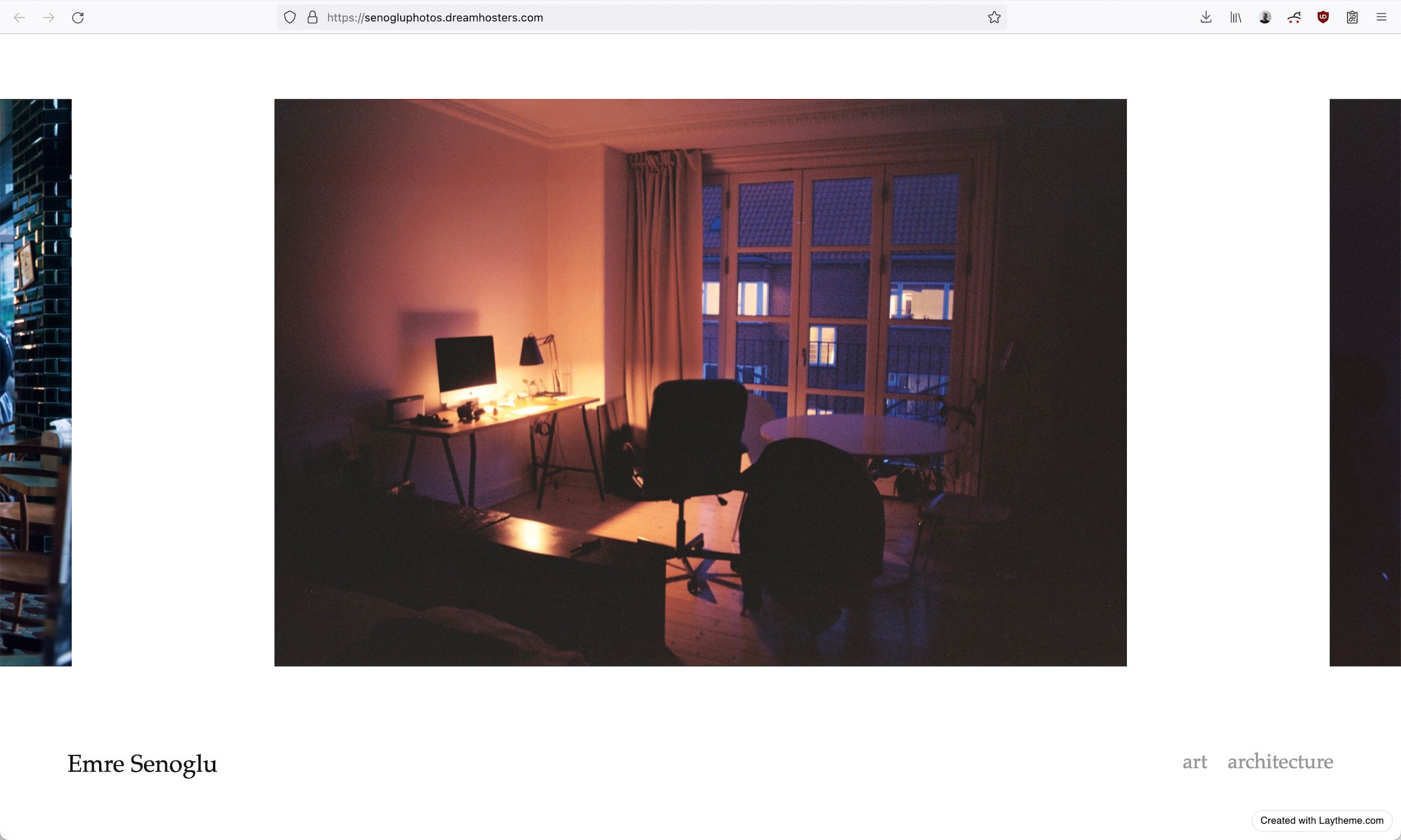
  • carousel faded side images

    3
    1
    0 Votes
    3 Posts
    170 Views
    E
    @arminunruh thanks armin, will give it a go
  • Carousel not more than 7 images

    2
    1
    0 Votes
    2 Posts
    80 Views
    arminunruhA
    hey you need to update both lay theme and the carousel addon
  • Manipulate Lightbox Caption with JS

    2
    0 Votes
    2 Posts
    164 Views
    arminunruhA
    hey sorry for the late reply sorry dont have time to help you with custom code :/
  • Fullscreen Slider hide menu when scrolling down

    5
    0 Votes
    5 Posts
    344 Views
    arminunruhA
    yea enable the scrollbar option disable this: [image: 1671544825651-screenshot-2022-12-20-at-15.00.16.png]
  • Go to next Vimeo Video / Carousel?

    4
    0 Votes
    4 Posts
    180 Views
    arminunruhA
    nah no problem!!
  • Carousel - image caption and number above image

    11
    1
    0 Votes
    11 Posts
    690 Views
    arminunruhA
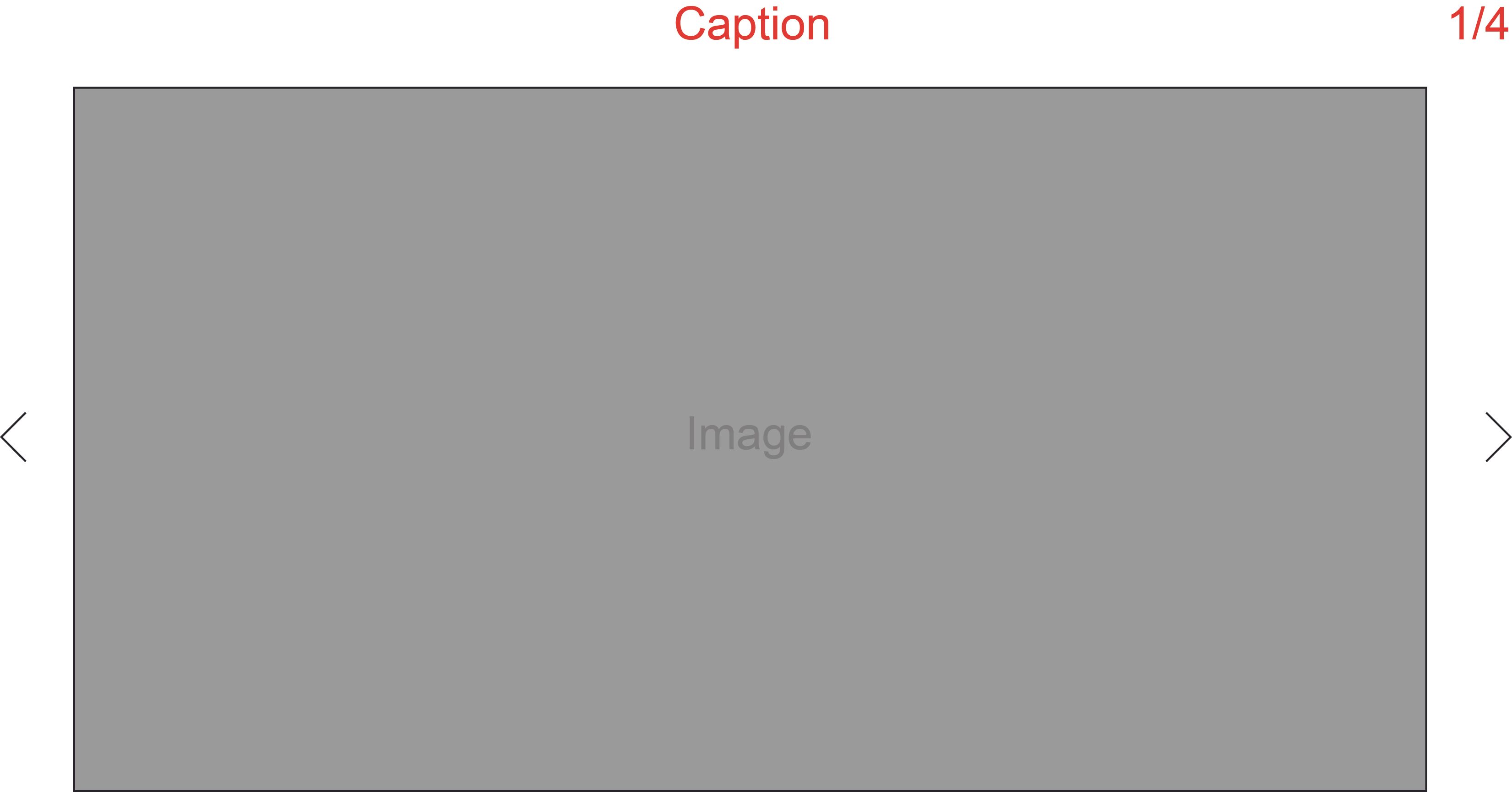
    that option never existed like in the sense that its above theres just the on top option hm hm i'm writing it down, but its low priority
  • Carousel Images in Element Grid

    carousel element grid
    2
    0 Votes
    2 Posts
    426 Views
    arminunruhA
    noo this option doesn't exist :/
  • Lightbox captions not activating

    6
    1
    0 Votes
    6 Posts
    235 Views
    arminunruhA
    hey there! in lay options → lightbox addon the setting "Minimum Space below Image for Captions (only applies if image has caption)" was set to "10" The description for this setting is misleading. I will update this. This setting cut off the caption, cause 10 is too small. I set it to 50. Thats not the minimum space, its just the space available to captions in a lightbox.
  • Multiple Carousels sliding using the arrow Key

    7
    1 Votes
    7 Posts
    491 Views
    arminunruhA
    its still on my todo list!
  • Imagehover line

    2
    0 Votes
    2 Posts
    139 Views
    arminunruhA
    yes go to customize -> links in texts -> links in texts mouseover and set the underline to 0
  • Carousel, change position of captions on mobile

    5
    0 Votes
    5 Posts
    489 Views
    arminunruhA
    .single-caption{ padding-left: 0!important; } .lay-carousel-sink { display: inline-block; margin-bottom: 0 !important; margin-top: 0 !important; position: relative; width: 100%; } .mobilecarousel .lay-carousel-sink-parent { position: absolute!important; top: 0!important; margin-top: 0px!important; } .lay-carousel-sink .numbers{ padding-right: 0!important; } in lay options -> custom css for mobile lmk if it worked!
  • Lightbox custom cursor

    2
    0 Votes
    2 Posts
    117 Views
    arminunruhA
    do u mean u want different cursors? Custom Mouse Cursor "Previous" and "Next" in lay options -> lightbox addon so basically if u want to set a custom cursor for any element use this css. in lay options -> custom css & html .yourtarget{ cursor: url(cursor_1.svg) 4 5; } 4 and 5 are the x and y values for where the cursor clicks when u click. url theres the url to the image. u can upload an image in the media library. then click on it there and find the url the target ".yourtarget" is the html class. right click an element you want to target in chrome, click inspect. in the inspector, get the targets class: for example here it would be "sidebar-inner" [image: 1666341407991-screenshot-2022-10-21-at-10.36.25.png] custom cursor for that would be .sidebar-inner{ cursor: url(cursor_1.svg) 4 5; } https://developer.mozilla.org/en-US/docs/Web/CSS/cursor

  • Carousel: buggy “Custom Mouse Cursor”

    4
    0 Votes
    4 Posts
    291 Views
    arminunruhA
    nice websites thanks for the shoutout <3
  • Videos in Carousel - white screen and browser errors

    6
    0 Votes
    6 Posts
    322 Views
    arminunruhA
    ah ok nice
  • Image Hover Addon - Crash

    2
    0 Votes
    2 Posts
    66 Views
    arminunruhA
    mh mh the website works fine for me :O maybe update your iOS? :O
  • Carousel Numbers Style

    5
    0 Votes
    5 Posts
    371 Views
    arminunruhA
    hey there! i think its not possible sorry! why do u need this?
  • This topic is deleted!

    2
    0 Votes
    2 Posts
    17 Views
  • This topic is deleted!

    1
    1
    0 Votes
    1 Posts
    7 Views
    No one has replied
  • Lightbox Stopped Working :( on Projects

    2
    1
    0 Votes
    2 Posts
    92 Views
    arminunruhA
    can you send your website address, /wp-admin/ username and password and a link to this topic to info@laytheme.com?
  • Carroussel Size Bug Mobile

    4
    2
    0 Votes
    4 Posts
    169 Views
    arminunruhA
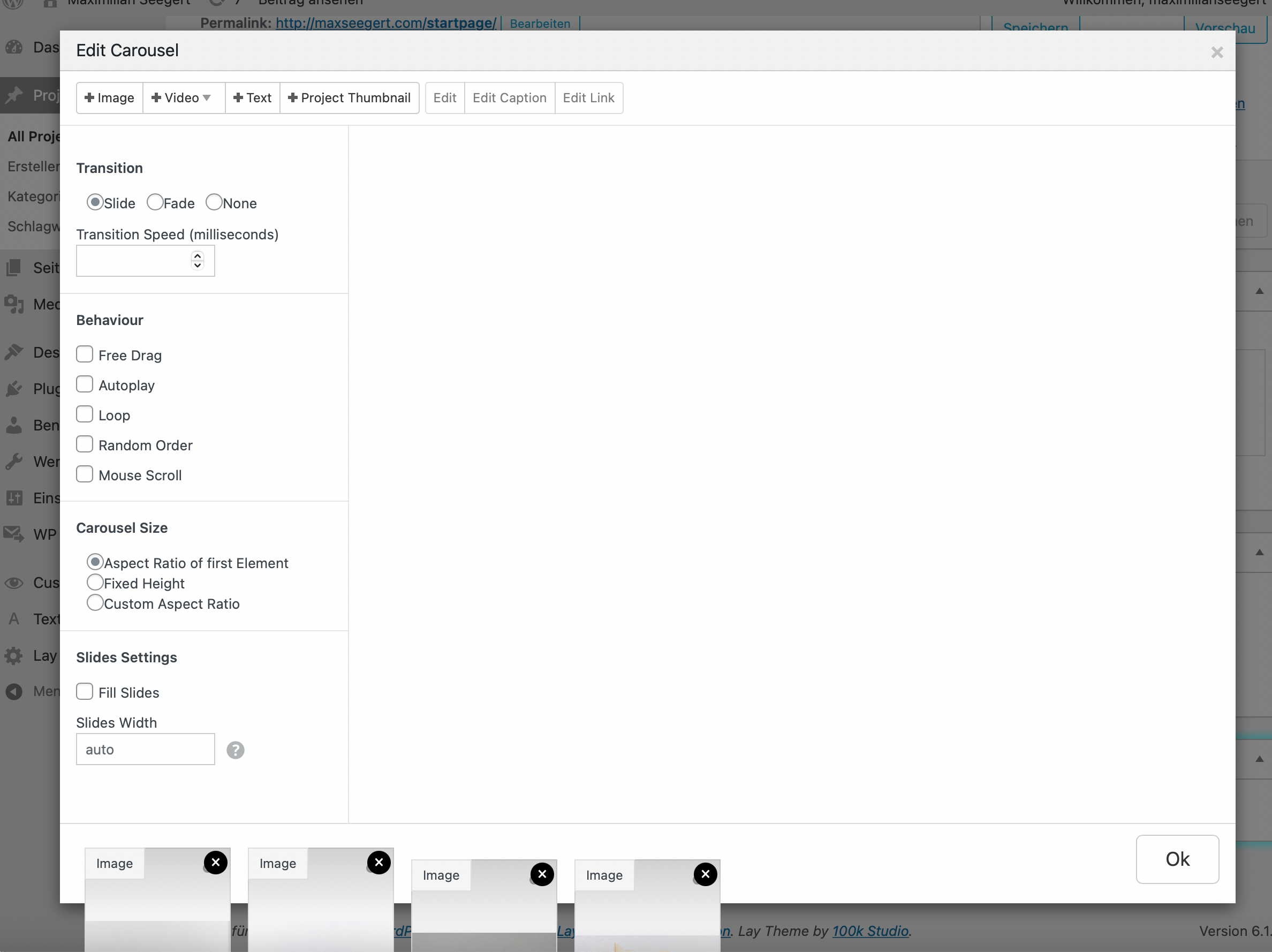
    @arno said in Carroussel Size Bug Mobile: there is a big white space between the images and the typical numbers (1/4), under most of the images. The white space corresponds to the height of the highest image. go to lay options -> carousel addon set this option like this: [image: 1664539552467-screenshot-2022-09-30-at-14.05.35.png] you could also think about using that option when editing a carousel in the gridder: [image: 1664539627217-screenshot-2022-09-30-at-14.06.47.png]

For paid 1-on-1 Lay Theme Coaching, contact Audrey (audrey@cyberslayers.work) or me (info@laytheme.com).

We also code custom websites or bespoke Lay features. Drop me a line at info@laytheme.com or check out my work at arminunruh.com.

Want to support my work? paypal.me/arminunruh

Before you post:
  1. When using a WordPress Cache plugin, disable it or clear your cache.
  2. Update Lay Theme and all Lay Theme Addons
  3. Disable all Plugins
  4. Go to Lay Options → Custom CSS & HTML, click "Turn Off All Custom Code", click "Save Changes"

This often solves issues you might run into

When you post:
  1. Post a link to where the problem is
  2. Does the problem happen on Chrome, Firefox, Safari or iPhone or Android?
  3. If the problem is difficult to explain, post screenshots / link to a video to explain it
Online Users
Forgot your key, lost your files, need a previous Lay Theme or Addon version? Go to www.laykeymanager.com