Skip to content

Addons

Got a question about an Addon?
898 Topics 4.1k Posts
  • Carousel Transition duration

    2
    0 Votes
    2 Posts
    144 Views
    mariusjopenM
    Dear @kb you can change the speed here: [image: 1594377318407-bildschirmfoto-2020-07-10-um-12.35.14.png] Best! Marius
  • Embedding Narrative-App-Galleries

    4
    0 Votes
    4 Posts
    95 Views
    mariusjopenM
    Dear @angelamp this is probably not compatible with LayTheme. Sorry! Marius
  • full screen addon

    2
    0 Votes
    2 Posts
    138 Views
    mariusjopenM
    Dear @almah do you want to have them cover or contain? https://developer.mozilla.org/de/docs/Web/CSS/object-fitBest! Marius
  • Carousel - Multiple image captions showing up at once

    8
    1
    0 Votes
    8 Posts
    484 Views
    mariusjopenM
    Dear @kimburgerly we are looking into it. Will take a bit. But we are on it! Best! Marius
  • Fullscreen addon

    12
    0 Votes
    12 Posts
    779 Views
    A
    @audreybelaud I'm not sure, where I enter 100% but in the place I think I should use, deosn't work. [image: 1593845127036-screenshot-2020-07-04-at-14.40.35.jpg] ![alt text]
  • What I need for

    2
    0 Votes
    2 Posts
    54 Views
    CyberSlayersC
    Hello @camomashe, The carousel plugin is what you are looking for :) http://laytheme.com/addons.html Thank you for using Lay theme, Many wishes, Audrey
  • What do i need for this?

    7
    0 Votes
    7 Posts
    291 Views
    M
    Hey @edgrbnz, thanx for your reply! Sounds exactly like what i'm looking for! regards
  • Full screen addon horitzontal sliding

    6
    0 Votes
    6 Posts
    306 Views
    mariusjopenM
    Dear @Biel-M the slideshow is working for me now. Best! Marius
  • Fullscreen Slider – Combining two or more rows

    3
    0 Votes
    3 Posts
    171 Views
    V
    Stack only allows same amount of columns. I'd like to combine row 1 headline 4 columns, row 2 with 2 images each 2 columns, for example...
  • Multilanguage Carousel Links

    3
    0 Votes
    3 Posts
    197 Views
    arminunruhA
    ok thx for the heads up, i'll look into this
  • This topic is deleted!

    1
    0 Votes
    1 Posts
    2 Views
    No one has replied
  • Image hovering over linked text

    2
    0 Votes
    2 Posts
    126 Views
    mariusjopenM
    Dear @emgeoffice it is not there yet. Best! Marius
  • Fullscreen Slider Breaks Site

    4
    0 Votes
    4 Posts
    207 Views
    mariusjopenM
    Dear @Ingi Best is if you write me a PM and include your username, password to your Wordpress Admin panel and a link to this conversation. Many wishes! Marius
  • Carousel - Space between slide images

    4
    1
    0 Votes
    4 Posts
    398 Views
    mariusjopenM
    Dear @PTD yes. But it is the first step into the right direction. This is a tricky one. You might need to as a developer to help you out. It should not be a big thing for a developer. http://laythemeforum.com/topic/5601/laytheme-customisation-services Best! Marius
  • thumbnail's titles in Carousel Addon

    4
    0 Votes
    4 Posts
    209 Views
    mariusjopenM
    Dear @almah I can see you did not enter a title. You can try to enter the title as caption [image: 1591775139664-bildschirmfoto-2020-06-10-um-09.45.19.png] Or you could try to change the thumbnail-title in the CUSTOMIZER. Best! Marius

  • Carousel Mouseover Link

    2
    1
    0 Votes
    2 Posts
    144 Views
    mariusjopenM
    Dear @chlu uh. For sure! There has beet approaches to a similar thing in the forum already. But with images not carousels. Best! Marius
  • Fullscreen Slider Mobile Version

    2
    0 Votes
    2 Posts
    128 Views
    mariusjopenM
    Dear @chlu do you use an alternative layout for mobile? Best! Marius
  • addons make my web white plain

    6
    0 Votes
    6 Posts
    241 Views
    mariusjopenM
    Dear @gdk seems to work now… Best! Marius
  • Carousel | Slides with individual object-fit

    6
    0 Votes
    6 Posts
    489 Views
    mariusjopenM
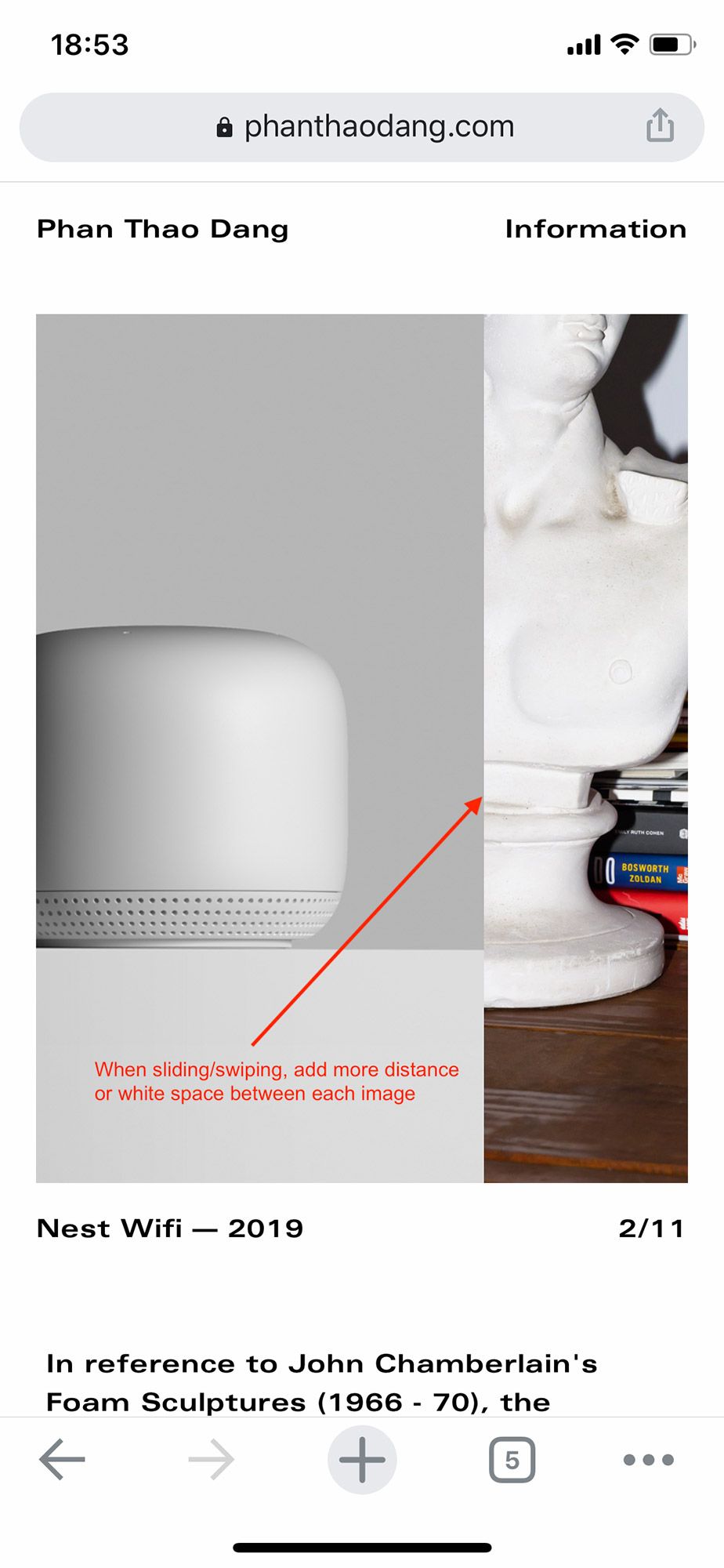
    Dear @mp .lay-carousel-slide:nth-child(4) img { object-fit: contain !important; } I was not able to test it , but something like this should work. Best! Marius
  • Can the Previous/next buttons of the carousel be out of the images ?

    11
    0 Votes
    11 Posts
    1k Views
    T
    Hey there! Thanks for the great work. Did anyone find a workaround for this yet? Or has the feature been upgraded? Unfortunately the buttons don't seem to respond to any CSS, even with the evil !important...

For paid 1-on-1 Lay Theme Coaching, contact Audrey (audrey@cyberslayers.work) or me (info@laytheme.com).

We also code custom websites or bespoke Lay features. Drop me a line at info@laytheme.com or check out my work at arminunruh.com.

Want to support my work? paypal.me/arminunruh

Before you post:
  1. When using a WordPress Cache plugin, disable it or clear your cache.
  2. Update Lay Theme and all Lay Theme Addons
  3. Disable all Plugins
  4. Go to Lay Options → Custom CSS & HTML, click "Turn Off All Custom Code", click "Save Changes"

This often solves issues you might run into

When you post:
  1. Post a link to where the problem is
  2. Does the problem happen on Chrome, Firefox, Safari or iPhone or Android?
  3. If the problem is difficult to explain, post screenshots / link to a video to explain it
Online Users
Forgot your key, lost your files, need a previous Lay Theme or Addon version? Go to www.laykeymanager.com