Skip to content

Addons

Got a question about an Addon?
902 Topics 4.2k Posts
  • 0 Votes
    5 Posts
    494 Views
    mariusjopenM
    Dear @Eeva you can deactivate the fullscreen slider for this page. Best! Marius
  • Pinch/Zoom on Mobile

    5
    0 Votes
    5 Posts
    425 Views
    mariusjopenM
    Dear @alasdair17 Nice! Thank you for letting us know! Best and have a wonderful day! Marius
  • 0 Votes
    2 Posts
    122 Views
    mariusjopenM
    Dear @thomasmaier Can you post a link to your website? We will then have a look and inspect that! Many wishes! Marius
  • where do i select Lightbox addon?

    2
    1
    0 Votes
    2 Posts
    263 Views
    mariusjopenM
    Dear @beadegiacomo you need to activate the lightbox in the LayOptions. Then each image on the page is a part of the lightbox automatically. Best! Marius
  • Hide/disable left arrow from Fullscreen Slider Addon

    6
    0 Votes
    6 Posts
    655 Views
    mariusjopenM
    Dear @tttibooo have a look here: .right .fp-slides img { cursor: col-resize; } Best! Marius
  • WooCommerce or another option to integrate a shop

    6
    0 Votes
    6 Posts
    593 Views
    L
    @mariusjopen looking forward to it!
  • Carousel Addon with Mouse-over

    2
    0 Votes
    2 Posts
    134 Views
    mariusjopenM
    Dear @Jakob there is no real way to do this. The carousel is a creative option if it works. Otherwise CUSTOM CSS or JQUERY. How ill you solve the problem in mobile? There is no mouseover. Best! Marius
  • Lightbox different image for gallery and lightbox

    2
    0 Votes
    2 Posts
    239 Views
    arminunruhA
    no its not possible sorry
  • Enable Hash Navigation on carousel

    3
    0 Votes
    3 Posts
    696 Views
    S
    Thanks Arminunruh so if I use the following <script> jQuery(document).on("click", ".id-28 .element-collection .element-wrap", function(event) { var slideno = jQuery(this).find("img").attr("alt"); window.location.href = '/portfolio#' + slideno; }); var urlhash = window.location.hash.substr(1); window.laytheme.on('newpageshown', function(){ var mySwiper = document.querySelector('.swiper-container').swiper; // Now you can use all slider methods like mySwiper.slideTo(urlhash, 1, false); }); </script> no matter what slider method I use I get error like "TypeError: undefined is not an object (evaluating 'mySwiper.slideTo')" this suggest a timing issue as the object is not there can you see where I am going wrong. Thanks for your help.

  • Full Screen Slider is not working anymore

    4
    0 Votes
    4 Posts
    280 Views
    M
    After disabling every other plugin it seems to work again! Thanks
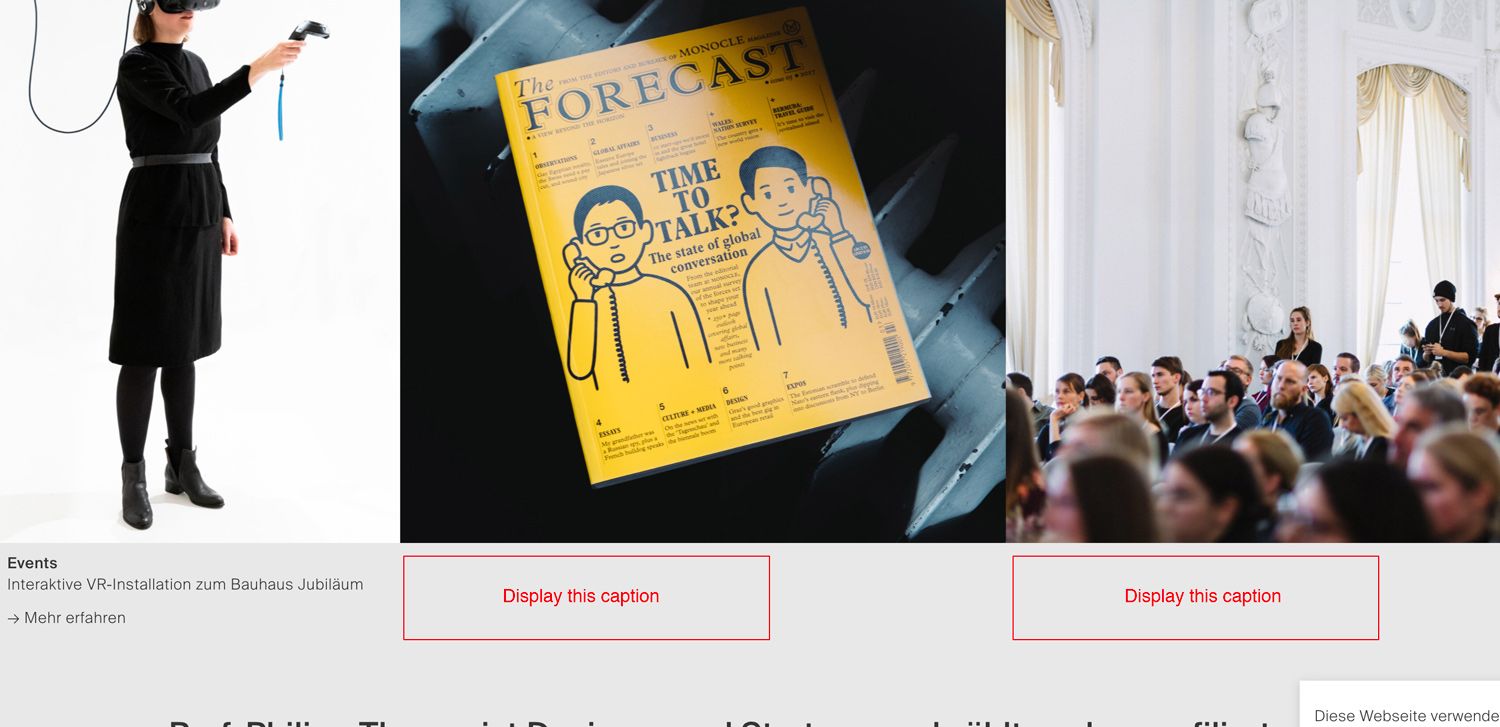
  • Carousel: Display all caption permanently?

    3
    1
    0 Votes
    3 Posts
    285 Views
    M
    aah… too bad! Thx for the answer tho. That list is getting longer and longer… Would love to see that feature. And maybe adjusting the space between the individual slide.
  • Video Thumbnail with colored mouseover? HOW?

    2
    0 Votes
    2 Posts
    147 Views
    arminunruhA
    [image: 1587562295018-screenshot-2020-04-22-at-15.31.25.png] in customize -> project thumbnails -> project thumbnail mouseover use these settings if you want to do it differently and do it for other elements you'll need to learn some CSS to set the background of an element to a color and then set the opacity of the image or video inside the element to like opacity: 0.5 on mouseover good luck
  • Lightbox add-on not working after 3.0.0 update

    18
    1 Votes
    18 Posts
    2k Views
    arminunruhA
    @FloMo please create a new topic and before see if u updated both the carousel and lay theme
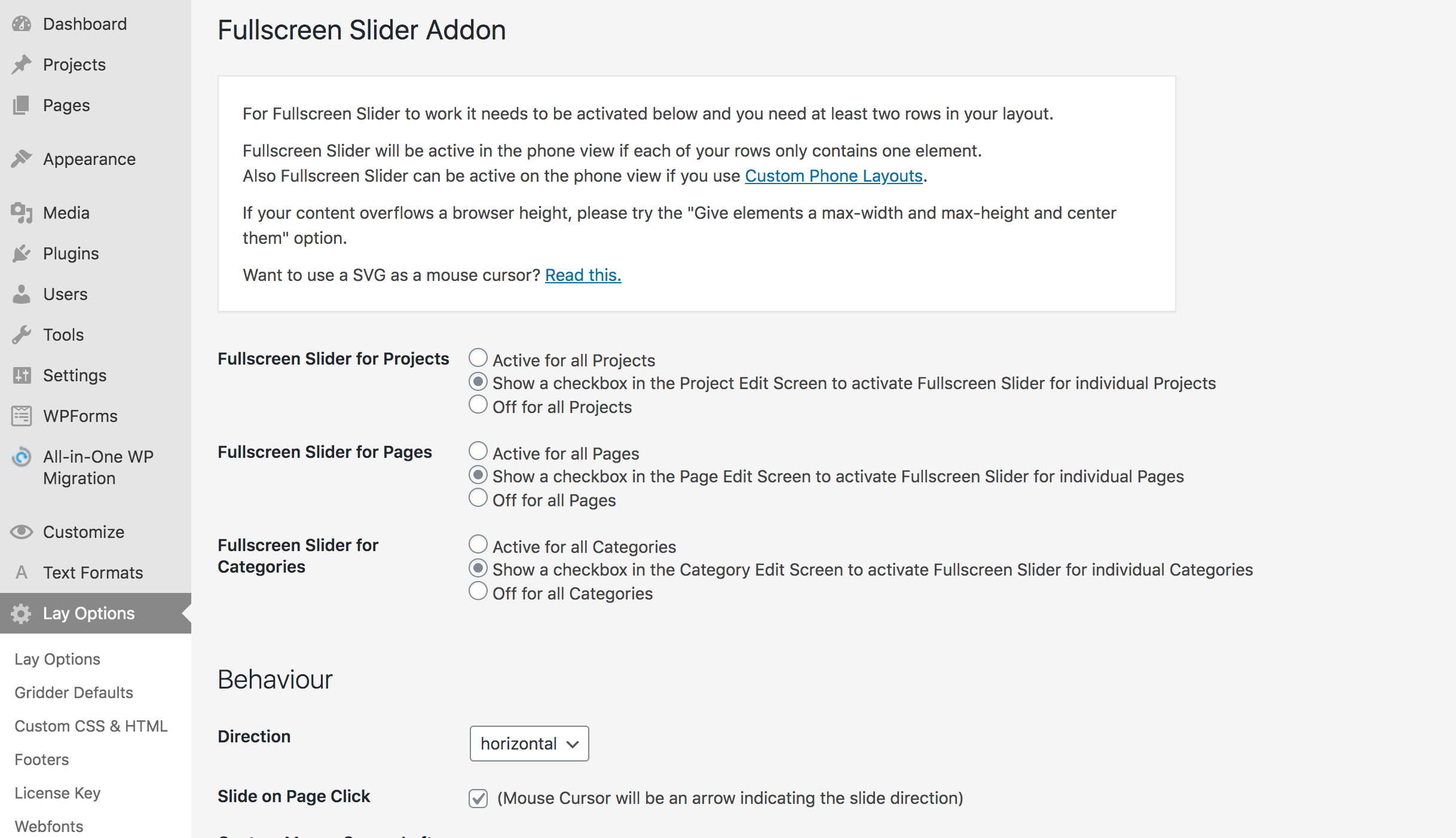
  • FULL SCREEN SLIDER NOT WORKING

    3
    2
    0 Votes
    3 Posts
    288 Views
    L
    Thanks a lot, it was confused watching other addons like carousel worked so different Thanks!
  • This topic is deleted!

    4
    0 Votes
    4 Posts
    7 Views
  • This topic is deleted!

    1
    0 Votes
    1 Posts
    6 Views
    No one has replied
  • Autoplay speed

    2
    0 Votes
    2 Posts
    111 Views
    mariusjopenM
    Dear @Roxane-Daghigh This is a great idea and we will write it down for the future. Right now this is not possible. Thank you! Marius
  • Mobile Layout: Portrait Images

    4
    0 Votes
    4 Posts
    290 Views
    mariusjopenM
    Dear @fabiennne There is not really a "right" way to do this. You need to dig into the CSS. Do you have a friend who knows some CSS? Best! Marius
  • Carousel captions collide with numbers

    2
    1
    0 Votes
    2 Posts
    108 Views
    mariusjopenM
    Dear @Henning with CUSTOM CSS you can change the with of the caption box. Best! Marius
  • Lightbox and touch gestures on ipad and some phones

    13
    0 Votes
    13 Posts
    2k Views
    arminunruhA
    Please refer to this: http://laythemeforum.com/topic/5143/pinch-zoom-ios-lightbox/3
Online Users
Forgot your key, lost your files, need a previous Lay Theme or Addon version? Go to www.laykeymanager.com