Skip to content

Shop / WooCommerce

Shop related questions and issues

253 Topics 1.2k Posts
  • product subtitle on product thumbnail

    8
    1
    0 Votes
    8 Posts
    265 Views
    J
    Hi @arminunruh . What do you think about this 'subtitle' idea? :-) Is it something we can hope for in the near future?
  • Single product page

    15
    1
    1 Votes
    15 Posts
    850 Views
    J
    You're a wizard!
  • drop down list at BIlling Details form / payment page

    7
    1
    0 Votes
    7 Posts
    242 Views
    J
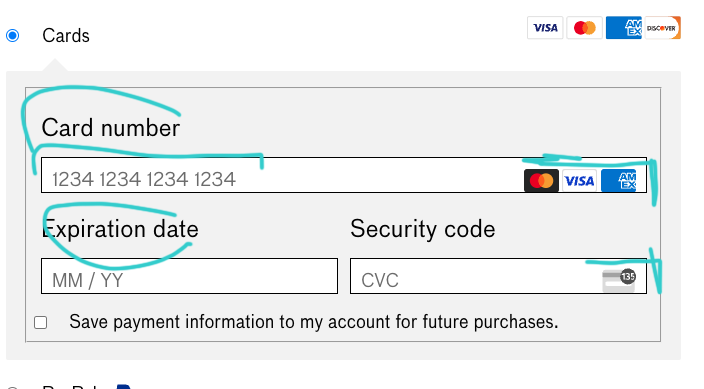
    Yes, it works. Great. Merci
  • product description on Product Thumbnail

    3
    0 Votes
    3 Posts
    191 Views
    arminunruhA
    ok when you update lay theme, go to: customize → woocommerce → product thumbnails [image: 1735569975804-screenshot-2024-12-30-at-15.46.12.png] here, activate "show short description" this will show the short description on the thumbnail: [image: 1735569999409-screenshot-2024-12-30-at-15.46.34.png] the short description is set when editing a project. its the same description that shows up on the top of the project: [image: 1735570031986-screenshot-2024-12-30-at-15.47.08-resized.png]
  • Showing products as single elements (not grid)

    13
    0 Votes
    13 Posts
    502 Views
    A
    That's actually great! thank you! :-)
  • Variable product selection does not show variations

    9
    1
    0 Votes
    9 Posts
    407 Views
    arminunruhA
    it only happens on your tablet? do you know which browser and browser version you use or which tablet it is i can check on www.browserstack.com here i can simulate different older browsers and devices
  • This topic is deleted!

    1
    0 Votes
    1 Posts
    10 Views
    No one has replied
  • product description and button position

    2
    2
    0 Votes
    2 Posts
    124 Views
    arminunruhA
    do u have a link please
  • Missing 'Cart' WORD When Adding Products to Cart

    4
    0 Votes
    4 Posts
    149 Views
    T
    nice :) !!
  • Menu Cart only shows number

    4
    1
    0 Votes
    4 Posts
    160 Views
    J
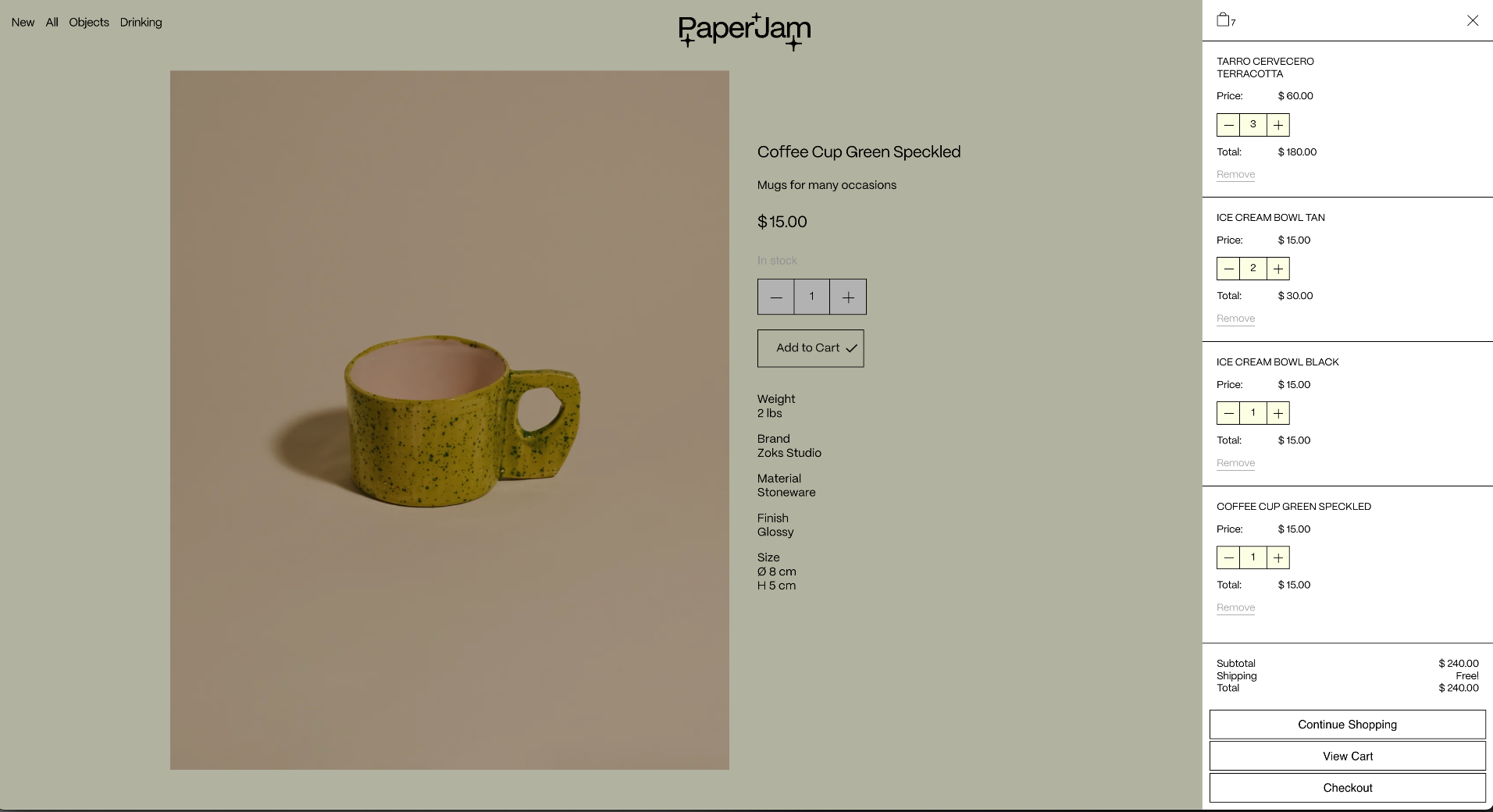
    Awesome! Thanks!
  • WOO / GElato items - size options missing

    3
    2
    0 Votes
    3 Posts
    146 Views
    arminunruhA
    ok very nice!
  • shop page not showing any products

    10
    2
    0 Votes
    10 Posts
    401 Views
    O
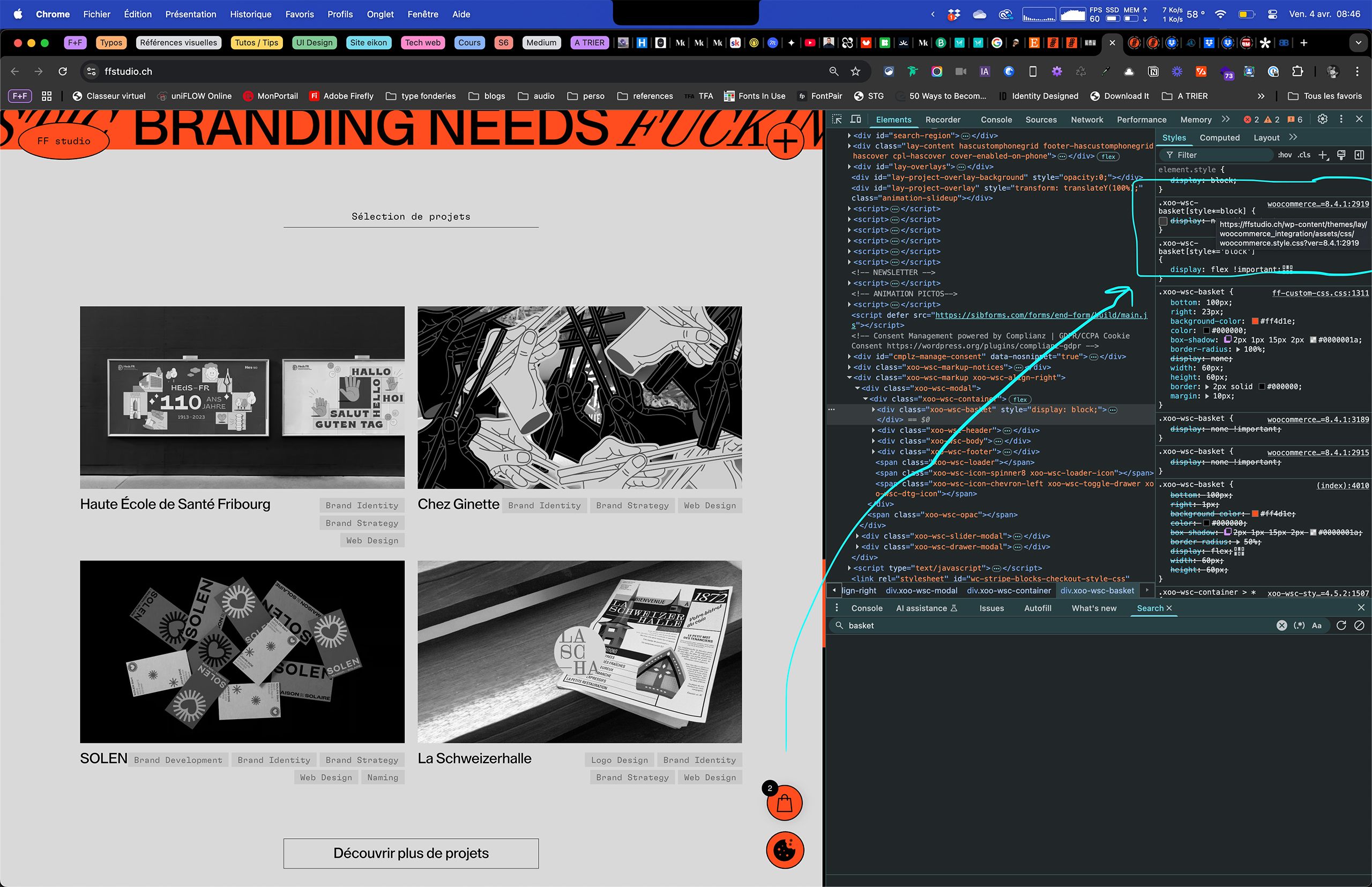
    Hi @arminunruh , The Shop page still isn’t displaying the products. I’m curious to know how the previous person @shutupclaudia resolved this, as I’m experiencing the exact same issue. It seems to be a Permalink issue—when I use mydomain.com/shop/, the products don’t display, but they do appear if I set up a subpage, like mydomain.com/shop/products/. Could you advise on how to resolve this? Thank you.
  • This topic is deleted!

    1
    0 Votes
    1 Posts
    1 Views
    No one has replied
  • cart menu point not appearing on shop page

    2
    0 Votes
    2 Posts
    93 Views
    arminunruhA
    can you send your website address, /wp-admin/ username and password and a link to this topic to info@laytheme.com?
  • adjusting font-size on woocommerce checkout page

    7
    1
    0 Votes
    7 Posts
    326 Views
    O
    Thank you so much, @arminunruh !
  • Adding a footer to the Product Page

    8
    0 Votes
    8 Posts
    325 Views
    arminunruhA
    ok with the next update you will have this extra setting: [image: 1730186641745-screenshot-2024-10-29-at-08.23.58.png]
  • Securing the digital download product

    2
    0 Votes
    2 Posts
    94 Views
    arminunruhA
    this is what i found https://woocommerce.com/document/digital-downloadable-product-handling/#protecting-your-uploads-directory its more of a woocommerce issue
  • wooCommerce makes website crash

    2
    0 Votes
    2 Posts
    115 Views
    arminunruhA
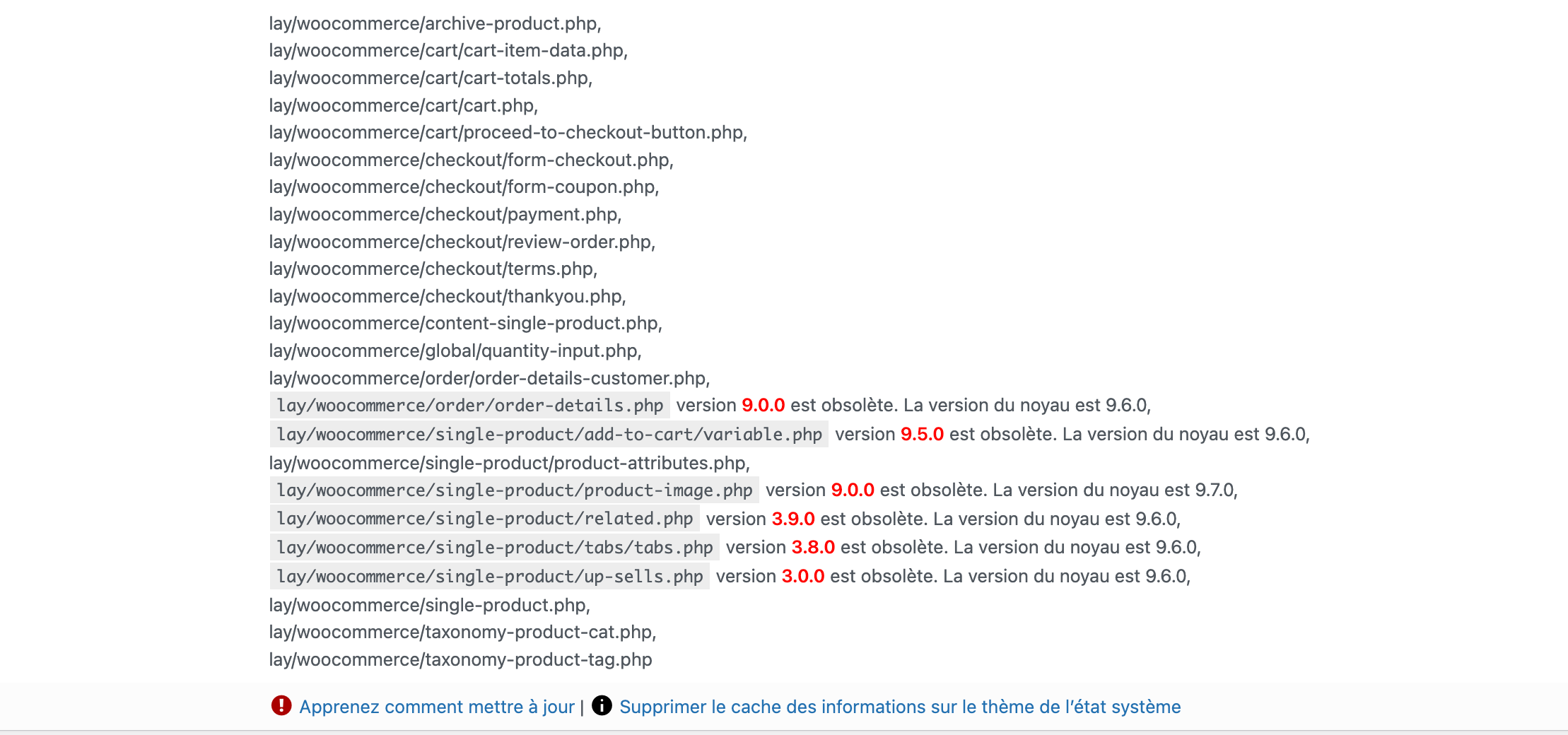
    hey there! so the product-attributes.php template: i looked at the newer version of the template and there are almost no changes made to it the only change i could see was they added a aria-label to it which is for blind people with a screen reader i think wp remote get https://developer.wordpress.org/reference/functions/wp_remote_get/ is a normal function that is called to get updates for your themes and plugins. sometimes it can time out when the update server doesnt respond but this shouldnt break ur site i think The Legacy REST API plugin is not installed on this site. can you install the plugin "Legacy REST API" and see if that changes anything? woocommerce needs a lot of computing power, maybe your webserver is not powerful enough to make the website run fast with woocommerce enabled
  • Product Categories/Tags Filters

    30
    4 Votes
    30 Posts
    2k Views
    arminunruhA
    widgets mmh i think lay theme doesnt have widgets
  • Product Filter with WooCommerce

    6
    1 Votes
    6 Posts
    255 Views
    arminunruhA
    no, currently im working on a different feature for lay theme

I also code custom websites or custom Lay features.
💿 Email me here: 💿
info@laytheme.com

Our Web Development company: 100k.studio

Want to tip me? https://www.paypal.com/paypalme/arminunruh

Before you post:
  1. When using a WordPress Cache plugin, disable it or clear your cache.
  2. Update Lay Theme and all Lay Theme Addons
  3. Disable all Plugins
  4. Go to Lay Options → Custom CSS & HTML, click "Turn Off All Custom Code", click "Save Changes"

This often solves issues you might run into

When you post:
  1. Post a link to where the problem is
  2. Does the problem happen on Chrome, Firefox, Safari or iPhone or Android?
  3. If the problem is difficult to explain, post screenshots / link to a video to explain it
Online Users
Forgot your key, lost your files, need a previous Lay Theme or Addon version? Go to www.laykeymanager.com