adjusting font-size on woocommerce checkout page
-
Re: how to Edit woocommerce pages texts and layouts?
I’m facing the same issue the above post by @juan-casal
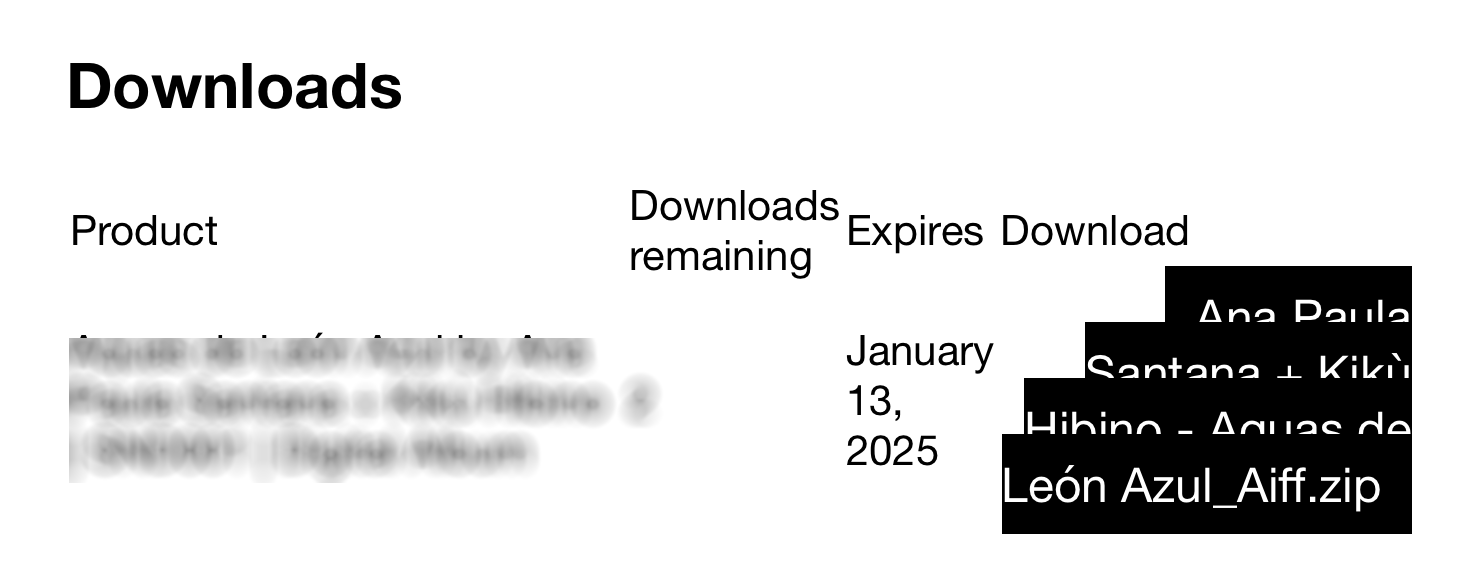
On the Checkout page after purchasing with WooCommerce, the text overlaps, and I need to adjust the font size. As the previous poster mentioned, the Checkout page contains only the [woocommerce_checkout] shortcode after removing all HTML when installing SideCart. Since I’m not a programmer, this problem feels challenging for me. I would appreciate any tips or guidance. I’ve attached an image for reference.
-
go to customize → woocommerce → Order Received Page
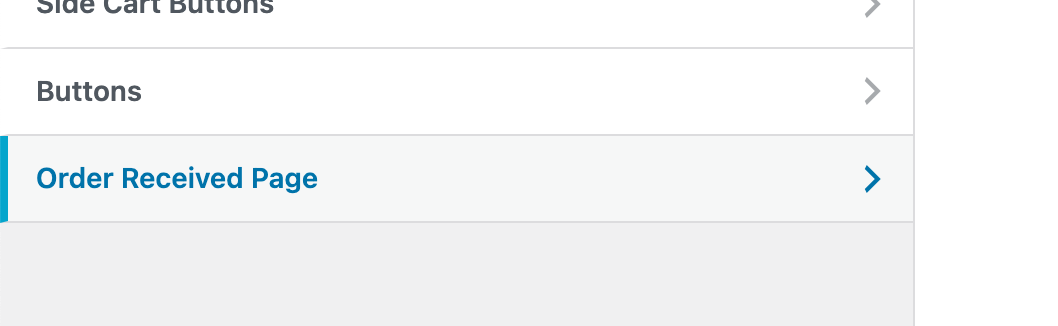
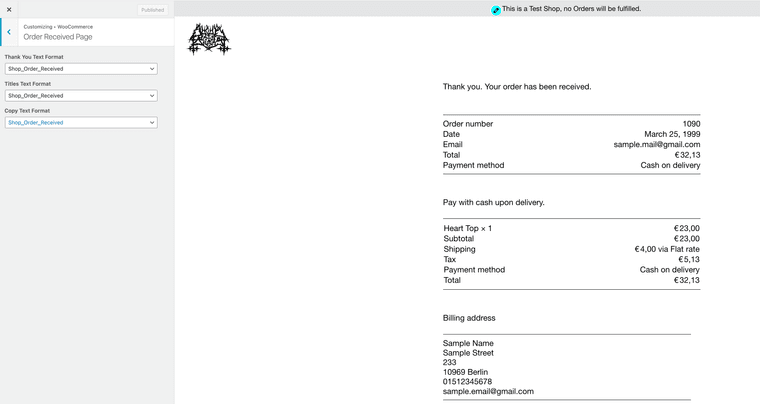
here you can see the textformat "shop_order_received" is set by default
choose a textformat with a fontsize of maybe 16px. or change the textformat "shop_order_received" to use 16px font size max.
-
also. the download buttons:
td.download-file{ text-align: left!important; } td.download-file a{ font-size: 14px!important; padding: 5px 10px!important; } -
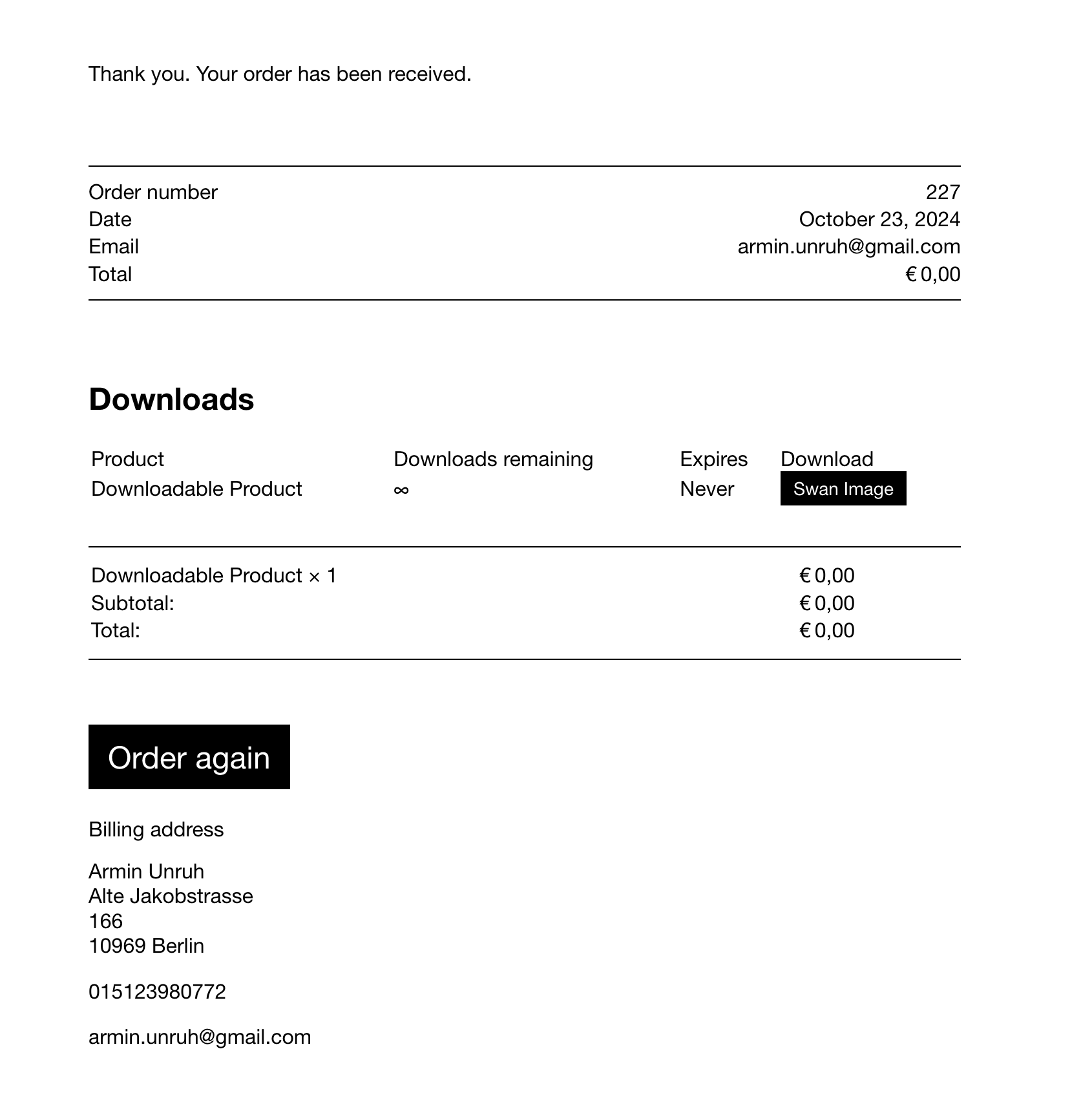
with these changes, it looks like this for me
-
also. the download buttons:
td.download-file{ text-align: left!important; } td.download-file a{ font-size: 14px!important; padding: 5px 10px!important; }@arminunruh Sorry for my ignorance, but where do I put these codes to?
-
oh sorry!
lay options → custom css & html → custom css
-
Thank you so much, @arminunruh !

Hello! It looks like you're interested in this conversation, but you don't have an account yet.
Getting fed up of having to scroll through the same posts each visit? When you register for an account, you'll always come back to exactly where you were before, and choose to be notified of new replies (either via email, or push notification). You'll also be able to save bookmarks and upvote posts to show your appreciation to other community members.
With your input, this post could be even better 💗
Register Login