single product page Woo commerce
Shop / WooCommerce
3
Posts
2
Posters
493
Views
2
Watching
-
I don't know how it happened, but yesterday woo commerce automatically add two accordions on every single product page.
I know it seems dumb but I can't find a way to go back to how it was before: the description next to the images without any accordion.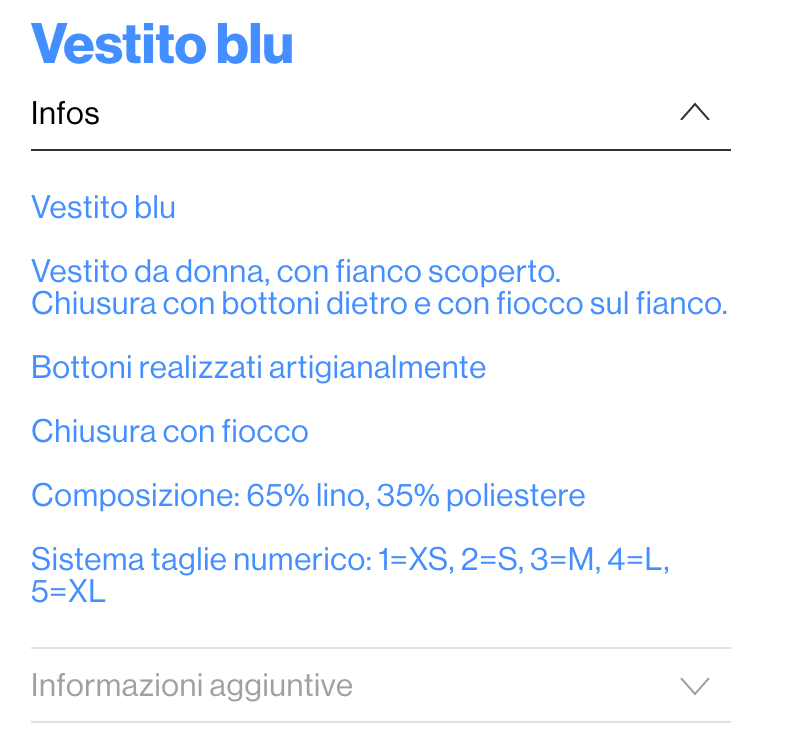
-
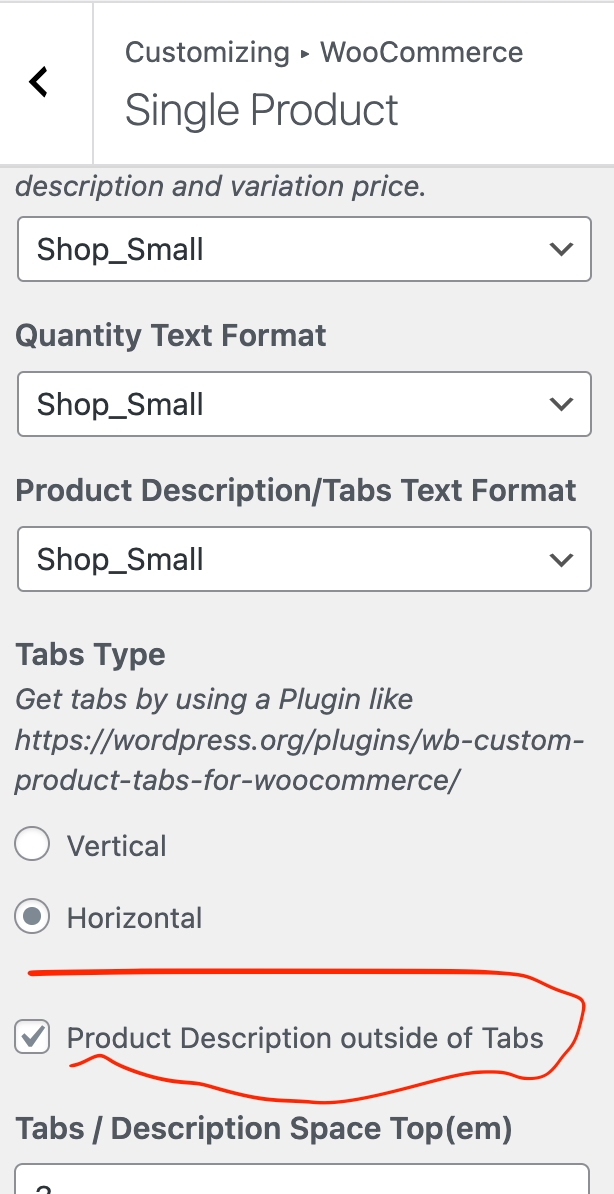
please enable this setting that will be included with the next update!
and then in customize -> woocommerce -> single product order
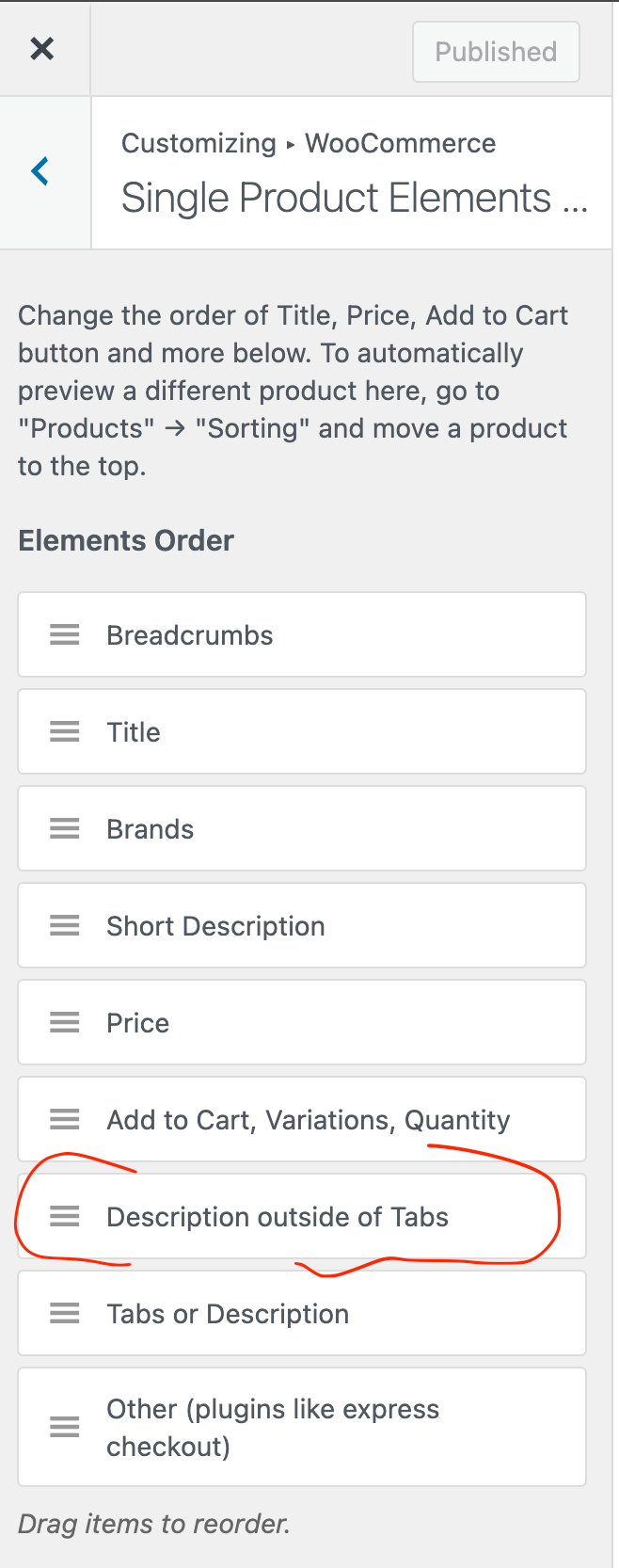
you will be able to define the order of the elements if the text doesnt sit at the desired order
-
thank so much!

Online Users
Forgot your key, lost your files, need a previous Lay Theme or Addon version?
Go to www.laykeymanager.com