cart and checkout design issue
-
Hey! I have a very basic question but for some reason I haven't figured it out myself. I would like to edit (design-wise) several parts of the woo-commerce connected website. Where do I access and edit parts such as "cart" and "check-out process" (font style changes, color edits, compositional edits). I've had zero problems figuring out the projects/portfolio stuff, but for some reason, designing cart/checkout seems to be a bit trickier? Can I also do this in the gridder? Is there an old post i could refer to, or a video? I found a post that refers to this link https://laytheme.com/documentation/shop-setup.html#preparation
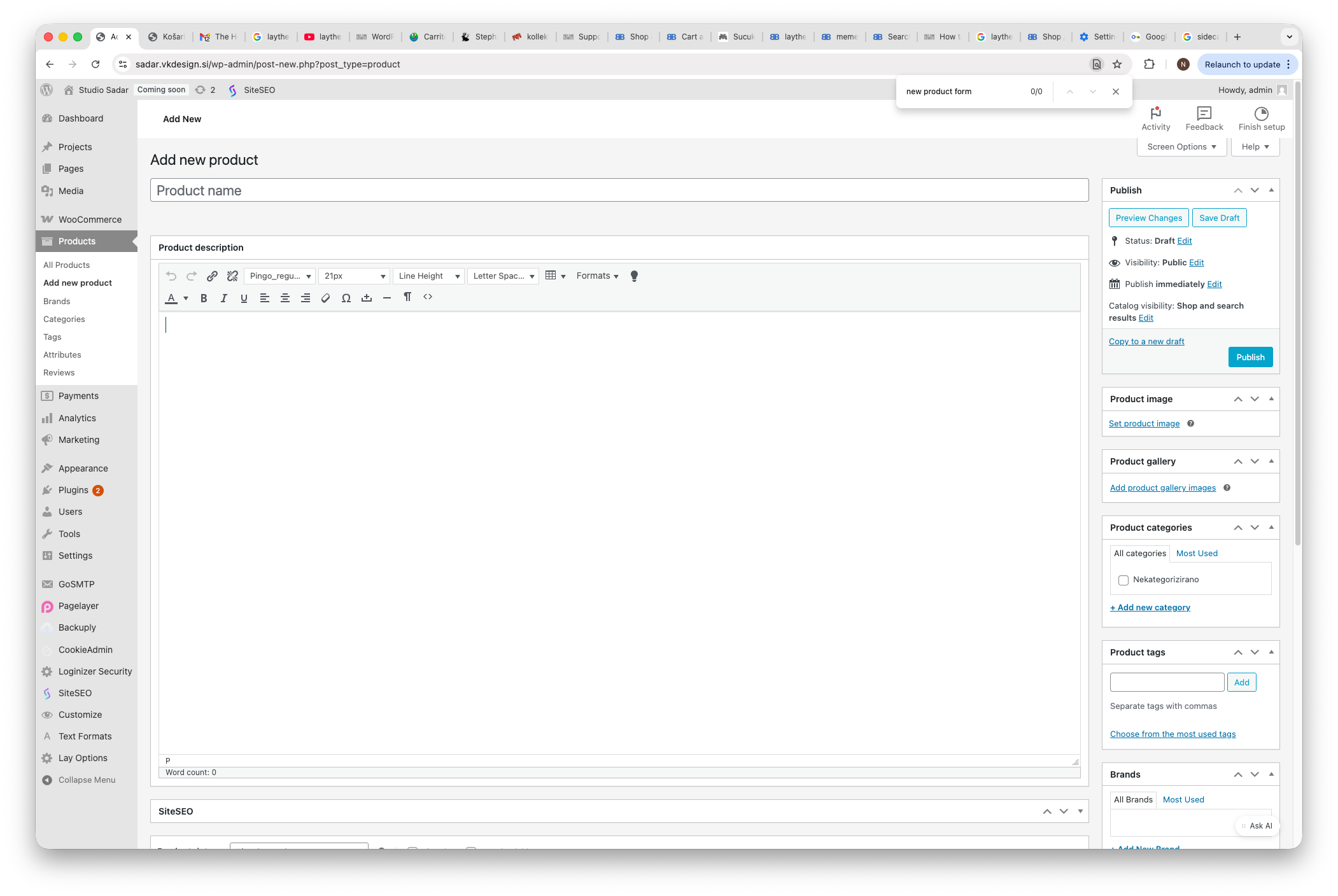
but I stopped at the end of the 2nd step since I dont see those 3 dots (to "turn off new product form"). See screenshot.  image url)
Thanks for your help!
-
hey make sure you did this:
https://laytheme.com/documentation/shop-setup.html#preparationyou will find the only cart and checkout styling settings are available here:
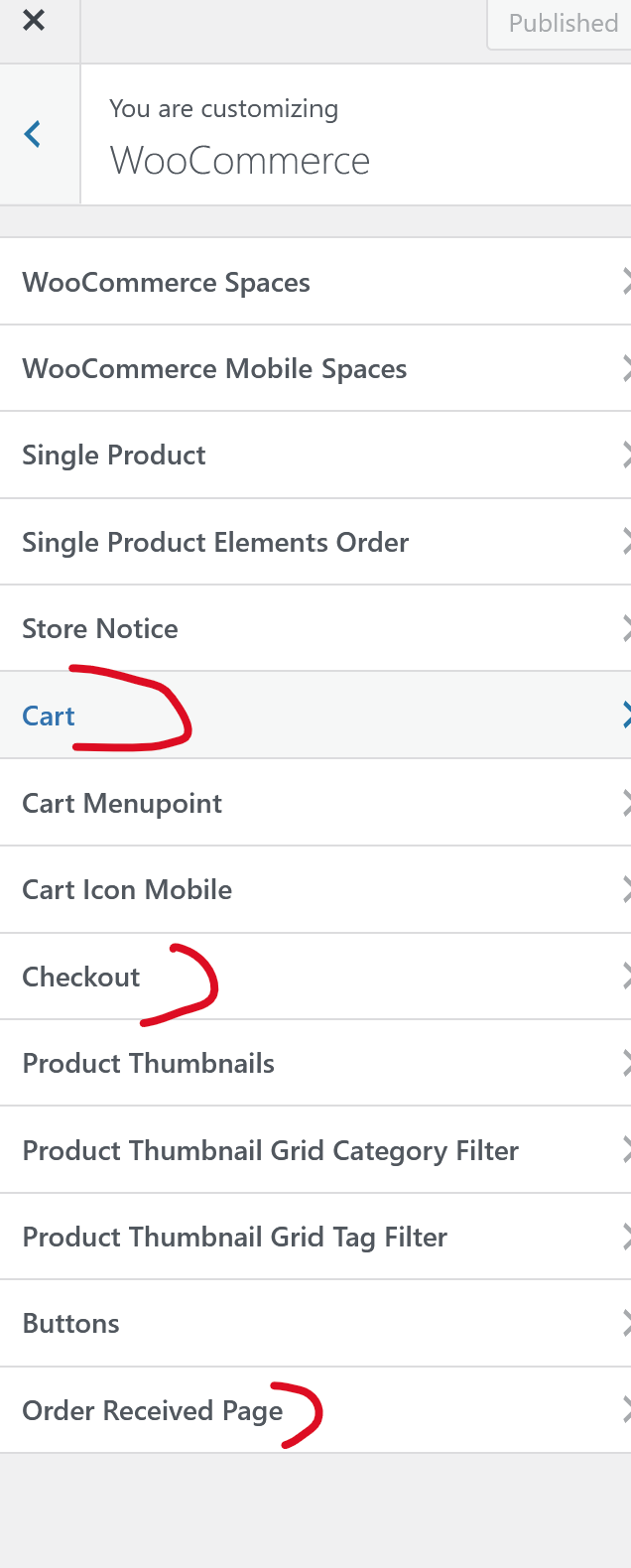
i the customizer
sorry about the late reply
