Left Row / Right Row webgl Slideshow
-
I am currently working on a Site which uses the left / right row image background, and was wondering if it would be possible to have left / right row webgl slideshows. Carousel wouldn’t work for me here I think, as I want to avoid the horizontal Gutter, and we have Elements on top. Thank you!
-
hey jacob!
this doesnt exist unfortunately.
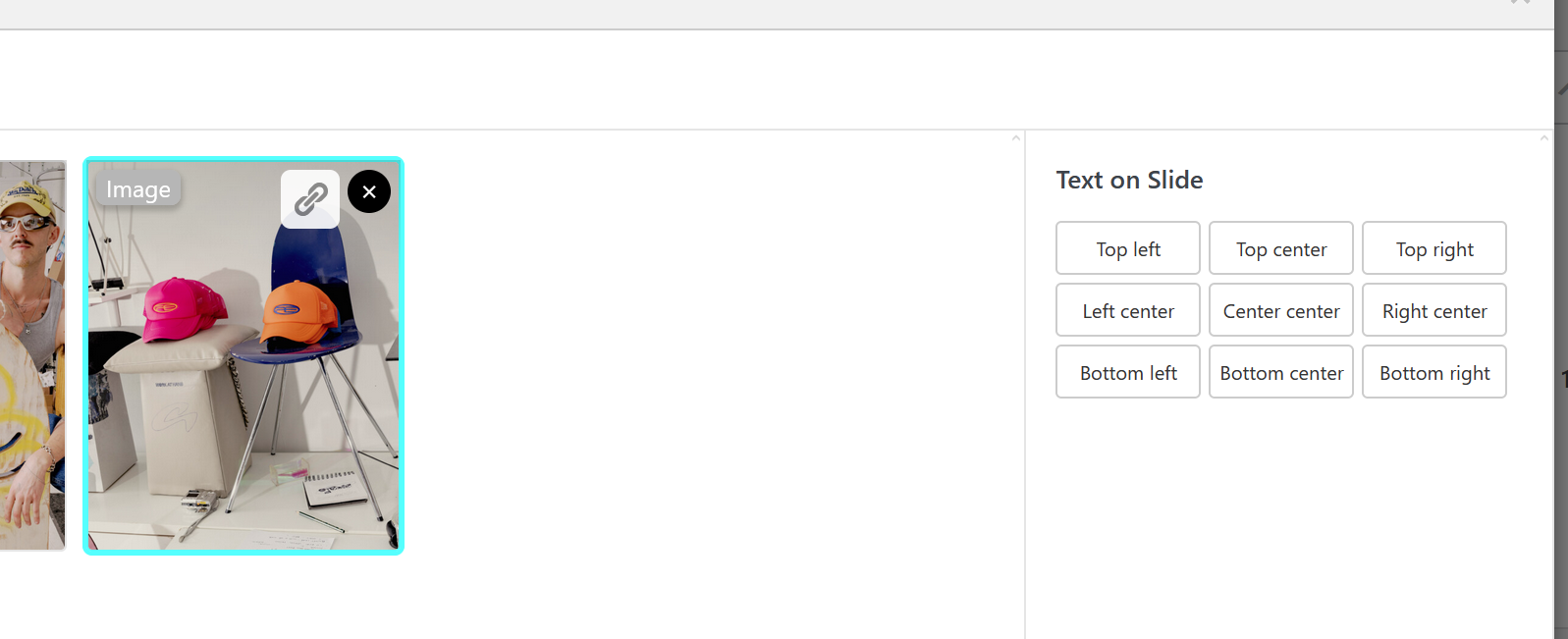
however, now you can add texts on top of slides in the carousel:
you can use custom CSS like:

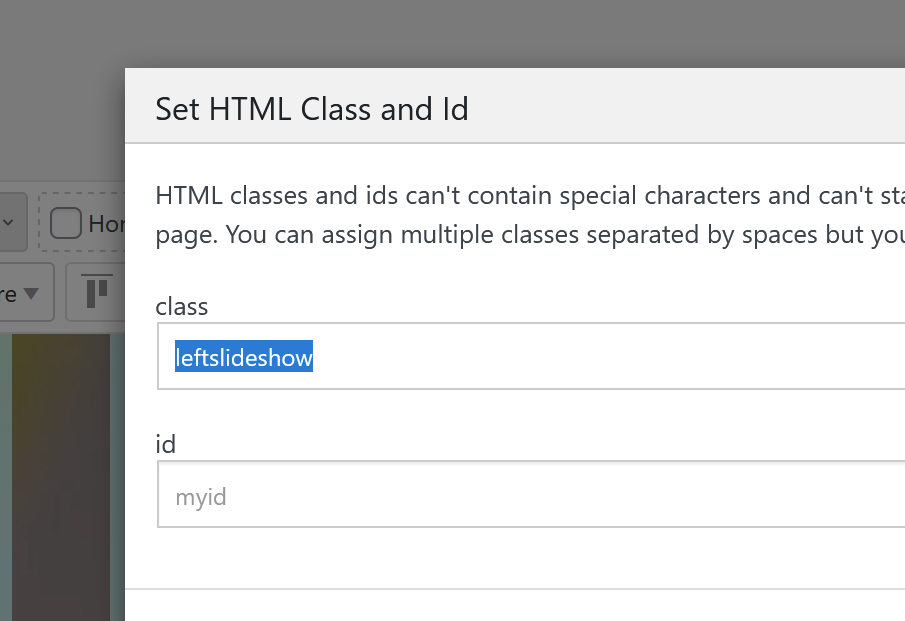
.leftslideshow .lay-webgl-slideshow{
width: 50%;
}

.rightslideshow .lay-webgl-slideshow{
width: 50%;
left: auto;
right: 0;
}
add this in:
lay options -> custom css & html -> custom css for desktop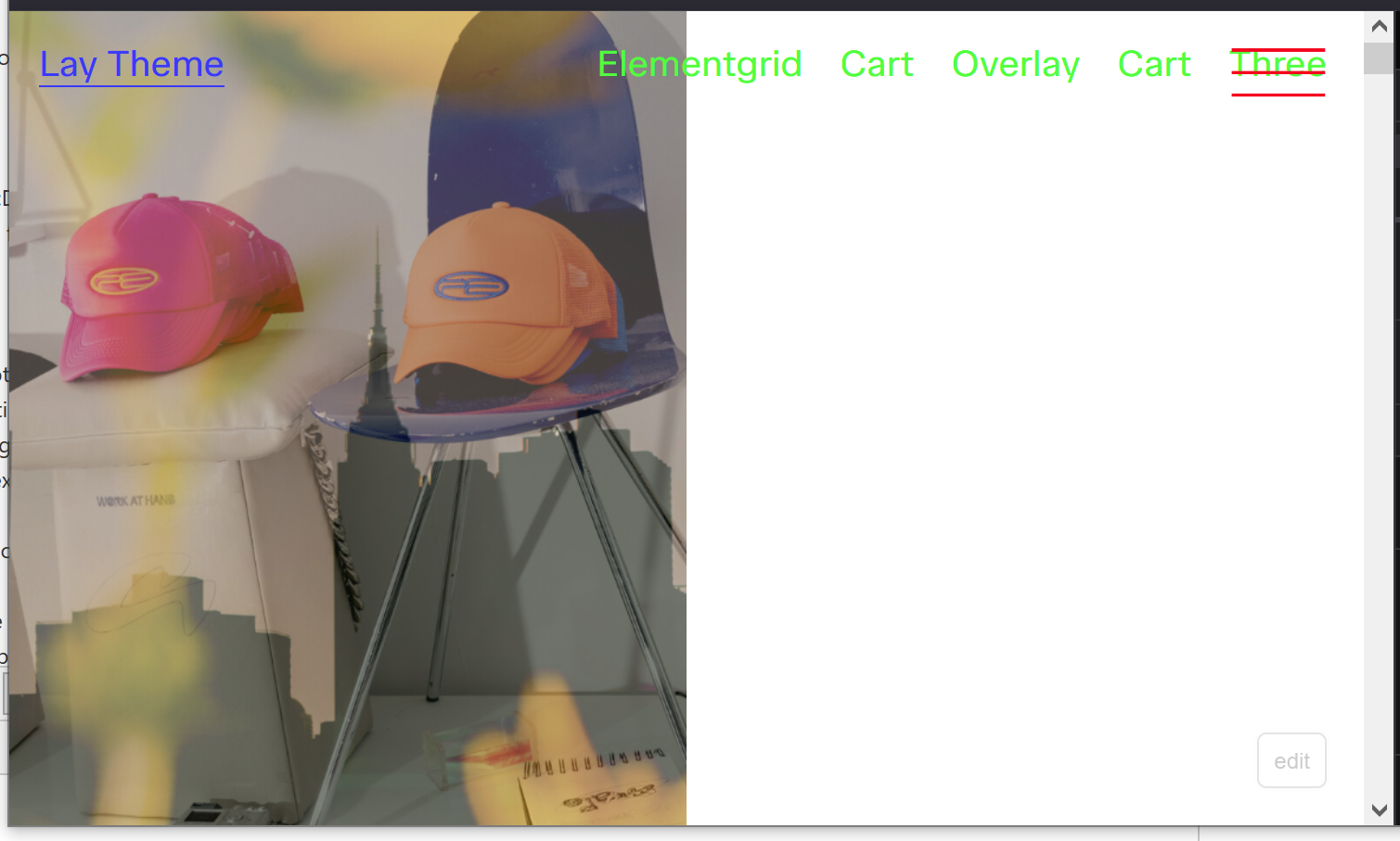
-
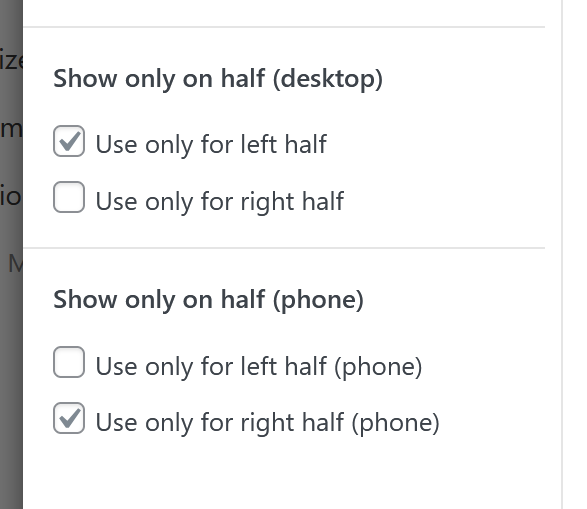
next update will include these settings:
-
hey armin, thank you so much for your feedback! i couldn’t quite get the 50% width css for the carousels to work, but i figured out that if i use a carousel element with 100svh height and for image 50% width, i get split sceen effect i was looking for!
and then i can kinda cram the text in the same row and laytheme will put it on top lol. text on slide is definitely super cool, but in this case i want the text to stay static and the images to change :–) -
nice! but the current update also has the new settings i showed in my screenshot above
-
good to know, thank you!
