BUG: not possible ot register during checkout
-
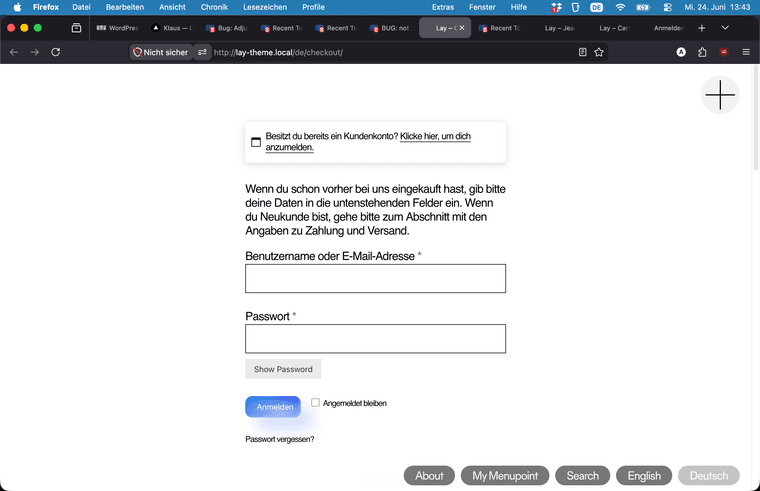
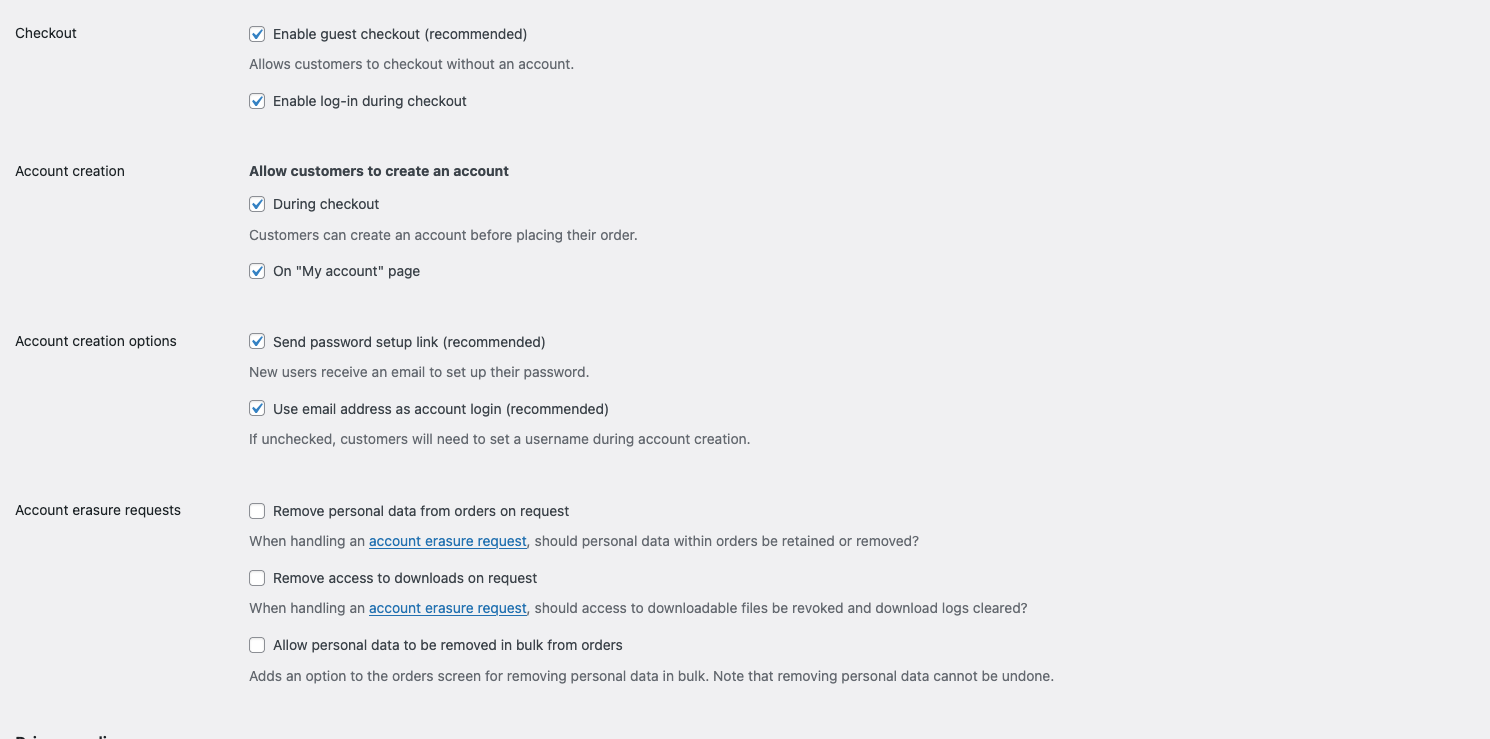
The option to let customers register during checkout is ticked but there is no such option in the checkout page.. only the button "returning customer?" appears. how to fix this? I suppose it is a bug, I am pretty sure it worked before. I haven't touched the site for a long time and now I am discovering these bugs.
P.S. It is possible to register on the acount page when ticked so that works..
-
ah! i see. you want an account registration during checkout.
im not sure if lay theme ever supported that, i think i never coded this for lay theme.if you think it worked before, you can try to use an older version of lay theme.
you can get it on www.laykeymanager.comim going to look into this, maybe there is an easy way to enable this for lay theme
-
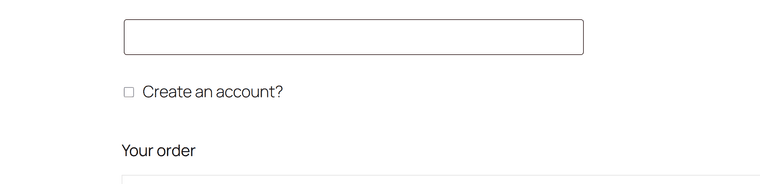
i see. usually there should be this checkbox, but only if we are not logged in to /wp-admin/
-
ok with the next update, the checkbox will be shown:
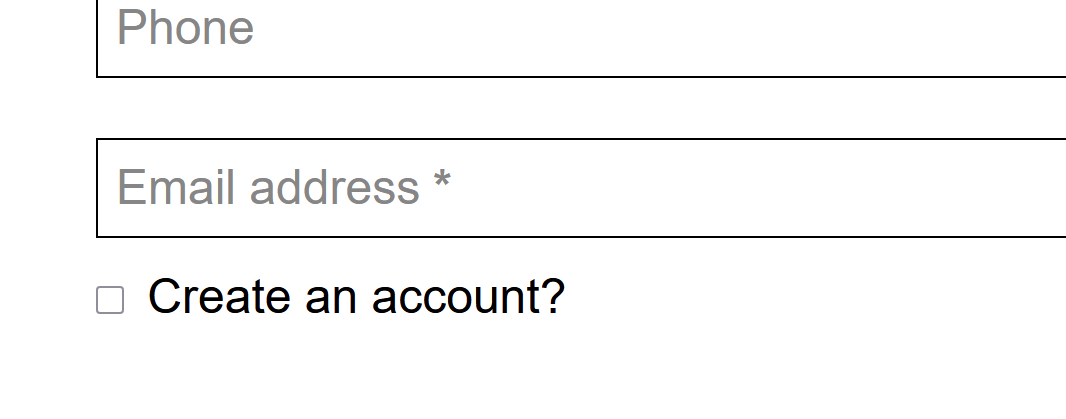
i double checked, and i believe it has never been shown. if it was, it must have been a very old lay theme version
-
ok with the next update, the checkbox will be shown:
i double checked, and i believe it has never been shown. if it was, it must have been a very old lay theme version
@arminunruh fantastic!
-
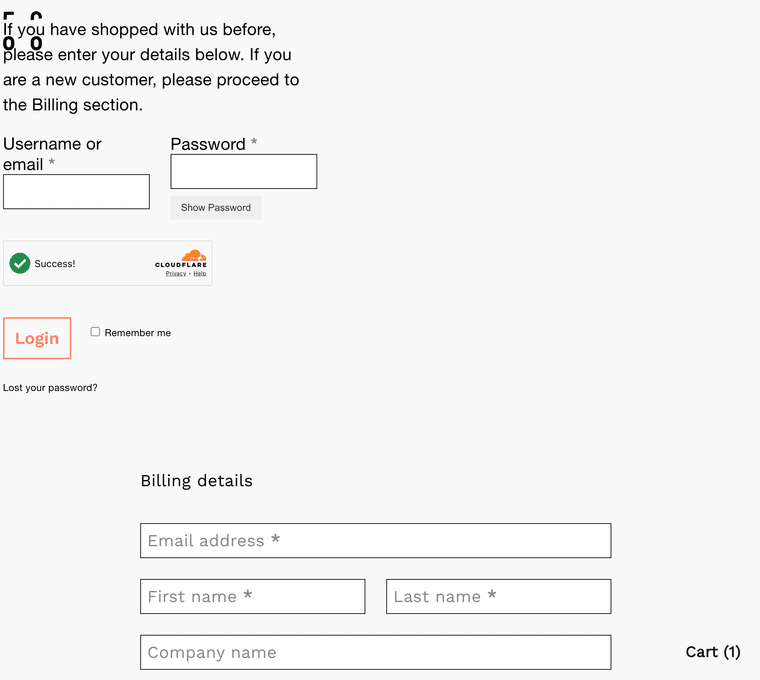
Is it still possible to let users create account on the checkout page? I don't see this option. I opened my site in private browser and I am not logged in. Also when I click on the login for existing user the layout is shifted and the login fields are in the top left corner. Is it like this for everyone?
-
fix that worked for me for both problems: (placed as custom css)
/Reveal the create-account checkbox on the checkout page
body:not(.lay-checkout-use-placeholders) .woocommerce #customer_details .create-account.form-row label,
.woocommerce #customer_details .create-account.form-row label {
display: inline-block !important;
position: static !important;
pointer-events: auto !important;
}/* 2. login form position fix
/* ===== Checkout login form (stacked) ===== */
/* Center the "Click here to login" toggle bar */
.woocommerce .woocommerce-form-login-toggle {
max-width: 450px;
margin: 0 auto !important;
}/* The login box itself: centered, padded, bordered */
.woocommerce form.woocommerce-form-login {
margin: 0 auto 40px !important;
padding: 30px !important;
border: 1px solid #ddd !important;
border-radius: 6px;
}/* Stack the username and password fields full-width */
.woocommerce form.woocommerce-form-login .form-row-first,
.woocommerce form.woocommerce-form-login .form-row-last {
width: 100%;
float: none;
}
.woocommerce form.woocommerce-form-login .form-row {
margin-bottom: 18px;
}/* Make inputs fill the row */
.woocommerce form.woocommerce-form-login input[type="text"],
.woocommerce form.woocommerce-form-login input[type="password"] {
width: 100%;
box-sizing: border-box;
} -
hey!
Oh yeah, so I changed it now with the next update, so the login is not weirdly on the left.