fixed height image with contain - effect problem
-
Hi Armin,
Shadow, border, background etc. are on the container and not on the image.
Is this ok or you can fix it?
https://www.dropbox.com/scl/fi/b5udjr4ns4eig2nbee52a/img.png?rlkey=gyqym6yhpvx8emkn9mzurm6a7&dl=0
-
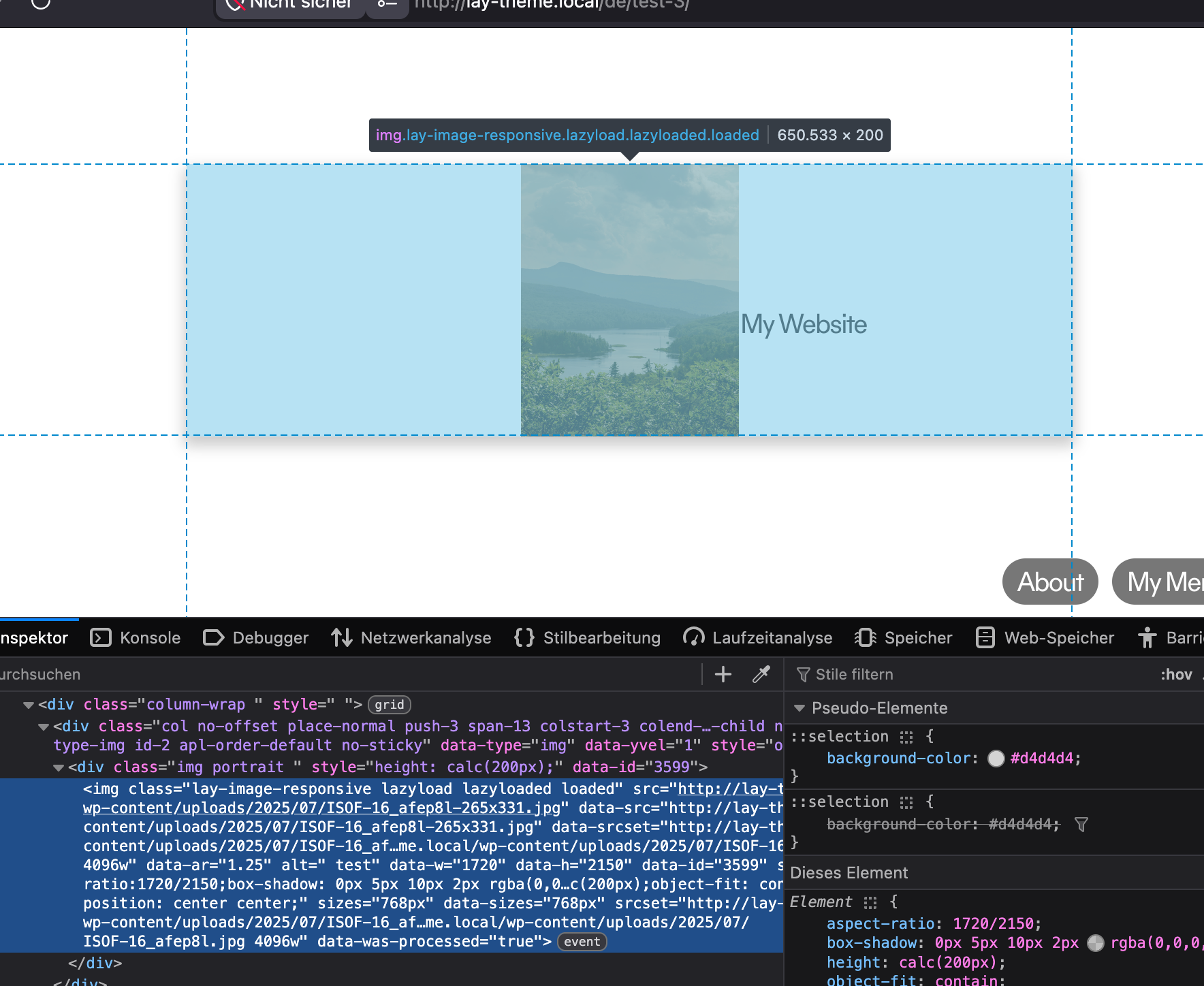
Hey, oh yeah, I mean, this is actually how browsers size elements and images when using contain, so it might look like the container is styled, but actually it is the image element, as you can see here. But that doesn't really fix the problem.
Ok, let me think about how best to solve this. Not sure if it's going to be too complicated, maybe? I will have to think about it.
-
okay, it will be fixed with the next update. It will use filter CSS in this case, which works for images that are sized like this, but it may look a little different then
-
yes corner radius i wont be able to fix. then you have to use no object fit contain.
check out this https://laytheme.com/documentation/layout-modes.html#auto-layout
maybe this alternative layout mode can help you in sizing things and i know its more compatible with rounded corners etc

