white space at top on safari - mobile
-
I have this issue, where the safari version of the mobile site has a naughty white bar at the top, both with background video and background image. How would I go about this?
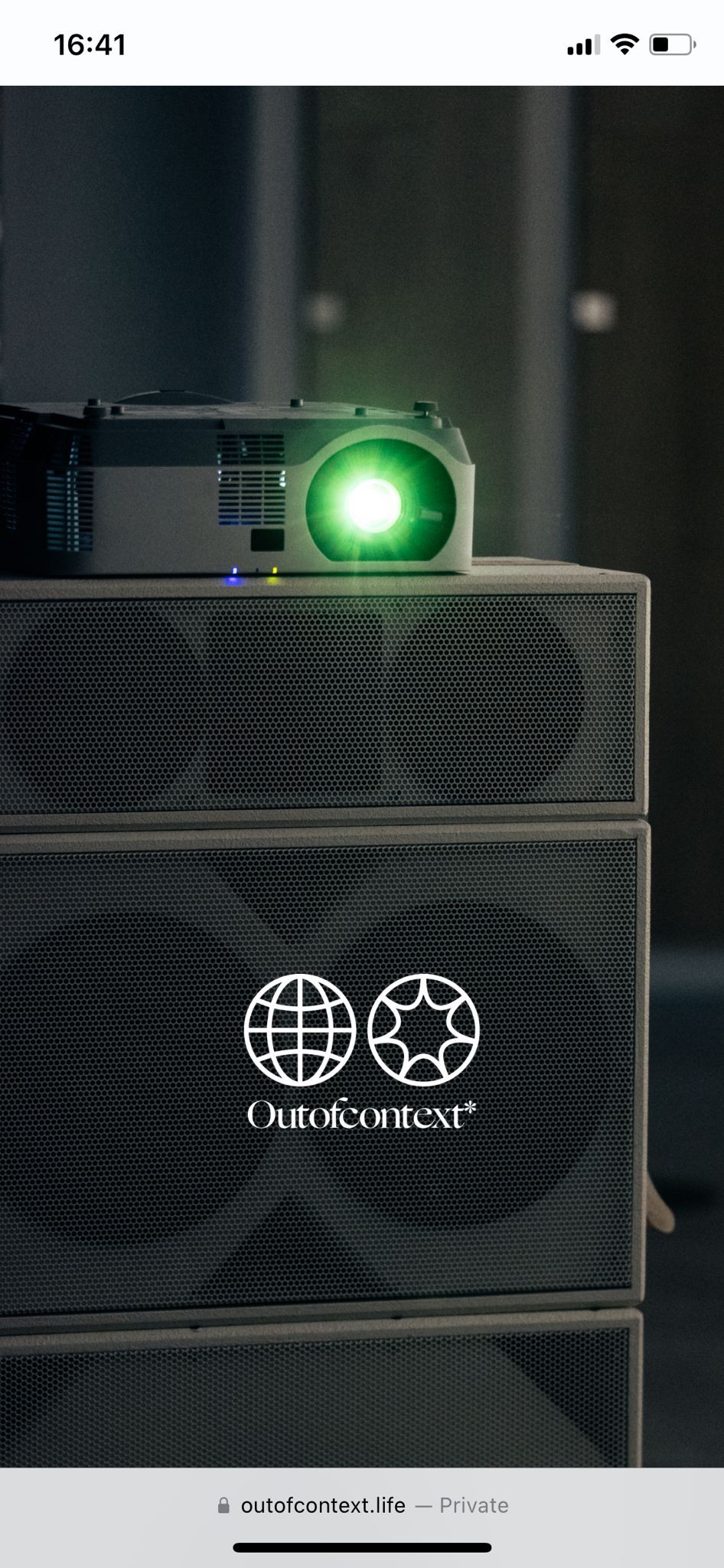
-
I guess you would have to set this with a meta tag.
<meta name="theme-color" content="#000">
-
ah yea good idea!
you'd have to put this in lay options → custom css & html → custom head content
i thinkthis is not part of the website, its just your phone's bar for showing the time and battery. but through this metatag, the color of that bar can be set


Hello! It looks like you're interested in this conversation, but you don't have an account yet.
Getting fed up of having to scroll through the same posts each visit? When you register for an account, you'll always come back to exactly where you were before, and choose to be notified of new replies (either via email, or push notification). You'll also be able to save bookmarks and upvote posts to show your appreciation to other community members.
With your input, this post could be even better 💗
Register Login