Side Cart + lay theme problem (ugly graphics)
-
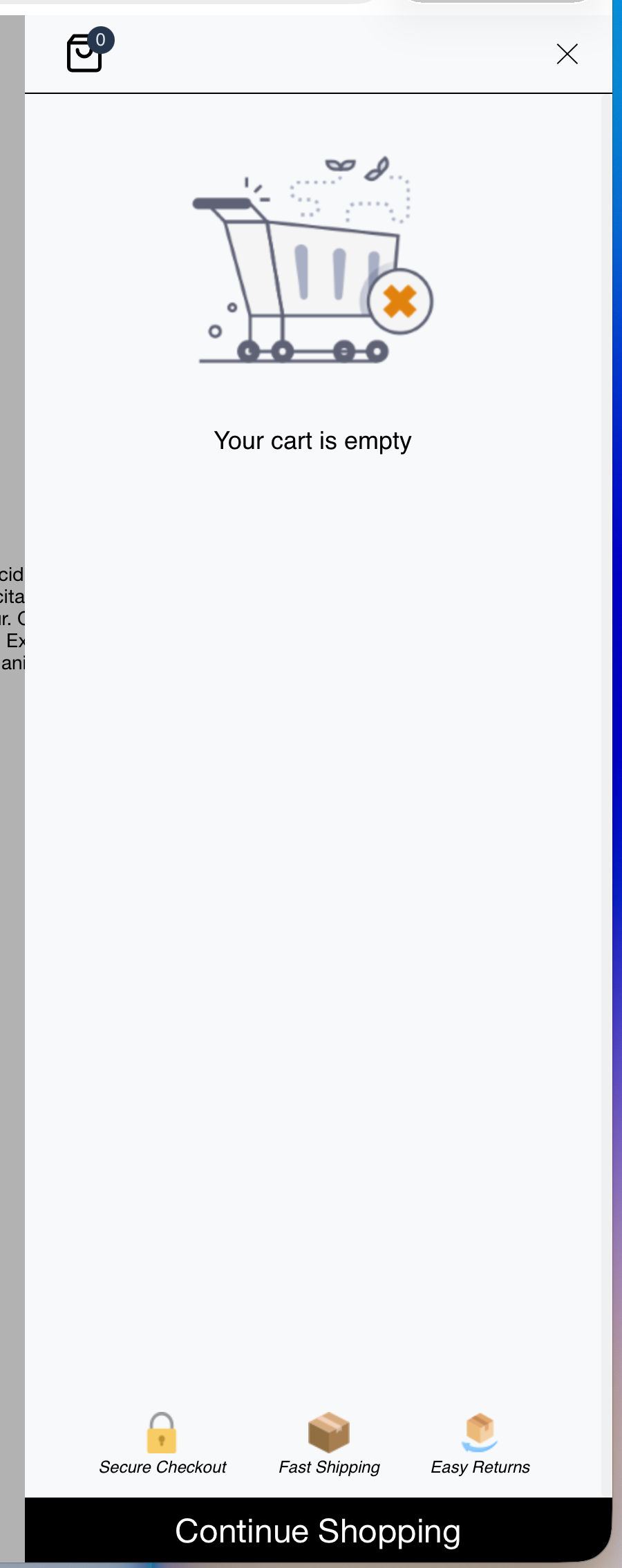
I installed Lay Theme + Woo Commerce and added the Side Cart plugin. Does anyone know what’s going on here right now? :D I don’t know how to get rid of those ugly graphics from Side Cart. I remember that after I installed it, the shopping cart used to look really nice and stylish it matched the Lay Theme. Is there a way to get rid of these graphics? Unfortunately, there isn't much you can do from within the plugin...
-
Yeah, maybe the Side Cart plugin was updated by the Side Cart plugin author, and now it's looking weird. Let me think about how to improve this.
For now, please use the slightly older version of the Side Cart plugin:
-

Hello! It looks like you're interested in this conversation, but you don't have an account yet.
Getting fed up of having to scroll through the same posts each visit? When you register for an account, you'll always come back to exactly where you were before, and choose to be notified of new replies (either via email, or push notification). You'll also be able to save bookmarks and upvote posts to show your appreciation to other community members.
With your input, this post could be even better 💗
Register Login