Youtube embed not working
-
Hello!
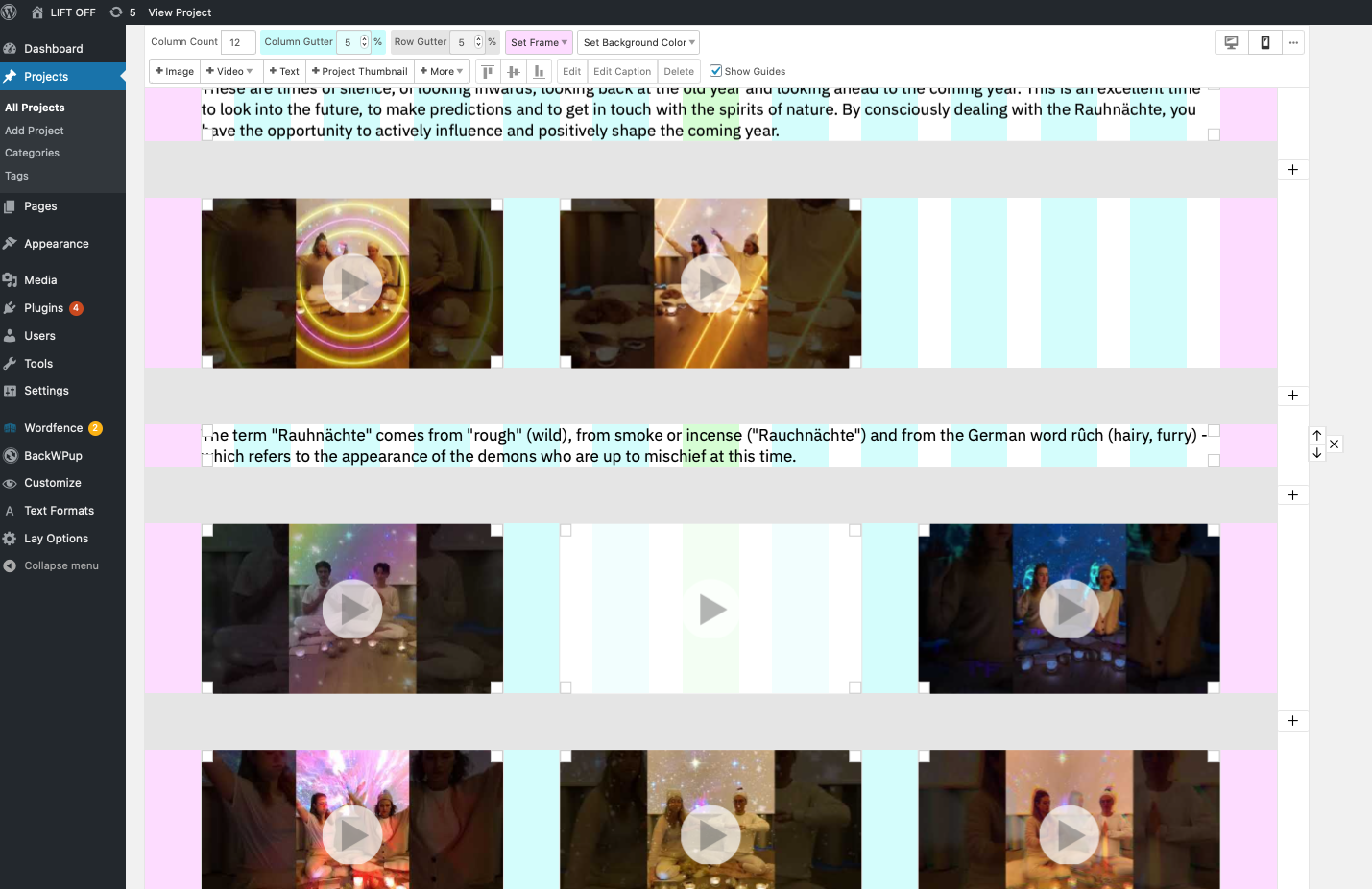
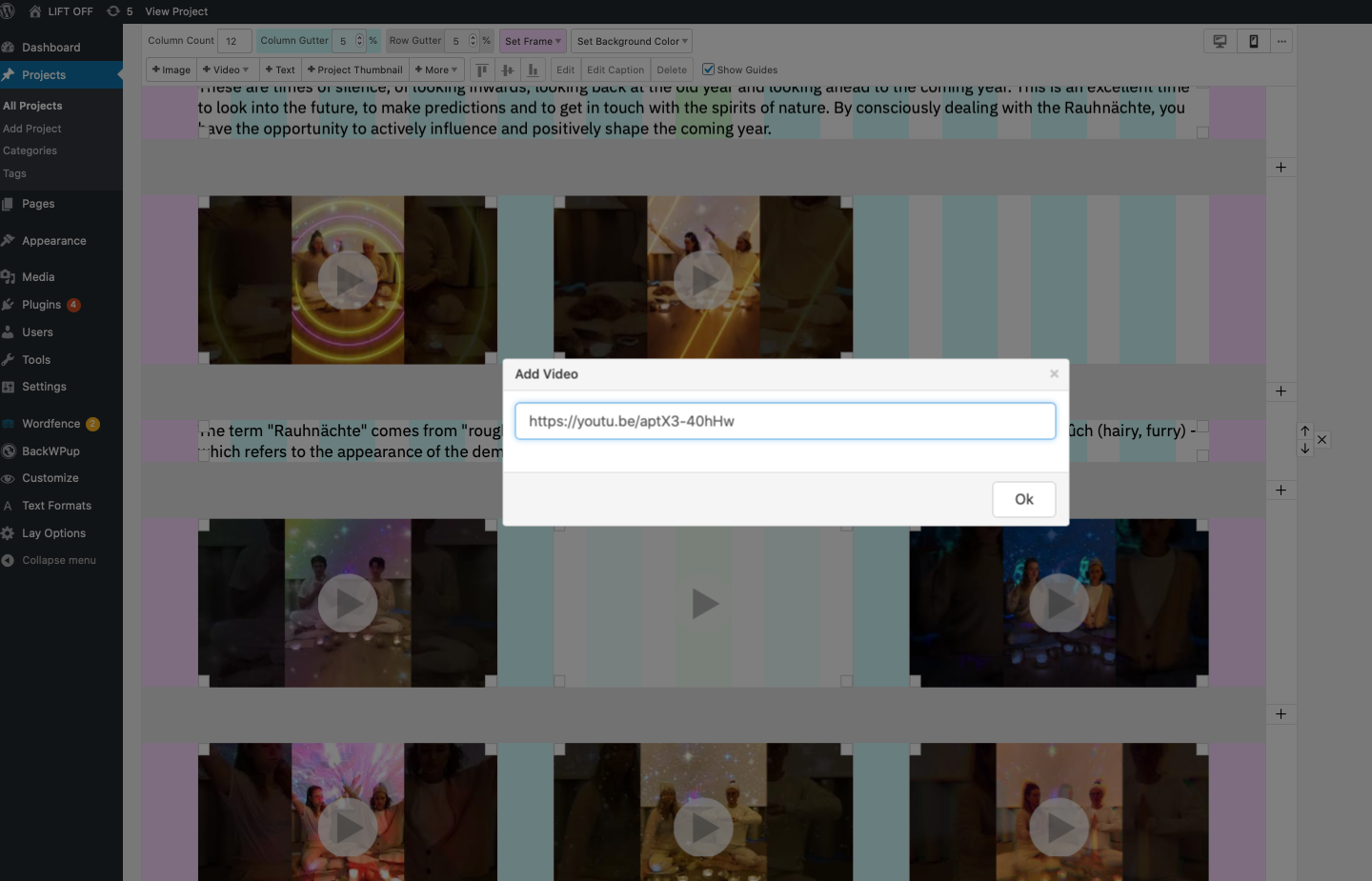
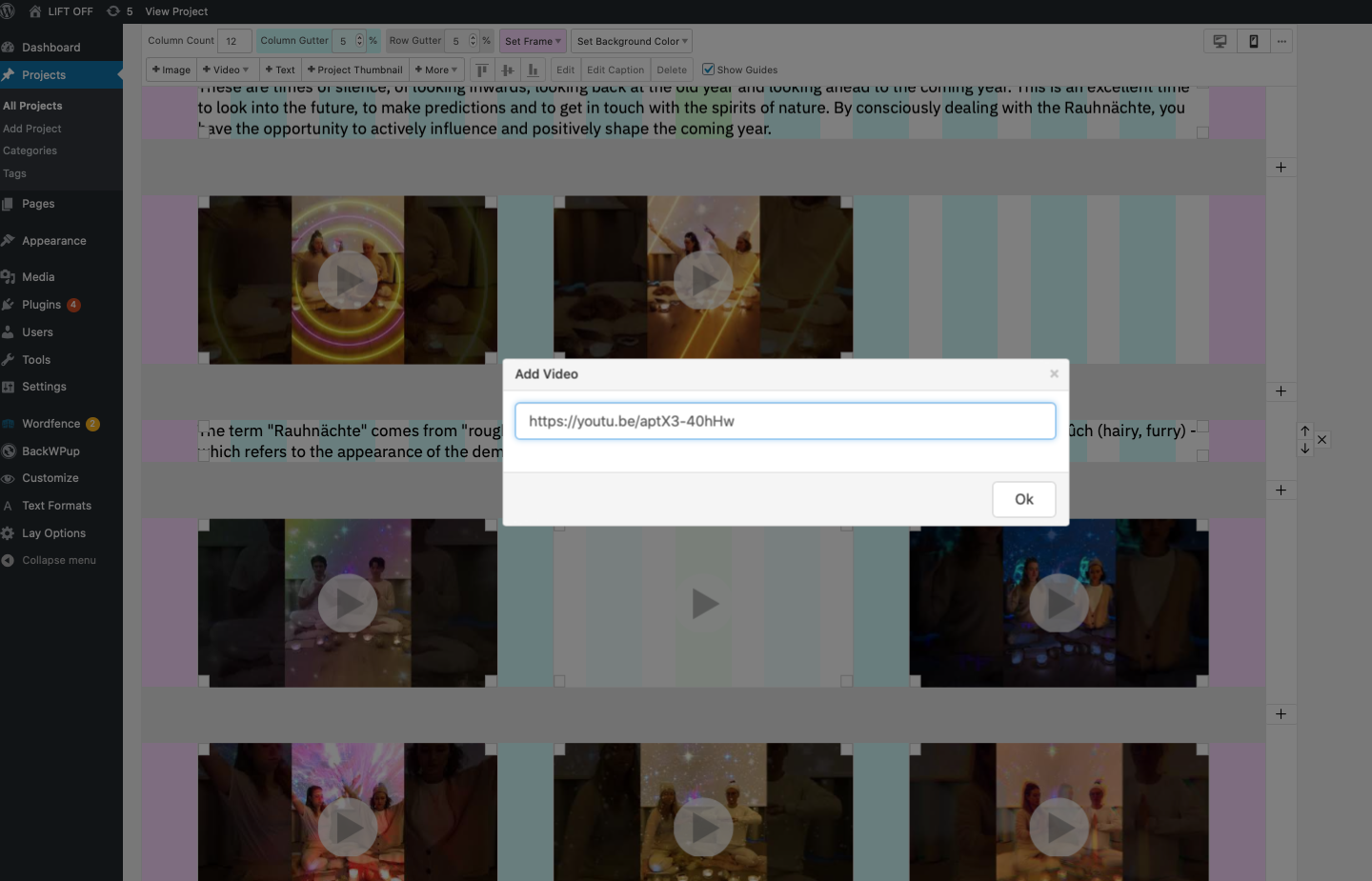
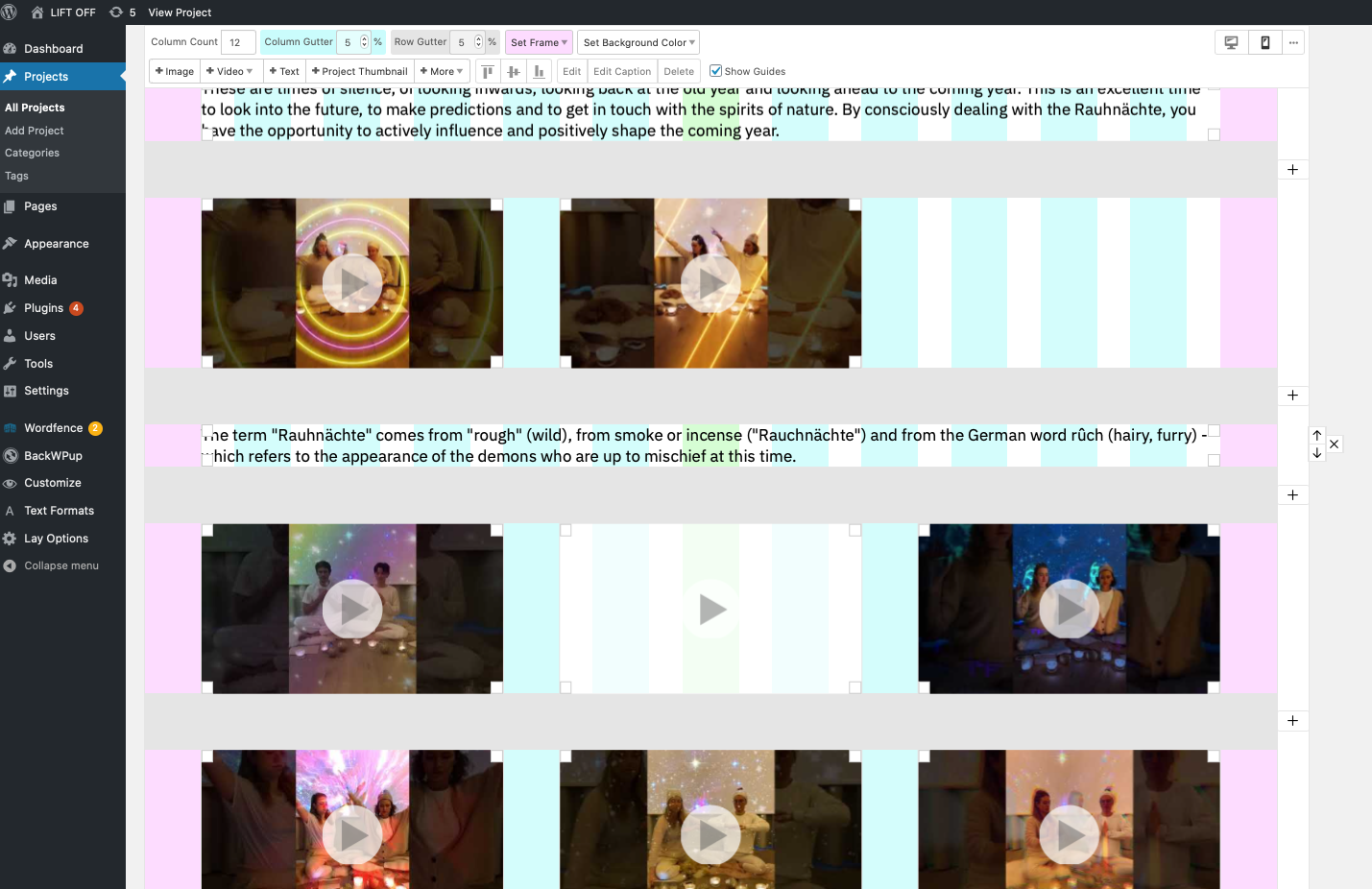
I'm uploading 24 YouTube videos on a page (Wordpress Laytheme). Out of 24, 3 Youtube embed don't work. When I copy paste the link, I don't get the preview and the I place it within my page, a white square show up, which doesn't play the video.
Can you help? I've been using Safari Version 14.0.2 (15610.3.7.1.10, 15610).
-I updated Wordpress to Version 5.6
-I checked the Youtube links that seem the same type as the other 21 videos- I tried to embed not the shortened link but the complete one...
Nothing worked.
See screenshots of the back-end and below the url of the site.
Thanks in advance for the help!
https://liftoff.berlin/kundalinimeditationseries
- I tried to embed not the shortened link but the complete one...
-
-
Hello! Thanks a lot for your reply.
I managed to embed 2 out of the 3 videos, which preview wasn't working last week.
Now only 1 video doesn't display properly on the back-end (and therefore front-end). I can't embed it. Any tip on how I can "reset" the Youtube preview on the back-end?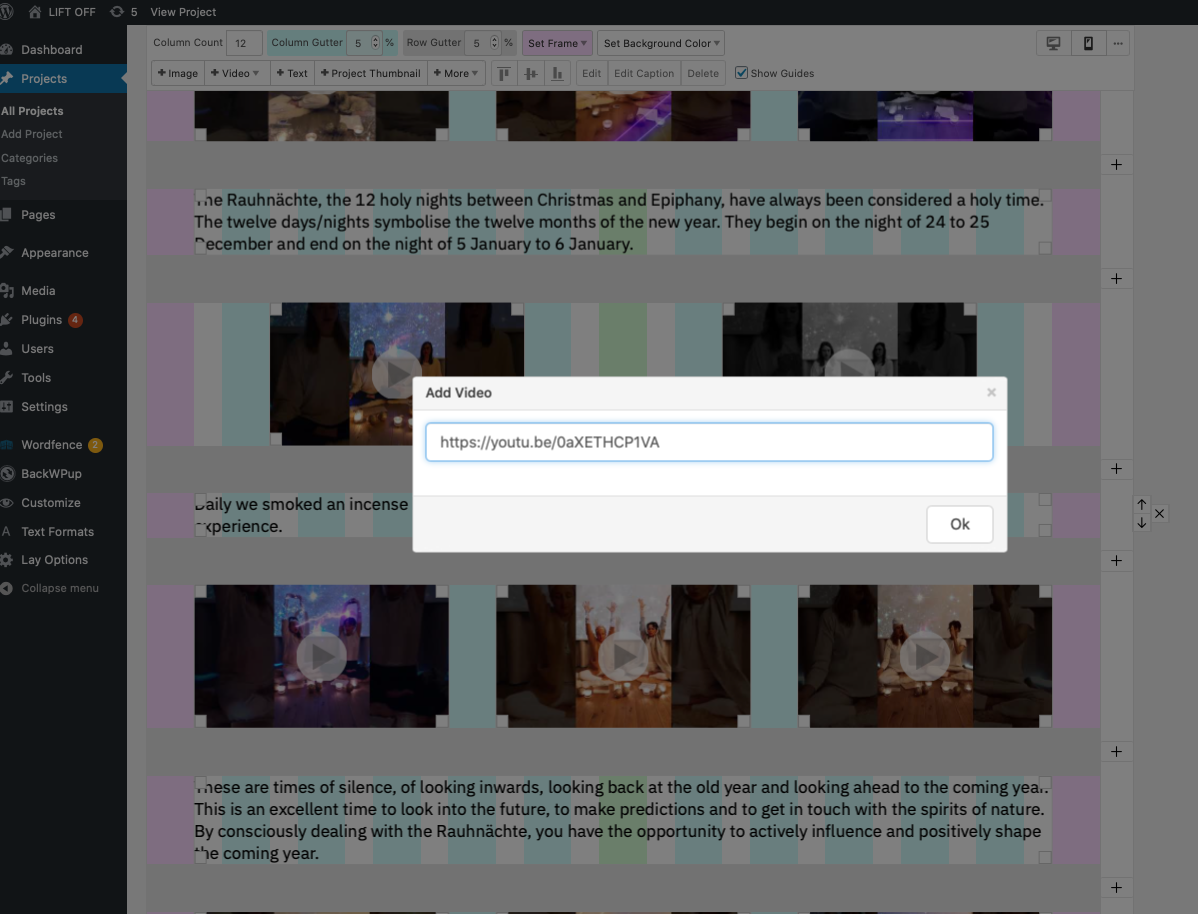 https://youtu.be/0aXETHCP1VA
 -
There must be an issue with the api im using to get the video's infos. Because youtube videos in general cant seem to get added right now. Im looking into it!
-
Indeed there was an issue with the service I used for getting youtube video details.
If you update lay theme now it will work again.


Hello! It looks like you're interested in this conversation, but you don't have an account yet.
Getting fed up of having to scroll through the same posts each visit? When you register for an account, you'll always come back to exactly where you were before, and choose to be notified of new replies (either via email, or push notification). You'll also be able to save bookmarks and upvote posts to show your appreciation to other community members.
With your input, this post could be even better 💗
Register Login