Skip to content

Bug Reports

3.2k Topics 15.3k Posts

Something is not working? Please provide a screenshot, your browser name and browser version and your operating system.

  • [Project Thumbnail] mobile bugs

    10
    0 Votes
    10 Posts
    658 Views
    arminunruhA
    @isa123 said in [Project Thumbnail] mobile bugs: Autoplay for Video Thumbnail on mobile Videos load very slow (mobile/desktop – various browsers) Also this should be improved now. Can you update lay theme and see if that works better now? If not: can you send your website address, /wp-admin/ username and password and a link to this topic to info@laytheme.com?
  • Carousel caption link color

    9
    1
    0 Votes
    9 Posts
    1k Views
    arminunruhA
    it is fixed now when u update lay theme
  • Carousel links doesn't work

    7
    2 Votes
    7 Posts
    1k Views
    arminunruhA
    hey sorry for the late reply. make sure you have disabled your cache plugin or cleared your cache if that doesn't change anything: can you send your website address, /wp-admin/ username and password and a link to this topic to info@laytheme.com?
  • Problem with password protection

    11
    0 Votes
    11 Posts
    1k Views
    mariusjopenM
    Dear @dnlbrv Perfect! Glad to hear! Many wishes! Marius
  • Laygridder problem: Sync Phone Layout

    5
    1
    0 Votes
    5 Posts
    573 Views
    arminunruhA
    hey so i just tested this with the latest version of laygridder and syncing and unsyncing works for me and the behaviour seems back to normal can you test this and let me know if it works for you too? if it doesn't: can you send your website address, /wp-admin/ username and password and a link to this topic to info@laytheme.com?
  • Carousel error Failed to load resource

    13
    0 Votes
    13 Posts
    1k Views
    mariusjopenM
    Dear @lousydeal Happy to help! Best! Marius
  • Unpredictable distance between paragraphs

    13
    3
    0 Votes
    13 Posts
    2k Views
    mariusjopenM
    Dear @jw Nice! Thank you for letting us know! Best and have a wonderful day! Marius
  • Empty page / no images shown after Carousel Plugin update

    3
    1
    0 Votes
    3 Posts
    342 Views
    mariusjopenM
    Dear @gdk Perfect! Glad to hear! Many wishes! Marius
  • Pages can't be reached by URL

    6
    0 Votes
    6 Posts
    462 Views
    mariusjopenM
    Dear @EvaAnna Happy to help! Best! Marius
  • Certain Pages only load content on refresh.

    6
    0 Votes
    6 Posts
    940 Views
    mariusjopenM
    Dear @Lloyd can you make a screenshot of the console (google inspector) once you see the error? Which browser do you use? Best! Marius
  • Update Bug on 3.0.5 ? Can't update ...

    3
    0 Votes
    3 Posts
    427 Views
    arminunruhA
    Hey have you tried googling the error? https://www.google.com/search?q=wordpress+the+update+cannot+be+installed+because+we+will+be+unable+to+copy+some+files&oq=wordpress+the+update+cannot+be+installed+because+we+will+be+unable+to+copy+some+files&aqs=chrome..69i57j69i64.2313j0j7&sourceid=chrome&ie=UTF-8 @mariusjopen that would have been great too if you would have googled that error @thomasmaier In your webhost control panel please see if you have a firewall activated on your server and disable it. In case you haven't entered your license key and activated lay theme, there will be no update notification. im really not sure what could cause that error "the update cannot be installed because we will be unable to copy some files" i can send the latest lay theme version to you, it works pretty well.
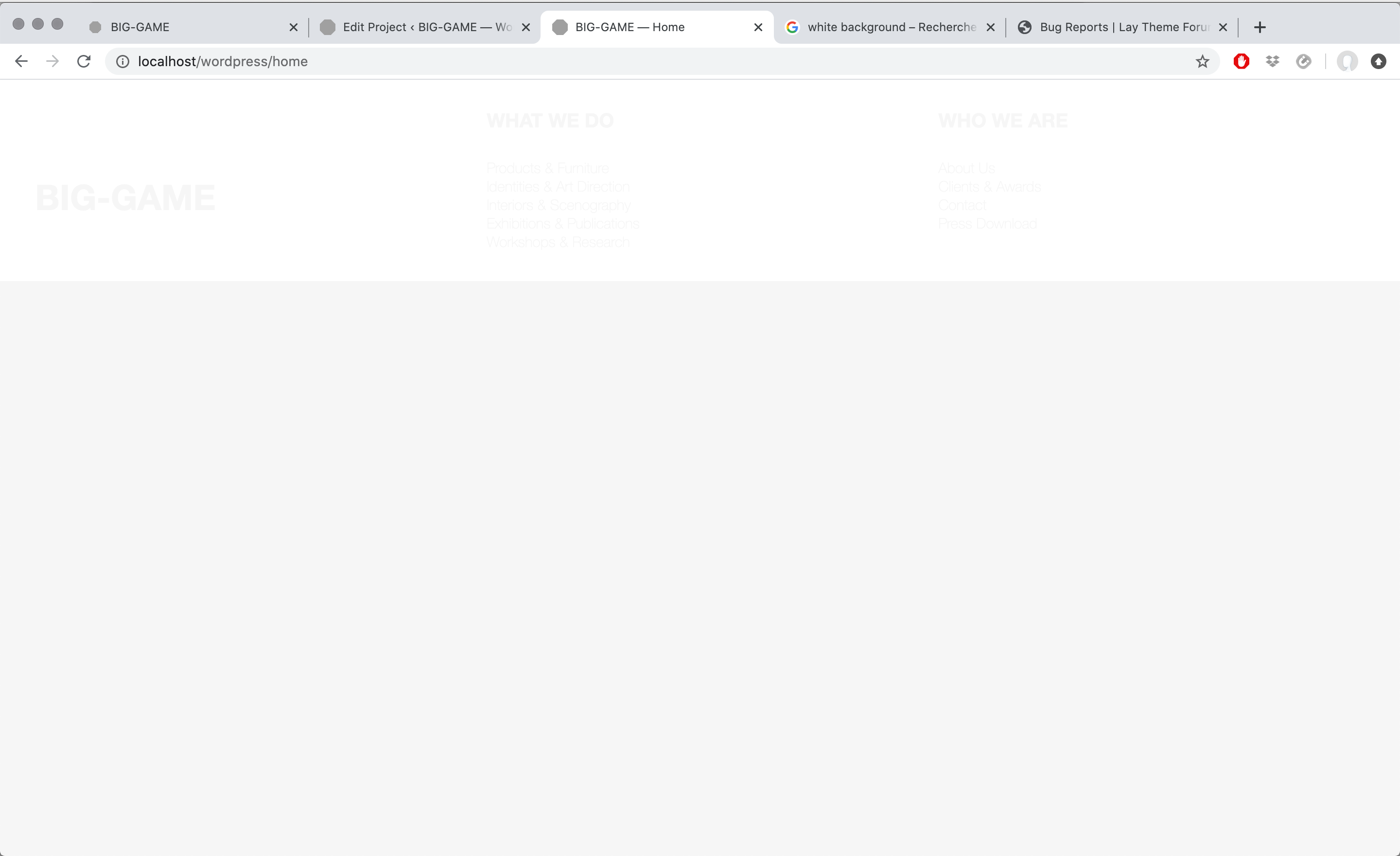
  • Transparent white screen in front of the front page

    1
    1
    0 Votes
    1 Posts
    95 Views
    No one has replied
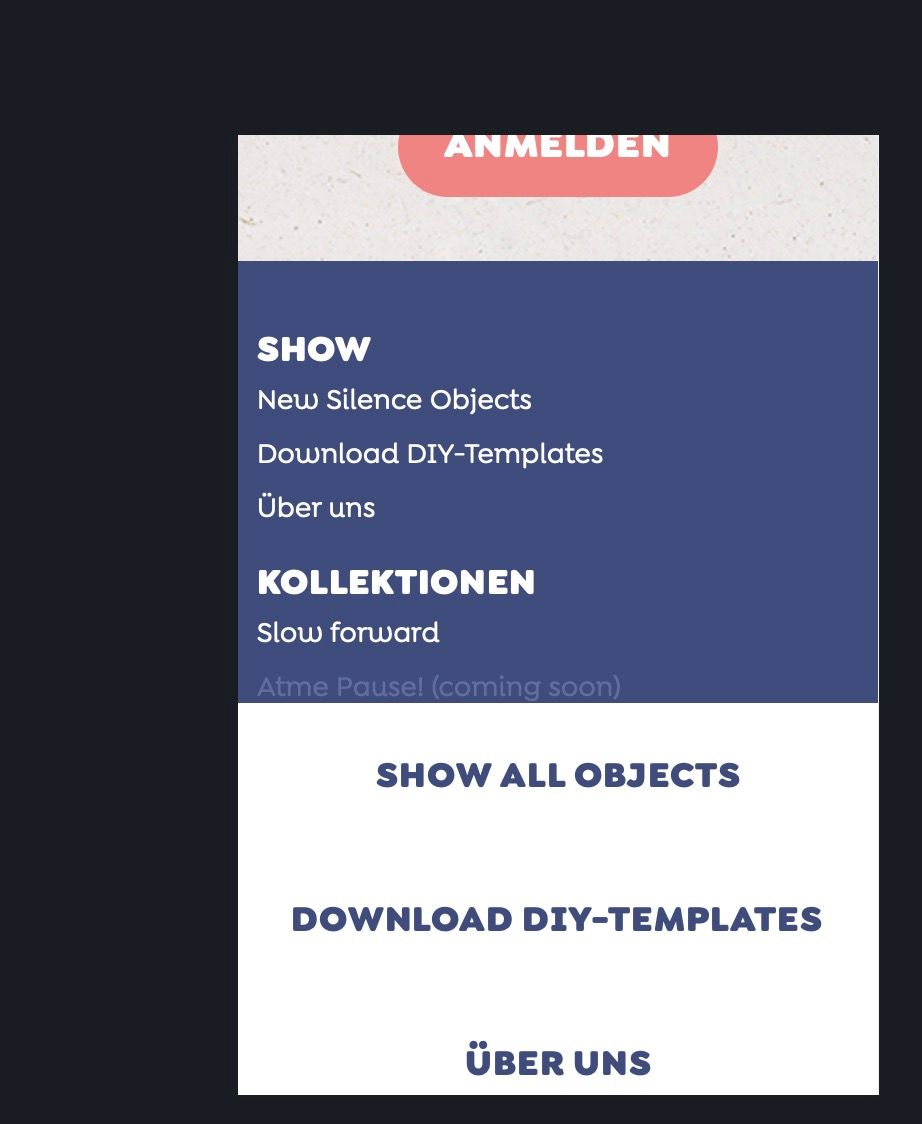
  • Error: Mobile Menu visible in Footer?

    5
    1
    0 Votes
    5 Posts
    367 Views
    M
    Hey @mariusjopen , i deactivated all plug-ins, the problem remains. i dont have CUSTOM JS code, i even do not know, where to use it. i just added some CSS in the Theme-sections. Any idea? Thanks! Micha @mariusjopen said in Error: Mobile Menu visible in Footer?: Do you have any third-party plugins installed or CUSTOM JS code? Is it possible to deactivate it for a moment to see if the problem remains?
  • problem: text over picture – no space between elements

    2
    0 Votes
    2 Posts
    257 Views
    mariusjopenM
    Dear @Eeva I can see space between the elements. Can you post a screenshot? Best! Marius
  • Links of previous and next links doesn't work ?

    2
    0 Votes
    2 Posts
    114 Views
    mariusjopenM
    Dear @aline-one when I open the website, those links work. Did you have a closer look at the Settings about the project arrows? They depend also on the category. Best! Marius
  • Hide Site Title on Mobile

    6
    0 Votes
    6 Posts
    823 Views
    mariusjopenM
    Dear @carlhampus ok. That's a solution. And nothing wrong with it! Still wird that you were not able to hide it… Best! Marius
  • Fatal error when using 'Set Row Background Image'

    5
    1
    0 Votes
    5 Posts
    260 Views
    mariusjopenM
    Dear @DFortunato Do you have any third-party plugins installed or CUSTOM JS code? Is it possible to deactivate it for a moment to see if the problem remains? Is Wordpress and LayTheme up to date? Also PHP needs to be up-to-date. Many wishes! Marius
  • Text-Formats for Mobile Title dont work

    4
    0 Votes
    4 Posts
    453 Views
    B
    @mariusjopen Hey, thank you! I have sent you a temporary link.
  • Website super slow - Safari only

    5
    0 Votes
    5 Posts
    642 Views
    arminunruhA
    hey maybe talk to your guy who coded the extra sidebar and bottom color switcher? the website loads fine for me on safari in the console i see: SyntaxError: Can't create duplicate variable: 'players1985' maybe some custom code that doesn'T work?
  • Position: sticky not working after update

    3
    0 Votes
    3 Posts
    329 Views
    arminunruhA
    i think sticky only works if all parent elements are not position: relative; but position: static. you could search through the elements using "right click" → "inspect element" and see if any parent element has position: relative and change its position property to static good luck
Online Users
Forgot your key, lost your files, need a previous Lay Theme or Addon version? Go to www.laykeymanager.com