Skip to content

Bug Reports

Something is not working? Please provide a screenshot, your browser name and browser version and your operating system.
3.2k Topics 14.9k Posts
  • Activation in other domine

    2
    0 Votes
    2 Posts
    85 Views
    mariusjopenM
    Dear @Txelo Best is if you write an email to info@laytheme.com and include a link to this conversation. Marius
  • Sub menu spacing

    8
    0 Votes
    8 Posts
    594 Views
    mariusjopenM
    Cool! Great to hear!
  • No content shown on my website

    nocontent blank website
    4
    0 Votes
    4 Posts
    239 Views
    mariusjopenM
    Dear @nils_b ah great! Thank you for letting us know! Marius
  • 0 Votes
    6 Posts
    375 Views
    F
    @arminunruh amazing, it works perfectly!! thanks so much for this fast solution.
  • Caption bug on old browsers [Resolved]

    8
    0 Votes
    8 Posts
    452 Views
    mariusjopenM
    Dear @azerty you are welcome. Yep, that is n issue all web-developers have to face. Luckily you do not use Windows XP anymore. Best! Marius
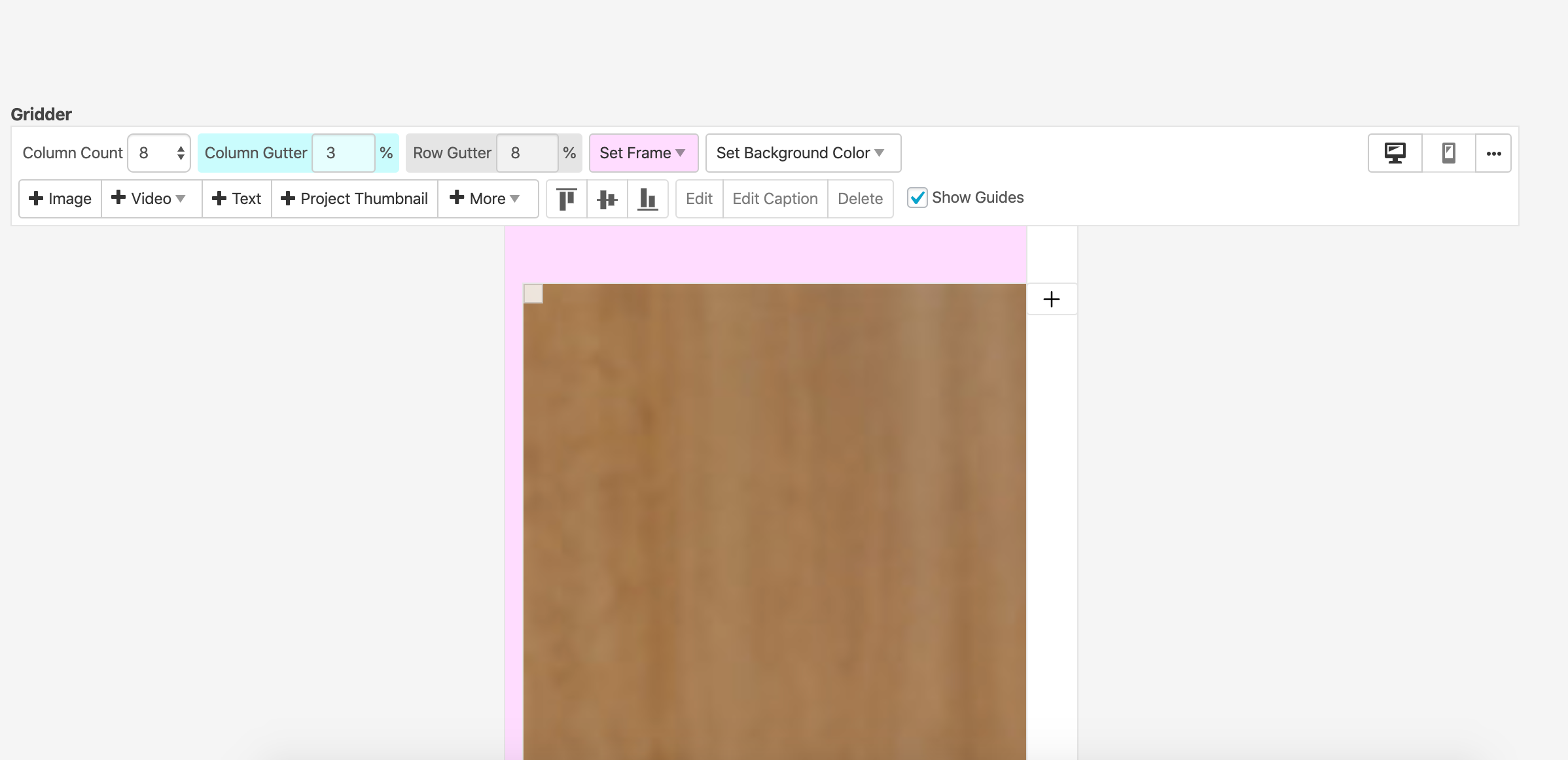
  • since wp / laytheme update: gridder looks damaged

    3
    1
    0 Votes
    3 Posts
    224 Views
    K
    thank you! just wrote you an email
  • Carousel issue on mobile devices

    4
    0 Votes
    4 Posts
    190 Views
    mariusjopenM
    Dear @mariagdelamo Do you have any third-party plugins installed or CUSTOM JS code? Is it possible to deactivate it for a moment to see if the problem remains? Best! Marius
  • gridder not showing after wp 5.3 /lay update

    4
    1
    0 Votes
    4 Posts
    244 Views
    mariusjopenM
    Dear @dani great! Thank you for letting us know! Best! Marius
  • Customize menu on wordpress/laytheme

    2
    0 Votes
    2 Posts
    103 Views
    mariusjopenM
    Dear @Rosadom9 Can you post a link to our website? Then we can have a look and inspect that. Marius
  • mailto as menu point isn't working anymore

    25
    1 Votes
    25 Posts
    2k Views
    mariusjopenM
    Great! Thank you for letting us know! Best! Marius
  • This topic is deleted!

    1
    0 Votes
    1 Posts
    2 Views
    No one has replied
  • Jumping image in the carousel

    2
    1
    0 Votes
    2 Posts
    156 Views
    arminunruhA
    your custom css for flickity might cause this remove that css and see if it works
  • Video thumbnail frame is cut

    2
    0 Votes
    2 Posts
    278 Views
    arminunruhA
    ok, i need to take a closer look at this please send me these infos to info@laytheme.com: link to this topic website address username and password for your /wp-admin/ admin area
  • Carousel Caption options not working

    2
    0 Votes
    2 Posts
    120 Views
    arminunruhA
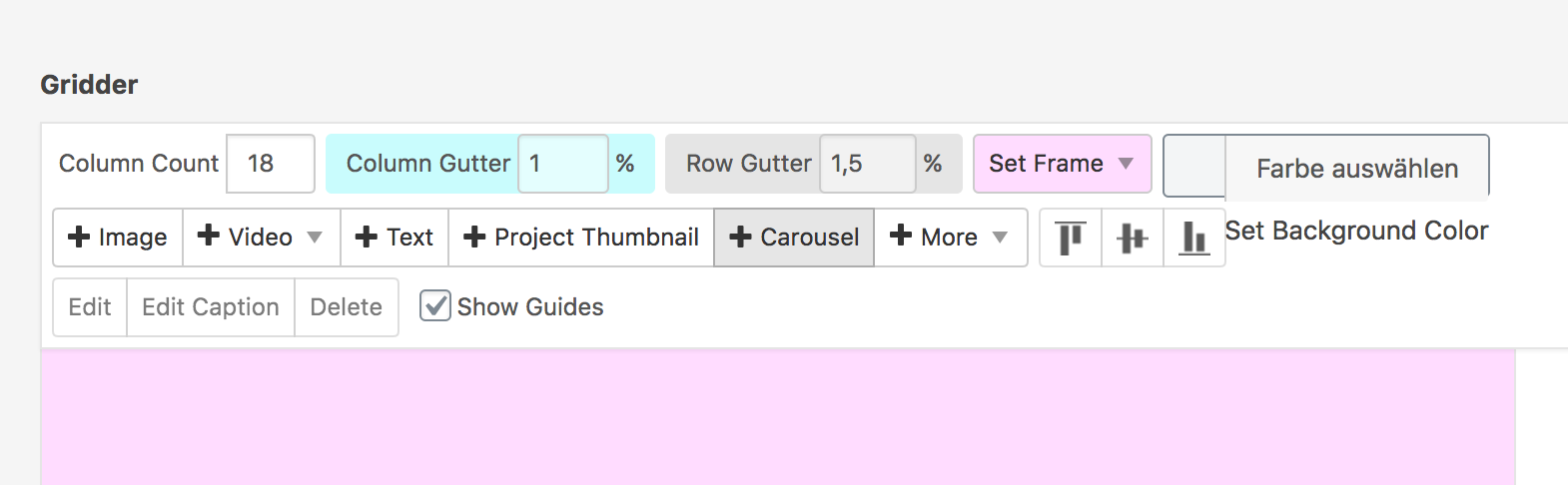
    you probably set a caption by selecting the carousel element and then clicking "edit caption" [image: 1576689592586-screenshot-2019-12-18-at-18.19.37-resized.png] the option only hides the per-slide captions. these are the ones you set when you edit a carousel and set a caption per slide: [image: 1576689549519-screenshot-2019-12-18-at-18.18.51-resized.png]
  • HELP! Costumizer not loading after update

    4
    0 Votes
    4 Posts
    293 Views
    arminunruhA
    if that doesnt work downgrade wordpress to a version like 5.2 using the plugin "WP Downgrade | Specific Core Version" make sure to use the plugin properly, just setting a version doesnt change the wordpress version immediately you need to go to "update core" and then click update
  • Frame Top cant be set to % in Desktop Gridder Defaults

    4
    2
    0 Votes
    4 Posts
    322 Views
    edgrbnzE
    Glad it works!
  • anchor links full screen – very buggy still ( tho simple content)

    5
    0 Votes
    5 Posts
    427 Views
    X
    I do that asap! Thank you! @arminunruh
  • What is this?

    2
    0 Votes
    2 Posts
    147 Views
    arminunruhA
    hey sorry for the late reply try to disable all plugins
  • Laygridder.com hacked?

    3
    1
    1 Votes
    3 Posts
    176 Views
    arminunruhA
    oh yea, need to fix this :O @Kiosk-Studio better install a security plugin like wordfence to see if your site was hacked
  • Customizer not working after using HTML Title

    site title customize html
    2
    0 Votes
    2 Posts
    443 Views
    arminunruhA
    ok, i need to take a closer look at this please send me these infos to info@laytheme.com: link to this topic website address username and password for your /wp-admin/ admin area

For paid 1-on-1 Lay Theme Coaching, contact Audrey (audrey@cyberslayers.work) or me (info@laytheme.com).

We also code custom websites or bespoke Lay features. Drop me a line at info@laytheme.com or check out my work at arminunruh.com.

Want to support my work? paypal.me/arminunruh

Before you post:
  1. When using a WordPress Cache plugin, disable it or clear your cache.
  2. Update Lay Theme and all Lay Theme Addons
  3. Disable all Plugins
  4. Go to Lay Options → Custom CSS & HTML, click "Turn Off All Custom Code", click "Save Changes"

This often solves issues you might run into

When you post:
  1. Post a link to where the problem is
  2. Does the problem happen on Chrome, Firefox, Safari or iPhone or Android?
  3. If the problem is difficult to explain, post screenshots / link to a video to explain it
Online Users
Forgot your key, lost your files, need a previous Lay Theme or Addon version? Go to www.laykeymanager.com