Skip to content

Bug Reports

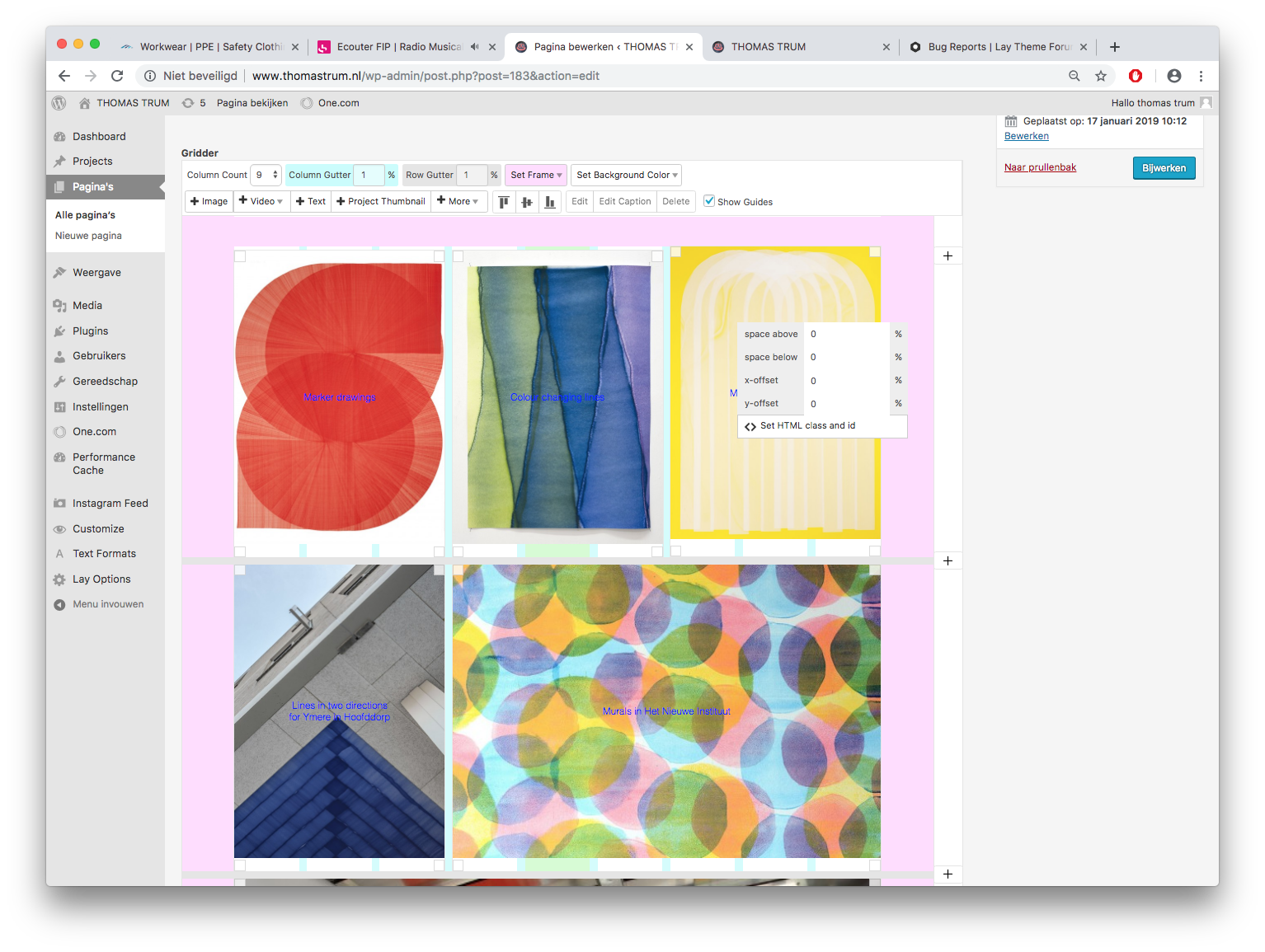
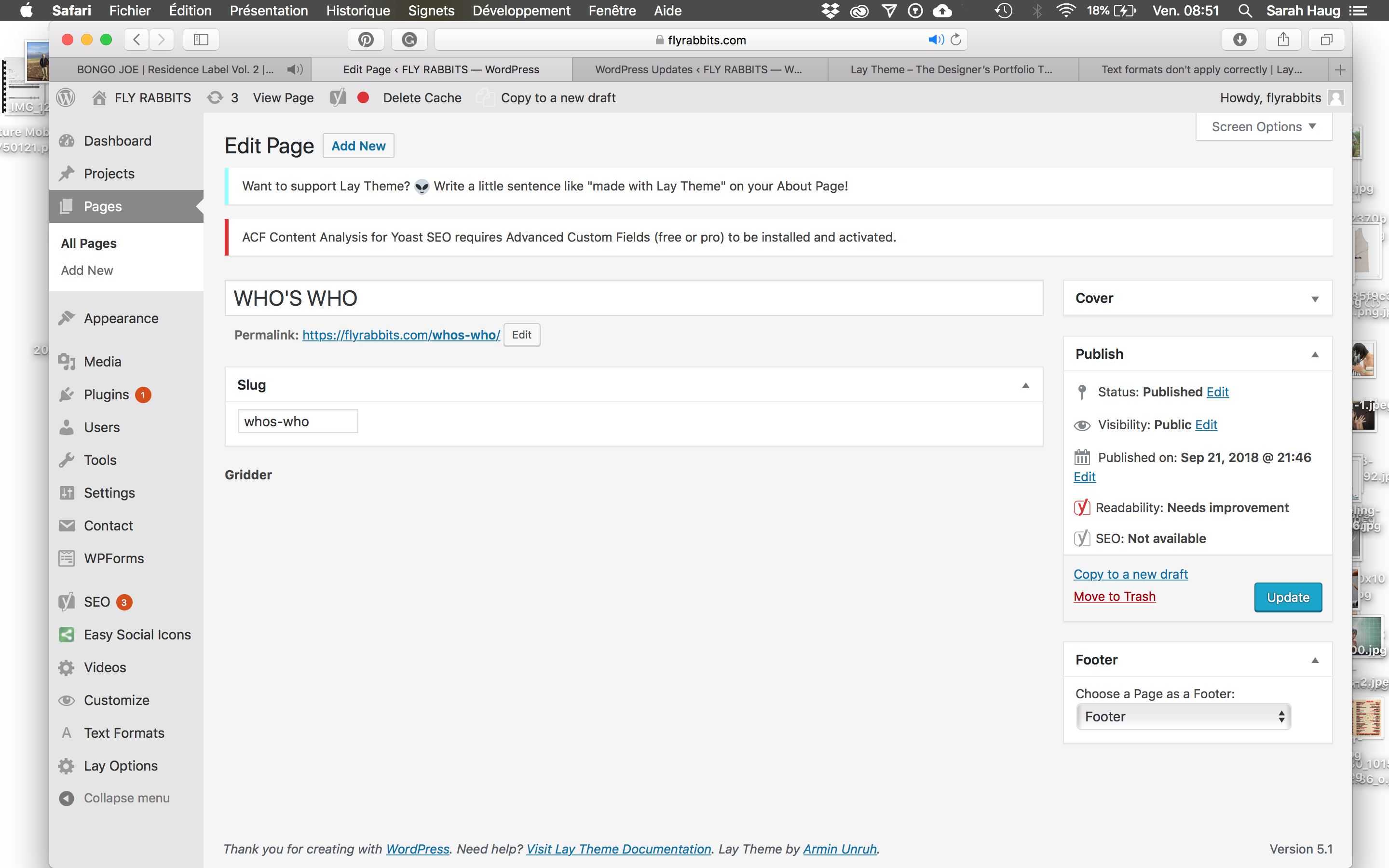
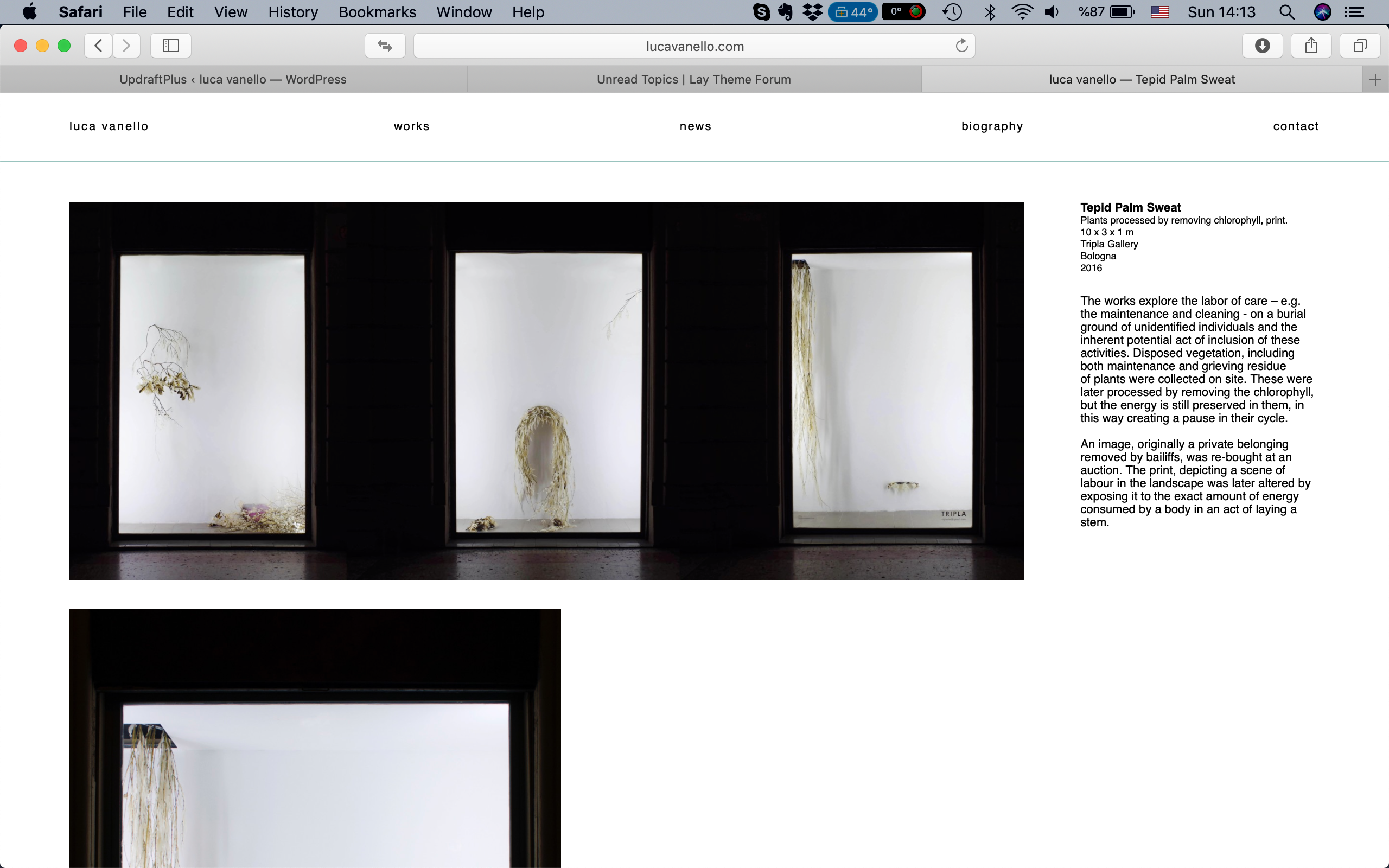
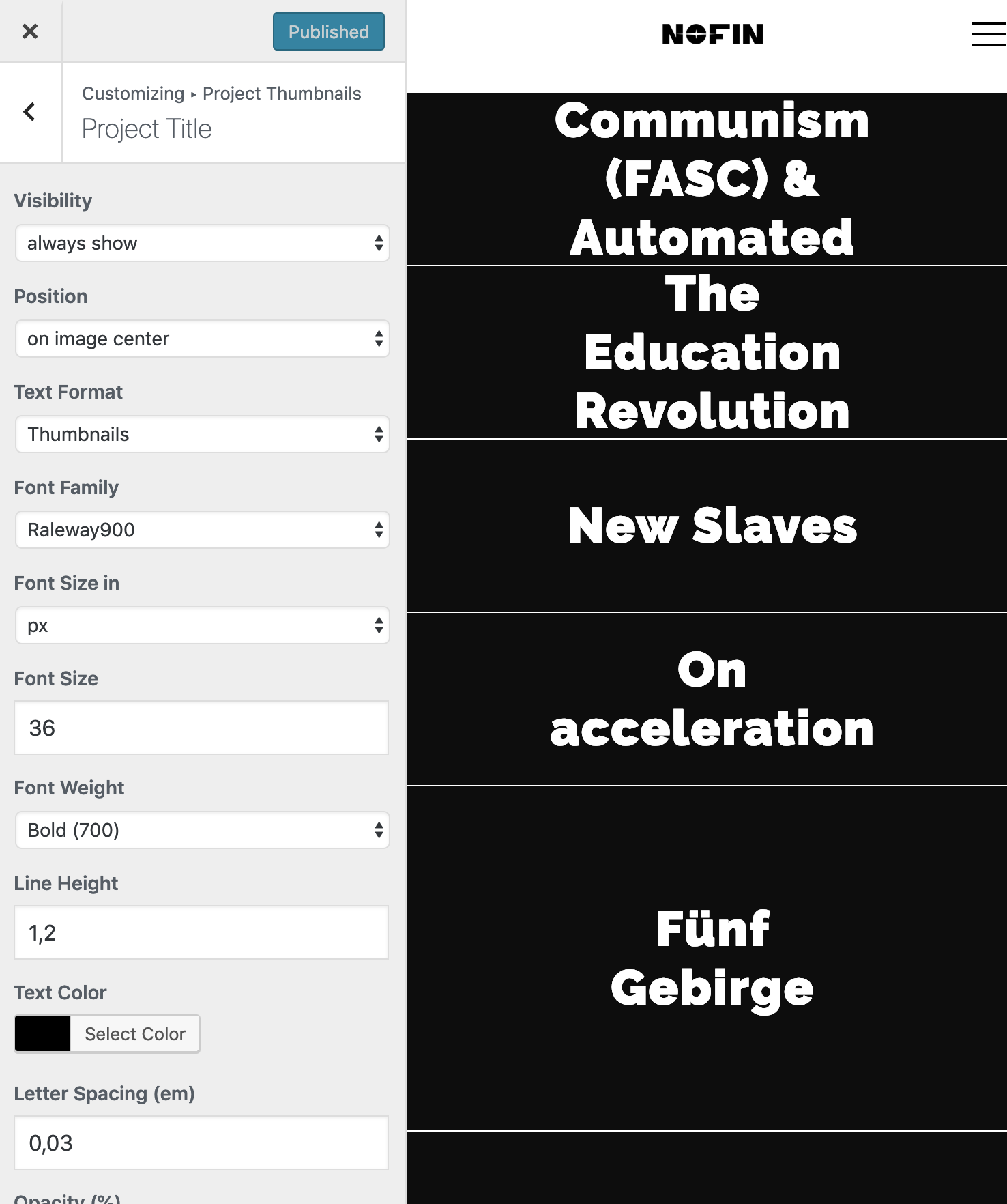
Something is not working? Please provide a screenshot, your browser name and browser version and your operating system.
3.1k Topics 14.5k Posts
  • Help: Images not showing on any browser, all troubleshooting not working

    1
    0 Votes
    1 Posts
    144 Views
    No one has replied
  • Insert/edit link not working

    8
    0 Votes
    8 Posts
    637 Views
    P
    @arminunruh Thank you for looking into this! I really appreciate it. Enjoy your vacation! Thanks!
  • Fatal Error

    2
    0 Votes
    2 Posts
    254 Views
    mariusjopenM
    Dear @PedroSylvie sorry to hear that you were having trouble. Your website seems to be up and running again, right? In general make backups. (Updraft Plus) And a fresh install with your Wordpress installer from your server is also a good solution from time to times. Best! Marius
  • Desktop content disappears when editing mobile layout

    2
    0 Votes
    2 Posts
    217 Views
    mariusjopenM
    Dear @telmotype yes. They are connected. You can unlink elements with a right click. Best! Marius
  • Some text disappears on some computers.

    4
    1
    0 Votes
    4 Posts
    384 Views
    mariusjopenM
    Hey @telmotype happy to hear! Best! Marius
  • sRGB color rendering in Firefox and other Browsers

    18
    0 Votes
    18 Posts
    3k Views
    J
    Hi Guys I just saw this thread and thought it might be useful to mention the following: If your images are sRGB you should really be able to leave them untagged as I believe all browsers assume un-tagged images to be sRGB. This 500px blog post explains in more detail: https://iso.500px.com/500px-color-profiles-file-formats-and-you/ Maybe simply stripping the profile from the hi-res uploads is a simple solution? Best Joe
  • Gridder not visible

    2
    1
    0 Votes
    2 Posts
    199 Views
    arminunruhA
    Hey can you send me these infos to info@laytheme.com please: website address username and password for /wp-admin/ a link to this post
  • Image colors vs. background color

    4
    0 Votes
    4 Posts
    311 Views
    mariusjopenM
    Dear @edgrbnz I would not count on that. You could make the JPG 1px by 1px though to get the smallest size possible. Best! Marius
  • Element Grid: No thumbnails showing

    3
    0 Votes
    3 Posts
    392 Views
    F
    I found the bug and the bugfix will be rolled out with the next update.
  • Broken Gridder

    2
    1
    0 Votes
    2 Posts
    212 Views
    mariusjopenM
    Dear @studiododo can you activate all the plugins you use which are not from Laytheme and also disable the CUSTOM Javascript? Let me know what happens. Best! Marius
  • Border right in thumbnails

    6
    2
    0 Votes
    6 Posts
    680 Views
    mariusjopenM
    Quick and dirty. I will check with Armin about a cleaner solution.
  • Can't update Lay Theme to the newest version

    3
    1 Votes
    3 Posts
    251 Views
    mariusjopenM
    Dear @laana perfect! Thank you for sharing your solution. Best! Marius
  • HTTP ERROR 500

    3
    0 Votes
    3 Posts
    372 Views
    M
    Having the same issue. mackenziepringle.com
  • Disable project Cover for mobile

    8
    0 Votes
    8 Posts
    719 Views
    mariusjopenM
    Dear @leo01 you can make a different Layout for mobile devices. Did you consider that? Best! Marius
  • Sticky title doesn't stick

    title text position sticky
    4
    0 Votes
    4 Posts
    854 Views
    mariusjopenM
    Hi @fabiofrl I would recommend the jQuery solution. very simple. Anyway… You don't need it anymore :-) Best! Marius
  • Mobile Layout is broke

    2
    0 Votes
    2 Posts
    171 Views
    mariusjopenM
    Hi @Maurice-Fischer on my phone and computer it works well. What exactly does not work? Best! Marius
  • 0 Votes
    12 Posts
    2k Views
    edgrbnzE
    @mariusjopen said in Lazy Load Images / Image Placeholder Background Color stays behind transparent PNGs: .ph { transition: 0.2s ease; } It kinda works. On some images (gifs) the background just stays behind the images. I think I'll stick with load images instantly. And try to keep the file sizes to a minimum.
  • Website does not load in any browser after update

    browser update
    7
    1
    0 Votes
    7 Posts
    1k Views
    mariusjopenM
    Dear @Mariinus ah great! Happy to hear! Thank you for sharing! Marius
  • Your connection is not private

    2
    1
    0 Votes
    2 Posts
    205 Views
    mariusjopenM
    Dear @Annie it runs ok as well here. Can you check also on other friends? It is probably a wrong or old domain setting. Best! Marius
  • Use Browser Height for Row Height / strange behaviour

    4
    0 Votes
    4 Posts
    450 Views
    edgrbnzE
    Would be cool if you could have a look into it!

I also code custom websites or custom Lay features.
💿 Email me here: 💿
info@laytheme.com

Our Web Development company: 100k.studio

Want to tip me? https://www.paypal.com/paypalme/arminunruh

Before you post:
  1. When using a WordPress Cache plugin, disable it or clear your cache.
  2. Update Lay Theme and all Lay Theme Addons
  3. Disable all Plugins
  4. Go to Lay Options → Custom CSS & HTML, click "Turn Off All Custom Code", click "Save Changes"

This often solves issues you might run into

When you post:
  1. Post a link to where the problem is
  2. Does the problem happen on Chrome, Firefox, Safari or iPhone or Android?
  3. If the problem is difficult to explain, post screenshots / link to a video to explain it
Online Users
Forgot your key, lost your files, need a previous Lay Theme or Addon version? Go to www.laykeymanager.com