Skip to content

Bug Reports

Something is not working? Please provide a screenshot, your browser name and browser version and your operating system.
3.1k Topics 14.4k Posts
  • website not available

    4
    0 Votes
    4 Posts
    123 Views
    C
    Thank you, works!
  • thumnail grid category filter mobile bug

    4
    1
    0 Votes
    4 Posts
    130 Views
    arminunruhA
    ah i think only the tag filter had this button style with setting for it in the customizer i think i will leave it like this for now
  • Bug on specific project page

    10
    0 Votes
    10 Posts
    430 Views
    arminunruhA
    wow great!
  • project overlay conflicts with page overlay

    2
    0 Votes
    2 Posts
    89 Views
    arminunruhA
    thx will take a look!
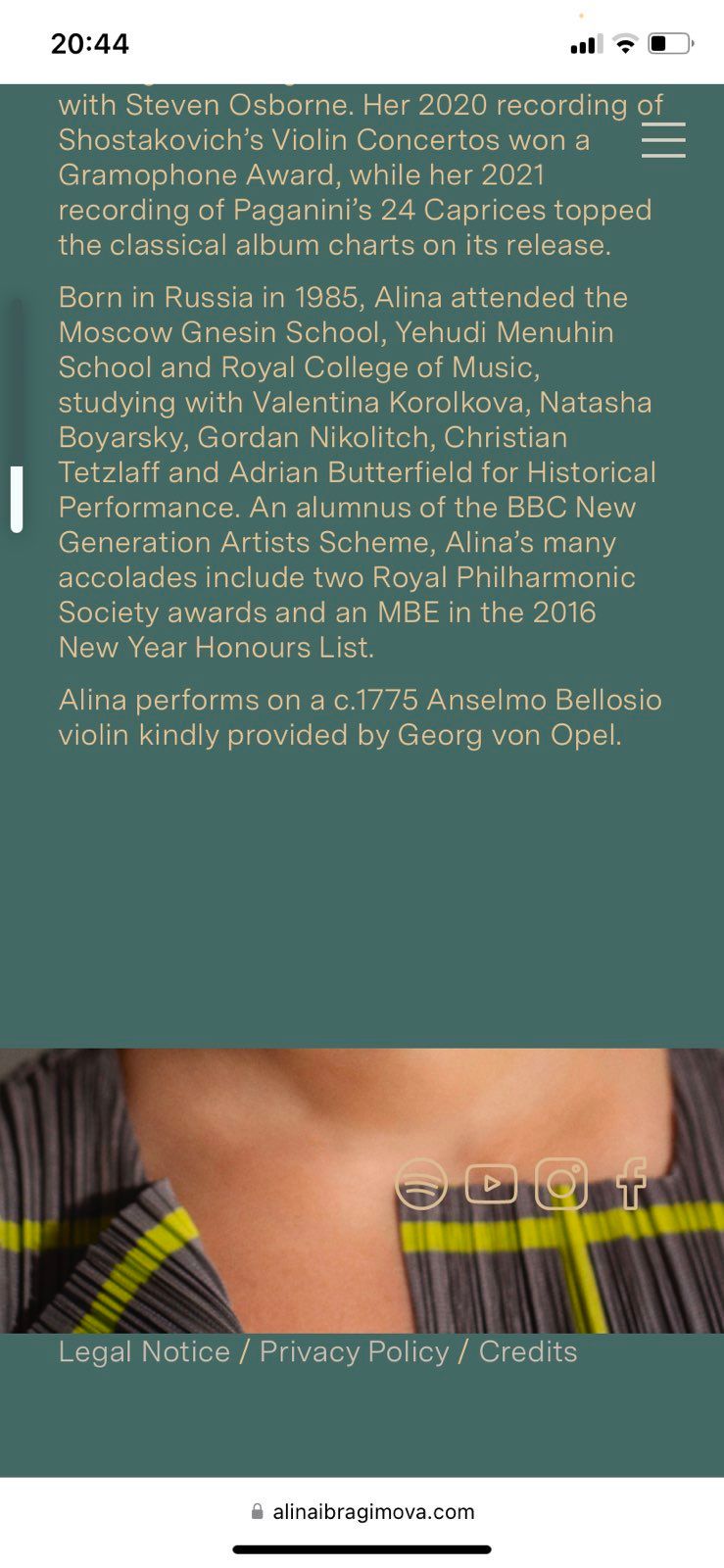
  • Help Needed with Mobile title Behavior

    2
    0 Votes
    2 Posts
    64 Views
    arminunruhA
    can u update lay theme now and then see if it works if it doesnt work can u post the website address
  • Unmute / mute button

    8
    0 Votes
    8 Posts
    195 Views
    arminunruhA
    it seems like you moved the unmute mute button higher so its clickable the issue was just that the numbers and captions were over the mute unmute button
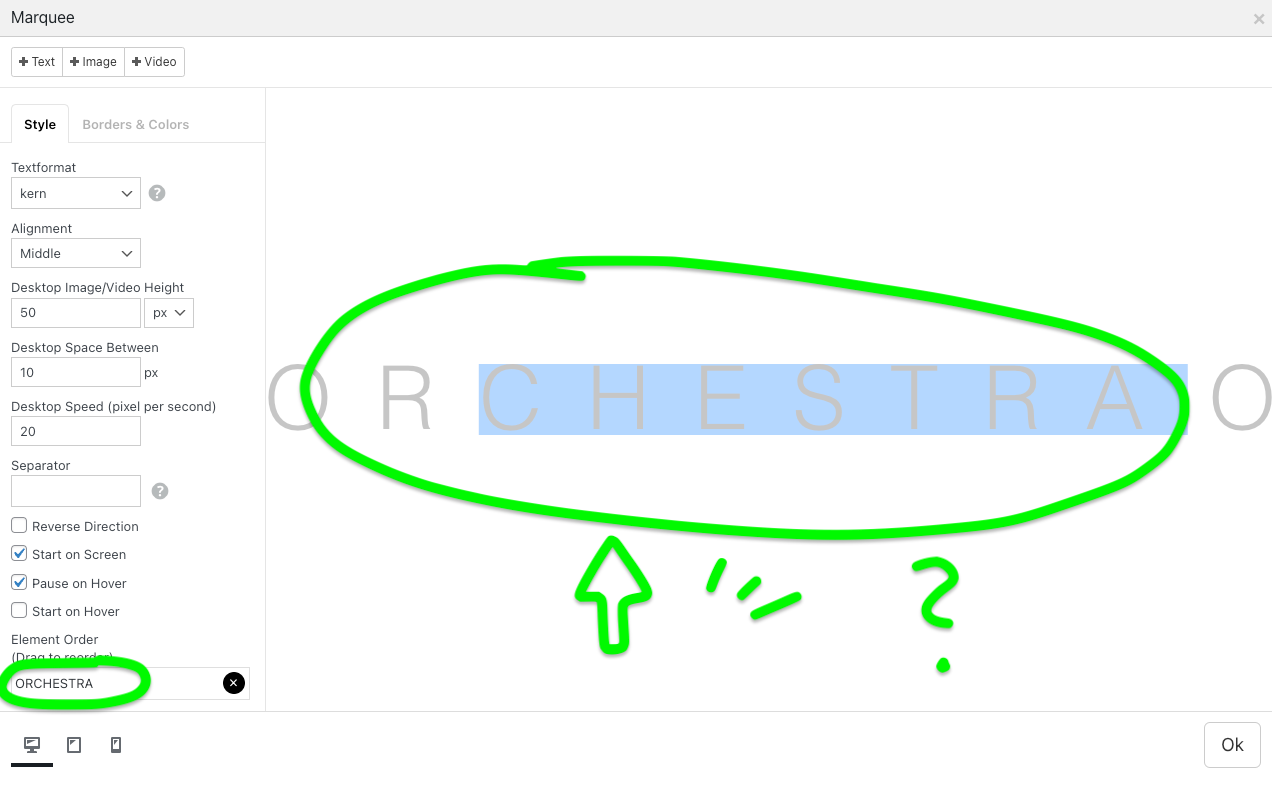
  • Issues with Image Carousels and Text Marquee on Laytheme

    4
    0 Votes
    4 Posts
    128 Views
    arminunruhA
    do u have a link? did u do all the steps in the blue box to the right?
  • class names (fade out, move away) not set for mobile menu

    6
    3
    0 Votes
    6 Posts
    196 Views
    arminunruhA
    mmh that shouldn't happen can u please update your lay theme and all your lay theme plugins/addons? cause there seems to be an issue on your site right now. can you send your website address, /wp-admin/ username and password and a link to this topic to info@laytheme.com?
  • Website password protected page not working

    3
    0 Votes
    3 Posts
    66 Views
    arminunruhA
    i found here, the default is 10 days: https://wordpress.stackexchange.com/questions/295152/change-the-default-10-day-expiration-for-the-password-protected-pages-cookie when you update lay theme, it will be set to 30 minutes. and you will have a setting for it. in lay options at the bottom you can set it to at least 1 minute: [image: 1728297168312-screenshot-2024-10-07-at-12.32.45.png] when trying out this feature, only pages that you login to after you set this setting and updated lay theme; only those will have their password login expire after x minutes. The others that you logged in before are keeping their old cookie to expire the password login after 10 days. you can however use a different browser or delete your cookies
  • laytheme 7.3.0 update issues

    4
    4
    0 Votes
    4 Posts
    105 Views
    dafvD
    Thank you so much @arminunruh!
  • collapse row bug

    3
    0 Votes
    3 Posts
    129 Views
    arminunruhA
    oh yes sorry, will be fixed with the next update
  • Mobile Tag filters are not working

    3
    1
    0 Votes
    3 Posts
    95 Views
    arminunruhA
    i see on your website some of the buttons are hard to click or unclickable i just tested it on another website and there it works i need to take closer look as to why this happens can you send your website address, /wp-admin/ username and password and a link to this topic to info@laytheme.com?
  • This topic is deleted!

    1
    1
    0 Votes
    1 Posts
    12 Views
    No one has replied
  • 0 Votes
    8 Posts
    233 Views
    N
    Works! Thanks Armin!!! Danke!!!
  • RANDOM WEBGL SLIDESHOW NOT WORKING

    8
    1
    0 Votes
    8 Posts
    273 Views
    arminunruhA
    oh yea i see it cant be disabled once it was enabled ^^ will fix this with the next update
  • H1 headline doesn't work

    7
    0 Votes
    7 Posts
    210 Views
    arminunruhA
    hey you can click h1, h2 etc when you had a textformat applied already, it will stay the same, even if its now an h1 tag for example, first you have a paragraph: <p>sadadsas</p> then you select a textformat from the dropdown, now the html is this: <p class="_Shop_Big">sadadsas</p> now you click the h1 tag, and the markup looks like this: <h1 class="_Shop_Big">sadadsas</h1> the markup changed, but the style of the text remained the same click the <> code icon in the texteditor to see if you had a h1 applied if you want both a style and the type of headline, use a textformat that has the headline type
  • Bugs on old iPhone and old iPad.

    2
    0 Votes
    2 Posts
    64 Views
    arminunruhA
    hey charley, ok im writing this down, not sure when i will have time to work on it
  • Fullscreen Slider nav and lightbox on/off

    2
    1
    0 Votes
    2 Posts
    71 Views
    arminunruhA
    oh, will be fixed with the next update! working on it
  • 0 Votes
    6 Posts
    202 Views
    arminunruhA
    Sometimes the position off the slider is a little up in Safari with iphone. can u post a iphone screenshot please of where exactly
  • same-height element grid images load blurry on mobile device

    7
    0 Votes
    7 Posts
    201 Views
    arminunruhA
    hello, with the next update this will be fixed, maybe i will release the update today

I also code custom websites or custom Lay features.
šŸ’æ Email me here: šŸ’æ
info@laytheme.com

Our Web Development company: 100k.studio

Want to tip me? https://www.paypal.com/paypalme/arminunruh

Before you post:
  1. When using a WordPress Cache plugin, disable it or clear your cache.
  2. Update Lay Theme and all Lay Theme Addons
  3. Disable all Plugins
  4. Go to Lay Options → Custom CSS & HTML, click "Turn Off All Custom Code", click "Save Changes"

This often solves issues you might run into

When you post:
  1. Post a link to where the problem is
  2. Does the problem happen on Chrome, Firefox, Safari or iPhone or Android?
  3. If the problem is difficult to explain, post screenshots / link to a video to explain it
Online Users
Forgot your key, lost your files, need a previous Lay Theme or Addon version? Go to www.laykeymanager.com