Skip to content

Bug Reports

Something is not working? Please provide a screenshot, your browser name and browser version and your operating system.
3.1k Topics 14.7k Posts
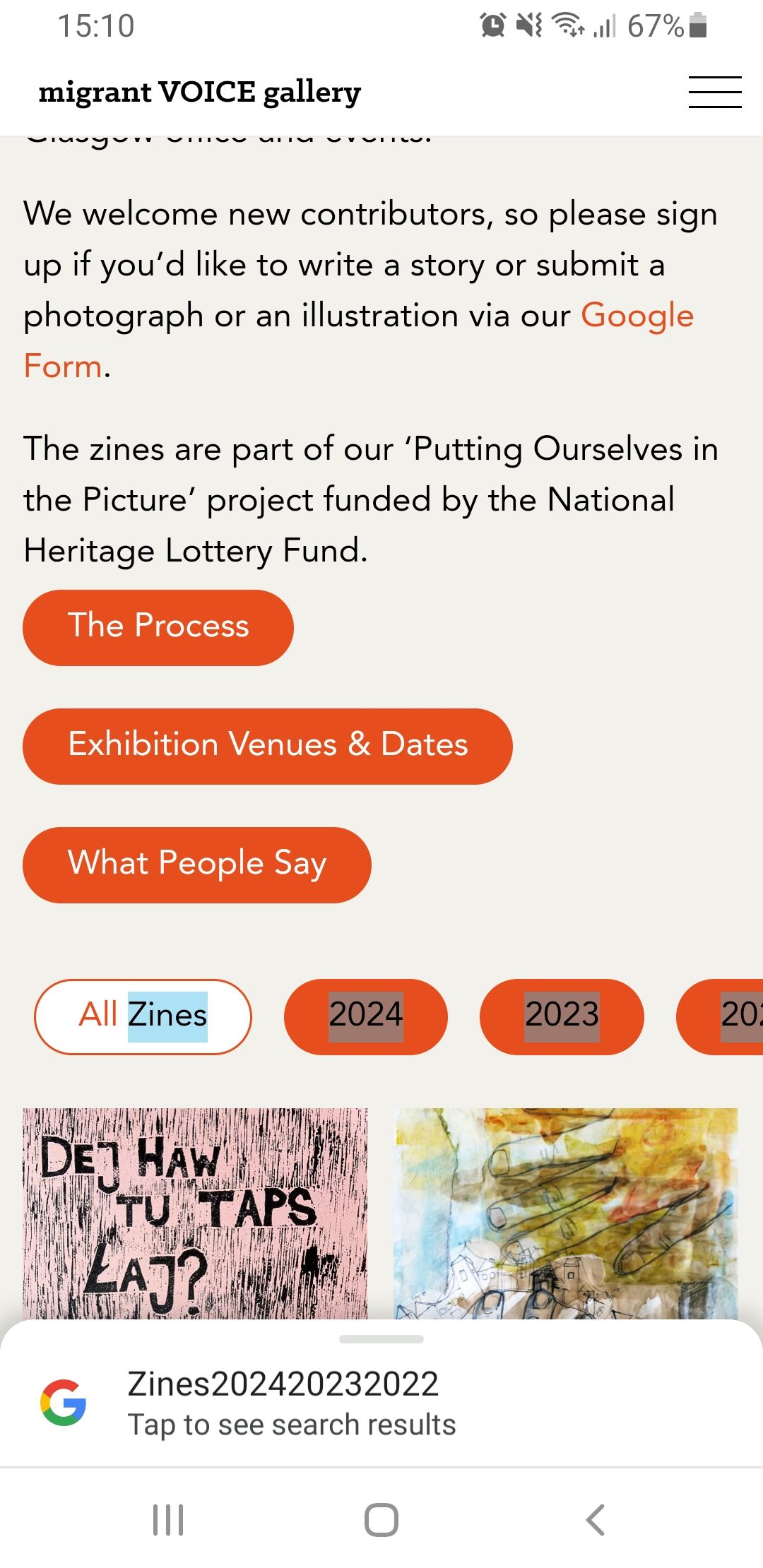
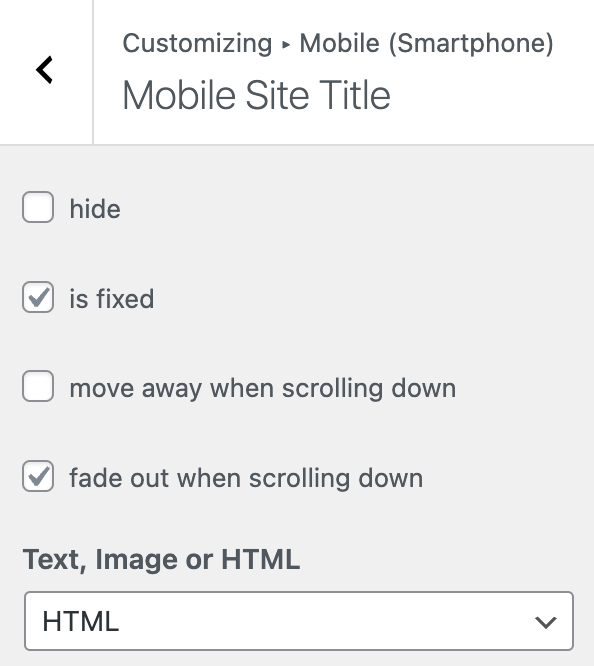
  • The blur effect in the mobile menu bar does not work properly

    3
    0 Votes
    3 Posts
    153 Views
    arminunruhA
    so do u have a link maybe ur phone doesnt support it
  • Carousel bugs in mobile view

    7
    1 Votes
    7 Posts
    435 Views
    ArneRobotA
    Thank you @arminunruh that solved the problem! :-) I did not see it, though I am sure I have checked it… sorry! I will document my problem better next time, promised!
  • This topic is deleted!

    1
    0 Votes
    1 Posts
    3 Views
    No one has replied
  • Element Grid and Thumbnail Grid does not fade in

    4
    0 Votes
    4 Posts
    190 Views
    arminunruhA
    can you send your website address, /wp-admin/ username and password and a link to this topic to info@laytheme.com?
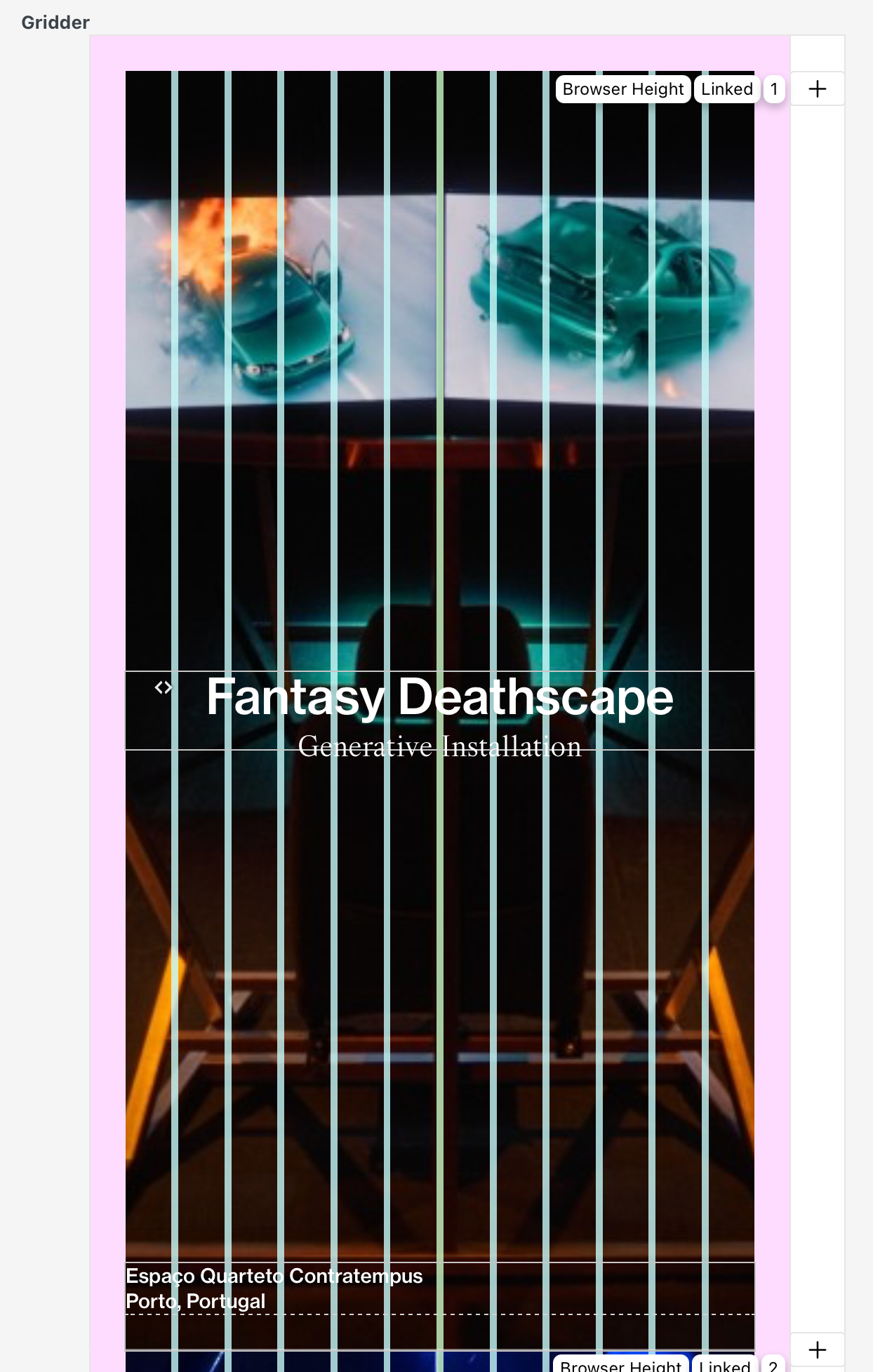
  • Messed up gridder layout in google Chrome

    4
    2
    0 Votes
    4 Posts
    209 Views
    L
    Was able to resolve the issue by changing the Litespeed Cache Preset to "Basic" where it skips certain things. [image: 1716134572211-2024-05-19_18-02-04_firefox.png]
  • 0 Votes
    5 Posts
    230 Views
    arminunruhA
    so, number 2: yes mh so u use the setting to show the full content of the news posts and then you'd have the titles show up twice? how about you hide the news title in the news element? do u have a link of the page where u show the news element please
  • Admin project pannel does not show projects

    2
    2
    0 Votes
    2 Posts
    74 Views
    arminunruhA
    can u do the steps in the blue box to the right "before u post" can u also update wordpress
  • Horizontal images looking distorted in lightbox

    5
    2
    0 Votes
    5 Posts
    223 Views
    A
    OMG it worked! Thank you so so much - U saved my life! My fault for not reading through the blue box, sorry! I am actually super glad you liked the artworks <3 Thank you!
  • Sizes variable for full screen images

    11
    0 Votes
    11 Posts
    587 Views
    arminunruhA
    ok we managed to fix it
  • Tag display project index issue

    6
    1
    0 Votes
    6 Posts
    238 Views
    arminunruhA
    [image: 1715944282420-screenshot-2024-05-17-at-08.11.15-resized.png] it seems to show all tags for me no? if I toggle the visibility of one, then all become visible. There is a way to do it faster in all pages? i dont understand what u mean, u mean here? [image: 1715944378627-screenshot-2024-05-17-at-08.12.38.png] or u mean u show one tag and then others that should be hidden are shown?
  • Marquee is broken after recent update

    11
    1
    0 Votes
    11 Posts
    500 Views
    benjaminmugnierB
    my bad sorry, it was the cache plugin...
  • Back button in mobile browser does not reload the previous page

    4
    1
    0 Votes
    4 Posts
    198 Views
    arminunruhA
    ok very good
  • bugs after updating lay theme and installing fullscreen slider addon

    2
    0 Votes
    2 Posts
    98 Views
    arminunruhA
    are u sure u are using all the latest versions? can u download the latest carousel version on laykeymanager.com some people have an older version that is not updateable anymore :/
  • project page layout showes content from another page

    3
    0 Votes
    3 Posts
    68 Views
    arminunruhA
    you have content in the texteditor that is used by woocommerce and in the gridder on top of your gridder, there is a texteditor. it only shows up when woocommerce is enabled. it should only contain woocommerce related shortcodes like seen in the screenshot. remove any other content from this textbox please [image: 1715728270895-screenshot-2024-05-14-at-20.11.04-resized.png]
  • disable cover for phone option not working

    4
    0 Votes
    4 Posts
    168 Views
    arminunruhA
    you can create a new admin user and send it to me, then once im done delete that user or change the password or maybe just send the website address first without any username and password
  • URL of project pages not found

    7
    0 Votes
    7 Posts
    188 Views
    P
    @PiaZ Thanks a lot, that worked out!
  • 0 Votes
    9 Posts
    380 Views
    arminunruhA
    nice! we managed to fix it
  • news categories not recognized by mailpoet

    2
    0 Votes
    2 Posts
    98 Views
    arminunruhA
    hey can u ask the plugin author of "mailpoet's automated post notification "? they need to support custom post types
  • "read more" news link points to news page

    2
    0 Votes
    2 Posts
    104 Views
    arminunruhA
    [image: 1714599526968-screenshot-2024-05-01-at-18.38.42-resized.png] there seems to be an error here can you send your website address, /wp-admin/ username and password and a link to this topic to info@laytheme.com?
  • This topic is deleted!

    1
    0 Votes
    1 Posts
    14 Views
    No one has replied

For 1on1 paid Lay Theme Coaching, contact: audrey@cyberslayers.work.

We also code custom websites or custom Lay features.
💿 Email us here: 💿
info@laytheme.com

Our Web Development company: 100k.studio

Want to tip me? https://www.paypal.com/paypalme/arminunruh

Before you post:
  1. When using a WordPress Cache plugin, disable it or clear your cache.
  2. Update Lay Theme and all Lay Theme Addons
  3. Disable all Plugins
  4. Go to Lay Options → Custom CSS & HTML, click "Turn Off All Custom Code", click "Save Changes"

This often solves issues you might run into

When you post:
  1. Post a link to where the problem is
  2. Does the problem happen on Chrome, Firefox, Safari or iPhone or Android?
  3. If the problem is difficult to explain, post screenshots / link to a video to explain it
Forgot your key, lost your files, need a previous Lay Theme or Addon version? Go to www.laykeymanager.com