Fixed element loses its properties
Bug Reports
2
Posts
2
Posters
125
Views
1
Watching
-
Hi!
I have been noticing some problems after an old update.I have a fixed element in a left row with some text: https://www.nataliadominguez.com/en/abrirlabocabiengrande-2/
It used to work fine just adding a custom CSS with "position: fixed" but now, as you can see in the website, this elements does not respect the margins and the text occupies the 100% of the screen.
Here how I see it in the project editor:
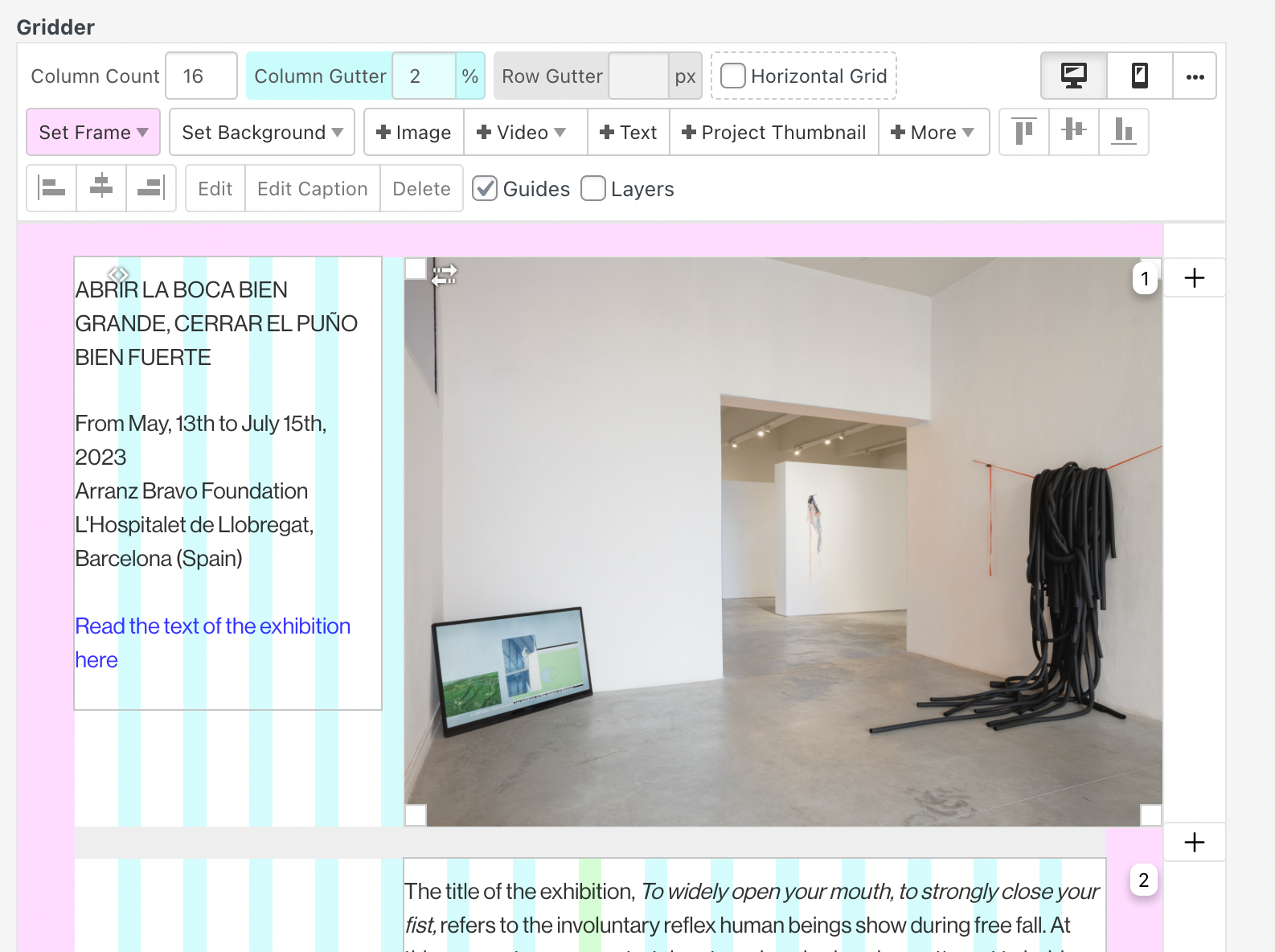
I fixed it by using the property "place freely", buy I think it should be a better solution...any suggestions?
Thanks in advance!
-
@NDT Position: fixed takes the element of the layout, so you would have to define the margins, width, height, etc. for the element with css
Online Users

Forgot your key, lost your files, need a previous Lay Theme or Addon version?
Go to www.laykeymanager.com