Skip to content

Bug Reports

Something is not working? Please provide a screenshot, your browser name and browser version and your operating system.
3.0k Topics 14.2k Posts
  • shop images variations issue

    10
    0 Votes
    10 Posts
    215 Views
    arminunruhA
    another issue could be @PaulHarndenFan if you activated in: customize -> woocommerce -> single product page -> only show variation images if your product has no variation image, then no images are shown at all (if this setting is active)
  • Problem with links and pointer events

    4
    0 Votes
    4 Posts
    87 Views
    arminunruhA
    whats your ios version? do you use safari on ios?
  • menu navigation doesn't work / pages won't load

    3
    0 Votes
    3 Posts
    84 Views
    arminunruhA
    hello i saw your email! i fixed it!
  • place freely looks different on chrome than safari

    10
    0 Votes
    10 Posts
    202 Views
    A
    @arminunruh thanks armin that's great! It is working a lot better, I'll work more on it on Monday and let you know if I run into any issues. Have a nice weekend, thanks again!
  • Bug: Carousel & captions with background

    2
    0 Votes
    2 Posts
    70 Views
    arminunruhA
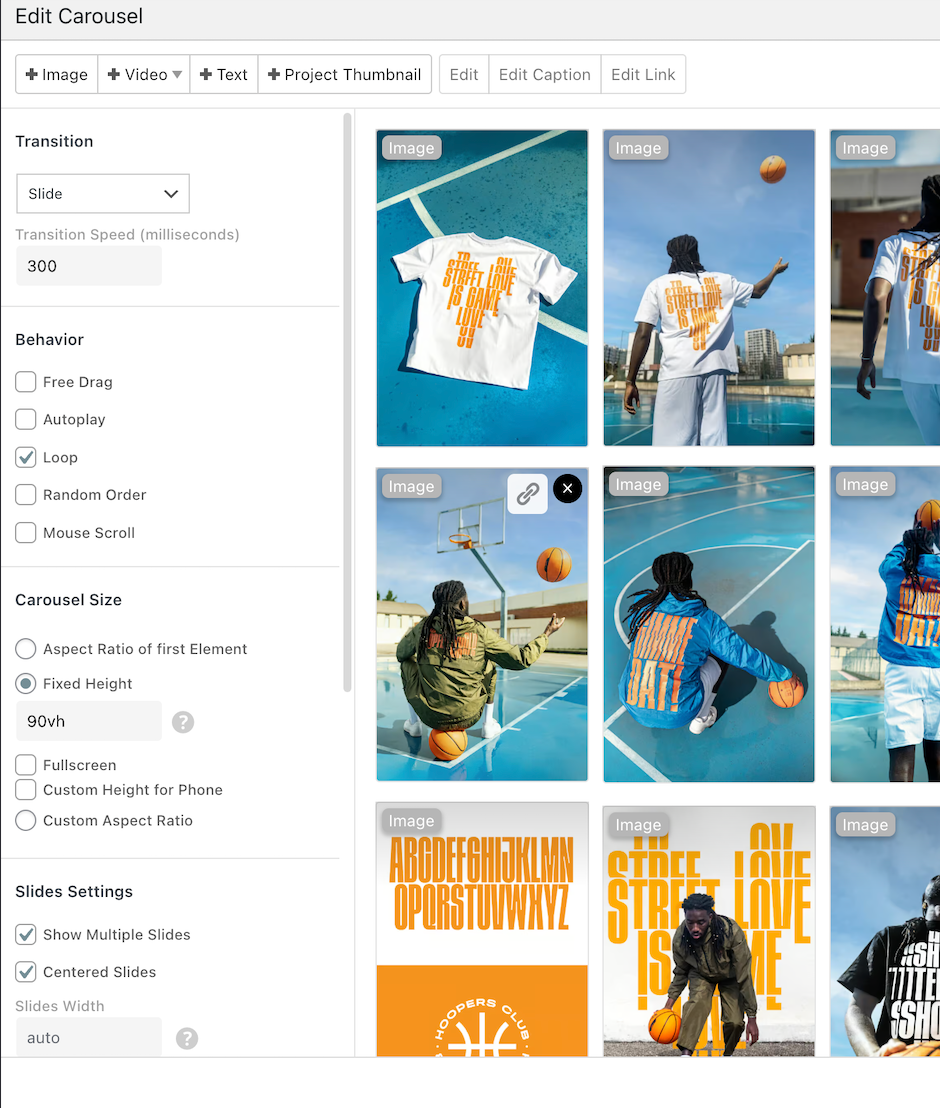
    hey but this is more of a bug with your custom code instead of with lay theme no? as you can see here: [image: 1751618528356-9539c619-854d-4174-aacd-5af66b8675a2-image.png] the captions-inner container is translated to show the next caption so maybe your css is in conflict with this? does everything look normal if you turn off ur custom code? [image: 1751618663883-954a2048-af98-459c-810e-542946954314-image.png] if you'd like me to fix your custom code to work properly with this i can do it for 90€ per hour + VAT maybe needs 1 hour
  • Banding (non smooth gradients) on images when uploading

    5
    0 Votes
    5 Posts
    95 Views
    arminunruhA
    ok nice! i think its better to use jpg than png if you dont need transparency in your images because the compression is better!
  • search not working with burger style desktop menu

    4
    0 Votes
    4 Posts
    104 Views
    M
    Thank you for the fast response Armin, will check it out!
  • This topic is deleted!

    1
    0 Votes
    1 Posts
    6 Views
    No one has replied
  • text multiplies when editing it (Qtranslate-XT plugin)

    5
    0 Votes
    5 Posts
    87 Views
    C
    It works! Weird that I had an old version of qtranslate. Thanks for the quick fix
  • carousel doesn´t work on overlay page

    13
    0 Votes
    13 Posts
    226 Views
    S
    yeah, it wasn´t planned to use so many overlays ... but it seems that they work on mobile.
  • Numbers with decimals

    4
    1
    0 Votes
    4 Posts
    102 Views
    arminunruhA
    oh yes of course! will be included with the next lay theme update
  • This topic is deleted!

    3
    0 Votes
    3 Posts
    3 Views
  • MOBILE VERSION NOT SCROLLING, MENU NOT WORKING

    5
    1
    0 Votes
    5 Posts
    105 Views
    arminunruhA
    ok will still need to check this out. Can you please send: a link to this forum topic your website address /wp-admin/ username and password to: info@laytheme.com
  • lay-hr not animated

    2
    0 Votes
    2 Posts
    83 Views
    arminunruhA
    oh yea, if you update lay theme now it should animate too
  • Page not loading correctly after theme update

    11
    1
    0 Votes
    11 Posts
    333 Views
    arminunruhA
    if u update now, probably it will work again, even if you dont use transition 'none', but a different transition
  • content of sites only shows after reload

    7
    0 Votes
    7 Posts
    127 Views
    arminunruhA
    and sorry about this happening! :/
  • Scroll to expanded row not working

    3
    0 Votes
    3 Posts
    56 Views
    arminunruhA
    mh for me it works. did you try the steps in the blue box to the right? if it doesnt work: Can you please send: a link to this forum topic your website address /wp-admin/ username and password to: info@laytheme.com
  • page content not showing

    4
    0 Votes
    4 Posts
    96 Views
    arminunruhA
    hey rlly nice website! sorry about this! if you look at the version history https://laytheme.com/version-history.html and u see a feature that you want, you can update. otherwise theres no need to update.
  • 0 Votes
    9 Posts
    187 Views
    arminunruhA
    sure! amazing videos!
  • subpages do not load since last update

    7
    0 Votes
    7 Posts
    201 Views
    arminunruhA
    hey @ericcodina i answered you here: http://laythemeforum.com/topic/11051/page-not-loading-correctly-after-theme-update/9

I also code custom websites or custom Lay features.
💿 Email me here: 💿
info@laytheme.com

Our Web Development company: 100k.studio

Want to tip me? https://www.paypal.com/paypalme/arminunruh

Before you post:
  1. When using a WordPress Cache plugin, disable it or clear your cache.
  2. Update Lay Theme and all Lay Theme Addons
  3. Disable all Plugins
  4. Go to Lay Options → Custom CSS & HTML, click "Turn Off All Custom Code", click "Save Changes"

This often solves issues you might run into

When you post:
  1. Post a link to where the problem is
  2. Does the problem happen on Chrome, Firefox, Safari or iPhone or Android?
  3. If the problem is difficult to explain, post screenshots / link to a video to explain it
Online Users
Forgot your key, lost your files, need a previous Lay Theme or Addon version? Go to www.laykeymanager.com