Skip to content

Bug Reports

Something is not working? Please provide a screenshot, your browser name and browser version and your operating system.
3.1k Topics 14.4k Posts
  • video thumbnails don't play on mobile (Chrome/Android)

    2
    0 Votes
    2 Posts
    67 Views
    RichardR
    Dear @saralandeira When testing on Chrome, Safari and Firefox the Project Thumbnails appear ( I also tested on a Mobile device to be sure ): [image: 1635798083530-screen-shot-2021-11-02-at-9.19.54-am-resized.png] [image: 1635798082605-screen-shot-2021-11-02-at-9.19.27-am-resized.png] [image: 1635798081570-screen-shot-2021-11-02-at-9.19.01-am-resized.png] They do load slowly. This may be why you see white space? Also Lazy loading is on and requires scrolling down make content appear for me. [image: 1635798212800-screen-shot-2021-11-02-at-9.23.13-am-resized.png] Settings within Lay Options [image: 1635798212566-screen-shot-2021-11-02-at-9.23.06-am-resized.png] https://laytheme.com/documentation.html#speedingup https://handbrake.fr/ Maybe i have misunderstood sorry @saralandeira but i am able view the Thumbnail content. It appears though slowly, Using smaller file sizes may be a solution for you. Talk soon @saralandeira & have a great day πŸ– Richard
  • error loading page (frontend.app.min.js)

    4
    0 Votes
    4 Posts
    80 Views
    RichardR
    Dear Kimberly @kimberlyxx Cool website! To be sure is your JS added via a "newpage event"? πŸ”(realised i didnt ask this first) https://laytheme.com/documentation.html#custom-javascript Lay Theme is a Single page app meaning the ready event only fires once on page load. This creates seamless navigation as new projects and pages are not a new 'Hard load'. This may help answer you question as to why the behaviour is a certain way. Example: window.laytheme.on("newpageshown", function(layoutObj, type, obj){ // JS inserted here -- }); Am i correct this is your Code? jQuery('[data-type="project"]').on('click', function() { console.log('project clicked'); }); The console log seems to be working: [image: 1635719210598-screen-shot-2021-11-01-at-11.26.20-am-resized.png] So you want some JS saying similar to: jQuery('[data-type="project"]').on('click', function() { console.log('project clicked'); jQuery("body").scrollTop() }); Talk soon Kimberly & best wishes ✨ Richard
  • Update has caused Sub Menu problems

    3
    0 Votes
    3 Posts
    122 Views
    RichardR
    Dear Duncan @DMB "what about people (such as myself) who want them visible at all times?, Would be quite simple to add that option in on the next update no?" Good point, I've added this thread to the development notes βœ… I'm unsure of your exact setup and what is being applied to the sub-menu via Lay Theme vs your own Custom code, however the main thing i see is that when the class 'hidden' is added to the Menu on scroll its pushed up but not enough ( only 36px ) [image: 1635717908975-screen-shot-2021-11-01-at-11.02.44-am-resized.png] It may not be the cleanest solution but the most efficient. nav.laynav.primary.hidden { top: -70px !important; } The menu is out of view completely now, sadly the !important is needed to override the CSS that is initially passed by hidden being added, but apart from that its good. When you have more time, finding out a cleaner way to correct this may be a good idea 🌝 As for the second issue we have current-menu-parent also getting highlighted in addition to current-menu-item (getting the following blue added): nav.laynav .current-menu-parent>a { color: #1100ff; } The colour is defined in Customizer β–Έ Menu Style Menu Point Active. But if you want no highlight then set the desired colour e.g: nav.laynav .current-menu-parent>a { color: black; } Hope this helps Duncan let me know how you go! πŸ’₯ Richard
  • Carousel bug

    2
    0 Votes
    2 Posts
    32 Views
    RichardR
    Dear @Jeffrey Could you please make sure that the Carousel as well as Lay Theme and any other plugins are fully updated too Any custom CSS or JS that may interfere is temporarily removed. Any third-party plugins are de-activated to see if this resolves the issue. Also if you wish to post a link to your website with the carousel in question or some screenshots that may help πŸ” Talk soon Jeffrey & have a great day 🌻 Richard
  • Projects don't show up with version 4.0.0

    4
    0 Votes
    4 Posts
    102 Views
    RichardR
    Dear @AxelNe @neirynckwout Thanks for the update! Yes PHP version 8.0 sometimes causes issue. Best wishes to you both and have a wonderful day! 🌝 Richard
  • Costume Menue scattered after laytheme plugin update

    4
    1
    0 Votes
    4 Posts
    170 Views
    RichardR
    Awesome, great to hear @hanna, Have a wonderful day & thank you for supporting Lay Theme! 🌞
  • Fullscreen slider on mobile and the Use browser height for row height

    8
    0 Votes
    8 Posts
    298 Views
    RichardR
    Thanks @treh16 Will reply via that thread from now on βœ… Best wishes Richard
  • Background doesn't stick when you flip screen on PHONE

    2
    0 Votes
    2 Posts
    94 Views
    RichardR
    Dear @treh16 Thank you for the setup, i could easily recreate the bug πŸ› Any change in device alignment (vertical and horizontal) doesn't bring the background colour of the row back . I have forwarded to Armin for further inspection βœ… Best wishes & thank you for supporting Lay Theme ✨ Richard
  • Private / Published doesn't seem to work on pages

    2
    0 Votes
    2 Posts
    77 Views
    RichardR
    Dear @treh16 Making a page 'private' does not work, however 'password protected' does. Sorry for any inconvenience this may cause. Best wishes ✨ Richard
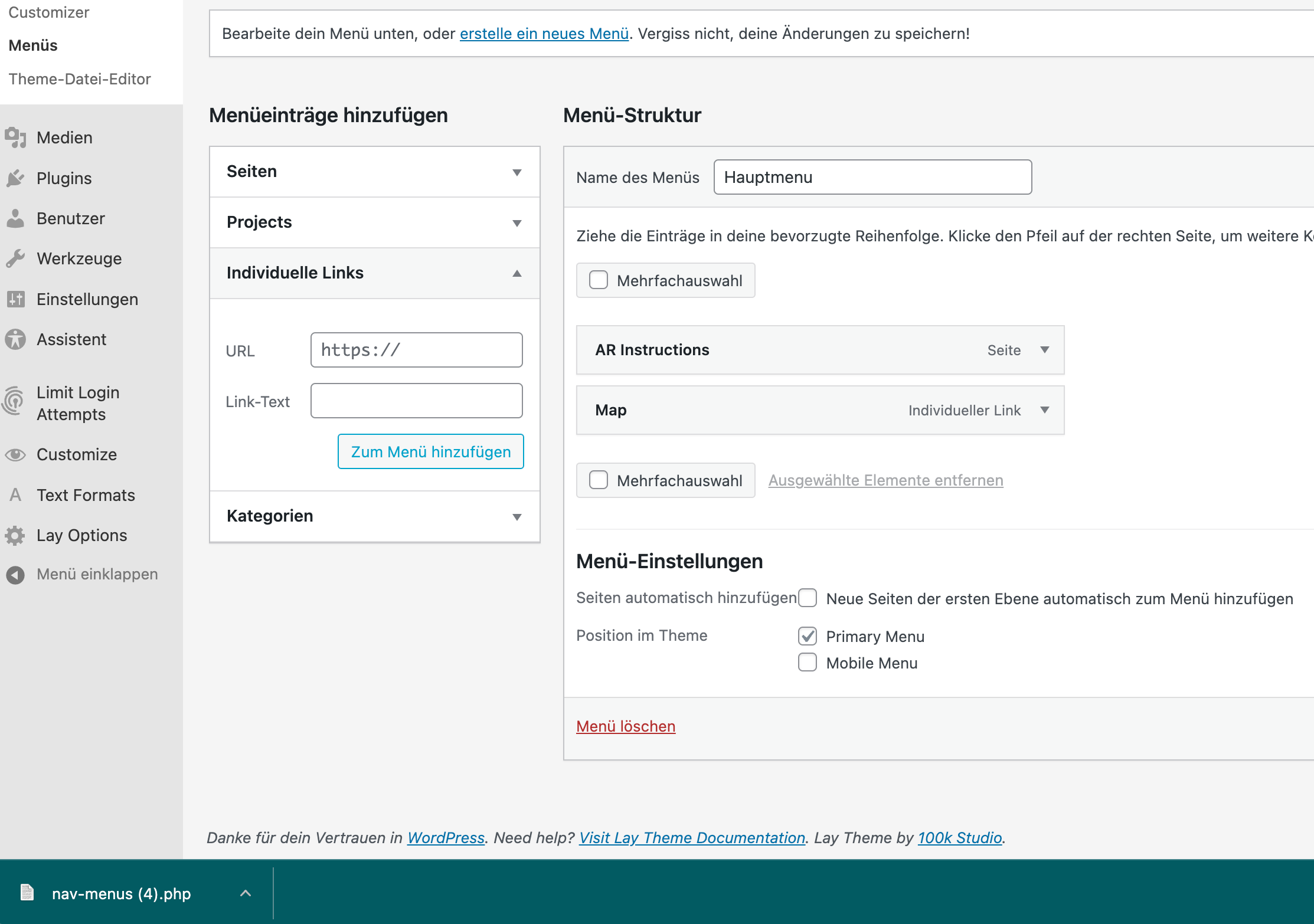
  • Lay Theme does not update when installed in subfolder

    2
    0 Votes
    2 Posts
    81 Views
    RichardR
    Dear @pitscher Sorry for my delay in writing No update is possible at all? even clicking directly within > Appearance > Themes > [image: 1635196606286-screen-shot-2021-10-26-at-10.16.16-am-resized.png] Talk soon & best wishes 🌞 Richard
  • After Update Version: 3.9.8 Yoast SEO Plugin dosenΒ΄t show up

    2
    1
    0 Votes
    2 Posts
    71 Views
    RichardR
    Dear @ch3Jng Yoast SEO is known to have issue with Lay Theme: https://laytheme.com/troubleshooting.html#gridder-does-not-show-up However some users reverted back to version 3.8.5 as they found Yoast working. If you would like an older version of Lay Theme to try out please email lostfiles@laytheme.com with your License key and link to this thread, a download can be provided to you. Best wishes 🌻 Richard
  • Gridder Elements moving to left

    5
    2
    0 Votes
    5 Posts
    158 Views
    arminunruhA
    hey was this resolved? i think i didn't get an email with the url and login info
  • Carousel bug

    carousel
    3
    1
    0 Votes
    3 Posts
    313 Views
    arminunruhA
    hey if you update the carousel addon this should be fixed
  • 0 Votes
    7 Posts
    251 Views
    arminunruhA
    back when lay theme was released clicking the preview button wouldn't preview the page and using the save draft button would even break the page - so i removed the buttons i just tested these buttons again and it seems they work fine now! you'll see them if you update lay theme later today
  • This topic is deleted!

    1
    0 Votes
    1 Posts
    5 Views
    No one has replied
  • Carousel Plugin doesn't show

    2
    2
    0 Votes
    2 Posts
    88 Views
    RichardR
    Dear @AK When removing position:absolute i can see that all Image data is loaded and present: [image: 1634796149101-screen-shot-2021-10-21-at-7.01.47-pm-resized.png] Could it be anything in front that blocks it? Do you have any custom code or Plugins active that may create issue? Wordpress, Lay Theme & Laytheme's Addons are all up to date ? Best wishes AK and have a wonderful day πŸŒ… Richard
  • Webfonts work, but not in the Backend (lay editor)

    4
    0 Votes
    4 Posts
    76 Views
    RichardR
    Dear Thomas @thomasmaier Everything works, the frontend and backend show the webfont" This is good, however its hard to know without more context on your webfont issue. Can you provide screenshots or other setup info πŸ”Also as per 10 months ago: Wordpress, Lay Theme & Laytheme's Addons are all up to date? Any Custom CSS or JS that may interfere is temporarily removed. And third-party plugins de-activated to see if this resolves the issue. Talk soon Thomas & best wishes πŸ– Richard
  • Double text bug

    8
    0 Votes
    8 Posts
    334 Views
    RichardR
    Dear @Giacobbe , best wishes 🌻 Could you please send me your Login details via 'Chats' so i can better investigate the Bug occuring πŸ”However i cannot guarantee success. On the Multi-language section of the documentation is written: We used to recommend qTranslate-XT, but now we tend to recommend Polylang because it tends to work better and is more wide-spread and has better support and is still updated regularly. Lay Theme cannot be responsible for qTranslate-XT incompatibility moving forwards. (Note: do not disclose your login info on this thread) Have a great day & talk soon 🌝 Richard
  • Page only loads content on refresh

    15
    2
    0 Votes
    15 Posts
    618 Views
    RichardR
    Dear @juliegrosche, wonderful! great to hear all is working again 🌝
  • Content won't load first time round

    3
    0 Votes
    3 Posts
    77 Views
    RichardR
    Thank you for the update @alasdair17 Best wishes 🌝

I also code custom websites or custom Lay features.
πŸ’Ώ Email me here: πŸ’Ώ
info@laytheme.com

Our Web Development company: 100k.studio

Want to tip me? https://www.paypal.com/paypalme/arminunruh

Before you post:
  1. When using a WordPress Cache plugin, disable it or clear your cache.
  2. Update Lay Theme and all Lay Theme Addons
  3. Disable all Plugins
  4. Go to Lay Options β†’ Custom CSS & HTML, click "Turn Off All Custom Code", click "Save Changes"

This often solves issues you might run into

When you post:
  1. Post a link to where the problem is
  2. Does the problem happen on Chrome, Firefox, Safari or iPhone or Android?
  3. If the problem is difficult to explain, post screenshots / link to a video to explain it
Online Users
Forgot your key, lost your files, need a previous Lay Theme or Addon version? Go to www.laykeymanager.com